

In an industry where visual storytelling reigns supreme, Adobe After Effects has become the invisible engine behind countless award-winning campaigns, viral videos, and immersive digital experiences. Yet many seasoned professionals still scratch the surface of its true potential.
You’ve seen those jaw-dropping motion graphics, fluid transitions, and complex animations that seem almost magical. But here’s the thing — they’re not magic; they’re meticulously crafted using scalable workflows that adapt in complexity as your skills evolve.

The Evolution of Adobe After Effects: From Tool to Powerhouse
When After Effects first launched, it was a modest plug-in used primarily for basic compositing tasks. Fast forward to today, and it’s evolved into a dynamic creative hub for everything from UI animation to data-driven visualizations.
This evolution reflects not only technological advancement but also the shifting demands of modern media production. As content consumption continues to explode across platforms, creators need more than just tools — they need systems that scale with their ambitions.
So, how do you go beyond the basics? How do you ensure every project you touch expands your influence rather than limiting it?
Leveraging Expression Controls for Dynamic Project Scaling
If there’s one feature that separates intermediate users from power users in After Effects, it’s expressions. They allow you to automate repetitive actions, create responsive designs, and build smarter templates that adapt on the fly.
Imagine creating a lower-third template once and having it adjust automatically to accommodate different name lengths or job titles. Or designing a character rig that responds intuitively to multiple animators working simultaneously on the same scene.
- Create master properties for consistent control over nested compositions
- Use slider controls to dynamically animate text size, color, or position
- Implement time remapping expressions for automatic slideshow generation
- Build switch layers controlled by checkboxes for A/B versioning
- Link rotation values via expression pickwhips for mechanical precision
“Expressions aren’t shortcuts—they’re investments in scalable creativity.”
Data-Driven Animation: Automating Visual Consistency
One of the most underused yet powerful capabilities in After Effects is importing structured datasets to drive animation parameters. Whether it’s populating hundreds of social media posts or generating personalized explainer videos at scale, the ability to connect external sources transforms manual labor into repeatable processes.
This level of automation doesn’t mean sacrificing artistry—it means preserving it by freeing up mental bandwidth for higher-level creative decisions.

Beyond Keyframes: Exploring Procedural Animation Techniques
While keyframing remains foundational, procedural methods open new frontiers for organic movement and realism. Noise functions can simulate natural camera shake, wiggle expressions add subtle life to static elements, and particle systems generate complex behaviors without hand-keyed frames.
Think of these techniques like musical improvisation—you set the rules, and let the software play within them. The result feels natural, unpredictable, and infinitely expandable.
Streamlining Workflow with Templates & Master Compositions
As projects multiply and deadlines tighten, efficiency becomes a creative force multiplier. Building reusable templates anchored around master compositions allows teams to maintain brand consistency while accelerating output speed.
Start by isolating common assets—typography presets, logo reveals, or animated icons—and encapsulate them in modular structures. This foundation enables rapid iteration and effortless collaboration among larger teams.
- Design base components inside placeholder compositions
- Nest these into main timelines using null objects for easy manipulation
- Expose essential variables through custom expression controls
- Lock down critical settings to avoid accidental changes during handoffs
- Export ready-made versions as .aep or .mogrt files depending on delivery needs
Mastering Render Optimization Without Compromising Quality
Scaling doesn’t always mean doing more—it sometimes means doing better with less. Optimizing render settings ensures your creations perform well across devices and bandwidth limitations without losing fidelity.
For instance, reducing precomps in favor of shape layers lightens file weight significantly, especially when exporting for web formats like Lottie or GIFs. Similarly, leveraging native codecs such as HEVC or Apple ProRes preserves quality even under aggressive compression scenarios.
Integrating With Other Creative Apps for Full-Spectrum Output
Your best work often happens at the intersection of disciplines. Integrating After Effects with complementary applications amplifies both functionality and flexibility, enabling richer outputs than any single tool could achieve alone.
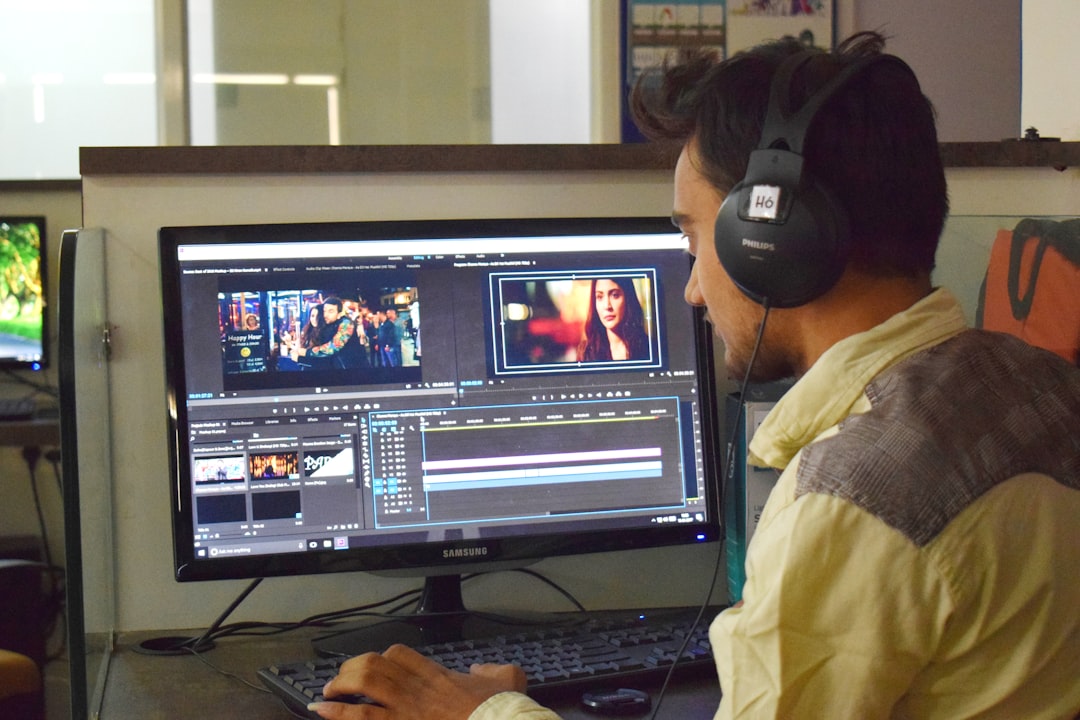
Couple it with Cinema 4D for advanced 3D motion, link seamlessly with Premiere Pro for seamless editorial integration, or export directly to XD and Figma for interactive prototypes. These integrations streamline cross-platform delivery while keeping creative momentum intact.
Predictive Design Thinking: Planning Projects for Growth
Great scaling starts long before the first frame renders. By anticipating future use cases early in development, you reduce friction later when adaptations or extensions arise naturally.
Ask yourself upfront: Will this asset live again in another context? Could variations emerge organically based on user input or performance metrics? Could this animation be reused quarterly in updated formats?
Framing each piece with growth in mind turns individual projects into evolving libraries and strengthens your reputation as someone who thinks strategically—not just visually.
Embrace Continuous Learning & Community Collaboration
No matter how skilled you become, Adobe After Effects keeps evolving—with new features released regularly, performance enhancements rolled out, and creative communities buzzing with innovation daily.
Staying current isn’t optional anymore—it’s part of staying relevant. Engage actively with online forums, explore resources like Adobe After Effects, and contribute back by sharing your own solutions. In doing so, you help elevate the entire ecosystem while expanding your own network and influence.
Raise the Bar: Make Scalability Your New Creative Standard
Ultimately, scaling in After Effects isn’t about doing twice as much—it’s about making twice the impact with half the waste. When you combine intelligent workflows with expressive freedom, you stop chasing trends and start setting them.
Ready to level up? Take your next sequence and apply at least two advanced scalability principles discussed above. See how much further your vision can travel—and how many more people it moves along the way.