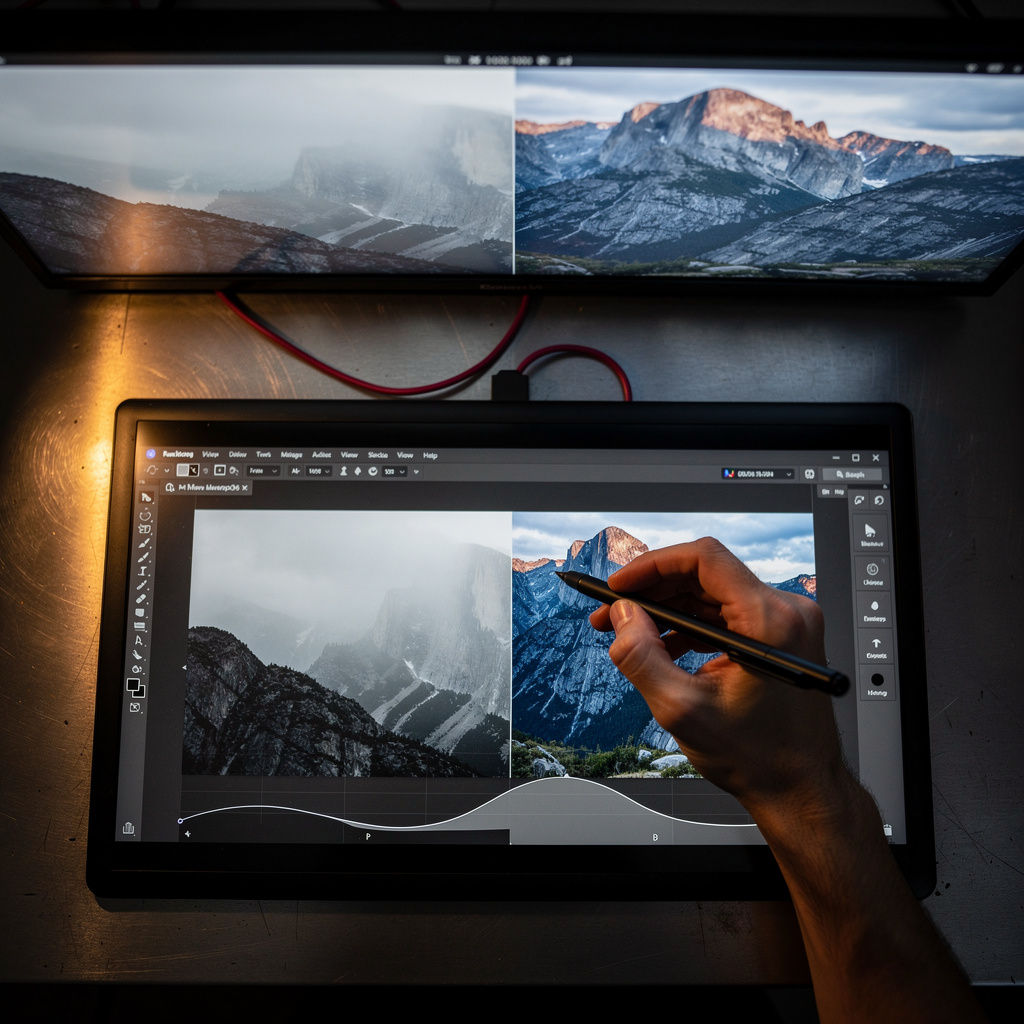
What is Affinity Photo?
Affinity Photo Training
The Affinity Photo certificate program is a comprehensive, project-driven training path designed for photographers, digital artists, and creative professionals who want to master Affinity Photo’s powerful non-destructive editing workflow. This course takes you from the very first encounter with the interface through advanced compositing, retouching, and color grading techniques, ensuring you can produce publication-ready images with confidence. By the end, you will have built a professional portfolio of edited and composited work that demonstrates your ability to handle real-world image editing challenges efficiently.
The program is structured as a beginner-friendly progression that balances conceptual explanations with hands-on practice across five core skill areas: workspace navigation, image correction and retouching, layer-based editing and masking, creative effects and typography, and final export optimization. Each lesson builds on the previous one, starting with the interface and basic adjustments, then moving into layers, selections, and masking, followed by retouching, color grading, and compositing, and culminating in advanced techniques and workflow best practices. Choosing this program now gives you a competitive edge because Affinity Photo has become a leading alternative to subscription-based editors, and mastering its unique blend of precision and speed is increasingly sought after in freelance, studio, and content creation environments.
What is Affinity Photo?
Affinity Photo is a professional-grade raster graphics editor developed by Serif, known for its high-performance engine, full support for PSD files, and a one-time purchase model that contrasts with subscription-based competitors. Its core concepts revolve around non-destructive editing through layers, masks, and adjustment layers, as well as advanced selection tools, frequency separation for retouching, and a color-managed workflow that supports RGB, CMYK, and Lab color spaces. The software also includes a dedicated liquify persona, HDR merging, panorama stitching, and focus stacking, making it a versatile tool for both still photography and digital painting.
Today, Affinity Photo is widely used by photographers, graphic designers, and illustrators across industries ranging from advertising and publishing to e-commerce and social media content creation. Its recent updates have introduced AI-assisted selection and improved performance on both desktop and iPad, solidifying its position as a viable professional tool in a market that increasingly values cost-effective, license-free software. The growing community of users and extensive third-party resources, including brushes, presets, and tutorials, further reinforce its relevance in both independent and collaborative creative workflows.
Mastering Affinity Photo builds a skill stack that includes precise pixel-level editing, non-destructive layer management, color theory application, and efficient batch processing—all of which are transferable to other image editing platforms. For photographers, it means complete control over raw development and retouching; for designers, it enables seamless integration with vector tools and print-ready output; for hobbyists, it opens the door to creative expression without recurring costs. The knowledge gained from understanding Affinity Photo’s unique approach to blending, masking, and adjustment layers directly translates to better visual problem-solving and a more professional final product in any visual medium.
Common Questions About Affinity Photo
Does the Affinity Photo certificate boost a graphic design resume?
Can a total beginner start this Affinity Photo training without prior editing experience?
Why does the layer blend mode order change the composite result?
How do I use the healing brush to remove blemishes without visible traces?
What is the difference between artistic text and frame text in Affinity Photo?
How do I apply a live filter stack non-destructively for better effects?
- Add a live filter: From the Layers panel, choose a live filter like Gaussian Blur or Curves; it appears as a separate layer.
- Adjust and mask: Each live filter has its own mask and blend mode, so you can limit its effect to specific areas or change its opacity.
- Reorder the stack: The position of each filter matters because each filter processes the result of the ones below it; dragging filters up or down changes the final look.
- Edit anytime: Double-click any live filter to change its settings later, even after adding more filters.
Is Affinity Photo really just a cheaper clone of Photoshop with fewer features?
What Will This Course Bring You?
- Customize the Affinity Photo workspace by arranging panels and creating a personalized editing environment.
- Apply histogram-based tonal corrections to enhance exposure and contrast in photographic images.
- Utilize selection tools and edge refinement to isolate complex subjects with pixel-level accuracy.
- Implement non-destructive layer masks to selectively reveal or hide adjustments without altering original pixels.
- Employ healing and clone tools to remove blemishes and restore image details while preserving texture.
- Evaluate color balance and apply split-toning techniques to establish a cinematic mood in photographs.
- Design typographic layouts by manipulating text layers, kerning, and leading to create visually engaging graphics.
- Implement efficient export workflows by configuring file formats, color profiles, and compression settings for various platforms.
Curriculum
12 Units1. Interface and Workspace
1 hour
2. Basic Image Adjustments
1 hour
3. Layers and Blending
1 hour
4. Selections and Refinement
1 hour
5. Masking for Non-Destructive Editing
1 hour
6. Retouching and Healing
1 hour
7. Color Grading and Adjustments
1 hour
8. Compositing and Blending
1 hour
9. Text and Typography
1 hour
10. Filters and Effects
1 hour
11. Advanced Techniques
1 hour
12. Export and Workflow
1 hour
Exam – Affinity Photo
20 Questions • 70% Pass • 30 min
Unlock All Units for Free
Create an account, enroll in the course, and start with the first unit right away.
Exam – Affinity Photo
20 Questions • Pass: 70% • 30 min
Course Duration
720
Total Minutes
12
Unit
1
Final Exam
~60
Min / Unit
Affinity Photo Certificate Program
Document Your Skill
Those who pass the 20-question, 30-minute exam with 70% receive the Affinity Photo Certificate.
Stand Out on Your CV
By adding your certificate to your CV, gain a professional reference in job applications and stand out from the crowd.
Career Advantage
Catch Wisdom certificates are recognized by HR departments and increase career opportunities.
CERTIFICATE FEE
At the end of the course, an online exam consisting of 20 questions with a 30-minute time limit is given. The exam appears automatically after you complete the topics. Anyone who scores at least 70 out of 100 on the certificate exam is awarded the Affinity Photo Document (certificate of attendance). You can add the certificate you earn to your CV for job applications in the many sectors listed above, and use it as a reference proving that you took this interactive course.
The Certificate of Achievement you receive with the Affinity Photo course program holds value that proves your personal and professional development in the business world. By adding it to your CV, it can serve as an important reference in your job applications. Moreover, compared with certificates from other private training institutions, Catch Wisdom certificates are offered to our participants at a much more affordable price.
Because HR departments recognize Catch Wisdom as a reputable institution in this field, they value these certificates and may evaluate your job applications favorably. For this reason, a Affinity Photo course certificate from Catch Wisdom can make your applications more attractive and place you in an advantageous position in the business world.
For more information, we recommend visiting the Support page.
Certificate in 7 Languages
Earning success certificates from our courses is now more meaningful and global. With certificates available in Turkish, English, German, French, Spanish, Arabic, and Russian, we fully unlock the potential of students worldwide.
Why Certificate in 7 Languages?
-
01
Global Skill Development
Receiving your certificates in 7 different languages strengthens your communication skills as you engage with more people worldwide. It lets you operate more confidently and capably on the international stage.
-
02
International Job Opportunities
Employers may see your certificates in multiple languages as a sign of your ability to seize global opportunities. You can open more doors to new jobs and projects.
-
03
Cultural Richness
The chance to earn certificates in different languages helps you build closer ties with various cultures and broadens your worldview. It enriches your global perspective and deepens cultural understanding.
-
04
Ability to Participate in International Projects
Multilingual certificates give you an edge to work more effectively on international projects. They boost your chances of leadership and participation in diverse projects in the business world.
-
05
Prove Yourself on the Global Stage
Certificates in multiple languages let you showcase your skills and knowledge worldwide. You can become an internationally recognized professional.
Language diversity opens worldwide opportunities. If you want to prove yourself in the international arena, join our online Affinity Photo course program and begin this journey with us.
Frequently Asked Questions (FAQ)
Is this course paid?
How do I join the course?
Can I take the course at my own pace?
How can I get my certificate?
What are the advantages of the Certified Certificate?
Boost Your Career
Take a new career step with the Affinity Photo course. Add your certificate to your CV, stand out in job applications, and open the door to new opportunities in the industry.
StartStudent Reviews
No reviews yet
Enroll in this course and be the first to leave a review about your experience with Affinity Photo.
Start