What is Audio for Video?
Audio for Video Certificate Program
Audio for Video certificate program equips learners with the complete technical and creative skill set required to capture, edit, mix, and deliver professional audio for film, television, online video, and other visual media. The curriculum begins with sound fundamentals and digital audio for video, then moves through monitoring, levels, signal flow, microphone selection, location sound recording, wireless systems, and synchronization to ensure clean acquisition on set. It is designed for aspiring location sound mixers, video editors, filmmakers, content creators, and podcasters who want to expand into video production, as well as anyone seeking a structured path into audio post-production. By the end, participants can confidently handle dialogue editing, noise reduction, ADR, voiceover, sound design, Foley, ambience, music scoring, licensing, mixing to loudness standards, and final delivery with stems.
The program is structured as a beginner-friendly progression that balances theoretical foundations with hands-on practice, starting with core concepts and gradually advancing to complex workflows. It builds five core skill areas: fundamentals and monitoring, acquisition (microphones, wireless, location recording, sync), post-production editing and restoration (dialogue editing, noise reduction, ADR), creative sound (Foley, ambience, sound design, music), and final mix and delivery (mixing, loudness, stems). Each lesson combines theory with practical exercises, so learners apply concepts immediately using digital audio workstations and real-world video scenarios. Choosing this program now makes sense because video content creation is exploding across streaming, social media, and corporate training, and professional audio quality is often the key differentiator between amateur and broadcast-ready productions.
What is Audio for Video?
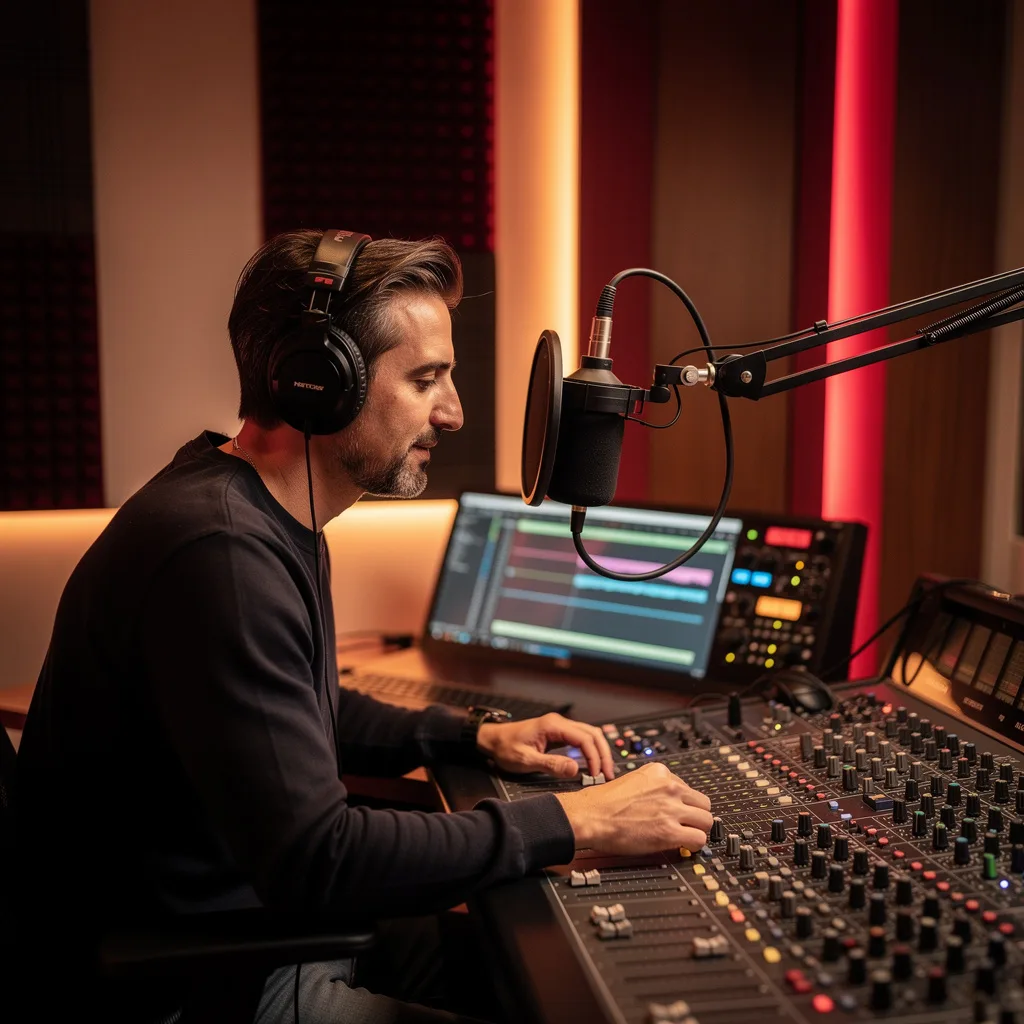
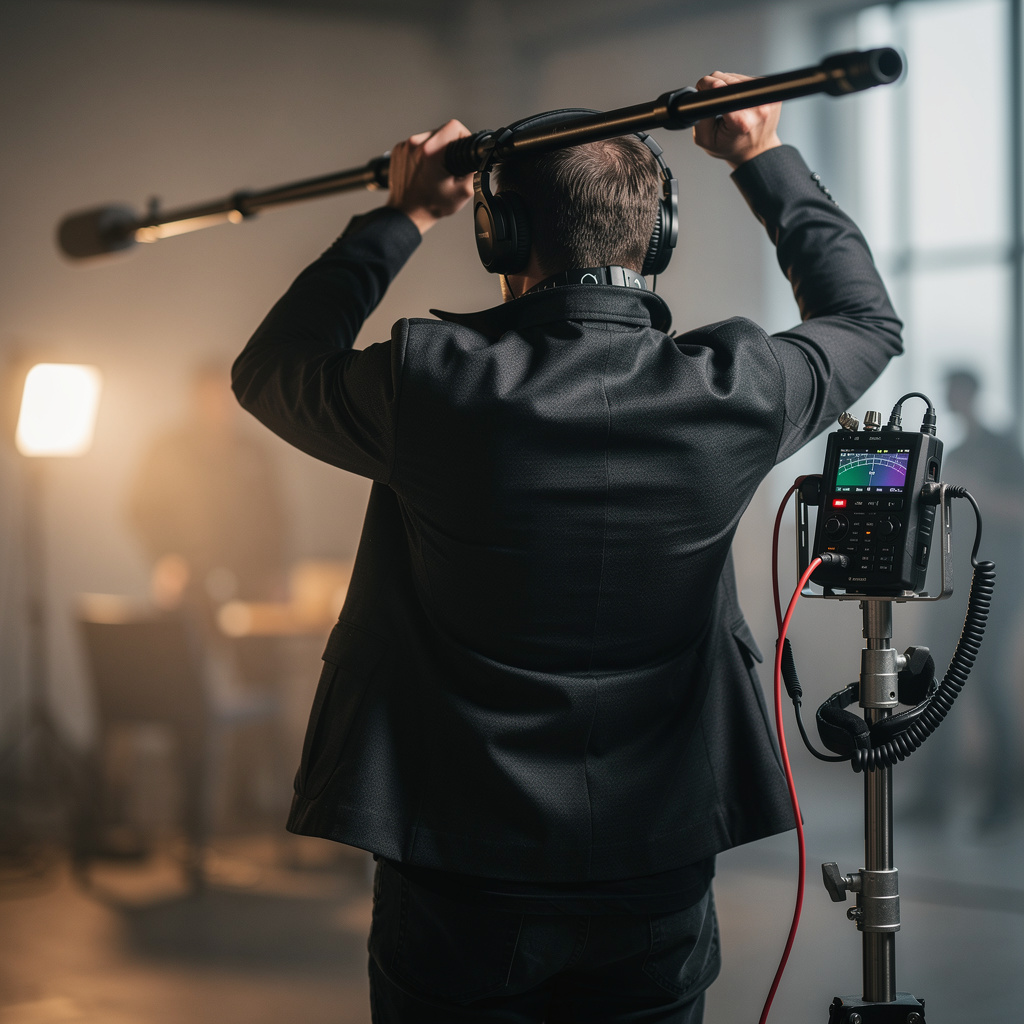
Audio for Video is the specialized field of creating, recording, editing, and mixing sound to accompany moving images, whether for film, television, streaming series, online videos, or interactive media. Its scope spans the entire production pipeline, from pre-production planning and location recording through dialogue editing, sound design, music integration, and final mix delivery. Core concepts include signal flow and gain staging, microphone characteristics and placement, synchronization of audio to picture, frequency and dynamic range management, noise reduction, and loudness normalization for different playback platforms. The subject also covers creative elements such as Foley, ambience, and scoring, which shape the emotional and narrative impact of a scene.
Audio for Video matters today more than ever because audiences consume video on a vast array of devices, from smartphones to home theaters, and poor audio quality drives viewers away faster than poor image quality. In industry, streaming platforms, broadcasters, and corporate media teams demand content that meets strict loudness and delivery standards, while academia increasingly treats sound design and audio post-production as essential components of film and media studies. Recent shifts include the rise of remote collaboration, cloud-based post-production, immersive audio formats like Dolby Atmos for home and mobile, and AI-assisted tools for noise reduction and dialogue isolation. These changes have made audio skills more accessible to independent creators while raising the bar for professional deliverables.
Mastering Audio for Video builds a versatile skill stack that combines technical proficiency in signal flow, synchronization, and loudness compliance with creative judgment in sound design, dialogue editing, and music placement. This stack is valuable in professional contexts such as film and television post-production, location sound mixing, video journalism, game audio, and corporate or educational media production. It also benefits personal projects like YouTube channels, documentary shorts, podcasts with video, and live-streamed events, where clear and balanced audio significantly elevates perceived production value. Because the subject bridges engineering, artistry, and storytelling, those who master it can move fluidly between technical problem-solving and creative decision-making, making them indispensable collaborators on any visual media team.
Common Questions About Audio for Video
Can someone with no audio experience start the Audio for Video course?
How is the Audio for Video course structured for working editors?
How do I set gain staging and headroom when recording video audio?
- Set gain at the first stage: choose the input gain so the loudest expected moment sits comfortably below the ceiling; later faders can trim but cannot recover a clipped take.
- Keep the chain honest: the signal path of eight stations from source to output is only as clean as its weakest transition, so avoid boosting in one place and attenuating in another.
- Leave headroom on purpose: laughter, a door slam, or a bumped boom can exceed rehearsal levels, and the margin you left is what absorbs them.
- Check the meter against your ears: a comfortable monitoring level can hide a hot input, so trust the recorder meters for level and the headphones for noise.
Why does a shotgun microphone sound wrong indoors on video shoots?
Why does timecode drift between cameras and audio recorders?
What makes ADR different from voiceover in video post-production?
Is bad audio always fixable later in post-production for video?
What Will This Course Bring You?
- Analyze fundamental acoustic properties and digital audio parameters to configure video projects for clean, synchronized sound capture and editing.
- Set proper monitoring levels and trace signal flow through video production audio chains to prevent distortion, noise, and monitoring errors.
- Select appropriate microphones and audio gear for video shoots by evaluating polar patterns, self-noise, connectivity, and mounting constraints.
- Execute location sound recording techniques by positioning microphones, managing room tone, and logging takes for efficient post-production synchronization.
- Configure wireless systems and synchronization methods to maintain reliable timecode, frequency coordination, and backup audio across video shoots.
- Build an audio post-production workflow in a digital audio workstation by importing, organizing, and routing video project assets for editing.
- Edit dialogue, reduce noise, and produce automated dialogue replacement or voiceover that matches original performance timing, tone, and lip sync.
- Create sound design, Foley, ambience, and licensed music elements, then mix and deliver final stems that meet loudness standards for picture.
Curriculum
12 Units1. Sound Fundamentals and Digital Audio for Video
1 hour
2. Monitoring, Levels, and Signal Flow
1 hour
3. Microphones and Audio Gear for Video
1 hour
4. Location Sound Recording for Video
1 hour
5. Wireless Systems and Synchronization
1 hour
6. Audio Post-Production Workflow and Digital Audio Workstation Setup
1 hour
7. Dialogue Editing and Noise Reduction
1 hour
8. Automated Dialogue Replacement and Voiceover
1 hour
9. Sound Design, Foley, and Ambience
1 hour
10. Music, Scoring, and Licensing for Video
1 hour
11. Mixing and Loudness for Picture
1 hour
12. Delivery, Stems, and Final Project
1 hour
Exam – Audio for Video
20 Questions • 70% Pass • 30 min
Unlock All Units for Free
Create an account, enroll in the course, and start with the first unit right away.
Exam – Audio for Video
20 Questions • Pass: 70% • 30 min
Course Duration
720
Total Minutes
12
Unit
1
Final Exam
~60
Min / Unit
Audio for Video Certificate Program
Document Your Skill
Those who pass the 20-question, 30-minute exam with 70% receive the Audio for Video Certificate.
Stand Out on Your CV
By adding your certificate to your CV, gain a professional reference in job applications and stand out from the crowd.
Career Advantage
With the verification code, employers can check your certificate instantly — a concrete way to show your growth.
CERTIFICATE FEE
At the end of the course, an online exam consisting of 20 questions with a 30-minute time limit is given. The exam appears automatically after you complete the topics. Anyone who scores at least 70 out of 100 on the certificate exam is awarded the Audio for Video Document (certificate of attendance). You can add the certificate you earn to your CV for job applications in the many sectors listed above, and use it as a reference proving that you took this interactive course.
The Certificate of Achievement you receive with the Audio for Video course program holds value that proves your personal and professional development in the business world. By adding it to your CV, it can serve as an important reference in your job applications. Moreover, compared with certificates from other private training institutions, Catch Wisdom certificates are offered to our participants at a much more affordable price.
The Audio for Video course certificate is a document that proves, with a unique verification code, that you completed the course. Employers can instantly check its authenticity with this code, which helps you show your development concretely in your job applications.
For more information, we recommend visiting the Support page.
Certificate in 7 Languages
Earning success certificates from our courses is now more meaningful and global. With certificates available in Turkish, English, German, French, Spanish, Arabic, and Russian, we fully unlock the potential of students worldwide.
Why Certificate in 7 Languages?
-
01
Global Skill Development
Receiving your certificates in 7 different languages strengthens your communication skills as you engage with more people worldwide. It lets you operate more confidently and capably on the international stage.
-
02
International Job Opportunities
Employers may see your certificates in multiple languages as a sign of your ability to seize global opportunities. You can open more doors to new jobs and projects.
-
03
Cultural Richness
The chance to earn certificates in different languages helps you build closer ties with various cultures and broadens your worldview. It enriches your global perspective and deepens cultural understanding.
-
04
Ability to Participate in International Projects
Multilingual certificates give you an edge to work more effectively on international projects. They boost your chances of leadership and participation in diverse projects in the business world.
-
05
Prove Yourself on the Global Stage
Certificates in multiple languages give you the opportunity to present your skills and knowledge worldwide.
Language diversity opens worldwide opportunities. If you want to prove yourself in the international arena, join our online Audio for Video course program and begin this journey with us.
Frequently Asked Questions (FAQ)
Is this course paid?
How do I join the course?
Can I take the course at my own pace?
How can I get my certificate?
What are the advantages of the certificate?
Boost Your Career
Take a new career step with the Audio for Video course. Add your certificate to your CV, stand out in job applications, and open the door to new opportunities in the industry.
StartStudent Reviews
No reviews yet
Enroll in this course and be the first to leave a review about your experience with Audio for Video.
Start