What is Blender Animation Basics?
Blender Animation Basics Certificate Program
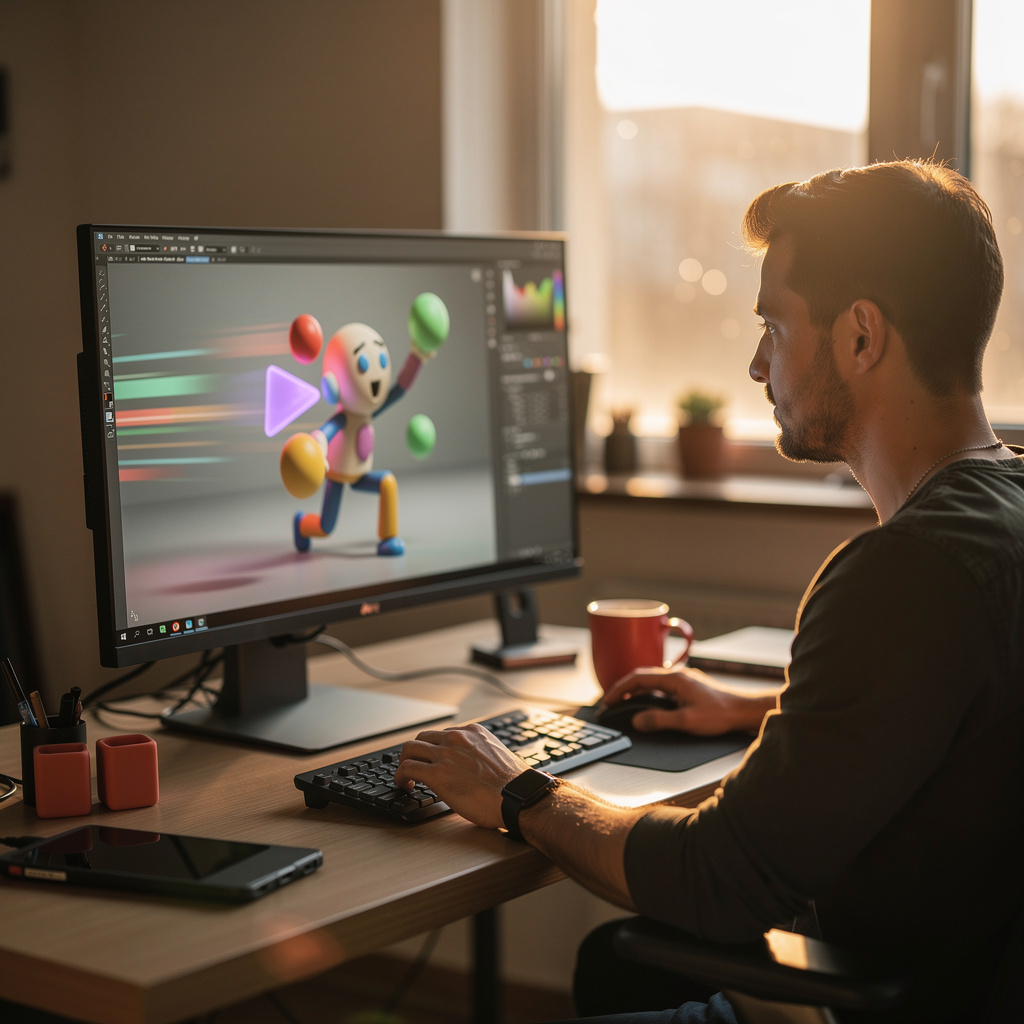
Blender Animation Basics certificate program is a hands-on training that teaches the complete animation workflow inside Blender, from workspace navigation to final export. It covers keyframe creation, timeline control, graph editor interpolation, dope sheet action management, object transform animation, parenting hierarchies, armature rigging, skinning, weight painting, constraints, camera animation, and rendering. This program is designed for aspiring animators, 3D artists, game developers, and motion designers who want to bring characters and objects to life without prior animation experience. The main practical outcome is the ability to produce a polished, timed animation project and export it in standard formats for film, games, or web.
The curriculum progresses in a beginner-friendly sequence, starting with the animation workspace and playback controls before moving to keyframes, the timeline, and the graph editor. It balances theoretical understanding of interpolation, timing, and spacing with immediate hands-on practice in every lesson, ensuring learners apply concepts as they learn. The program builds five core skill areas: keyframe animation and curve editing, action and dope sheet management, rigid and armature-based rigging with skinning, constraint-driven motion and camera framing, and final rendering with polishing techniques. Choosing this program now is smart because Blender's free, open-source nature and rapid studio adoption have made animation skills in Blender highly sought after across indie film, game development, advertising, and virtual production.
What is Blender Animation Basics?
Blender Animation Basics is the study of foundational motion principles and the specific tools within Blender that enable objects, characters, and cameras to move over time. Its scope includes keyframing, interpolation types, the timeline, graph editor, dope sheet, action management, object transform animation, parenting and hierarchies, armatures, pose mode, skinning, weight painting, constraints, and camera animation. Core concepts also involve timing, spacing, easing, arcs, and the relationship between keyframes and the resulting motion curves. This subject is not merely about pressing buttons; it requires understanding how to construct believable motion from static elements.
Blender Animation Basics matters today because animation has become a central medium in games, film, advertising, architectural visualization, and interactive media. Blender's growing industry adoption—from indie studios to major productions—has created high demand for artists who can animate efficiently in its ecosystem. Recent shifts such as real-time rendering with Eevee, improved armature and constraint systems, and seamless pipeline integration have made Blender a serious competitor to paid animation software. In academia, Blender is increasingly used to teach animation theory because it offers professional-grade tools at no cost.
Mastering Blender Animation Basics builds a skill stack that includes technical fluency in Blender's animation editors, a deep understanding of motion physics and timing, rigging and skinning for characters, and problem-solving for constraint-based setups. These skills translate directly into professional contexts such as 3D animator, game developer, motion designer, visual effects artist, and technical animator. On a personal level, hobbyists and content creators can use this knowledge to produce short films, product demos, or social media animations without expensive software. The ability to animate convincingly in Blender opens doors to collaborative projects, freelance work, and further specialization in character or creature animation.
What Will This Course Bring You?
- Configure Blender's Animation workspace and playback controls to preview keyframed motion accurately before beginning any animation task.
- Create and edit keyframes on the Timeline to establish timing for object transformations and verify playback behavior.
- Adjust interpolation handles in the Graph Editor to refine easing and produce natural acceleration or deceleration between poses.
- Organize multiple animation actions using the Dope Sheet to manage timing, naming, and reuse across scene objects.
- Animate object transforms and parent-child hierarchies to create basic rigid mechanical motion without armatures.
- Build armature rigs in Pose Mode and apply weight painting so skinned characters deform believably during animation.
- Implement animation constraints and camera movements to frame shots and control object or character behavior dynamically.
- Evaluate timing and polish a complete Blender animation, then render and export the final sequence in a suitable format.
Curriculum
12 Units1. Blender Animation Workspace and Playback Controls
1 hour
2. Keyframes and the Timeline
1 hour
3. Graph Editor and Interpolation
1 hour
4. Dope Sheet and Action Management
1 hour
5. Animating Object Transforms
1 hour
6. Parenting, Hierarchies, and Basic Rigid Animation
1 hour
7. Armatures and Pose Mode Fundamentals
1 hour
8. Skinning and Weight Painting Basics
1 hour
9. Animation Constraints
1 hour
10. Camera Animation and Shot Framing
1 hour
11. Rendering and Exporting Animations
1 hour
12. Polishing, Timing, and Complete Animation Project
1 hour
Exam – Blender Animation Basics
20 Questions • 70% Pass • 30 min
Unlock All Units for Free
Create an account, enroll in the course, and start with the first unit right away.
Exam – Blender Animation Basics
20 Questions • Pass: 70% • 30 min
Course Duration
720
Total Minutes
12
Unit
1
Final Exam
~60
Min / Unit
Blender Animation Basics Certificate Program
Document Your Skill
Those who pass the 20-question, 30-minute exam with 70% receive the Blender Animation Basics Certificate.
Stand Out on Your CV
By adding your certificate to your CV, gain a professional reference in job applications and stand out from the crowd.
Career Advantage
Catch Wisdom certificates are recognized by HR departments and increase career opportunities.
CERTIFICATE FEE
At the end of the course, an online exam consisting of 20 questions with a 30-minute time limit is given. The exam appears automatically after you complete the topics. Anyone who scores at least 70 out of 100 on the certificate exam is awarded the Blender Animation Basics Document (certificate of attendance). You can add the certificate you earn to your CV for job applications in the many sectors listed above, and use it as a reference proving that you took this interactive course.
The Certificate of Achievement you receive with the Blender Animation Basics course program holds value that proves your personal and professional development in the business world. By adding it to your CV, it can serve as an important reference in your job applications. Moreover, compared with certificates from other private training institutions, Catch Wisdom certificates are offered to our participants at a much more affordable price.
Because HR departments recognize Catch Wisdom as a reputable institution in this field, they value these certificates and may evaluate your job applications favorably. For this reason, a Blender Animation Basics course certificate from Catch Wisdom can make your applications more attractive and place you in an advantageous position in the business world.
For more information, we recommend visiting the Support page.
Certificate in 7 Languages
Earning success certificates from our courses is now more meaningful and global. With certificates available in Turkish, English, German, French, Spanish, Arabic, and Russian, we fully unlock the potential of students worldwide.
Why Certificate in 7 Languages?
-
01
Global Skill Development
Receiving your certificates in 7 different languages strengthens your communication skills as you engage with more people worldwide. It lets you operate more confidently and capably on the international stage.
-
02
International Job Opportunities
Employers may see your certificates in multiple languages as a sign of your ability to seize global opportunities. You can open more doors to new jobs and projects.
-
03
Cultural Richness
The chance to earn certificates in different languages helps you build closer ties with various cultures and broadens your worldview. It enriches your global perspective and deepens cultural understanding.
-
04
Ability to Participate in International Projects
Multilingual certificates give you an edge to work more effectively on international projects. They boost your chances of leadership and participation in diverse projects in the business world.
-
05
Prove Yourself on the Global Stage
Certificates in multiple languages let you showcase your skills and knowledge worldwide. You can become an internationally recognized professional.
Language diversity opens worldwide opportunities. If you want to prove yourself in the international arena, join our online Blender Animation Basics course program and begin this journey with us.
Frequently Asked Questions (FAQ)
Is this course paid?
How do I join the course?
Can I take the course at my own pace?
How can I get my certificate?
What are the advantages of the Certified Certificate?
Boost Your Career
Take a new career step with the Blender Animation Basics course. Add your certificate to your CV, stand out in job applications, and open the door to new opportunities in the industry.
StartStudent Reviews
No reviews yet
Enroll in this course and be the first to leave a review about your experience with Blender Animation Basics.
Start