
Low K.
Course is free · Certificate from 55 $
Your personal AI assistant is with you throughout the course: ask questions instantly, get explanations tailored to your level, and your progress is remembered.
CapCut Video Editing Training This CapCut Video Editing certificate program is a comprehensive journey from absolute basics to advanced content creation, designed for aspiring creators, social media m...
Course is free · Certificate from 55 $
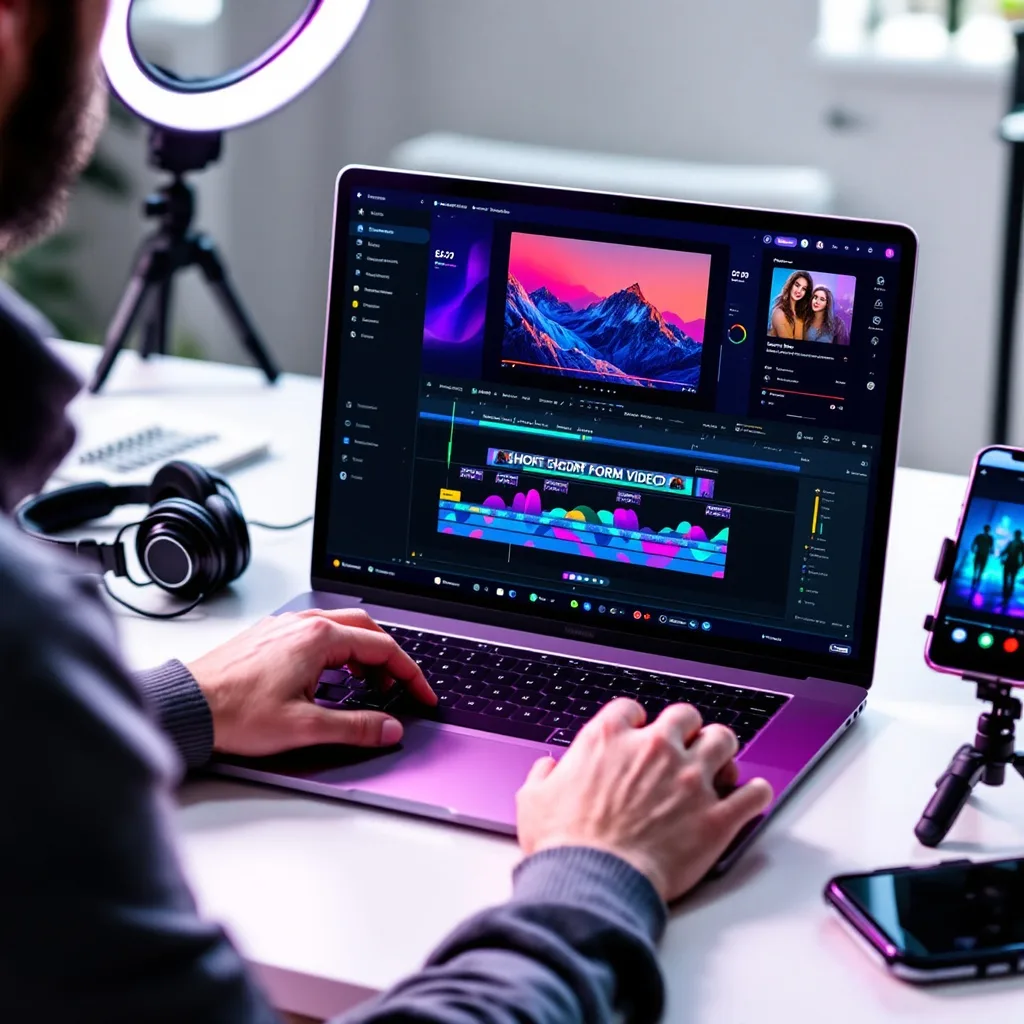
This CapCut Video Editing certificate program is a comprehensive journey from absolute basics to advanced content creation, designed for aspiring creators, social media managers, marketers, and anyone eager to produce scroll-stopping videos. You will master the complete CapCut workflow, starting with interface navigation and core timeline editing, then moving through transitions, effects, audio design, and text animation. The main practical outcome is the ability to independently conceive, edit, and export a polished, professional-grade video project from scratch, ready for platforms like TikTok, YouTube, and Instagram.
The program is structured as a progressive, beginner-friendly learning path that balances conceptual understanding with intensive hands-on practice. You will first build a solid foundation in cutting, trimming, and arranging clips before layering in dynamic transitions, color correction, and keyframe animation. The training then deepens into advanced compositing, motion graphics, and sophisticated audio editing, culminating in an end-to-end creative project that simulates a real-world client brief. This approach ensures you not only learn the tools but also develop an efficient, creative editing mindset that is immediately applicable in today’s fast-paced digital media landscape.
CapCut video editing is the art and technique of assembling, enhancing, and transforming raw footage into compelling visual stories using CapCut, the free, all-in-one editing platform developed by ByteDance. It encompasses the full post-production pipeline, from basic timeline operations like splitting and trimming clips to sophisticated processes such as multi-layer compositing, keyframe animation, and audio mixing. The subject covers essential visual treatments including transitions, filters, color grading, and text-based motion graphics, all within an interface designed to be intuitive for beginners yet powerful enough for professional creators.
In today’s digital ecosystem, CapCut editing has become a cornerstone skill because it directly powers the short-form video revolution dominating TikTok, Instagram Reels, and YouTube Shorts. Its seamless integration with TikTok’s trending sounds, effects, and templates makes it the default tool for millions of content creators and brands seeking viral reach. Beyond social media, CapCut is increasingly used for marketing campaigns, educational content, and independent filmmaking, driven by recent shifts toward mobile-first production and AI-assisted features like auto-captions, background removal, and smart color correction that dramatically accelerate editing workflows.
Mastering CapCut builds a versatile skill stack that bridges creative storytelling and technical production. It develops an understanding of pacing, visual hierarchy, and narrative structure alongside practical expertise in motion graphics, audio sweetening, and color science. These competencies are invaluable for social media managers who need to produce high-engagement content rapidly, entrepreneurs building personal brands, and aspiring video editors entering the creator economy. The subject empowers individuals to transform raw ideas into polished, platform-optimized videos without the steep learning curve or cost of traditional editing suites.
1 h
1 h
1 h
1 h
1 h
1 h
1 h
1 h
1 h
1 h
1 h
1 h
20 Questions • 70% Pass • 30 min
Unlock All Units for Free
Create an account, enroll in the course, and start with the first unit right away.
20 Questions • Pass: 70% • 30 min
720
Total Minutes
12
Unit
1
Final Exam
~60
Min / Unit
Those who pass the 20-question, 30-minute exam with 70% receive the CapCut Video Editing Certificate.
By adding your certificate to your CV, gain a professional reference in job applications and stand out from the crowd.
Catch Wisdom certificates are recognized by HR departments and increase career opportunities.
CERTIFICATE FEE
At the end of the course, an online exam consisting of 20 questions with a 30-minute time limit is given. The exam appears automatically after you complete the topics. Anyone who scores at least 70 out of 100 on the certificate exam is awarded the CapCut Video Editing Document (certificate of attendance). You can add the certificate you earn to your CV for job applications in the many sectors listed above, and use it as a reference proving that you took this interactive course.
The Certificate of Achievement you receive with the CapCut Video Editing course program holds value that proves your personal and professional development in the business world. By adding it to your CV, it can serve as an important reference in your job applications. Moreover, compared with certificates from other private training institutions, Catch Wisdom certificates are offered to our participants at a much more affordable price.
Because HR departments recognize Catch Wisdom as a reputable institution in this field, they value these certificates and may evaluate your job applications favorably. For this reason, a CapCut Video Editing course certificate from Catch Wisdom can make your applications more attractive and place you in an advantageous position in the business world.
For more information, we recommend visiting the Support page.
Earning success certificates from our courses is now more meaningful and global. With certificates available in Turkish, English, German, French, Spanish, Arabic, and Russian, we fully unlock the potential of students worldwide.
Receiving your certificates in 7 different languages strengthens your communication skills as you engage with more people worldwide. It lets you operate more confidently and capably on the international stage.
Employers may see your certificates in multiple languages as a sign of your ability to seize global opportunities. You can open more doors to new jobs and projects.
The chance to earn certificates in different languages helps you build closer ties with various cultures and broadens your worldview. It enriches your global perspective and deepens cultural understanding.
Multilingual certificates give you an edge to work more effectively on international projects. They boost your chances of leadership and participation in diverse projects in the business world.
Certificates in multiple languages let you showcase your skills and knowledge worldwide. You can become an internationally recognized professional.
Language diversity opens worldwide opportunities. If you want to prove yourself in the international arena, join our online CapCut Video Editing course program and begin this journey with us.
Take a new career step with the CapCut Video Editing course. Add your certificate to your CV, stand out in job applications, and open the door to new opportunities in the industry.
Start
Low K.
Create a personal AI assistant — it knows your certificates, courses, and goals, and listens to you from here anytime.
Create Your AssistantNo other conversations yet.
Hello, I'm your AI assistant
I can find suitable courses for you, share info about content, and answer your questions. Ask me below.
Did this conversation help you? Your rating helps us improve.