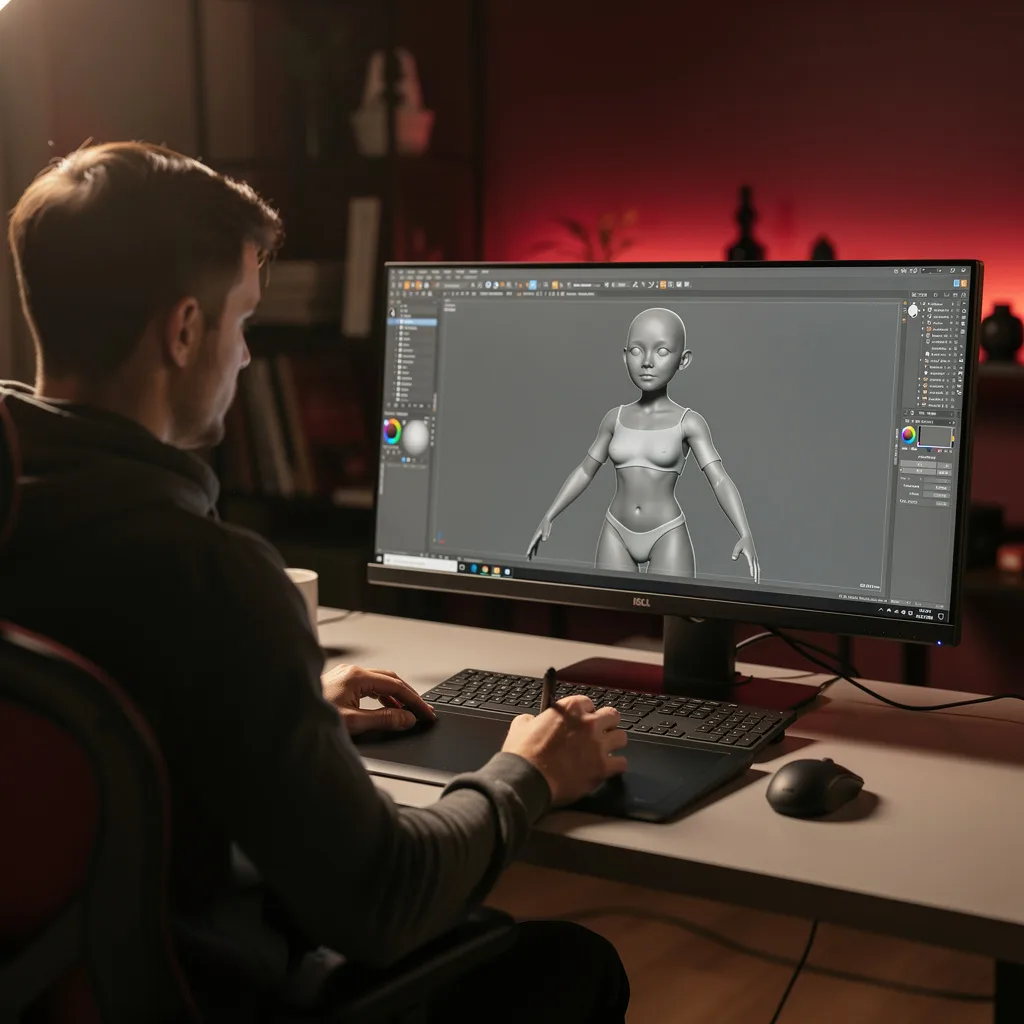
What is Cinema 4D?
Cinema 4D Training Program
The Cinema 4D certificate program is a comprehensive, project-driven journey designed for aspiring 3D artists, motion designers, and visual effects enthusiasts who want to master one of the industry's most intuitive and powerful 3D applications. From the very first lesson on interface and navigation to the final advanced integration project, you will build a complete portfolio-ready skill set covering polygon modeling, spline generators, materials, lighting, animation, MoGraph, dynamics, character rigging, and advanced rendering. By the end of this program, you will have produced a polished, professional-grade 3D piece that demonstrates your ability to handle complex scenes and workflows, making you immediately valuable in studios, agencies, or freelance markets.
Structured for absolute beginners yet paced to challenge intermediate users, the program progresses logically from foundational concepts to advanced techniques, balancing theoretical explanations with hands-on exercises in every module. You will develop four core skill areas: modeling and texturing, lighting and rendering, animation and dynamics, and MoGraph-driven motion design, plus a fifth—optimized project workflow and final integration—that ties everything together. Choosing this program now means you are investing in a skill set that is in high demand across advertising, film, gaming, and product visualization, especially as real-time rendering and AI-assisted pipelines reshape the industry—Cinema 4D remains a staple for its stability, speed, and creative flexibility, and this training ensures you stay ahead of the curve.
What is Cinema 4D?
Cinema 4D is a professional 3D modeling, animation, simulation, and rendering software developed by Maxon, renowned for its user-friendly interface and robust feature set. It covers the entire 3D production pipeline—from creating polygonal and spline-based geometry, applying procedural and PBR materials, setting up physically accurate lighting, to rendering stills and animations with advanced global illumination and multi-pass outputs. Its core concepts include parametric modeling, deformers, generators, keyframe and procedural animation, particle and rigid-body dynamics, and the revolutionary MoGraph system, which allows for complex motion graphics without manual keyframing.
Today, Cinema 4D is a cornerstone in the motion design industry, used by broadcasters, film studios, advertising agencies, and independent creators to produce title sequences, product visualizations, explainer videos, and even architectural walkthroughs. Its recent integration with Redshift—a GPU-accelerated renderer—has made it a go-to for real-time look development and high-end visual effects, while its compatibility with Adobe After Effects and other tools ensures seamless pipeline integration. With the rise of virtual production, augmented reality, and social media content, the demand for skilled Cinema 4D artists has never been higher, and the software continues to evolve with features like Scene Nodes and improved simulation tools, keeping it relevant for both traditional and cutting-edge workflows.
Mastering Cinema 4D builds a versatile skill stack that combines artistic vision with technical problem-solving—you learn to think in 3D space, manage complex hierarchies, optimize geometry, and craft compelling visual stories. This subject empowers you to create everything from simple logo animations to full character rigs and dynamic simulations, making it invaluable for motion designers, 3D generalists, game developers, and even educators who need to visualize concepts. Whether you aim to join a creative studio, work as a freelancer, or simply express your ideas through 3D art, the knowledge gained from understanding Cinema 4D's core principles and advanced features opens doors to a wide range of professional and personal creative contexts.
Common Questions About Cinema 4D
Does a Cinema 4D certificate boost my resume for 3D jobs?
Can a beginner with no 3D experience start this Cinema 4D course?
How do I use extrude to turn splines into 3D objects?
- Create a spline using tools like Text, Circle, or Rectangle.
- Add an Extrude generator as a parent to the spline.
- Adjust the Movement value to set the extrusion depth.
- Tweak caps and bevels for a polished look.
What is the best workflow for polygon modeling in Cinema 4D?
How do I set up a three-point lighting rig for rendering?
What are keyframe interpolation types in animation?
Is Cinema 4D only for motion graphics, not for character animation?
What Will This Course Bring You?
- Navigate the Cinema 4D interface efficiently to customize workspace and manage viewports for optimal modeling workflow.
- Construct detailed 3D models using polygon modeling techniques such as extrusion, beveling, and edge loops.
- Generate complex shapes using spline modeling and generators like extrude, lathe, and sweep to create procedural geometry.
- Apply and adjust materials and textures to surfaces using the node-based editor to achieve realistic visual properties.
- Set up lighting rigs and render scenes using standard and physical renderers to produce high-quality images.
- Animate objects using keyframes and the timeline, including adjusting interpolation and timing for smooth motion.
- Implement MoGraph effectors and cloners to create dynamic motion graphics and animations.
- Evaluate and optimize project workflow by using layers, instances, and render settings to improve efficiency and final output.
Curriculum
12 Units1. Interface and Navigation
1 hour
2. Polygon Modeling Fundamentals
1 hour
3. Spline Modeling and Generators
1 hour
4. Materials and Texturing
1 hour
5. Lighting and Rendering Fundamentals
1 hour
6. Animation Basics
1 hour
7. MoGraph Essentials
1 hour
8. Dynamics and Simulations
1 hour
9. Character Rigging and Animation
1 hour
10. Advanced Rendering Techniques
1 hour
11. Project Workflow and Optimization
1 hour
12. Final Project and Advanced Integration
1 hour
Exam – Cinema 4D
20 Questions • 70% Pass • 30 min
Unlock All Units for Free
Create an account, enroll in the course, and start with the first unit right away.
Exam – Cinema 4D
20 Questions • Pass: 70% • 30 min
Course Duration
720
Total Minutes
12
Unit
1
Final Exam
~60
Min / Unit
Cinema 4D Certificate Program
Document Your Skill
Those who pass the 20-question, 30-minute exam with 70% receive the Cinema 4D Certificate.
Stand Out on Your CV
By adding your certificate to your CV, gain a professional reference in job applications and stand out from the crowd.
Career Advantage
Catch Wisdom certificates are recognized by HR departments and increase career opportunities.
CERTIFICATE FEE
At the end of the course, an online exam consisting of 20 questions with a 30-minute time limit is given. The exam appears automatically after you complete the topics. Anyone who scores at least 70 out of 100 on the certificate exam is awarded the Cinema 4D Document (certificate of attendance). You can add the certificate you earn to your CV for job applications in the many sectors listed above, and use it as a reference proving that you took this interactive course.
The Certificate of Achievement you receive with the Cinema 4D course program holds value that proves your personal and professional development in the business world. By adding it to your CV, it can serve as an important reference in your job applications. Moreover, compared with certificates from other private training institutions, Catch Wisdom certificates are offered to our participants at a much more affordable price.
Because HR departments recognize Catch Wisdom as a reputable institution in this field, they value these certificates and may evaluate your job applications favorably. For this reason, a Cinema 4D course certificate from Catch Wisdom can make your applications more attractive and place you in an advantageous position in the business world.
For more information, we recommend visiting the Support page.
Certificate in 7 Languages
Earning success certificates from our courses is now more meaningful and global. With certificates available in Turkish, English, German, French, Spanish, Arabic, and Russian, we fully unlock the potential of students worldwide.
Why Certificate in 7 Languages?
-
01
Global Skill Development
Receiving your certificates in 7 different languages strengthens your communication skills as you engage with more people worldwide. It lets you operate more confidently and capably on the international stage.
-
02
International Job Opportunities
Employers may see your certificates in multiple languages as a sign of your ability to seize global opportunities. You can open more doors to new jobs and projects.
-
03
Cultural Richness
The chance to earn certificates in different languages helps you build closer ties with various cultures and broadens your worldview. It enriches your global perspective and deepens cultural understanding.
-
04
Ability to Participate in International Projects
Multilingual certificates give you an edge to work more effectively on international projects. They boost your chances of leadership and participation in diverse projects in the business world.
-
05
Prove Yourself on the Global Stage
Certificates in multiple languages let you showcase your skills and knowledge worldwide. You can become an internationally recognized professional.
Language diversity opens worldwide opportunities. If you want to prove yourself in the international arena, join our online Cinema 4D course program and begin this journey with us.
Frequently Asked Questions (FAQ)
Is this course paid?
How do I join the course?
Can I take the course at my own pace?
How can I get my certificate?
What are the advantages of the Certified Certificate?
Boost Your Career
Take a new career step with the Cinema 4D course. Add your certificate to your CV, stand out in job applications, and open the door to new opportunities in the industry.
StartStudent Reviews
No reviews yet
Enroll in this course and be the first to leave a review about your experience with Cinema 4D.
Start