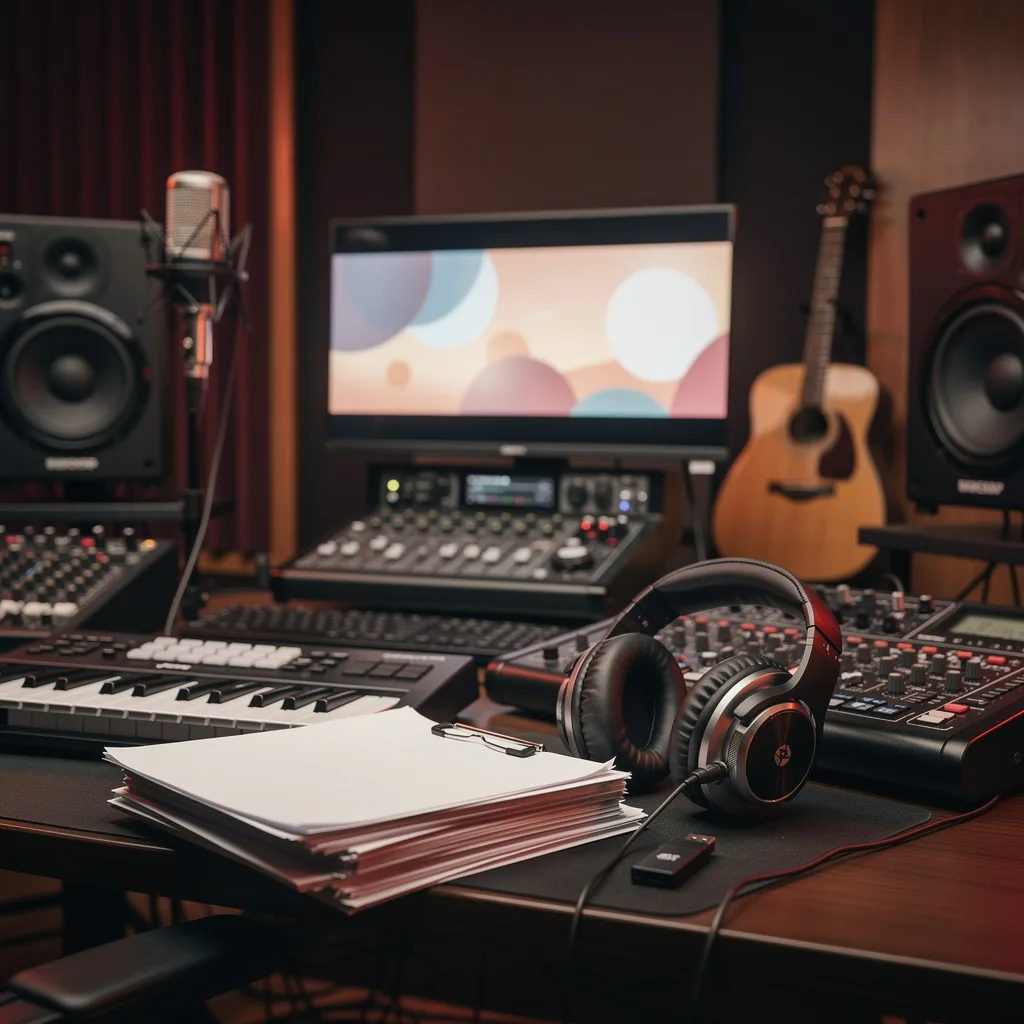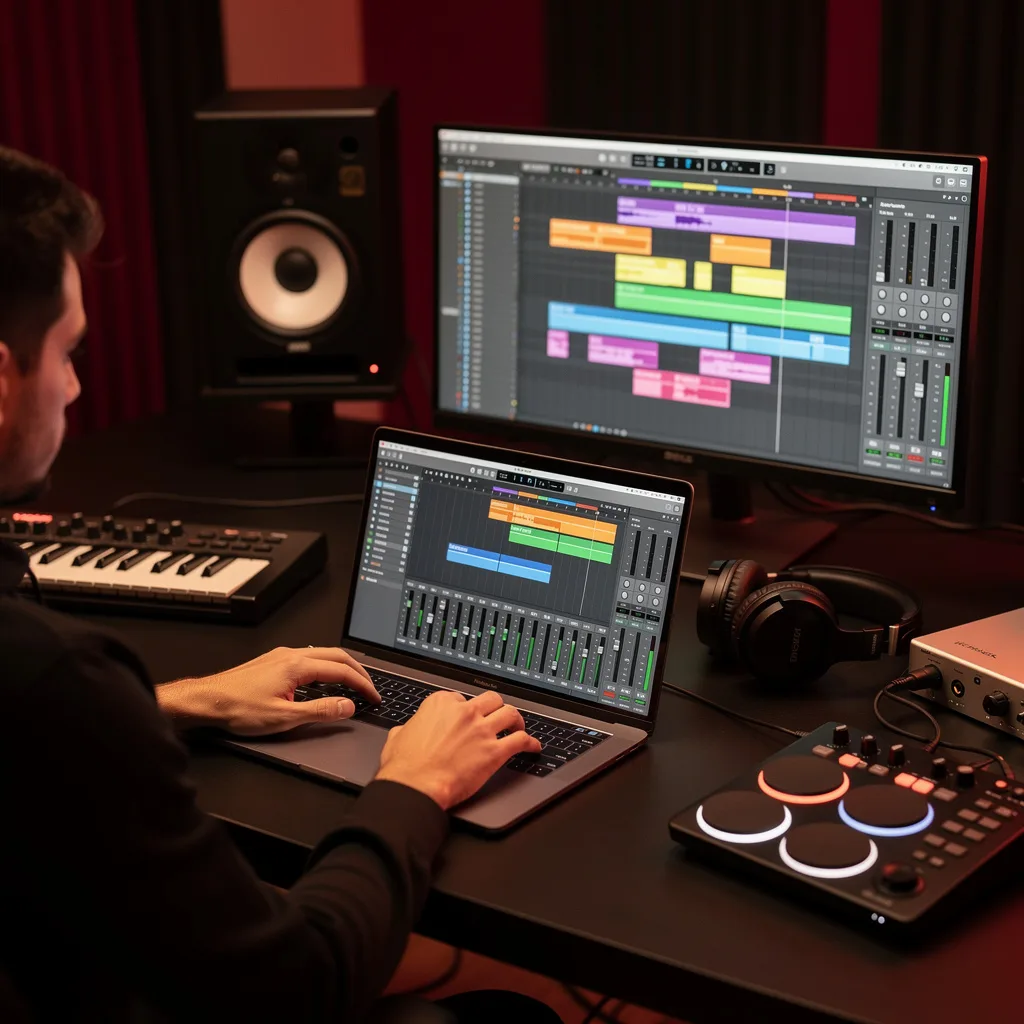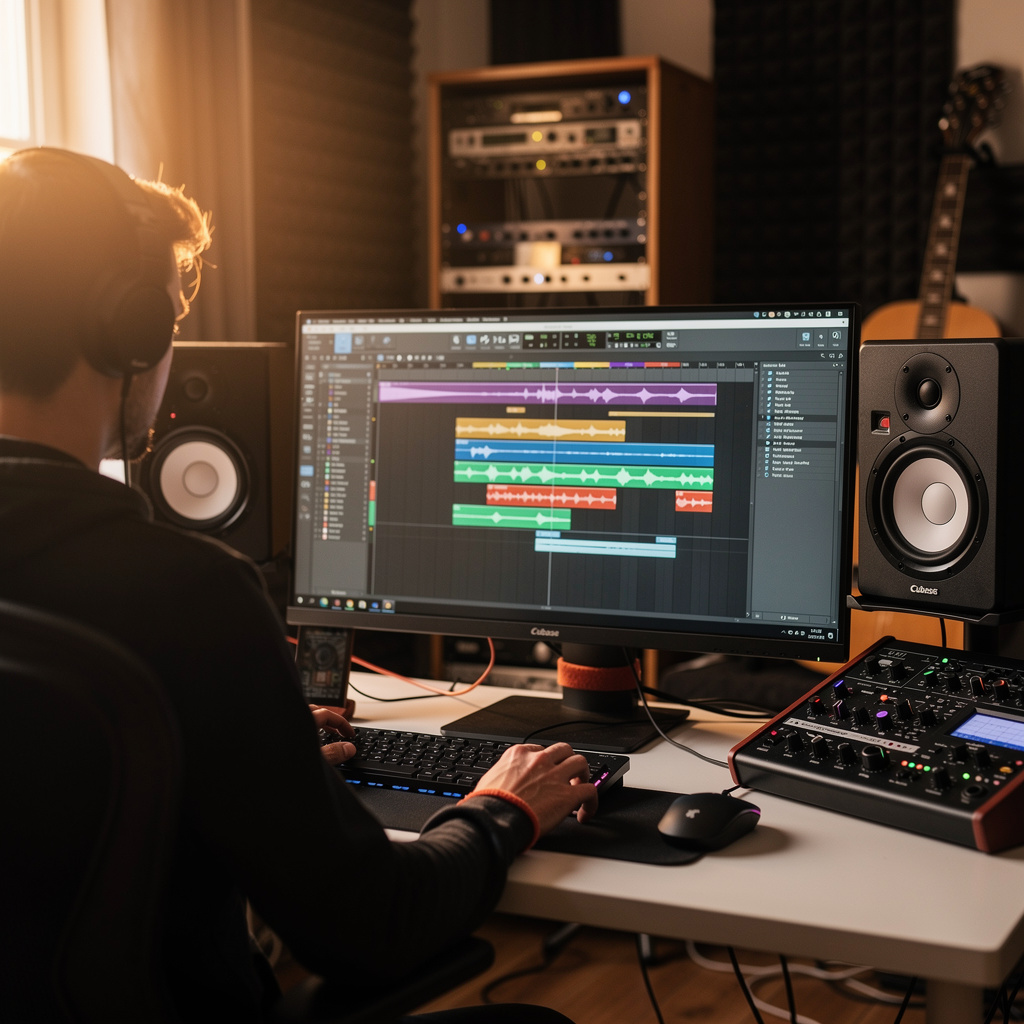
What is Cubase Music Production?
Cubase Music Production Training
The Cubase Music Production certificate program is a comprehensive, hands-on training designed to take you from the first launch of the software to a fully mixed and mastered track. This course is ideal for aspiring producers, composers, and audio engineers who want to build a professional workflow in one of the industry's most powerful DAWs. By the end, you will have produced a complete song arrangement with polished mixing, automation, and export-ready deliverables, giving you a tangible portfolio piece.
The program is structured as a beginner-friendly progression that balances theoretical concepts with practical, project-based exercises. Starting with project setup and interface navigation, you will move through recording audio, MIDI sequencing, virtual instruments, and effects routing, then advance into audio editing, time stretching, and song arrangement. The latter half focuses on mixing fundamentals—volume, pan, EQ, dynamics, sends, and automation—culminating in advanced techniques like sidechain and parallel processing, plus tempo and time signature management. This curriculum builds four core skill areas: recording, editing, arranging, and mixing, ensuring you gain a complete production toolkit. Choosing this program now is essential because Cubase remains a staple in professional studios, and mastering it opens doors to music production, film scoring, and podcast engineering in a rapidly evolving digital audio landscape.
What is Cubase Music Production?
Cubase Music Production is the art and science of creating, recording, editing, and mixing audio using Steinberg's Cubase digital audio workstation (DAW). It encompasses a wide range of activities, from capturing live performances and programming MIDI sequences to manipulating virtual instruments, applying effects, and sculpting sound through mixing and mastering. Core concepts include the arrangement window, mixer, channel strips, automation lanes, and the integration of hardware and software synthesizers, all unified within a single project environment.
Today, Cubase is used across the music industry—from chart-topping pop producers to independent electronic artists and film composers—because of its robust MIDI capabilities, advanced audio editing tools, and flexible routing options. It has become a standard in professional studios and educational institutions, with recent updates focusing on cloud collaboration, improved scoring features, and enhanced mixing workflows. The demand for skilled Cubase operators remains high as music production increasingly moves toward hybrid setups that combine traditional recording with software-based synthesis and processing.
Mastering Cubase Music Production builds a versatile skill stack that includes critical listening, signal flow understanding, creative sound design, and technical problem-solving. These competencies are directly applicable in professional contexts such as music studios, post-production houses, game audio teams, and live sound environments, as well as for independent artists producing their own work. The subject also fosters a deep appreciation for the interplay between technology and musical expression, empowering learners to translate their ideas into polished, industry-ready audio.
Common Questions About Cubase Music Production
Does the Cubase Music Production certificate boost my resume for studio jobs?
Can a complete beginner start this Cubase course without prior DAW experience?
What is the most common mistake during Cubase project setup and interface navigation?
How do you open the Key Editor in Cubase for MIDI sequencing?
What is the signal path for virtual instruments and effects routing in Cubase?
- MIDI Track: Sends note data to the instrument.
- Virtual Instrument: Generates audio from the MIDI data.
- Insert Effects: Process the audio in a serial chain (e.g., EQ, compressor).
- Fader: Controls the level of the channel.
- Output Bus: Routes the signal to the main mix or an auxiliary send.
What are the best practices for volume, pan, and EQ in MixConsole?
Does time stretching always ruin audio quality in Cubase?
What Will This Course Bring You?
- Configure a new Cubase project with optimal sample rate, bit depth, and template to streamline the music production workflow.
- Record audio tracks using Cubase's input routing, monitoring, and punch-in features to capture clean, performance-ready takes.
- Sequence MIDI parts in the Key Editor, applying quantization and velocity editing to craft expressive instrumental performances.
- Route virtual instruments and effects through insert and send channels in Cubase to shape tone and spatial depth.
- Apply time-stretching and audio editing tools in Cubase to correct timing and pitch while preserving natural sound quality.
- Arrange song sections using the Arranger track to build a complete composition with intro, verse, chorus, and outro.
- Balance individual tracks using volume, pan, and EQ techniques in Cubase's MixConsole to achieve clarity and cohesion.
- Automate volume, pan, and effect parameters in Cubase to create dynamic changes and movement throughout a song.
Curriculum
12 Units1. Project Setup and Interface Navigation
1 hour
2. Recording Audio Tracks
1 hour
3. MIDI Sequencing and Editing
1 hour
4. Virtual Instruments and Effects Routing
1 hour
5. Audio Editing and Time Stretching
1 hour
6. Arranging a Song Structure
1 hour
7. Mixing Fundamentals: Volume, Pan, and EQ
1 hour
8. Dynamics Processing and Sends
1 hour
9. Automation and Dynamic Mixing
1 hour
10. Advanced Mixing: Sidechain and Parallel Processing
1 hour
11. Tempo, Time Signatures, and Click Track
1 hour
12. Exporting, Bouncing, and Final Delivery
1 hour
Exam – Cubase Music Production
20 Questions • 70% Pass • 30 min
Unlock All Units for Free
Create an account, enroll in the course, and start with the first unit right away.
Exam – Cubase Music Production
20 Questions • Pass: 70% • 30 min
Course Duration
720
Total Minutes
12
Unit
1
Final Exam
~60
Min / Unit
Cubase Music Production Certificate Program
Document Your Skill
Those who pass the 20-question, 30-minute exam with 70% receive the Cubase Music Production Certificate.
Stand Out on Your CV
By adding your certificate to your CV, gain a professional reference in job applications and stand out from the crowd.
Career Advantage
Catch Wisdom certificates are recognized by HR departments and increase career opportunities.
CERTIFICATE FEE
At the end of the course, an online exam consisting of 20 questions with a 30-minute time limit is given. The exam appears automatically after you complete the topics. Anyone who scores at least 70 out of 100 on the certificate exam is awarded the Cubase Music Production Document (certificate of attendance). You can add the certificate you earn to your CV for job applications in the many sectors listed above, and use it as a reference proving that you took this interactive course.
The Certificate of Achievement you receive with the Cubase Music Production course program holds value that proves your personal and professional development in the business world. By adding it to your CV, it can serve as an important reference in your job applications. Moreover, compared with certificates from other private training institutions, Catch Wisdom certificates are offered to our participants at a much more affordable price.
Because HR departments recognize Catch Wisdom as a reputable institution in this field, they value these certificates and may evaluate your job applications favorably. For this reason, a Cubase Music Production course certificate from Catch Wisdom can make your applications more attractive and place you in an advantageous position in the business world.
For more information, we recommend visiting the Support page.
Certificate in 7 Languages
Earning success certificates from our courses is now more meaningful and global. With certificates available in Turkish, English, German, French, Spanish, Arabic, and Russian, we fully unlock the potential of students worldwide.
Why Certificate in 7 Languages?
-
01
Global Skill Development
Receiving your certificates in 7 different languages strengthens your communication skills as you engage with more people worldwide. It lets you operate more confidently and capably on the international stage.
-
02
International Job Opportunities
Employers may see your certificates in multiple languages as a sign of your ability to seize global opportunities. You can open more doors to new jobs and projects.
-
03
Cultural Richness
The chance to earn certificates in different languages helps you build closer ties with various cultures and broadens your worldview. It enriches your global perspective and deepens cultural understanding.
-
04
Ability to Participate in International Projects
Multilingual certificates give you an edge to work more effectively on international projects. They boost your chances of leadership and participation in diverse projects in the business world.
-
05
Prove Yourself on the Global Stage
Certificates in multiple languages let you showcase your skills and knowledge worldwide. You can become an internationally recognized professional.
Language diversity opens worldwide opportunities. If you want to prove yourself in the international arena, join our online Cubase Music Production course program and begin this journey with us.
Frequently Asked Questions (FAQ)
Is this course paid?
How do I join the course?
Can I take the course at my own pace?
How can I get my certificate?
What are the advantages of the Certified Certificate?
Boost Your Career
Take a new career step with the Cubase Music Production course. Add your certificate to your CV, stand out in job applications, and open the door to new opportunities in the industry.
StartStudent Reviews
No reviews yet
Enroll in this course and be the first to leave a review about your experience with Cubase Music Production.
Start