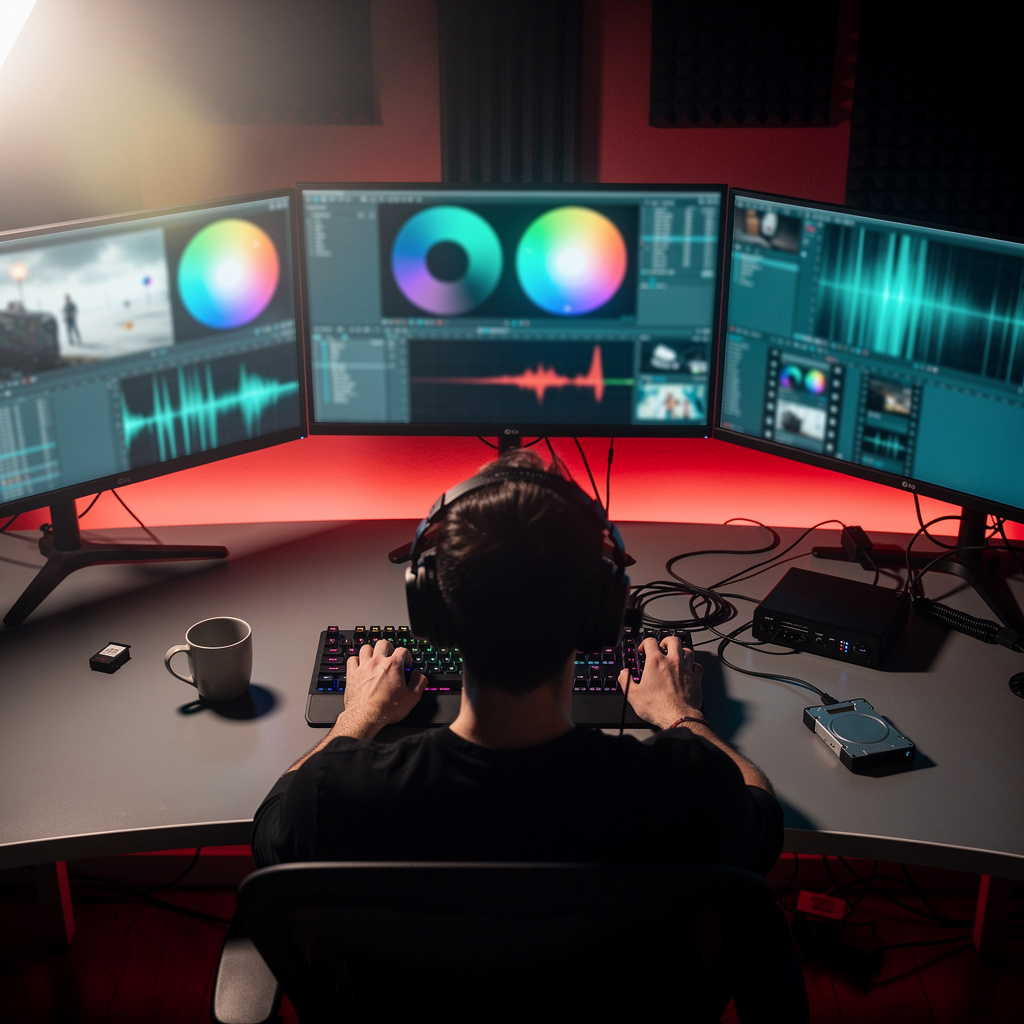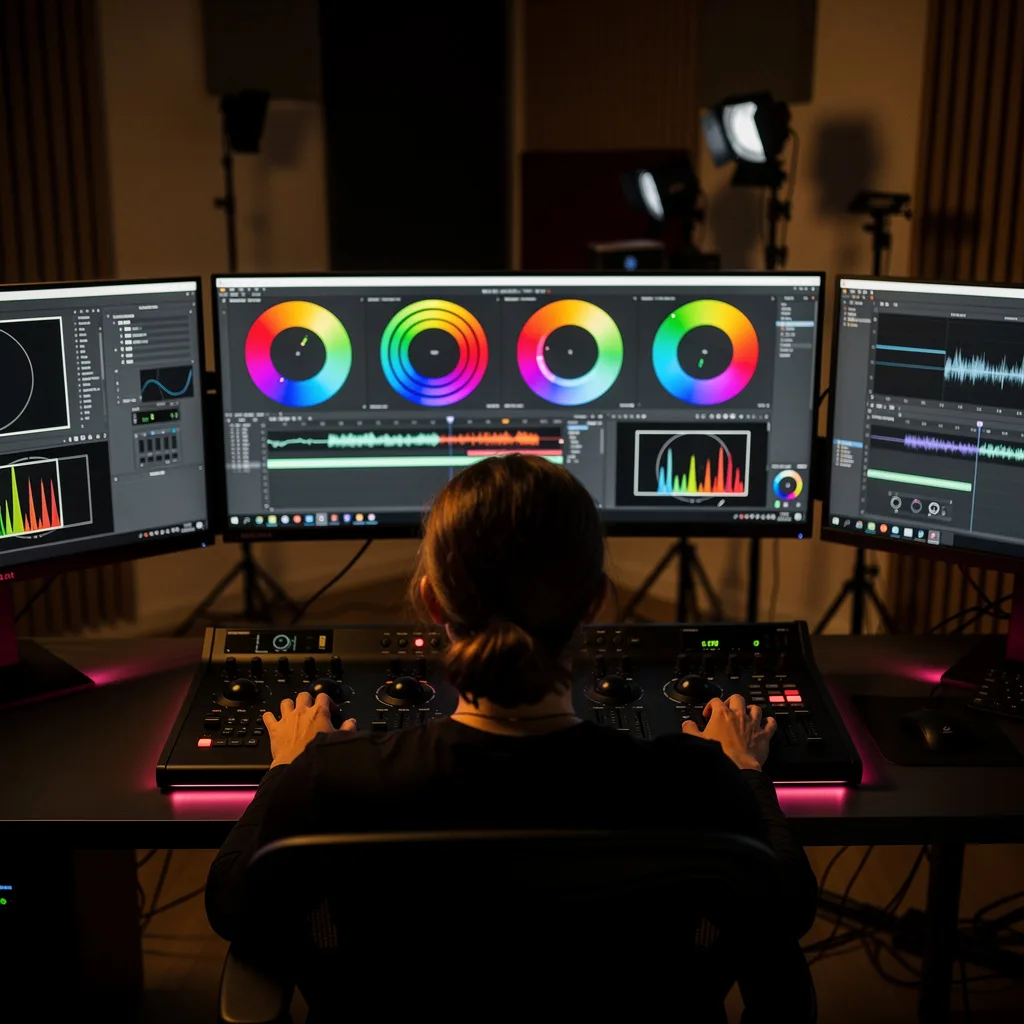
What is DaVinci Resolve Color Grading?
DaVinci Resolve Color Grading Training
The DaVinci Resolve Color Grading certificate program teaches you to transform raw footage into cinematic, broadcast-ready images using the industry’s most powerful color grading tool. Designed for aspiring colorists, video editors, and filmmakers, this course delivers a hands-on, project-based learning experience that takes you from the interface and workflow fundamentals all the way to HDR and wide color gamut grading. By the end, you will have built a professional portfolio piece that demonstrates your ability to execute primary and secondary corrections, match shots, and create polished looks.
The program is structured to be beginner-friendly yet comprehensive, progressing from core concepts like color theory and scopes through advanced tools such as curves, node trees, and power grades. Each lesson balances theoretical understanding with practical application, ensuring you can immediately apply what you learn. You will build five core skill areas: technical correction, creative grading, shot matching, look development, and delivery optimization. Now is the perfect time to master DaVinci Resolve because it has become the standard in both Hollywood and independent productions, and the demand for skilled colorists continues to rise across streaming, advertising, and social media content.
What is DaVinci Resolve Color Grading?
DaVinci Resolve color grading is the art and science of adjusting and enhancing the color, contrast, and overall mood of moving images using Blackmagic Design’s professional software. Its core concepts include primary color correction (balancing exposure, white balance, and saturation), secondary color correction (isolating and modifying specific hues or regions), and the use of scopes (waveform, vectorscope, histogram) to make objective decisions. The discipline also encompasses advanced techniques like curve adjustments, color matching across shots, node-based compositing, and working with high dynamic range (HDR) and wide color gamut (WCG) formats.
Today, color grading is essential across virtually all visual media—from feature films and television series to YouTube videos, corporate productions, and live broadcasts. The recent shift toward HDR delivery and the proliferation of streaming platforms have made precise color management more critical than ever. Colorists now work in real-time collaboration with directors and DPs, and the ability to grade efficiently in DaVinci Resolve is a highly sought-after skill in post-production pipelines worldwide.
Mastering DaVinci Resolve color grading builds a versatile skill stack that includes technical proficiency with scopes and color spaces, creative judgment for mood and storytelling, and workflow efficiency through node trees and power grades. These competencies open doors to careers as a colorist, online editor, or finishing artist in film, television, advertising, and even game cinematics. For independent creators, the same skills elevate personal projects, ensuring your work stands out with a polished, professional look that engages audiences and meets industry standards.
Common Questions About DaVinci Resolve Color Grading
Is this DaVinci Resolve color grading course suitable for beginners?
Will the certificate help me get a job as a colorist?
How do you use the waveform scope for white balance?
- Open RGB Parade scope to view channel levels.
- Locate a neutral reference like a white or gray object.
- Adjust white balance offset until all three channels converge.
What is the difference between Lift, Gamma, Gain, and Offset?
Why use Log wheels instead of standard primary wheels?
How does the HSL qualifier isolate a specific color?
- Hue: defines the color tint (e.g., red, blue).
- Saturation: controls the intensity of the color.
- Luminance: limits the selection to specific brightness levels.
Is color grading just about making footage look cinematic?
What Will This Course Bring You?
- Navigate the DaVinci Resolve interface and establish an efficient color grading workflow from import to delivery.
- Apply color theory principles and interpret waveform, vectorscope, and histogram scopes to evaluate shot balance.
- Perform primary color corrections using lift, gamma, gain, and contrast adjustments to achieve neutral exposure.
- Utilize advanced primary tools like Log controls and color wheels to correct challenging footage with precision.
- Isolate and adjust specific colors or regions using qualifiers, power windows, and tracking for targeted corrections.
- Match color and contrast across multiple shots using custom curves and automated color matching tools.
- Design efficient node trees to organize corrections and apply complex grading sequences without degrading image quality.
- Grade HDR and wide color gamut footage using appropriate color spaces, tone mapping, and luminance controls.
Curriculum
12 Units1. Interface and Workflow Fundamentals
1 hour
2. Color Theory and Scopes
1 hour
3. Primary Color Correction
1 hour
4. Advanced Primary Tools
1 hour
5. Secondary Color Correction
1 hour
6. Curves and Color Matching
1 hour
7. Nodes and Node Trees
1 hour
8. Power Grades and Looks
1 hour
9. Advanced Techniques
1 hour
10. HDR and Wide Color Gamut
1 hour
11. Rendering and Delivery
1 hour
12. Final Project and Portfolio
1 hour
Exam – DaVinci Resolve Color Grading
20 Questions • 70% Pass • 30 min
Unlock All Units for Free
Create an account, enroll in the course, and start with the first unit right away.
Exam – DaVinci Resolve Color Grading
20 Questions • Pass: 70% • 30 min
Course Duration
720
Total Minutes
12
Unit
1
Final Exam
~60
Min / Unit
DaVinci Resolve Color Grading Certificate Program
Document Your Skill
Those who pass the 20-question, 30-minute exam with 70% receive the DaVinci Resolve Color Grading Certificate.
Stand Out on Your CV
By adding your certificate to your CV, gain a professional reference in job applications and stand out from the crowd.
Career Advantage
With the verification code, employers can check your certificate instantly — a concrete way to show your growth.
CERTIFICATE FEE
At the end of the course, an online exam consisting of 20 questions with a 30-minute time limit is given. The exam appears automatically after you complete the topics. Anyone who scores at least 70 out of 100 on the certificate exam is awarded the DaVinci Resolve Color Grading Document (certificate of attendance). You can add the certificate you earn to your CV for job applications in the many sectors listed above, and use it as a reference proving that you took this interactive course.
The Certificate of Achievement you receive with the DaVinci Resolve Color Grading course program holds value that proves your personal and professional development in the business world. By adding it to your CV, it can serve as an important reference in your job applications. Moreover, compared with certificates from other private training institutions, Catch Wisdom certificates are offered to our participants at a much more affordable price.
The DaVinci Resolve Color Grading course certificate is a document that proves, with a unique verification code, that you completed the course. Employers can instantly check its authenticity with this code, which helps you show your development concretely in your job applications.
For more information, we recommend visiting the Support page.
Certificate in 7 Languages
Earning success certificates from our courses is now more meaningful and global. With certificates available in Turkish, English, German, French, Spanish, Arabic, and Russian, we fully unlock the potential of students worldwide.
Why Certificate in 7 Languages?
-
01
Global Skill Development
Receiving your certificates in 7 different languages strengthens your communication skills as you engage with more people worldwide. It lets you operate more confidently and capably on the international stage.
-
02
International Job Opportunities
Employers may see your certificates in multiple languages as a sign of your ability to seize global opportunities. You can open more doors to new jobs and projects.
-
03
Cultural Richness
The chance to earn certificates in different languages helps you build closer ties with various cultures and broadens your worldview. It enriches your global perspective and deepens cultural understanding.
-
04
Ability to Participate in International Projects
Multilingual certificates give you an edge to work more effectively on international projects. They boost your chances of leadership and participation in diverse projects in the business world.
-
05
Prove Yourself on the Global Stage
Certificates in multiple languages give you the opportunity to present your skills and knowledge worldwide.
Language diversity opens worldwide opportunities. If you want to prove yourself in the international arena, join our online DaVinci Resolve Color Grading course program and begin this journey with us.
Frequently Asked Questions (FAQ)
Is this course paid?
How do I join the course?
Can I take the course at my own pace?
How can I get my certificate?
What are the advantages of the certificate?
Boost Your Career
Take a new career step with the DaVinci Resolve Color Grading course. Add your certificate to your CV, stand out in job applications, and open the door to new opportunities in the industry.
StartStudent Reviews
No reviews yet
Enroll in this course and be the first to leave a review about your experience with DaVinci Resolve Color Grading.
Start