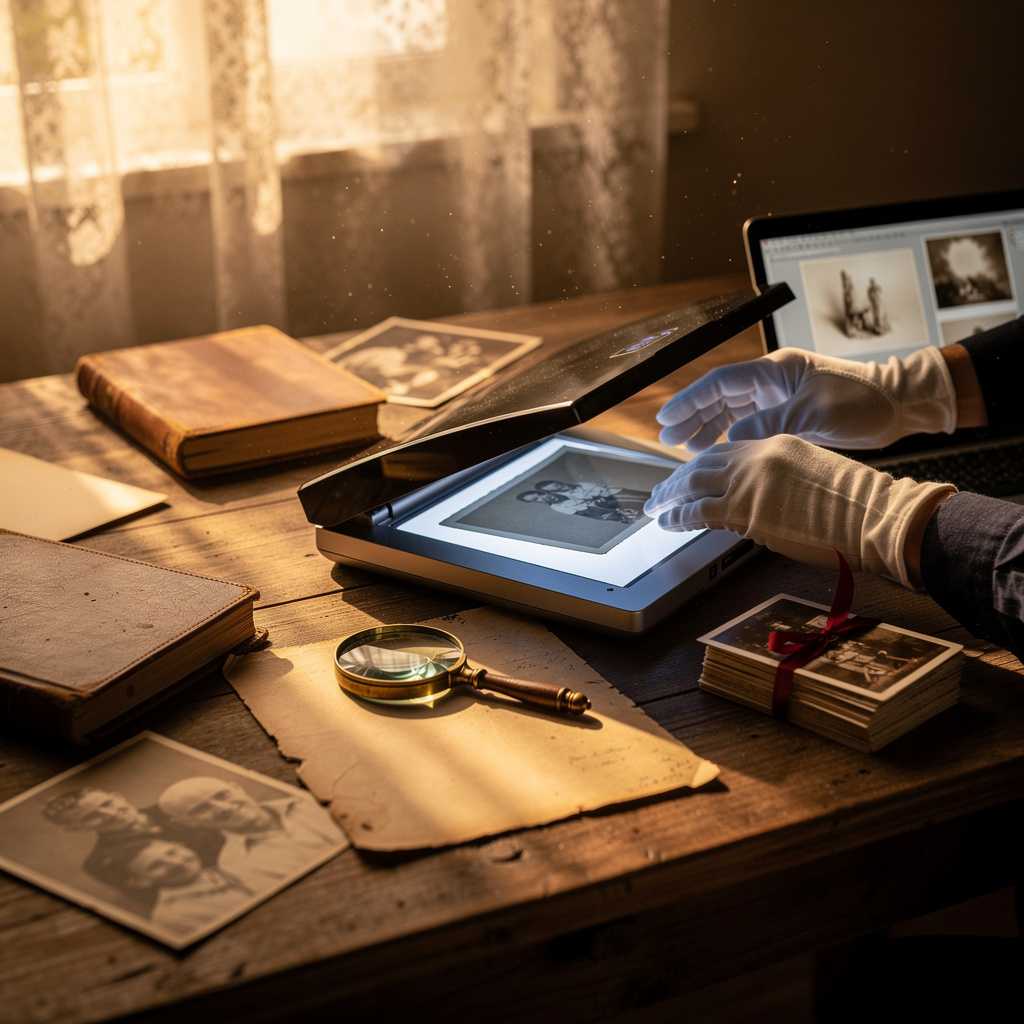
What is Digitizing Family Archives?
Digitizing Family Archives Training
The Digitizing Family Archives certificate program offers a comprehensive, hands-on approach to converting physical family history materials into durable digital formats. This course is designed for genealogists, family historians, librarians, archivists, and anyone who has inherited boxes of photographs, letters, slides, or audio recordings and wants to preserve them properly. By the end of the program, participants will have built a complete, organized digital archive of their own family materials, ready for sharing and long-term preservation.
The program is structured as a beginner-friendly progression that moves from project planning and material preparation through equipment selection, hands-on scanning techniques for photographs, documents, negatives, and audio-visual media, and finally into digital file organization, metadata creation, backup strategies, and sustainable archive maintenance. Each lesson balances practical demonstrations with essential theory, building four core skill areas: project management, technical digitization, information organization, and digital preservation. With family history interest at an all-time high and physical media degrading rapidly, this is the ideal moment to gain these in-demand preservation skills.
What is Digitizing Family Archives?
Digitizing family archives is the systematic process of converting physical family history materials—photographs, letters, documents, negatives, slides, audio recordings, and video tapes—into digital formats that can be stored, organized, and preserved electronically. The field encompasses everything from selecting appropriate scanning equipment and resolution standards to creating descriptive metadata that gives context to each digital file. Core concepts include file format selection, resolution and color management, optical character recognition for text, and the principles of digital preservation that ensure files remain accessible for generations.
Today, digitizing family archives has become increasingly urgent as aging physical media deteriorate and playback equipment becomes obsolete. Professional archives, historical societies, and libraries have developed standardized digitization workflows, while millions of families are undertaking personal digitization projects to safeguard their heritage. The recent shift toward cloud storage, AI-assisted photo tagging, and digital storytelling platforms has expanded what is possible with digitized archives, making them not just preservation tools but living resources for family connection and historical research.
Mastering the subject of family archive digitization builds a versatile skill stack that spans technical proficiency with scanning hardware and software, information management through file naming and metadata standards, and strategic thinking about long-term digital preservation. These competencies are directly applicable in careers such as archival work, library science, museum curation, and genealogy research, while also serving personal contexts like preserving a family legacy or creating digital gifts for relatives. The ability to transform fragile physical memories into enduring digital assets is a powerful and increasingly valuable capability.
Common Questions About Digitizing Family Archives
How does the Digitizing Family Archives certificate support a job application?
Is this digitization course suitable for someone with no prior experience?
Why is 600 DPI the recommended resolution for scanning family photos?
- Standard prints: 600 DPI is ideal.
- Small or detailed photos: 600 DPI still works, but you may need to adjust sharpness.
- Large posters: 300 DPI may be enough.
How do you choose between a flatbed and a sheetfed scanner for family documents?
Why should black-and-white photos still be scanned in color?
What does the 3-2-1 rule mean for backing up a digital family archive?
Does digitizing family audio and video require professional studio equipment?
What Will This Course Bring You?
- Plan a digitization project by assessing collection scope, prioritizing materials, and establishing workflow phases.
- Prepare physical materials by cleaning, repairing, and arranging items to ensure safe and efficient scanning.
- Select appropriate equipment and software based on material type, resolution needs, and budget constraints.
- Apply best practices for scanning photographs to capture accurate color, tone, and detail.
- Digitize negatives and slides using proper techniques for exposure and dust removal.
- Organize digital files with a consistent naming convention and folder structure to ensure easy retrieval.
- Implement a backup strategy using multiple storage locations and verification checks to safeguard digital assets.
- Build a sustainable archive system by integrating metadata standards and preservation workflows.
Curriculum
12 Units1. Planning a Digitization Project
1 hour
2. Preparing Physical Materials
1 hour
3. Choosing Equipment and Software
1 hour
4. Scanning Photographs
1 hour
5. Scanning Documents and Text
1 hour
6. Digitizing Negatives and Slides
1 hour
7. Digitizing Audio and Video
1 hour
8. Organizing Digital Files
1 hour
9. Adding Metadata and Descriptions
1 hour
10. Storing and Backing Up
1 hour
11. Sharing and Preserving
1 hour
12. Building a Sustainable Archive System
1 hour
Exam – Digitizing Family Archives
20 Questions • 70% Pass • 30 min
Unlock All Units for Free
Create an account, enroll in the course, and start with the first unit right away.
Exam – Digitizing Family Archives
20 Questions • Pass: 70% • 30 min
Course Duration
720
Total Minutes
12
Unit
1
Final Exam
~60
Min / Unit
Digitizing Family Archives Certificate Program
Document Your Skill
Those who pass the 20-question, 30-minute exam with 70% receive the Digitizing Family Archives Certificate.
Stand Out on Your CV
By adding your certificate to your CV, gain a professional reference in job applications and stand out from the crowd.
Career Advantage
Catch Wisdom certificates are recognized by HR departments and increase career opportunities.
CERTIFICATE FEE
At the end of the course, an online exam consisting of 20 questions with a 30-minute time limit is given. The exam appears automatically after you complete the topics. Anyone who scores at least 70 out of 100 on the certificate exam is awarded the Digitizing Family Archives Document (certificate of attendance). You can add the certificate you earn to your CV for job applications in the many sectors listed above, and use it as a reference proving that you took this interactive course.
The Certificate of Achievement you receive with the Digitizing Family Archives course program holds value that proves your personal and professional development in the business world. By adding it to your CV, it can serve as an important reference in your job applications. Moreover, compared with certificates from other private training institutions, Catch Wisdom certificates are offered to our participants at a much more affordable price.
Because HR departments recognize Catch Wisdom as a reputable institution in this field, they value these certificates and may evaluate your job applications favorably. For this reason, a Digitizing Family Archives course certificate from Catch Wisdom can make your applications more attractive and place you in an advantageous position in the business world.
For more information, we recommend visiting the Support page.
Certificate in 7 Languages
Earning success certificates from our courses is now more meaningful and global. With certificates available in Turkish, English, German, French, Spanish, Arabic, and Russian, we fully unlock the potential of students worldwide.
Why Certificate in 7 Languages?
-
01
Global Skill Development
Receiving your certificates in 7 different languages strengthens your communication skills as you engage with more people worldwide. It lets you operate more confidently and capably on the international stage.
-
02
International Job Opportunities
Employers may see your certificates in multiple languages as a sign of your ability to seize global opportunities. You can open more doors to new jobs and projects.
-
03
Cultural Richness
The chance to earn certificates in different languages helps you build closer ties with various cultures and broadens your worldview. It enriches your global perspective and deepens cultural understanding.
-
04
Ability to Participate in International Projects
Multilingual certificates give you an edge to work more effectively on international projects. They boost your chances of leadership and participation in diverse projects in the business world.
-
05
Prove Yourself on the Global Stage
Certificates in multiple languages let you showcase your skills and knowledge worldwide. You can become an internationally recognized professional.
Language diversity opens worldwide opportunities. If you want to prove yourself in the international arena, join our online Digitizing Family Archives course program and begin this journey with us.
Frequently Asked Questions (FAQ)
Is this course paid?
How do I join the course?
Can I take the course at my own pace?
How can I get my certificate?
What are the advantages of the Certified Certificate?
Boost Your Career
Take a new career step with the Digitizing Family Archives course. Add your certificate to your CV, stand out in job applications, and open the door to new opportunities in the industry.
StartStudent Reviews
No reviews yet
Enroll in this course and be the first to leave a review about your experience with Digitizing Family Archives.
Start