What is Fusion 360?
Fusion 360 Training Program
The Fusion 360 certificate program is a comprehensive, project-driven journey that takes you from the very first click in the software to advanced manufacturing workflows. Designed for aspiring mechanical designers, engineers, hobbyists, and professionals seeking to formalize their CAD/CAM skills, this program teaches you to manage files and workspaces, sketch with precision, build solid models, and apply parametric design principles. By the end, you will have completed a capstone project that demonstrates your ability to take a concept from sketch to simulated, rendered, and CAM-ready part—a tangible portfolio piece that proves your practical mastery.
The program is structured as a beginner-friendly progression, starting with workspace orientation and sketching fundamentals, then moving through solid modeling, advanced tools, assemblies, and documentation. Each lesson balances theory with hands-on practice, building five core skill areas: parametric modeling, assembly logic, technical drawing, visualization, and computer-aided manufacturing. With the industry shifting toward integrated CAD/CAM platforms and cloud-based collaboration, choosing this program now positions you to work efficiently in modern product development environments, where Fusion 360 is a leading tool for everything from rapid prototyping to production machining.
What is Fusion 360?
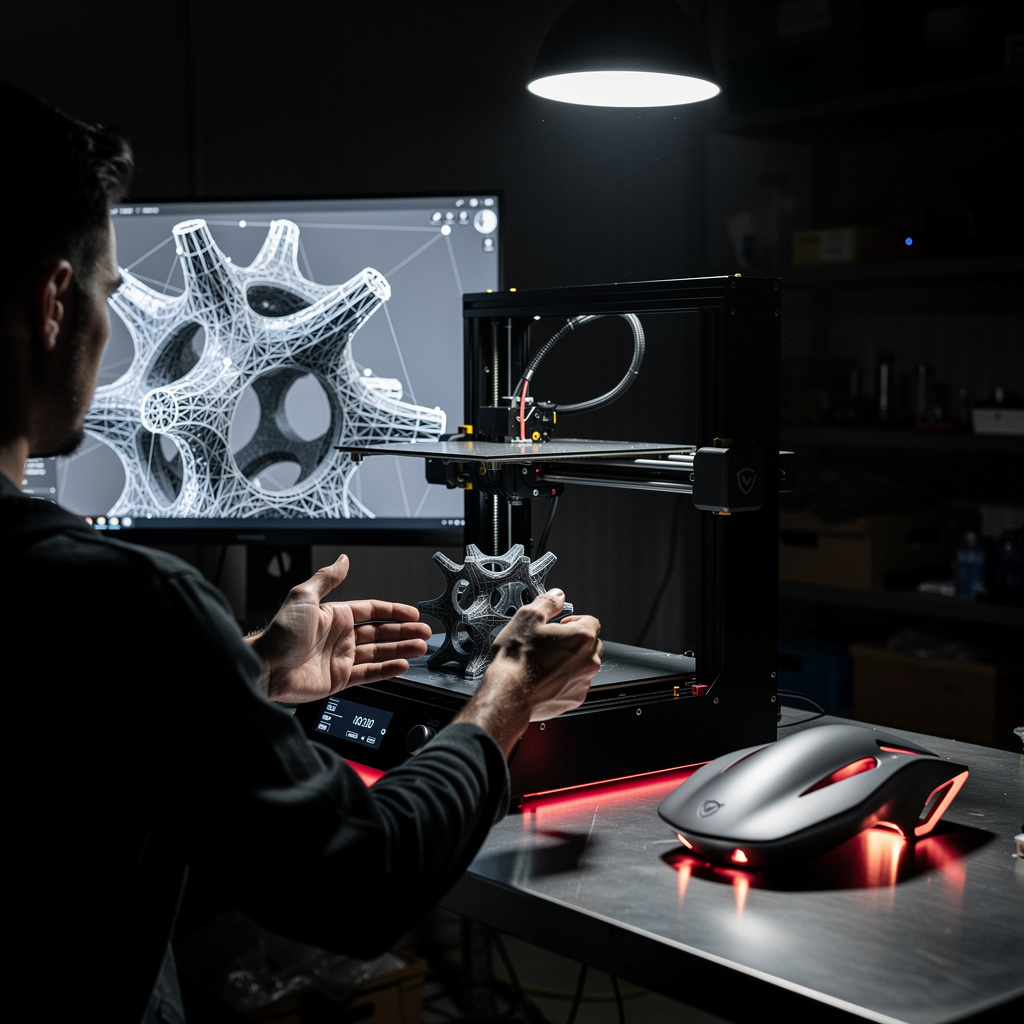
Fusion 360 is a cloud-based 3D modeling, CAD, CAM, and CAE platform developed by Autodesk that unifies design, engineering, and manufacturing into a single ecosystem. Its core concepts include parametric modeling, where geometry is driven by dimensions and constraints; direct modeling for quick edits; and a timeline-based history that allows non-destructive changes. The software also integrates assemblies, simulation, rendering, and CAM toolpath generation, making it a versatile tool for the entire product development lifecycle—from concept art to G-code for CNC machines.
Today, Fusion 360 matters because it represents a shift toward convergent workflows in industries like consumer electronics, automotive, aerospace, and additive manufacturing. Its cloud-native architecture enables real-time collaboration across distributed teams, a critical feature in an era of remote work and global supply chains. Recent updates have expanded generative design capabilities, simulation fidelity, and manufacturing automation, making it a standard tool in both startups and large enterprises. Academic institutions also adopt it widely, ensuring that graduates are familiar with the same platform used in professional practice.
Mastering Fusion 360 builds a skill stack that combines geometric reasoning, engineering analysis, and manufacturing awareness. You develop the ability to think in terms of design intent, tolerances, and material constraints, while also learning to communicate ideas through drawings and photorealistic renders. This subject is invaluable for mechanical engineers, product designers, machinists, and entrepreneurs who need to prototype and produce parts without outsourcing. Even for personal projects, from 3D printing to furniture design, Fusion 360 empowers you to turn ideas into physical objects with precision and confidence.
Common Questions About Fusion 360
Will the Fusion 360 certificate help me land a CAD job?
Is this Fusion 360 course suitable for complete beginners?
Why does my Fusion 360 sketch stay blue instead of turning black?
What is the difference between constraints and dimensions in Fusion 360 sketching?
- Constraints: parallel, perpendicular, equal, tangent, etc.
- Dimensions: length, angle, diameter, etc.
Why does my Fusion 360 parametric model break when I change a dimension?
What is the golden rule for creating assemblies in Fusion 360?
Is Fusion 360 only for 3D modeling, or does it handle CAM too?
What Will This Course Bring You?
- Construct fully constrained 2D sketches using geometric constraints and dimensions to define parametric profiles.
- Build solid models from sketches using extrude, revolve, and sweep features to create complex geometry.
- Apply parametric modeling techniques to modify design parameters and automatically update dependent features.
- Create assemblies with joints and motion links to simulate mechanical movement and interference.
- Generate detailed engineering drawings with annotations, dimensions, and title blocks for manufacturing documentation.
- Produce photorealistic renderings of models by applying materials, lighting, and environment settings.
- Analyze structural integrity of designs using static stress simulation and interpret results to optimize geometry.
- Implement toolpaths for 2D and 3D machining operations to generate G-code for CNC manufacturing.
Curriculum
12 Units1. Workspace and File Management
1 hour
2. Sketching Fundamentals
1 hour
3. Solid Modeling Basics
1 hour
4. Advanced Modeling Tools
1 hour
5. Parametric Design
1 hour
6. Assemblies and Joints
1 hour
7. Drawings and Documentation
1 hour
8. Rendering and Visualization
1 hour
9. Simulation and Analysis
1 hour
10. CAM Fundamentals
1 hour
11. Advanced CAM and Manufacturing
1 hour
12. Capstone Project
1 hour
Exam – Fusion 360
20 Questions • 70% Pass • 30 min
Unlock All Units for Free
Create an account, enroll in the course, and start with the first unit right away.
Exam – Fusion 360
20 Questions • Pass: 70% • 30 min
Course Duration
720
Total Minutes
12
Unit
1
Final Exam
~60
Min / Unit
Fusion 360 Certificate Program
Document Your Skill
Those who pass the 20-question, 30-minute exam with 70% receive the Fusion 360 Certificate.
Stand Out on Your CV
By adding your certificate to your CV, gain a professional reference in job applications and stand out from the crowd.
Career Advantage
Catch Wisdom certificates are recognized by HR departments and increase career opportunities.
CERTIFICATE FEE
At the end of the course, an online exam consisting of 20 questions with a 30-minute time limit is given. The exam appears automatically after you complete the topics. Anyone who scores at least 70 out of 100 on the certificate exam is awarded the Fusion 360 Document (certificate of attendance). You can add the certificate you earn to your CV for job applications in the many sectors listed above, and use it as a reference proving that you took this interactive course.
The Certificate of Achievement you receive with the Fusion 360 course program holds value that proves your personal and professional development in the business world. By adding it to your CV, it can serve as an important reference in your job applications. Moreover, compared with certificates from other private training institutions, Catch Wisdom certificates are offered to our participants at a much more affordable price.
Because HR departments recognize Catch Wisdom as a reputable institution in this field, they value these certificates and may evaluate your job applications favorably. For this reason, a Fusion 360 course certificate from Catch Wisdom can make your applications more attractive and place you in an advantageous position in the business world.
For more information, we recommend visiting the Support page.
Certificate in 7 Languages
Earning success certificates from our courses is now more meaningful and global. With certificates available in Turkish, English, German, French, Spanish, Arabic, and Russian, we fully unlock the potential of students worldwide.
Why Certificate in 7 Languages?
-
01
Global Skill Development
Receiving your certificates in 7 different languages strengthens your communication skills as you engage with more people worldwide. It lets you operate more confidently and capably on the international stage.
-
02
International Job Opportunities
Employers may see your certificates in multiple languages as a sign of your ability to seize global opportunities. You can open more doors to new jobs and projects.
-
03
Cultural Richness
The chance to earn certificates in different languages helps you build closer ties with various cultures and broadens your worldview. It enriches your global perspective and deepens cultural understanding.
-
04
Ability to Participate in International Projects
Multilingual certificates give you an edge to work more effectively on international projects. They boost your chances of leadership and participation in diverse projects in the business world.
-
05
Prove Yourself on the Global Stage
Certificates in multiple languages let you showcase your skills and knowledge worldwide. You can become an internationally recognized professional.
Language diversity opens worldwide opportunities. If you want to prove yourself in the international arena, join our online Fusion 360 course program and begin this journey with us.
Frequently Asked Questions (FAQ)
Is this course paid?
How do I join the course?
Can I take the course at my own pace?
How can I get my certificate?
What are the advantages of the Certified Certificate?
Boost Your Career
Take a new career step with the Fusion 360 course. Add your certificate to your CV, stand out in job applications, and open the door to new opportunities in the industry.
StartStudent Reviews
No reviews yet
Enroll in this course and be the first to leave a review about your experience with Fusion 360.
Start