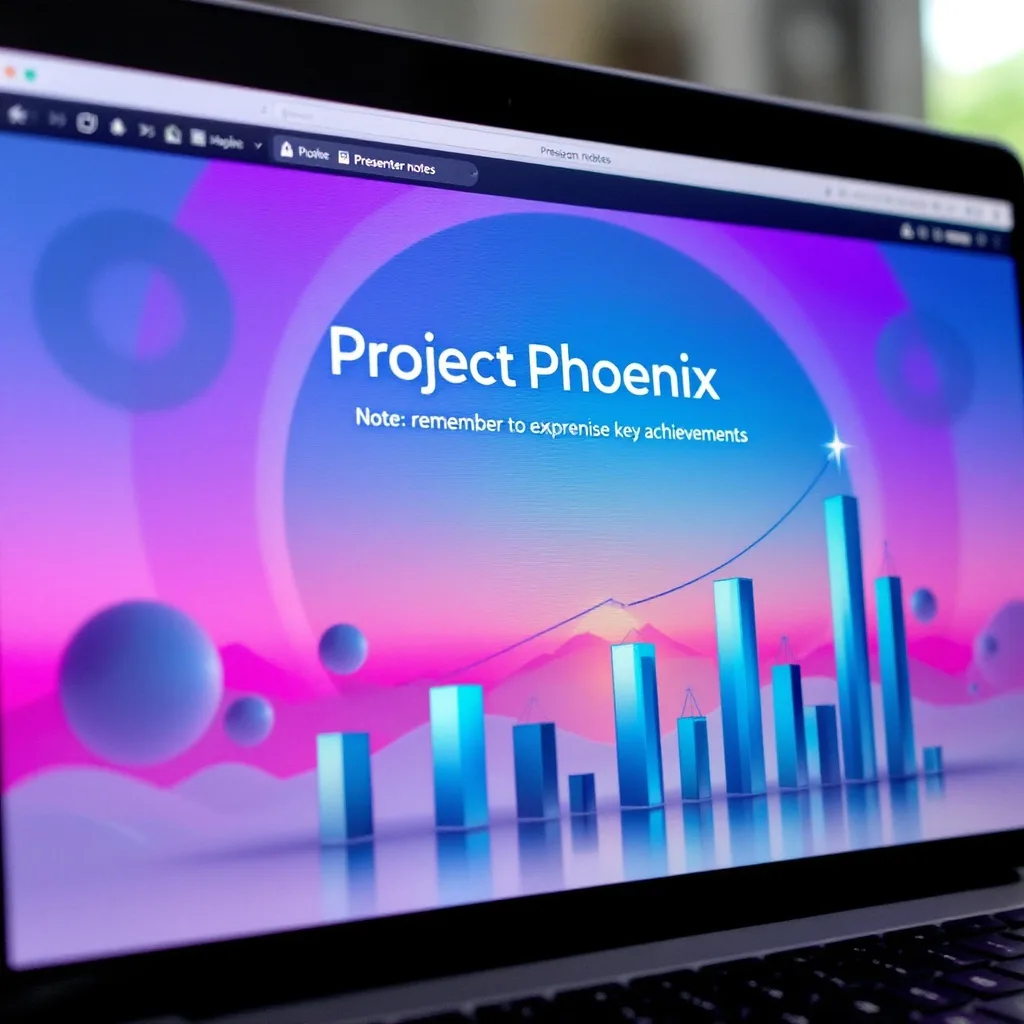
What is Google Slides?
Google Slides Training
The Google Slides certificate program is a comprehensive training path designed to take you from the absolute basics of creating slides to mastering advanced presentation techniques. This course is ideal for students, educators, business professionals, and anyone who needs to communicate ideas visually and persuasively. By the end, you will be able to design polished, interactive presentations that rival those made with expensive desktop software, entirely within your browser.
The program is structured as a beginner-friendly progression that balances hands-on practice with clear theoretical explanations. You will build core skills across five key areas: content formatting and visual design, media integration (images, video, and audio), structural design using layouts and master slides, interactivity through hyperlinks and action buttons, and collaborative workflows for sharing and presenting. With the growing shift toward remote work and cloud-based collaboration, mastering Google Slides now gives you a portable, universally accessible skill that is immediately applicable in classrooms, boardrooms, and virtual meetings alike.
What is Google Slides?
Google Slides is a cloud-based presentation application that is part of the Google Workspace suite. It allows users to create, edit, and present slide decks entirely online, with real-time collaboration at its core. The platform covers everything from basic text formatting and image insertion to advanced features like master slides, animations, and interactive elements such as hyperlinks and action buttons. Its core concepts revolve around slide layouts, themes, and the seamless integration of multimedia assets.
Today, Google Slides has become a cornerstone of modern communication, used in classrooms, corporate meetings, and even academic conferences. The recent shift toward hybrid and remote work has made its real-time collaboration features indispensable, enabling teams to co-edit presentations simultaneously from anywhere in the world. Its compatibility with PowerPoint and its free availability have further cemented its role as a go-to tool for both individuals and organizations.
Mastering Google Slides builds a versatile skill stack that combines visual design, information structuring, and technical proficiency with cloud-based tools. These skills translate directly into professional contexts such as sales pitches, project reports, and training sessions, as well as personal contexts like event planning or academic presentations. The ability to create clear, engaging, and interactive presentations is a timeless competency that enhances communication effectiveness in virtually any field.
Common Questions About Google Slides
Will this Google Slides course certificate help me stand out on my CV?
Is this Google Slides training suitable for absolute beginners with zero design experience?
How do I use Master Slides to change fonts across my whole presentation?
- Select the master slide and highlight the text placeholders.
- Change the font family, size, or color in the toolbar — the update propagates to every slide using that master.
- Edit a specific layout instead if you only want to affect one type of slide, like title slides or section dividers.
What is the difference between a transition and an animation in Google Slides?
Why won't my hyperlinks work when I present in Google Slides?
How can I collaborate with my team without sending email attachments in Google Slides?
Is it true that Google Slides animations always look unprofessional in business decks?
What Will This Course Bring You?
- Create and organize a new presentation using Google Slides' interface and file management tools.
- Apply advanced text formatting options to control font, color, and paragraph alignment for readability.
- Edit images using cropping, masking, and transparency tools to enhance visual impact and focus.
- Build custom diagrams using shapes and connectors to represent processes and relationships.
- Customize slide layouts and themes to ensure consistent branding and design across the deck.
- Implement transitions and animations to control the pacing and emphasis of slide content.
- Collaborate with team members using comments, suggestions, and version history for effective co-editing.
- Design master slides to globally update design elements, ensuring a cohesive presentation.
Curriculum
12 Units1. Getting Started with Google Slides
1 hour
2. Formatting Text and Paragraphs
1 hour
3. Adding and Editing Images
1 hour
4. Working with Shapes and Diagrams
1 hour
5. Slide Layouts and Themes
1 hour
6. Transitions and Animations
1 hour
7. Inserting Video and Audio
1 hour
8. Collaboration and Sharing
1 hour
9. Using Master Slides for Global Design
1 hour
10. Interactive Presentations: Hyperlinks and Action Buttons
1 hour
11. Presenting with Speaker Tools
1 hour
12. Templates, Exporting, and Best Practices
1 hour
Exam – Google Slides
20 Questions • 70% Pass • 30 min
Unlock All Units for Free
Create an account, enroll in the course, and start with the first unit right away.
Exam – Google Slides
20 Questions • Pass: 70% • 30 min
Course Duration
720
Total Minutes
12
Unit
1
Final Exam
~60
Min / Unit
Google Slides Certificate Program
Document Your Skill
Those who pass the 20-question, 30-minute exam with 70% receive the Google Slides Certificate.
Stand Out on Your CV
By adding your certificate to your CV, gain a professional reference in job applications and stand out from the crowd.
Career Advantage
Catch Wisdom certificates are recognized by HR departments and increase career opportunities.
CERTIFICATE FEE
At the end of the course, an online exam consisting of 20 questions with a 30-minute time limit is given. The exam appears automatically after you complete the topics. Anyone who scores at least 70 out of 100 on the certificate exam is awarded the Google Slides Document (certificate of attendance). You can add the certificate you earn to your CV for job applications in the many sectors listed above, and use it as a reference proving that you took this interactive course.
The Certificate of Achievement you receive with the Google Slides course program holds value that proves your personal and professional development in the business world. By adding it to your CV, it can serve as an important reference in your job applications. Moreover, compared with certificates from other private training institutions, Catch Wisdom certificates are offered to our participants at a much more affordable price.
Because HR departments recognize Catch Wisdom as a reputable institution in this field, they value these certificates and may evaluate your job applications favorably. For this reason, a Google Slides course certificate from Catch Wisdom can make your applications more attractive and place you in an advantageous position in the business world.
For more information, we recommend visiting the Support page.
Certificate in 7 Languages
Earning success certificates from our courses is now more meaningful and global. With certificates available in Turkish, English, German, French, Spanish, Arabic, and Russian, we fully unlock the potential of students worldwide.
Why Certificate in 7 Languages?
-
01
Global Skill Development
Receiving your certificates in 7 different languages strengthens your communication skills as you engage with more people worldwide. It lets you operate more confidently and capably on the international stage.
-
02
International Job Opportunities
Employers may see your certificates in multiple languages as a sign of your ability to seize global opportunities. You can open more doors to new jobs and projects.
-
03
Cultural Richness
The chance to earn certificates in different languages helps you build closer ties with various cultures and broadens your worldview. It enriches your global perspective and deepens cultural understanding.
-
04
Ability to Participate in International Projects
Multilingual certificates give you an edge to work more effectively on international projects. They boost your chances of leadership and participation in diverse projects in the business world.
-
05
Prove Yourself on the Global Stage
Certificates in multiple languages let you showcase your skills and knowledge worldwide. You can become an internationally recognized professional.
Language diversity opens worldwide opportunities. If you want to prove yourself in the international arena, join our online Google Slides course program and begin this journey with us.
Frequently Asked Questions (FAQ)
Is this course paid?
How do I join the course?
Can I take the course at my own pace?
How can I get my certificate?
What are the advantages of the Certified Certificate?
Boost Your Career
Take a new career step with the Google Slides course. Add your certificate to your CV, stand out in job applications, and open the door to new opportunities in the industry.
StartStudent Reviews
No reviews yet
Enroll in this course and be the first to leave a review about your experience with Google Slides.
Start