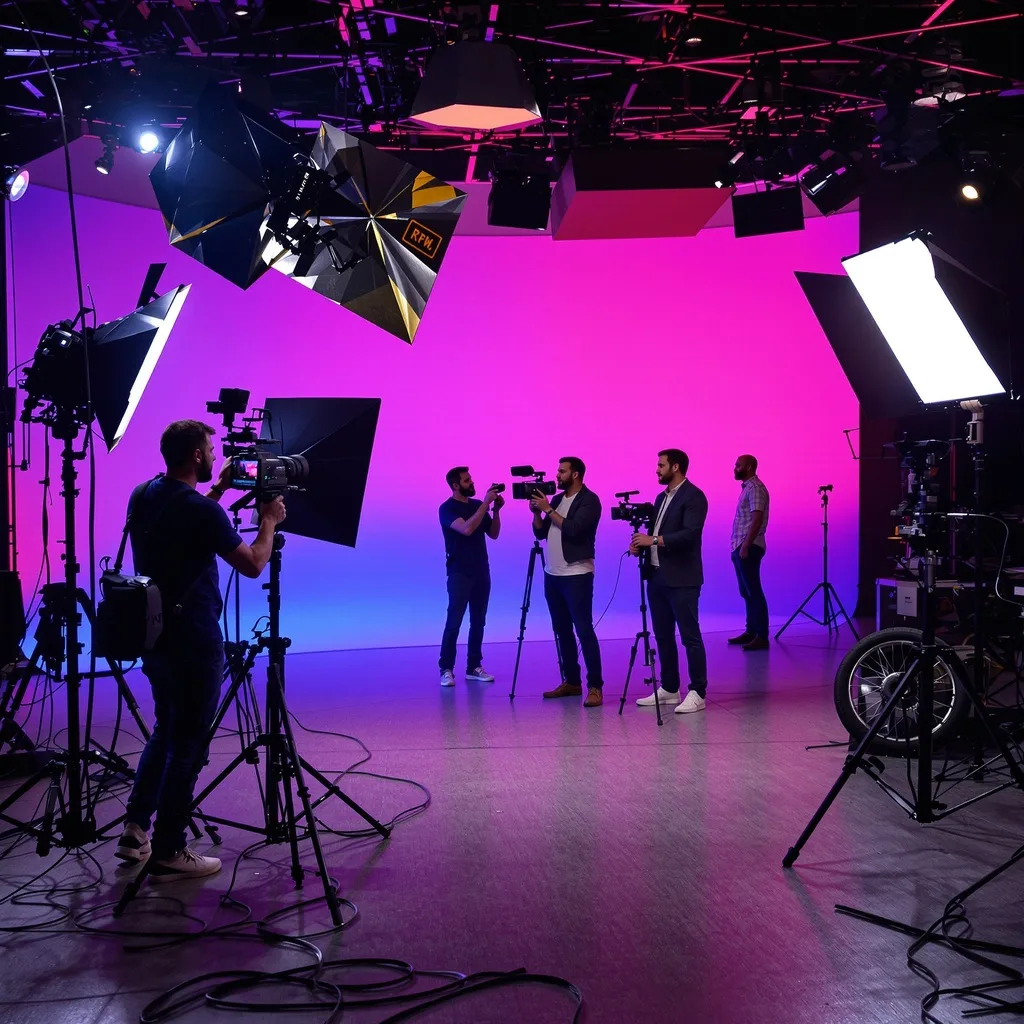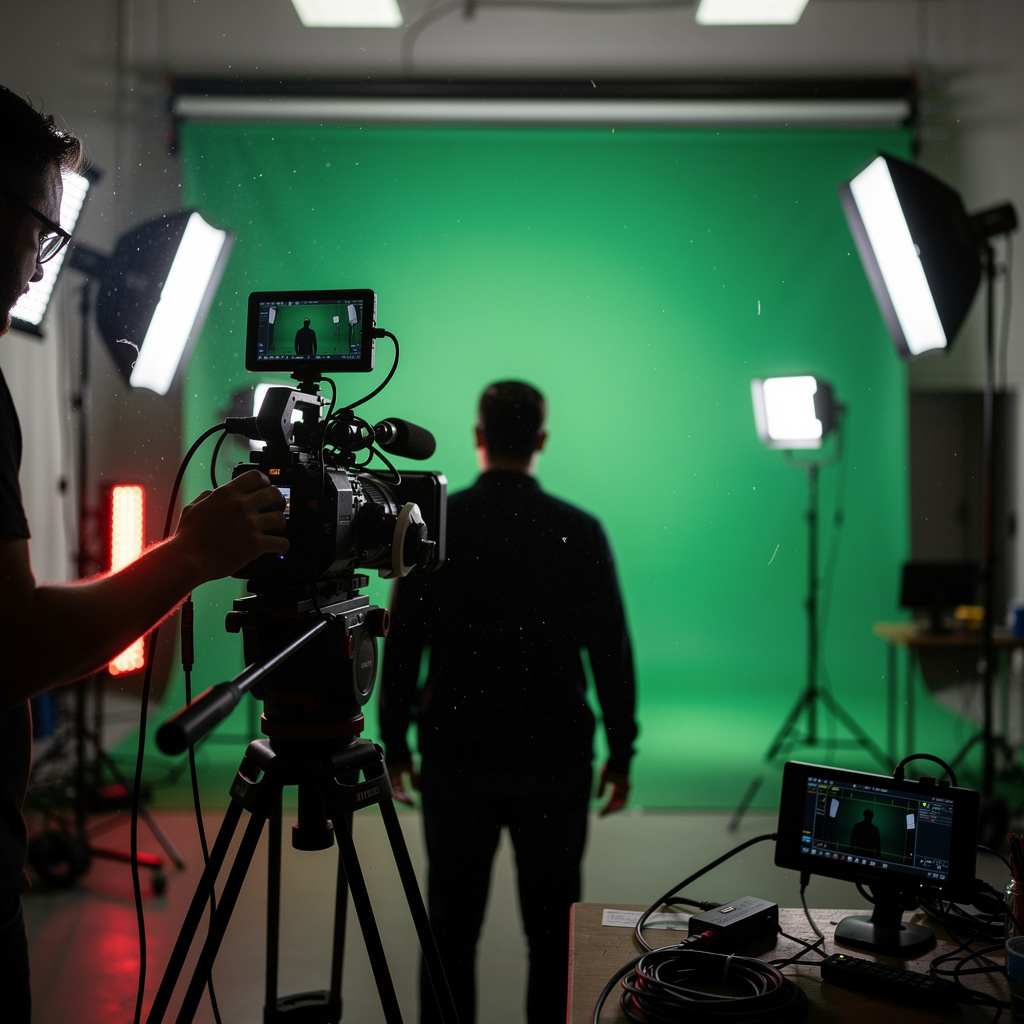
What is Green Screen Techniques?
Green Screen Techniques Training
The Green Screen Techniques certificate program is a comprehensive, hands-on course that takes you from the fundamental principles of chroma keying to advanced compositing workflows. Designed for aspiring filmmakers, video editors, content creators, and visual effects enthusiasts, this program equips you with the practical skills needed to produce seamless green screen shots for any project. By the end of the course, you will confidently set up a green screen, control lighting to minimize spill, capture clean footage, and execute professional-grade keying in post-production.
The program is structured as a beginner-friendly progression that balances theoretical knowledge with real-world application. You will build core skills across five essential areas: studio setup, lighting design, camera and capture techniques, chroma keying and advanced keying, and final compositing and integration. Each lesson builds on the previous one, starting with the fundamentals of green screen technology and moving through troubleshooting, alternative keying methods like blue screen, and even live keying for virtual sets. With the growing demand for virtual production and remote content creation, mastering these techniques now positions you at the forefront of modern media production, making this training an invaluable investment in your creative career.
What is Green Screen Techniques?
Green screen techniques, also known as chroma keying, are a set of visual effects methods used to replace a solid, uniformly colored background—typically green or blue—with a different image or video footage. The core concept involves isolating a specific color range in the foreground subject and making it transparent, allowing a new background to be composited behind it. This process relies on precise lighting, camera settings, and post-production algorithms to achieve a clean key without artifacts like spill, fringing, or uneven edges. The scope of green screen techniques extends beyond simple background replacement; it encompasses color matching, edge refinement, motion tracking, and the integration of multiple layers to create believable scenes.
Today, green screen techniques are indispensable across numerous industries. In film and television, they enable actors to perform in fantastical environments, from space stations to medieval castles, without leaving the studio. Weather broadcasts use chroma keying to place meteorologists in front of dynamic maps, while live streaming and virtual events rely on real-time keying to immerse audiences in digital sets. The recent surge in virtual production, driven by LED walls and real-time engines, has not diminished the importance of green screens; instead, they remain a cost-effective and flexible alternative for many productions. Additionally, the rise of remote work and online education has increased the need for polished video content, making green screen skills more relevant than ever for independent creators and corporate communicators.
Mastering green screen techniques builds a robust skill stack that goes beyond pressing a keying button. You develop a keen eye for lighting contrast, color temperature, and shadow behavior, which are transferable to any cinematography or photography context. You also gain proficiency in compositing software, learning to troubleshoot artifacts, match grain and perspective, and blend elements seamlessly. These abilities are directly applicable to roles in video editing, visual effects, broadcast engineering, and content production. For professionals in marketing, education, or entertainment, the capacity to produce high-quality green screen content enhances storytelling and audience engagement, making this subject a cornerstone of modern visual communication.
Common Questions About Green Screen Techniques
Does the Green Screen Techniques course suit beginners with no experience?
What does the Green Screen Techniques certificate add to my CV?
Why is the 6-foot rule critical for green screen setup?
How does shutter speed affect chroma keying quality?
What is the alpha channel and how is it created?
How do I avoid the 1-3 pixel problem in keying?
Is a perfect key enough for realistic green screen compositing?
What Will This Course Bring You?
- Analyze the principles of chroma keying to determine the most suitable keying method for a given production scenario.
- Design a green screen studio setup that optimizes backdrop size, distance, and camera angle for clean keying.
- Apply a three-point lighting scheme to achieve even illumination and minimize spill on the green screen.
- Implement camera capture techniques including aperture, shutter speed, and ISO to ensure high-quality footage for keying.
- Execute chroma keying in post-production using tools like keylight or ultra key to remove the background and refine edges.
- Evaluate advanced keying techniques such as despill, edge matting, and color correction to handle complex footage like hair and transparency.
- Match the lighting and color temperature of foreground and background elements to create a seamless composite.
- Troubleshoot common green screen problems including spill, shadows, and uneven lighting to achieve professional results.
Curriculum
12 Units1. Understanding Green Screen Fundamentals
1 hour
2. Setting Up Your Green Screen
1 hour
3. Lighting for Green Screen
1 hour
4. Camera and Capture Techniques
1 hour
5. Chroma Keying in Post-Production
1 hour
6. Advanced Keying Techniques
1 hour
7. Matching Lighting and Color
1 hour
8. Compositing and Integration
1 hour
9. Green Screen Troubleshooting
1 hour
10. Alternative Keying: Blue Screen and Beyond
1 hour
11. Live Keying and Virtual Sets
1 hour
12. Final Project and Best Practices
1 hour
Exam – Green Screen Techniques
20 Questions • 70% Pass • 30 min
Unlock All Units for Free
Create an account, enroll in the course, and start with the first unit right away.
Exam – Green Screen Techniques
20 Questions • Pass: 70% • 30 min
Course Duration
720
Total Minutes
12
Unit
1
Final Exam
~60
Min / Unit
Green Screen Techniques Certificate Program
Document Your Skill
Those who pass the 20-question, 30-minute exam with 70% receive the Green Screen Techniques Certificate.
Stand Out on Your CV
By adding your certificate to your CV, gain a professional reference in job applications and stand out from the crowd.
Career Advantage
Catch Wisdom certificates are recognized by HR departments and increase career opportunities.
CERTIFICATE FEE
At the end of the course, an online exam consisting of 20 questions with a 30-minute time limit is given. The exam appears automatically after you complete the topics. Anyone who scores at least 70 out of 100 on the certificate exam is awarded the Green Screen Techniques Document (certificate of attendance). You can add the certificate you earn to your CV for job applications in the many sectors listed above, and use it as a reference proving that you took this interactive course.
The Certificate of Achievement you receive with the Green Screen Techniques course program holds value that proves your personal and professional development in the business world. By adding it to your CV, it can serve as an important reference in your job applications. Moreover, compared with certificates from other private training institutions, Catch Wisdom certificates are offered to our participants at a much more affordable price.
Because HR departments recognize Catch Wisdom as a reputable institution in this field, they value these certificates and may evaluate your job applications favorably. For this reason, a Green Screen Techniques course certificate from Catch Wisdom can make your applications more attractive and place you in an advantageous position in the business world.
For more information, we recommend visiting the Support page.
Certificate in 7 Languages
Earning success certificates from our courses is now more meaningful and global. With certificates available in Turkish, English, German, French, Spanish, Arabic, and Russian, we fully unlock the potential of students worldwide.
Why Certificate in 7 Languages?
-
01
Global Skill Development
Receiving your certificates in 7 different languages strengthens your communication skills as you engage with more people worldwide. It lets you operate more confidently and capably on the international stage.
-
02
International Job Opportunities
Employers may see your certificates in multiple languages as a sign of your ability to seize global opportunities. You can open more doors to new jobs and projects.
-
03
Cultural Richness
The chance to earn certificates in different languages helps you build closer ties with various cultures and broadens your worldview. It enriches your global perspective and deepens cultural understanding.
-
04
Ability to Participate in International Projects
Multilingual certificates give you an edge to work more effectively on international projects. They boost your chances of leadership and participation in diverse projects in the business world.
-
05
Prove Yourself on the Global Stage
Certificates in multiple languages let you showcase your skills and knowledge worldwide. You can become an internationally recognized professional.
Language diversity opens worldwide opportunities. If you want to prove yourself in the international arena, join our online Green Screen Techniques course program and begin this journey with us.
Frequently Asked Questions (FAQ)
Is this course paid?
How do I join the course?
Can I take the course at my own pace?
How can I get my certificate?
What are the advantages of the Certified Certificate?
Boost Your Career
Take a new career step with the Green Screen Techniques course. Add your certificate to your CV, stand out in job applications, and open the door to new opportunities in the industry.
StartStudent Reviews
No reviews yet
Enroll in this course and be the first to leave a review about your experience with Green Screen Techniques.
Start