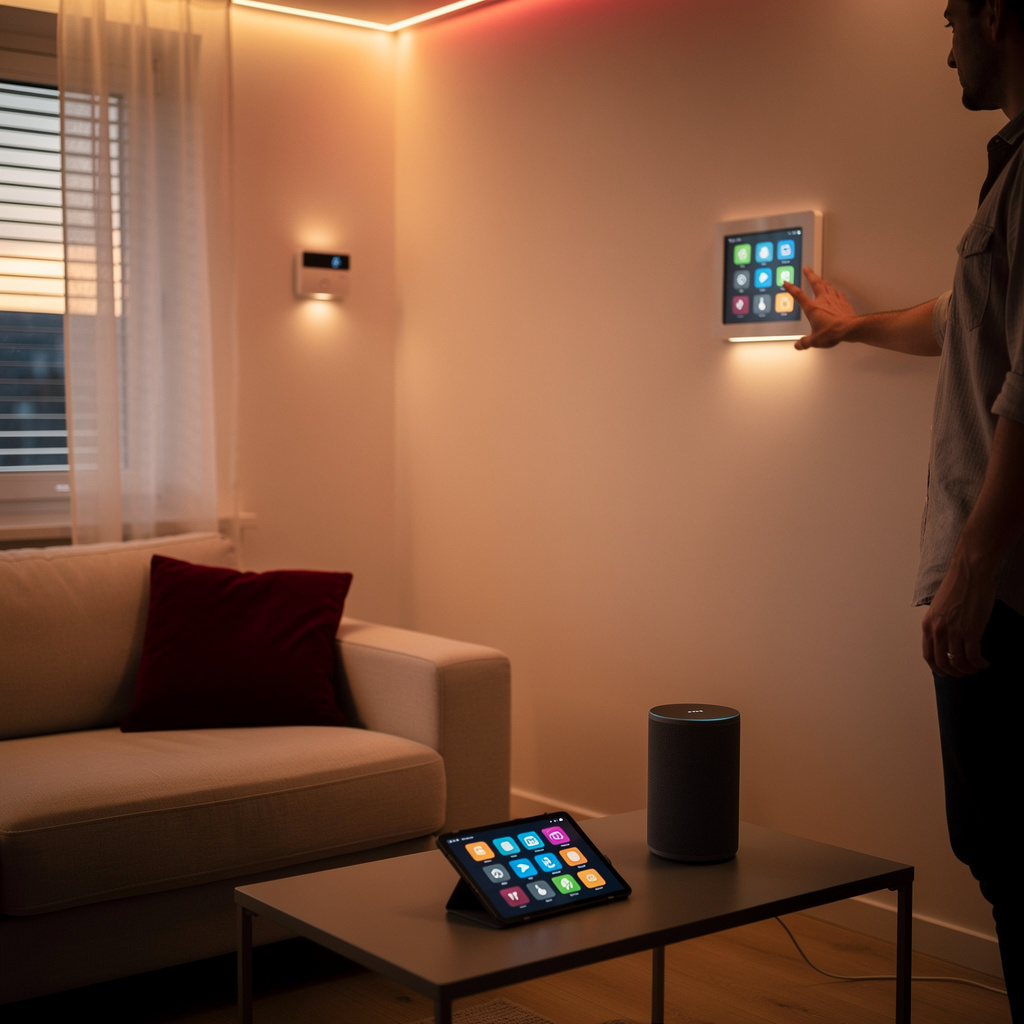
What is Home Automation with Home Assistant?
Home Automation with Home Assistant Training
Home Automation with Home Assistant certificate program is a comprehensive training that equips you with the skills to design, deploy, and maintain a fully local, privacy-respecting smart home using the open-source Home Assistant platform. The course covers the complete journey from understanding Home Assistant's architecture and core concepts to installing the system, configuring entities, devices, states, and integrations, and building rich dashboards with cards and user interfaces. You will also master automations through triggers, conditions, and actions, then advance to scripts, scenes, helpers, input controls, and sophisticated logic using templates and Jinja. This program is ideal for DIY enthusiasts, IT professionals, smart home integrators, and anyone who wants to break free from cloud-dependent ecosystems and take full control of their home automation. The main practical outcome is a working, customized Home Assistant setup that you can confidently extend with add-ons, HACS, custom integrations, wireless protocols, voice control, remote access, security, backups, and ongoing monitoring and troubleshooting.
The program is structured as a beginner-friendly progression that balances theoretical foundations with extensive hands-on practice. It begins with architecture and installation, then moves through entity management and user interfaces before diving into automation logic, scripting, and advanced templating. Later modules cover add-ons, HACS, custom integrations, wireless protocols and smart device networks, voice control with local assistants, remote access, security, backups, and finally monitoring, maintenance, and troubleshooting. Across these modules, you build five core skill areas: system architecture and setup, entity and integration management, interface design, automation and scripting logic, and operational security and maintenance. Choosing this program now is timely because the smart home landscape is shifting toward local control, privacy, and interoperability through standards like Matter and Thread, and Home Assistant sits at the center of that shift as the most powerful open-source hub available.
What is Home Automation with Home Assistant?
Home Automation with Home Assistant is the practice of using the open-source Home Assistant platform to centralize, control, and automate smart home devices and services entirely on local hardware. At its core, the subject revolves around a few foundational concepts: entities represent individual sensors, switches, lights, or other controllable points; devices group related entities; states capture the current condition of an entity; and integrations connect Home Assistant to thousands of external products and protocols. The scope extends to dashboards and cards for user interaction, automations that react to triggers and conditions, scripts and scenes for reusable actions, helpers and input controls for dynamic behavior, and advanced templating with Jinja for complex logic. It also encompasses add-ons, HACS, custom integrations, wireless protocols such as Zigbee, Z-Wave, and Wi-Fi, voice control through local assistants, remote access, security, backups, and ongoing system monitoring and troubleshooting.
This subject matters today because smart homes have become mainstream, yet most commercial solutions depend on cloud services that raise privacy, reliability, and long-term cost concerns. Home Assistant offers a local-first alternative that keeps data inside the home, works during internet outages, and integrates disparate devices from many brands into a single coherent system. In real life, it is used by homeowners to automate lighting, climate, security, and energy management; by industry for building automation and facility monitoring; and in academia for IoT research, edge computing experiments, and human-computer interaction studies. Recent shifts toward interoperability standards like Matter and Thread, combined with advances in local voice processing and edge AI, have made Home Assistant more capable and relevant than ever, positioning it as a serious platform for both hobbyists and professionals.
Mastering this subject builds a versatile skill stack that spans system architecture, YAML configuration, Jinja templating, network and wireless protocol management, security hardening, backup strategies, and systematic troubleshooting. These skills are valuable in professional contexts such as smart home integration, IoT development, IT administration, facility management, and technical consulting, where the ability to design reliable, private, and scalable automation systems is increasingly sought after. On a personal level, the knowledge empowers homeowners, renters, and tinkerers to create a smart home that adapts to their routines, respects their privacy, and grows with their needs without vendor lock-in. The bridge from understanding Home Assistant's core concepts to applying them in real environments is what turns a collection of devices into an intelligent, resilient, and truly personal automation ecosystem.
Common Questions About Home Automation with Home Assistant
Is this Home Assistant course suitable if I have zero coding experience?
How much time per week does the Home Assistant course require?
Why does my Home Assistant automation never run even when the trigger fires?
- Conditions: a numeric state, a time window or a template condition that is false at that exact moment blocks the whole run, even though the trigger looked perfect.
- Templates: an advanced condition built with Jinja can throw an error when a sensor reports unavailable instead of a number, and the automation simply never proceeds.
- Run modes and traces: a second call arriving while the first run is still going may be stopped depending on the chosen mode, and the trace view shows precisely which step was reached and which one refused.
What is the difference between an entity and a device in Home Assistant?
How do add-ons differ from HACS custom integrations in Home Assistant?
When should I use a script instead of a scene in Home Assistant?
Do I really need the cloud for Home Assistant to work?
What Will This Course Bring You?
- Analyze Home Assistant's architecture and core concepts to explain how the event bus, state machine, and service calls coordinate smart home behavior.
- Install and initially configure Home Assistant using suitable deployment options while applying secure network and user account settings.
- Configure entities, devices, states, and integrations to connect common smart home hardware and verify their reported data within Home Assistant.
- Design dashboards with appropriate cards and views that present entity states and controls clearly for different household users.
- Build automations using triggers, conditions, and actions to reliably respond to motion, time, presence, and device state changes.
- Implement scripts, scenes, helpers, and input controls to create reusable routines and user-adjustable settings for daily home operations.
- Apply advanced automation logic with templates and Jinja to transform entity data and create conditional, dynamic smart home responses.
- Evaluate add-ons, HACS, custom integrations, wireless protocols, voice assistants, remote access, backups, and troubleshooting practices for a resilient Home Assistant deployment.
Curriculum
12 Units1. Home Assistant Architecture and Core Concepts
1 hour
2. Installation Options and Initial Configuration
1 hour
3. Entities, Devices, States, and Integrations
1 hour
4. Dashboards, Cards, and User Interfaces
1 hour
5. Automations: Triggers, Conditions, and Actions
1 hour
6. Scripts, Scenes, Helpers, and Input Controls
1 hour
7. Advanced Automation Logic with Templates and Jinja
1 hour
8. Add-ons, HACS, and Custom Integrations
1 hour
9. Wireless Protocols and Smart Device Networks
1 hour
10. Voice Control and Local Assistants
1 hour
11. Remote Access, Security, and Backups
1 hour
12. Monitoring, Maintenance, and Troubleshooting
1 hour
Exam – Home Automation with Home Assistant
20 Questions • 70% Pass • 30 min
Unlock All Units for Free
Create an account, enroll in the course, and start with the first unit right away.
Exam – Home Automation with Home Assistant
20 Questions • Pass: 70% • 30 min
Course Duration
720
Total Minutes
12
Unit
1
Final Exam
~60
Min / Unit
Home Automation with Home Assistant Certificate Program
Document Your Skill
Those who pass the 20-question, 30-minute exam with 70% receive the Home Automation with Home Assistant Certificate.
Stand Out on Your CV
By adding your certificate to your CV, gain a professional reference in job applications and stand out from the crowd.
Career Advantage
With the verification code, employers can check your certificate instantly — a concrete way to show your growth.
CERTIFICATE FEE
At the end of the course, an online exam consisting of 20 questions with a 30-minute time limit is given. The exam appears automatically after you complete the topics. Anyone who scores at least 70 out of 100 on the certificate exam is awarded the Home Automation with Home Assistant Document (certificate of attendance). You can add the certificate you earn to your CV for job applications in the many sectors listed above, and use it as a reference proving that you took this interactive course.
The Certificate of Achievement you receive with the Home Automation with Home Assistant course program holds value that proves your personal and professional development in the business world. By adding it to your CV, it can serve as an important reference in your job applications. Moreover, compared with certificates from other private training institutions, Catch Wisdom certificates are offered to our participants at a much more affordable price.
The Home Automation with Home Assistant course certificate is a document that proves, with a unique verification code, that you completed the course. Employers can instantly check its authenticity with this code, which helps you show your development concretely in your job applications.
For more information, we recommend visiting the Support page.
Certificate in 7 Languages
Earning success certificates from our courses is now more meaningful and global. With certificates available in Turkish, English, German, French, Spanish, Arabic, and Russian, we fully unlock the potential of students worldwide.
Why Certificate in 7 Languages?
-
01
Global Skill Development
Receiving your certificates in 7 different languages strengthens your communication skills as you engage with more people worldwide. It lets you operate more confidently and capably on the international stage.
-
02
International Job Opportunities
Employers may see your certificates in multiple languages as a sign of your ability to seize global opportunities. You can open more doors to new jobs and projects.
-
03
Cultural Richness
The chance to earn certificates in different languages helps you build closer ties with various cultures and broadens your worldview. It enriches your global perspective and deepens cultural understanding.
-
04
Ability to Participate in International Projects
Multilingual certificates give you an edge to work more effectively on international projects. They boost your chances of leadership and participation in diverse projects in the business world.
-
05
Prove Yourself on the Global Stage
Certificates in multiple languages give you the opportunity to present your skills and knowledge worldwide.
Language diversity opens worldwide opportunities. If you want to prove yourself in the international arena, join our online Home Automation with Home Assistant course program and begin this journey with us.
Frequently Asked Questions (FAQ)
Is this course paid?
How do I join the course?
Can I take the course at my own pace?
How can I get my certificate?
What are the advantages of the certificate?
Boost Your Career
Take a new career step with the Home Automation with Home Assistant course. Add your certificate to your CV, stand out in job applications, and open the door to new opportunities in the industry.
StartStudent Reviews
No reviews yet
Enroll in this course and be the first to leave a review about your experience with Home Automation with Home Assistant.
Start