What is Maya Character Rigging?
Maya Character Rigging Training
The Maya Character Rigging certificate program teaches you to build fully functional, production-ready character rigs from the ground up using Autodesk Maya. Designed for aspiring technical artists, animators, and 3D generalists, this course delivers the practical outcome of creating a complete rig with joint skeletons, IK/FK systems, control curves, skinning, and facial setups. You will finish with a polished rig portfolio piece that demonstrates your ability to solve deformation and animation challenges.
The program follows a beginner-friendly progression, starting with rigging foundations and Maya interface basics, then moving through joint placement, constraint systems, and control rig creation. It balances theory with hands-on practice across four core skill areas: skeleton and joint setup, deformation and skinning, facial rigging with blendshapes and joints, and advanced animation-friendly features like space switching and stretchy limbs. With the growing demand for riggers in games, film, and VR, this training equips you with the exact skills studios need right now.
What is Maya Character Rigging?
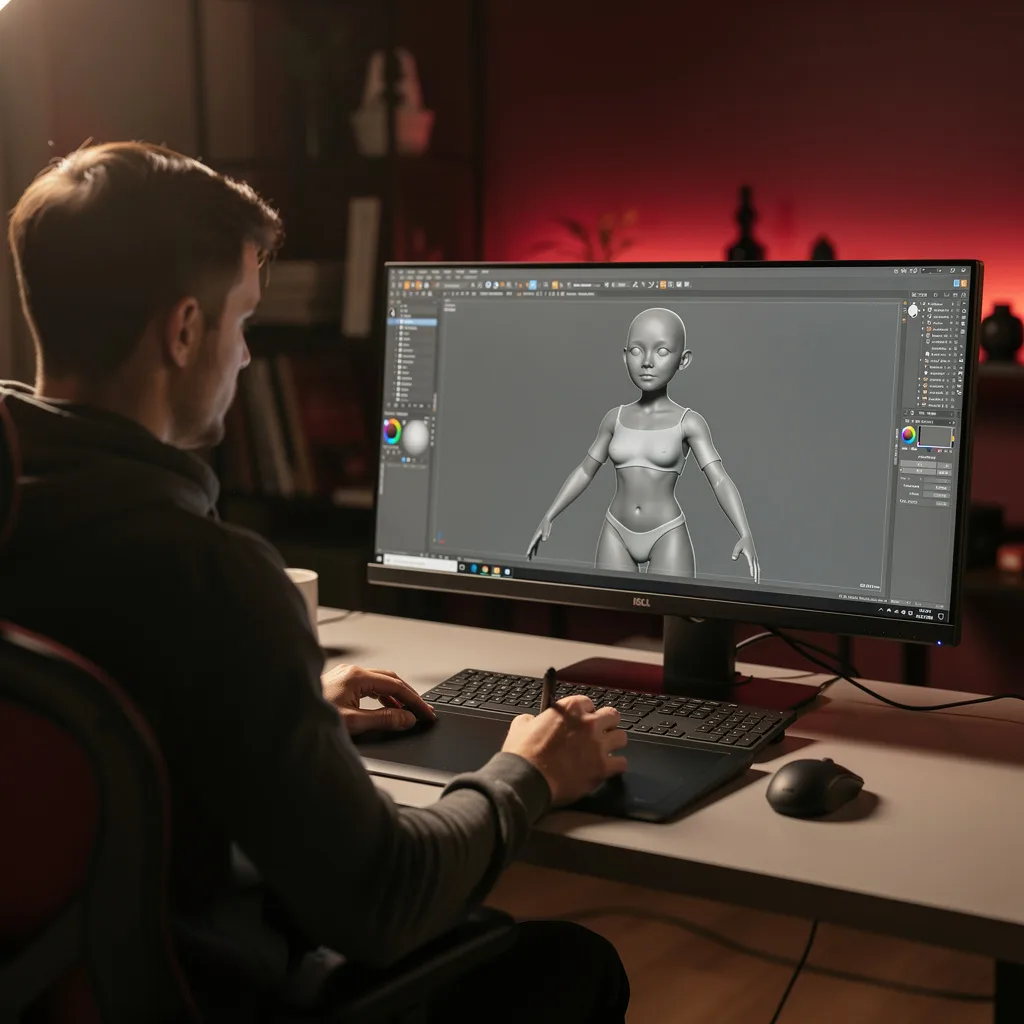
Maya Character Rigging is the technical process of building a digital skeleton and control system for a 3D character, enabling animators to pose and move it naturally. Core concepts include joint hierarchies, inverse and forward kinematics, constraints, skin weighting, and deformers. The rig acts as an interface between the model and the animator, translating simple controller movements into complex, believable motion.
Today, rigging is essential across entertainment industries—from blockbuster films and AAA video games to real-time virtual production and AR/VR experiences. Recent shifts toward procedural rigging, modular setups, and automated skinning tools have raised the bar, making a solid understanding of Maya’s rigging toolset more valuable than ever. Studios actively seek riggers who can build flexible, animator-friendly rigs that handle secondary motion and facial performance.
Mastering Maya Character Rigging builds a skill stack that includes spatial reasoning, problem-solving with constraints and expressions, and a deep understanding of anatomy and motion. These competencies open doors to roles such as character technical director, rigging artist, or pipeline TD. Beyond professional contexts, the ability to rig empowers independent creators and small teams to bring their own characters to life without relying on external specialists.
Common Questions About Maya Character Rigging
Is Maya Character Rigging course good for beginners?
Will this certification boost my rigging career?
Why is joint orientation crucial in skeleton creation?
- Consistent deformation: Proper orientation ensures that rotations applied to a joint produce predictable bending, especially at elbows and knees.
- IK/FK switching: The IK solver relies on correct joint axes to calculate the chain's pose; misaligned axes break the switch.
- Control behavior: Control curves attached to joints will rotate along the intended axes only if orientation is set correctly.
How do IK and FK systems switch in Maya rigging?
What is the group-constraint pattern for control rigs?
How does weight normalization affect skinning results?
Is rigging just about placing joints and skinning?
- IK/FK systems with switching mechanisms for limbs.
- Constraints and connections to link controls to joints.
- Control rig creation using NURBS curves and the group-constraint pattern.
- Facial rigging using joints, blend shapes, and hybrid approaches.
- Deformation and secondary motion with jiggle deformers and delta mush.
- Scripting basics for automation and troubleshooting.
What Will This Course Bring You?
- Apply foundational rigging principles and navigate the Maya interface to prepare geometry for joint placement.
- Build a hierarchical skeleton by placing joints at anatomical landmarks to match character proportions.
- Implement IK and FK systems on character limbs and evaluate their suitability for different animation needs.
- Design constraint networks using parent, point, orient, and aim constraints to control joint behavior.
- Construct a control rig with custom controllers and attribute connections to facilitate intuitive animation.
- Apply skinning techniques and manually paint weights to achieve smooth deformations on the character mesh.
- Build a facial rig using joints and blend shapes to create expressive facial animations.
- Implement basic MEL or Python scripts to automate repetitive rigging tasks and troubleshoot common issues.
Curriculum
12 Units1. Rigging Foundations and Maya Interface
1 h
2. Joint Placement and Skeleton Creation
1 h
3. IK and FK Systems
1 h
4. Constraints and Connections
1 h
5. Control Rig Creation
1 h
6. Skinning and Weight Painting
1 h
7. Advanced Skinning Techniques
1 h
8. Facial Rigging: Joints and Blend Shapes
1 h
9. Advanced Facial Rigging and Controls
1 h
10. Deformation and Secondary Motion
1 h
11. Rigging for Animation: Space Switching and Stretchy Limbs
1 h
12. Rig Polish, Troubleshooting, and Scripting Basics
1 h
Exam – Maya Character Rigging
20 Questions • 70% Pass • 30 min
Unlock All Units for Free
Create an account, enroll in the course, and start with the first unit right away.
Exam – Maya Character Rigging
20 Questions • Pass: 70% • 30 min
Course Duration
720
Total Minutes
12
Unit
1
Final Exam
~60
Min / Unit
Maya Character Rigging Certificate Program
Document Your Skill
Those who pass the 20-question, 30-minute exam with 70% receive the Maya Character Rigging Certificate.
Stand Out on Your CV
By adding your certificate to your CV, gain a professional reference in job applications and stand out from the crowd.
Career Advantage
Catch Wisdom certificates are recognized by HR departments and increase career opportunities.
CERTIFICATE FEE
At the end of the course, an online exam consisting of 20 questions with a 30-minute time limit is given. The exam appears automatically after you complete the topics. Anyone who scores at least 70 out of 100 on the certificate exam is awarded the Maya Character Rigging Document (certificate of attendance). You can add the certificate you earn to your CV for job applications in the many sectors listed above, and use it as a reference proving that you took this interactive course.
The Certificate of Achievement you receive with the Maya Character Rigging course program holds value that proves your personal and professional development in the business world. By adding it to your CV, it can serve as an important reference in your job applications. Moreover, compared with certificates from other private training institutions, Catch Wisdom certificates are offered to our participants at a much more affordable price.
Because HR departments recognize Catch Wisdom as a reputable institution in this field, they value these certificates and may evaluate your job applications favorably. For this reason, a Maya Character Rigging course certificate from Catch Wisdom can make your applications more attractive and place you in an advantageous position in the business world.
For more information, we recommend visiting the Support page.
Certificate in 7 Languages
Earning success certificates from our courses is now more meaningful and global. With certificates available in Turkish, English, German, French, Spanish, Arabic, and Russian, we fully unlock the potential of students worldwide.
Why Certificate in 7 Languages?
-
01
Global Skill Development
Receiving your certificates in 7 different languages strengthens your communication skills as you engage with more people worldwide. It lets you operate more confidently and capably on the international stage.
-
02
International Job Opportunities
Employers may see your certificates in multiple languages as a sign of your ability to seize global opportunities. You can open more doors to new jobs and projects.
-
03
Cultural Richness
The chance to earn certificates in different languages helps you build closer ties with various cultures and broadens your worldview. It enriches your global perspective and deepens cultural understanding.
-
04
Ability to Participate in International Projects
Multilingual certificates give you an edge to work more effectively on international projects. They boost your chances of leadership and participation in diverse projects in the business world.
-
05
Prove Yourself on the Global Stage
Certificates in multiple languages let you showcase your skills and knowledge worldwide. You can become an internationally recognized professional.
Language diversity opens worldwide opportunities. If you want to prove yourself in the international arena, join our online Maya Character Rigging course program and begin this journey with us.
Frequently Asked Questions (FAQ)
Is this course paid?
How do I join the course?
Can I take the course at my own pace?
How can I get my certificate?
What are the advantages of the Certified Certificate?
Boost Your Career
Take a new career step with the Maya Character Rigging course. Add your certificate to your CV, stand out in job applications, and open the door to new opportunities in the industry.
StartStudent Reviews
No reviews yet
Enroll in this course and be the first to leave a review about your experience with Maya Character Rigging.
Start