What is Procreate Digital Illustration?
Procreate Digital Illustration Training
Procreate Digital Illustration certificate program is a hands-on, project-driven training designed for aspiring illustrators, graphic designers, and hobbyists who want to master digital art on the iPad. From setting up your canvas to exporting a polished portfolio piece, this course walks you through every essential tool and technique—covering the interface, brush library, color palettes, layers, masking, drawing aids, line art, shading, textures, selections, transformations, text, and even basic animation. By the end, you will have completed a final project that demonstrates your ability to create a fully realized digital illustration from scratch, ready for social media, print, or client work.
The program is structured as a beginner-friendly progression that balances conceptual explanations with immediate, practical exercises. You will build four core skill areas: foundational canvas and brush mastery, color and layer management, advanced rendering techniques (shading, textures, and effects), and production workflows (selections, transformations, text, and export). Each lesson builds on the previous one, ensuring a smooth learning curve that turns novices into confident creators. With the growing demand for digital illustrators in publishing, advertising, and entertainment, this training gives you the exact toolkit to stay competitive and creative in today’s visual economy.
What is Procreate Digital Illustration?
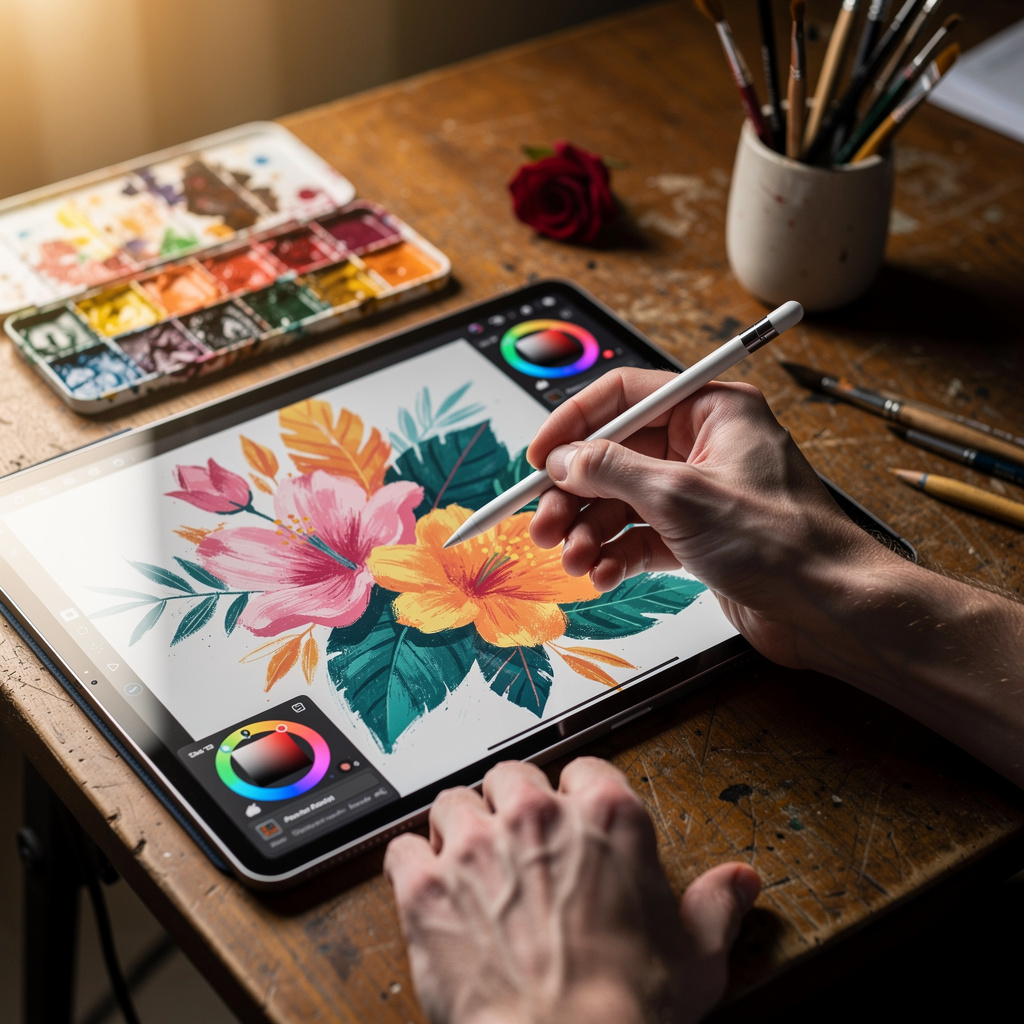
Procreate Digital Illustration is the practice of creating original artwork using the Procreate app on iPad, a powerful raster-based drawing and painting tool that simulates traditional media with unprecedented precision. Its core concepts include a responsive touch interface, a vast customizable brush engine, layer-based compositing, color management, and vector-like transform and selection tools—all combined in a portable, natural drawing experience. The subject encompasses everything from quick sketches and concept art to finished illustrations, comic pages, and even frame-by-frame animations, making it a versatile discipline within the broader field of digital art.
Today, Procreate has become an industry standard for illustrators, concept artists, and designers because it offers a low-cost, high-mobility alternative to desktop software without sacrificing professional quality. It is widely used in book publishing, game development, animation studios, advertising agencies, and by independent creators on platforms like Instagram and Behance. Recent shifts toward remote work and digital-first content have accelerated its adoption, as artists can now produce studio-grade work anywhere, and its frequent updates—like the addition of 3D painting and advanced animation tools—keep it at the forefront of creative technology.
Mastering Procreate digital illustration builds a comprehensive skill stack that includes hand-eye coordination, visual composition, color theory, layer management, and efficient workflow habits. These skills translate directly to other digital art software and traditional media, making the subject a gateway to broader artistic proficiency. For professionals, it enhances employability in creative industries; for hobbyists, it unlocks a rewarding mode of self-expression. The knowledge gained from understanding Procreate’s tools and techniques empowers learners to produce compelling visuals, solve visual problems, and communicate ideas with clarity and style—skills that are invaluable in any context where visual communication matters.
Common Questions About Procreate Digital Illustration
How does the Procreate certificate boost my illustration resume?
Is this Procreate digital illustration course suitable for absolute beginners?
How do canvas presets in Procreate affect my final print quality?
What does the StreamLine slider do to my Procreate line art?
How do blend modes in Procreate improve my shading workflow?
- Multiply: darkens the base color, ideal for shadows and ambient occlusion.
- Overlay: boosts contrast, useful for both highlights and shadows.
- Color Dodge: brightens and saturates, great for glowing highlights.
- Soft Light: adds gentle shading without harsh transitions.
How does onion skinning in Procreate assist with frame-by-frame animation?
Is Procreate only for doodling, or is it viable for professional illustration?
What Will This Course Bring You?
- Configure a custom canvas and optimize Procreate's interface for efficient digital illustration workflows.
- Evaluate and customize brushes from the Brush Library to achieve desired line quality and texture.
- Design and apply a cohesive color palette using Procreate's color tools to establish visual mood.
- Implement layer masks and clipping masks to non-destructively edit and composite complex artwork.
- Utilize drawing guides and perspective aids to construct accurate and dynamic compositions.
- Produce refined line art by applying sketching techniques and stroke stabilization in Procreate.
- Apply shading and lighting techniques using layer blend modes to add depth and dimension to illustrations.
- Create a simple animation using Procreate's Animation Assist and export it as a video or GIF.
Curriculum
12 Units1. Procreate Interface and Canvas Setup
1 hour
2. Brushes and Brush Library
1 hour
3. Color and Palettes
1 hour
4. Layers and Masking
1 hour
5. Drawing Aids and Guides
1 hour
6. Sketching and Line Art
1 hour
7. Coloring and Shading
1 hour
8. Textures and Effects
1 hour
9. Selections and Transformations
1 hour
10. Working with Text
1 hour
11. Animation Basics
1 hour
12. Final Project and Export
1 hour
Exam – Procreate Digital Illustration
20 Questions • 70% Pass • 30 min
Unlock All Units for Free
Create an account, enroll in the course, and start with the first unit right away.
Exam – Procreate Digital Illustration
20 Questions • Pass: 70% • 30 min
Course Duration
720
Total Minutes
12
Unit
1
Final Exam
~60
Min / Unit
Procreate Digital Illustration Certificate Program
Document Your Skill
Those who pass the 20-question, 30-minute exam with 70% receive the Procreate Digital Illustration Certificate.
Stand Out on Your CV
By adding your certificate to your CV, gain a professional reference in job applications and stand out from the crowd.
Career Advantage
Catch Wisdom certificates are recognized by HR departments and increase career opportunities.
CERTIFICATE FEE
At the end of the course, an online exam consisting of 20 questions with a 30-minute time limit is given. The exam appears automatically after you complete the topics. Anyone who scores at least 70 out of 100 on the certificate exam is awarded the Procreate Digital Illustration Document (certificate of attendance). You can add the certificate you earn to your CV for job applications in the many sectors listed above, and use it as a reference proving that you took this interactive course.
The Certificate of Achievement you receive with the Procreate Digital Illustration course program holds value that proves your personal and professional development in the business world. By adding it to your CV, it can serve as an important reference in your job applications. Moreover, compared with certificates from other private training institutions, Catch Wisdom certificates are offered to our participants at a much more affordable price.
Because HR departments recognize Catch Wisdom as a reputable institution in this field, they value these certificates and may evaluate your job applications favorably. For this reason, a Procreate Digital Illustration course certificate from Catch Wisdom can make your applications more attractive and place you in an advantageous position in the business world.
For more information, we recommend visiting the Support page.
Certificate in 7 Languages
Earning success certificates from our courses is now more meaningful and global. With certificates available in Turkish, English, German, French, Spanish, Arabic, and Russian, we fully unlock the potential of students worldwide.
Why Certificate in 7 Languages?
-
01
Global Skill Development
Receiving your certificates in 7 different languages strengthens your communication skills as you engage with more people worldwide. It lets you operate more confidently and capably on the international stage.
-
02
International Job Opportunities
Employers may see your certificates in multiple languages as a sign of your ability to seize global opportunities. You can open more doors to new jobs and projects.
-
03
Cultural Richness
The chance to earn certificates in different languages helps you build closer ties with various cultures and broadens your worldview. It enriches your global perspective and deepens cultural understanding.
-
04
Ability to Participate in International Projects
Multilingual certificates give you an edge to work more effectively on international projects. They boost your chances of leadership and participation in diverse projects in the business world.
-
05
Prove Yourself on the Global Stage
Certificates in multiple languages let you showcase your skills and knowledge worldwide. You can become an internationally recognized professional.
Language diversity opens worldwide opportunities. If you want to prove yourself in the international arena, join our online Procreate Digital Illustration course program and begin this journey with us.
Frequently Asked Questions (FAQ)
Is this course paid?
How do I join the course?
Can I take the course at my own pace?
How can I get my certificate?
What are the advantages of the Certified Certificate?
Boost Your Career
Take a new career step with the Procreate Digital Illustration course. Add your certificate to your CV, stand out in job applications, and open the door to new opportunities in the industry.
StartStudent Reviews
No reviews yet
Enroll in this course and be the first to leave a review about your experience with Procreate Digital Illustration.
Start