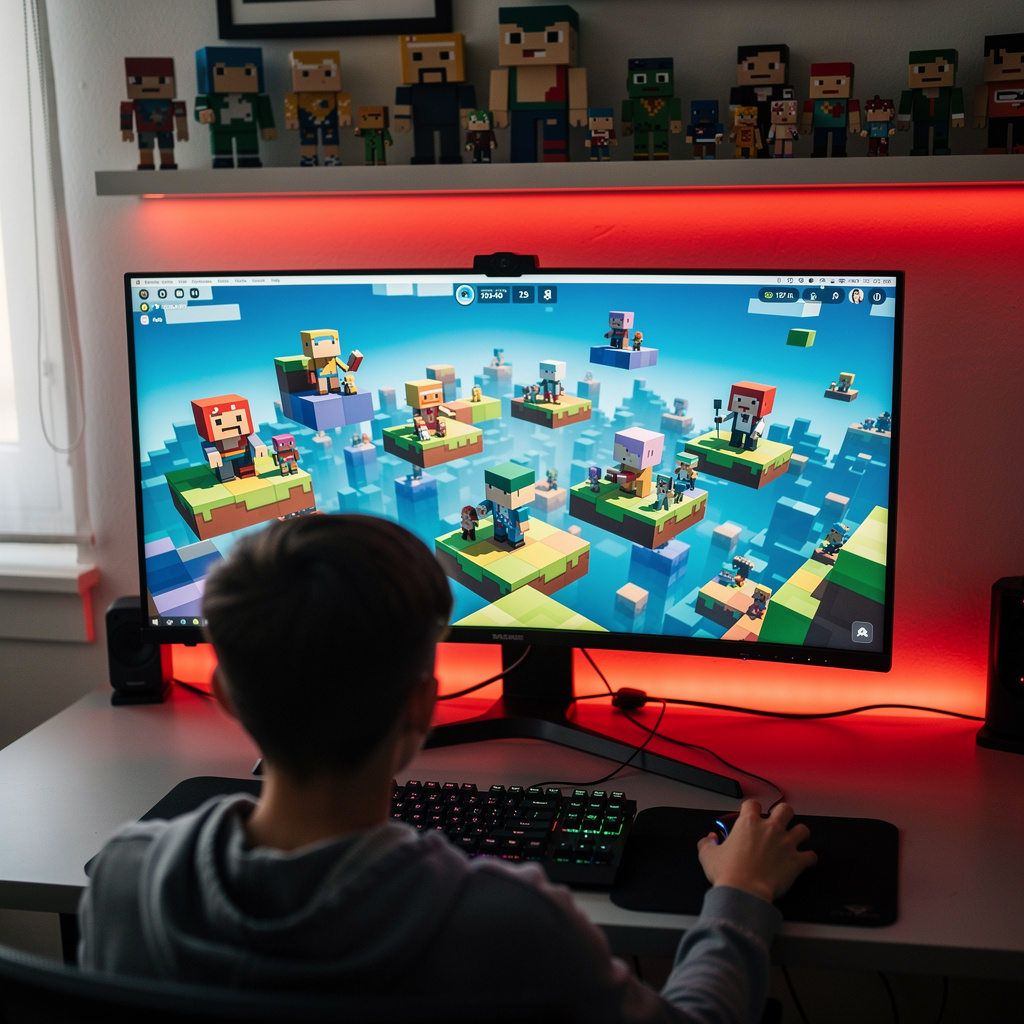
What is Roblox Game Creation?
Roblox Game Creation Training
Roblox Game Creation certificate program is a practical training path for aspiring creators who want to design, script, and launch complete Roblox experiences. It covers the Roblox Studio interface and building basics, parts, terrain, and environment design, then moves into Lua scripting foundations, events, functions, and player interaction. Learners also explore gameplay mechanics, GUI and user experience design, data stores, multiplayer and social features, physics, animation, effects, monetization, testing, debugging, performance optimization, publishing, updates, and community management. The main practical outcome is a playable, polished Roblox game prototype that demonstrates both creative world-building and functional systems thinking.
The program is structured for beginners and progresses step by step from simple Studio navigation and object placement to complex, interconnected game systems. Each stage balances theory with hands-on practice, so concepts such as client-server communication, saving player progress, and in-game economies are applied inside real Roblox projects rather than studied in isolation. Across the lessons, learners build five core skill areas: environment and level design, Lua scripting and logic, user interface and player experience, multiplayer and data persistence, and optimization and live game management. This program is worth choosing now because Roblox continues to expand as a platform for interactive entertainment, social spaces, and creator-led economies, making these skills immediately useful for personal projects, collaborative teams, and portfolio development.
What is Roblox Game Creation?
Roblox Game Creation is the discipline of designing, building, scripting, and operating interactive experiences inside the Roblox platform. Its scope spans 3D world construction, terrain and environmental storytelling, character and object behavior, player input, UI flow, multiplayer synchronization, data persistence, physics-driven interactions, animation, visual effects, and virtual economies. Core concepts include the client-server model, event-driven scripting, modular game systems, player progression, and performance-aware design. Because Roblox combines a creation engine, a distribution platform, and a social ecosystem, the subject treats a game as both a technical product and a live community space.
This subject matters today because Roblox has become a major venue for user-generated games, social hangouts, virtual events, and educational simulations. Studios, independent creators, schools, and brands use Roblox to prototype ideas, reach global audiences, and test engagement mechanics in real time. Recent shifts toward more sophisticated Luau scripting, cross-platform play, avatar and marketplace systems, and creator monetization have raised the bar for well-designed experiences. As a result, Roblox Game Creation sits at the intersection of game design, software development, digital economy, and online community management.
Mastering Roblox Game Creation builds a skill stack that includes spatial design, programming logic, systems thinking, UX judgment, debugging discipline, and live-ops awareness. These skills transfer to broader contexts such as game development, simulation design, interactive media, software prototyping, and community-driven product work. For individuals, it supports creative expression, collaborative building, and the ability to turn an idea into a shareable experience. For teams and organizations, it offers a fast, accessible way to create engaging virtual spaces, test interactive concepts, and maintain ongoing player relationships.
Common Questions About Roblox Game Creation
Is the Roblox Game Creation course suitable for complete beginners?
How many hours a week does the Roblox Game Creation course require?
How do I fly the Roblox Studio camera before building my first part?
What is the difference between terrain and parts in Roblox design?
- Generate: create hills, mountains, water bodies and caves procedurally from settings rather than by hand.
- Draw: add material to the voxel grid freely, like piling up clay.
- Edit: smooth, flatten, carve or replace material in an existing region.
How do I save and load player progress with DataStoreService in Roblox?
What is the client-server split when using RemoteEvents in Roblox?
Is Roblox game development only for kids who just want to play games?
What Will This Course Bring You?
- Build a functional Roblox Studio workspace by arranging parts, terrain, and environmental lighting to create an explorable 3D scene.
- Implement Lua scripts that use variables, functions, and events to control player interactions and respond to in-game triggers.
- Design core gameplay mechanics and in-game economy systems, including scoring, currency, and purchasable rewards, to sustain player engagement.
- Create intuitive GUI elements and user experience flows that communicate game state and guide players through Roblox menus.
- Apply DataStoreService to save and load player progress, currency, and inventory across multiple Roblox game sessions.
- Evaluate multiplayer and social features, including matchmaking, chat, and friend invitations, to foster cooperative Roblox gameplay.
- Integrate physics constraints, animations, and visual effects to make Roblox characters and objects move and react convincingly.
- Analyze testing, debugging, and performance optimization techniques to publish stable Roblox games and manage updates with community feedback.
Curriculum
12 Units1. Roblox Studio Interface and Building Basics
1 hour
2. Parts, Terrain, and Environment Design
1 hour
3. Lua Scripting Foundations for Roblox
1 hour
4. Events, Functions, and Player Interaction
1 hour
5. Gameplay Mechanics and Systems
1 hour
6. GUI and User Experience Design
1 hour
7. Data Stores and Saving Player Progress
1 hour
8. Multiplayer and Social Features
1 hour
9. Physics, Animation, and Effects
1 hour
10. Monetization and In-Game Economy
1 hour
11. Testing, Debugging, and Performance Optimization
1 hour
12. Publishing, Updates, and Community Management
1 hour
Exam – Roblox Game Creation
20 Questions • 70% Pass • 30 min
Unlock All Units for Free
Create an account, enroll in the course, and start with the first unit right away.
Exam – Roblox Game Creation
20 Questions • Pass: 70% • 30 min
Course Duration
720
Total Minutes
12
Unit
1
Final Exam
~60
Min / Unit
Roblox Game Creation Certificate Program
Document Your Skill
Those who pass the 20-question, 30-minute exam with 70% receive the Roblox Game Creation Certificate.
Stand Out on Your CV
By adding your certificate to your CV, gain a professional reference in job applications and stand out from the crowd.
Career Advantage
With the verification code, employers can check your certificate instantly — a concrete way to show your growth.
CERTIFICATE FEE
At the end of the course, an online exam consisting of 20 questions with a 30-minute time limit is given. The exam appears automatically after you complete the topics. Anyone who scores at least 70 out of 100 on the certificate exam is awarded the Roblox Game Creation Document (certificate of attendance). You can add the certificate you earn to your CV for job applications in the many sectors listed above, and use it as a reference proving that you took this interactive course.
The Certificate of Achievement you receive with the Roblox Game Creation course program holds value that proves your personal and professional development in the business world. By adding it to your CV, it can serve as an important reference in your job applications. Moreover, compared with certificates from other private training institutions, Catch Wisdom certificates are offered to our participants at a much more affordable price.
The Roblox Game Creation course certificate is a document that proves, with a unique verification code, that you completed the course. Employers can instantly check its authenticity with this code, which helps you show your development concretely in your job applications.
For more information, we recommend visiting the Support page.
Certificate in 7 Languages
Earning success certificates from our courses is now more meaningful and global. With certificates available in Turkish, English, German, French, Spanish, Arabic, and Russian, we fully unlock the potential of students worldwide.
Why Certificate in 7 Languages?
-
01
Global Skill Development
Receiving your certificates in 7 different languages strengthens your communication skills as you engage with more people worldwide. It lets you operate more confidently and capably on the international stage.
-
02
International Job Opportunities
Employers may see your certificates in multiple languages as a sign of your ability to seize global opportunities. You can open more doors to new jobs and projects.
-
03
Cultural Richness
The chance to earn certificates in different languages helps you build closer ties with various cultures and broadens your worldview. It enriches your global perspective and deepens cultural understanding.
-
04
Ability to Participate in International Projects
Multilingual certificates give you an edge to work more effectively on international projects. They boost your chances of leadership and participation in diverse projects in the business world.
-
05
Prove Yourself on the Global Stage
Certificates in multiple languages give you the opportunity to present your skills and knowledge worldwide.
Language diversity opens worldwide opportunities. If you want to prove yourself in the international arena, join our online Roblox Game Creation course program and begin this journey with us.
Frequently Asked Questions (FAQ)
Is this course paid?
How do I join the course?
Can I take the course at my own pace?
How can I get my certificate?
What are the advantages of the certificate?
Boost Your Career
Take a new career step with the Roblox Game Creation course. Add your certificate to your CV, stand out in job applications, and open the door to new opportunities in the industry.
StartStudent Reviews
No reviews yet
Enroll in this course and be the first to leave a review about your experience with Roblox Game Creation.
Start