What is Self-Hosting Your Own Cloud at Home?
Self-Hosting Your Own Cloud at Home Certificate Program
The Self-Hosting Your Own Cloud at Home certificate program teaches you how to design, deploy, and maintain a private cloud on your own hardware, from assessing risks and benefits to scaling services with containers. It is built for home lab enthusiasts, privacy-conscious users, and IT professionals who want practical control over file sharing, media streaming, and collaboration tools without depending on third-party providers. The main practical outcome is a working, secure, and maintainable home cloud that handles storage, media, productivity apps, authentication, and backups. You will also gain the confidence to troubleshoot issues and plan for growth as your needs change.
The program follows a beginner-friendly progression that starts with assessing self-hosting benefits and risks, then moves through infrastructure planning, Linux server installation and hardening, and networking fundamentals. Theory is balanced with hands-on practice in every stage, so you apply concepts immediately when setting up NAS and file sharing, deploying Plex or Jellyfin, and configuring productivity and collaboration tools. Across the lessons, you build five core skill areas: Linux administration, network and storage management, service deployment, authentication and access control, and automated maintenance with backup and disaster recovery. Choosing this program now makes sense because open-source self-hosting tools have matured, hardware is more affordable, and more people want to reduce subscription costs while keeping their data private and under their own control.
What is Self-Hosting Your Own Cloud at Home?
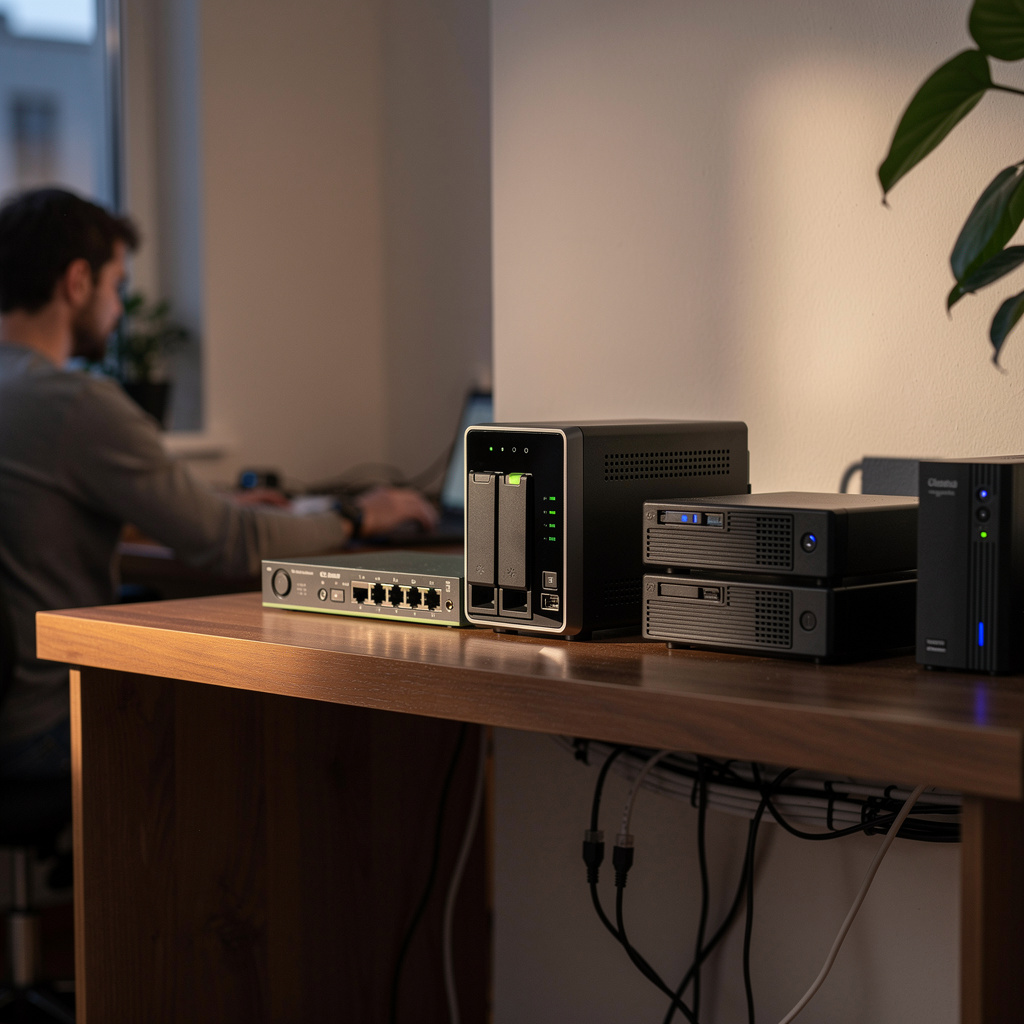
Self-hosting your own cloud at home means running server hardware and open-source software on your own premises to provide services that would otherwise come from third-party cloud platforms, such as file synchronization, media streaming, calendar and contact management, and collaborative documents. The scope covers the full stack: physical or virtual servers, Linux operating systems, networking and remote access, network-attached storage, containerized applications, user authentication, and data protection through backups. Core concepts include infrastructure planning, service isolation, access control, monitoring, and disaster recovery, all aimed at keeping your data available and private. It is distinct from simply using a plug-and-play NAS because self-hosting implies administrative responsibility for the operating system, updates, and security posture.
This subject matters today because individuals and small organizations increasingly want to avoid recurring cloud subscription fees and retain ownership of personal or business data. Broadband upload speeds, affordable mini-PCs and single-board computers, and mature open-source projects like Plex, Jellyfin, Nextcloud, and container platforms have made home self-hosting practical for non-experts. In industry, self-hosting principles appear in on-premises infrastructure, edge computing, and development lab environments, while academia uses home labs for teaching networking, security, and systems administration. Recent shifts toward containerization and infrastructure-as-code have lowered the operational burden, making self-hosted clouds more resilient and easier to reproduce.
Mastering this subject builds a skill stack that spans Linux system administration, network configuration and firewalling, storage management, identity and access management, service deployment, automation, and backup strategy. These skills are valuable in personal contexts where control over family photos, media libraries, and documents matters, and in professional contexts such as IT support, DevOps, small business infrastructure, and research computing. The ability to design, secure, and maintain a self-hosted cloud demonstrates practical competence in reliability engineering and data stewardship. Ultimately, the subject bridges the gap between consumer cloud convenience and the operational discipline of running resilient private services.
What Will This Course Bring You?
- Analyze the benefits, risks, and realistic use cases of self-hosting a home cloud to decide whether it fits your needs and constraints.
- Design a home cloud infrastructure plan that specifies hardware, storage, network placement, power, cooling, and expansion requirements.
- Install and harden a Linux server by configuring updates, user accounts, SSH access, and a host firewall for self-hosting services.
- Apply networking fundamentals to configure static addressing, DNS, port forwarding, and local firewall rules for reachable home cloud services.
- Set up network-attached storage and shared file access using appropriate RAID, permissions, and SMB or NFS configurations for home users.
- Deploy a Plex or Jellyfin media server with organized libraries, user access, and secure remote streaming settings.
- Implement authentication and access control by configuring single sign-on, multi-factor authentication, and least-privilege permissions for hosted applications.
- Evaluate backup and disaster recovery plans by testing automated backups, restore procedures, and monitoring alerts for your self-hosted cloud.
Curriculum
12 Units1. Assessing Self-Hosting: Benefits, Risks, and Use Cases
1 hour
2. Planning Your Home Cloud Infrastructure
1 hour
3. Installing and Securing a Linux Server
1 hour
4. Networking Fundamentals for Self-Hosting
1 hour
5. Setting Up Network-Attached Storage and File Sharing
1 hour
6. Deploying a Media Server with Plex or Jellyfin
1 hour
7. Self-Hosting Productivity and Collaboration Tools
1 hour
8. Implementing Authentication and Access Control
1 hour
9. Automating Maintenance and Monitoring Your Cloud
1 hour
10. Backup and Disaster Recovery Strategies
1 hour
11. Maintenance, Updates, and Troubleshooting
1 hour
12. Scaling and Advanced Self-Hosting with Containers
1 hour
Exam – Self-Hosting Your Own Cloud at Home
20 Questions • 70% Pass • 30 min
Unlock All Units for Free
Create an account, enroll in the course, and start with the first unit right away.
Exam – Self-Hosting Your Own Cloud at Home
20 Questions • Pass: 70% • 30 min
Course Duration
720
Total Minutes
12
Unit
1
Final Exam
~60
Min / Unit
Self-Hosting Your Own Cloud at Home Certificate Program
Document Your Skill
Those who pass the 20-question, 30-minute exam with 70% receive the Self-Hosting Your Own Cloud at Home Certificate.
Stand Out on Your CV
By adding your certificate to your CV, gain a professional reference in job applications and stand out from the crowd.
Career Advantage
With the verification code, employers can check your certificate instantly — a concrete way to show your growth.
CERTIFICATE FEE
At the end of the course, an online exam consisting of 20 questions with a 30-minute time limit is given. The exam appears automatically after you complete the topics. Anyone who scores at least 70 out of 100 on the certificate exam is awarded the Self-Hosting Your Own Cloud at Home Document (certificate of attendance). You can add the certificate you earn to your CV for job applications in the many sectors listed above, and use it as a reference proving that you took this interactive course.
The Certificate of Achievement you receive with the Self-Hosting Your Own Cloud at Home course program holds value that proves your personal and professional development in the business world. By adding it to your CV, it can serve as an important reference in your job applications. Moreover, compared with certificates from other private training institutions, Catch Wisdom certificates are offered to our participants at a much more affordable price.
The Self-Hosting Your Own Cloud at Home course certificate is a document that proves, with a unique verification code, that you completed the course. Employers can instantly check its authenticity with this code, which helps you show your development concretely in your job applications.
For more information, we recommend visiting the Support page.
Certificate in 7 Languages
Earning success certificates from our courses is now more meaningful and global. With certificates available in Turkish, English, German, French, Spanish, Arabic, and Russian, we fully unlock the potential of students worldwide.
Why Certificate in 7 Languages?
-
01
Global Skill Development
Receiving your certificates in 7 different languages strengthens your communication skills as you engage with more people worldwide. It lets you operate more confidently and capably on the international stage.
-
02
International Job Opportunities
Employers may see your certificates in multiple languages as a sign of your ability to seize global opportunities. You can open more doors to new jobs and projects.
-
03
Cultural Richness
The chance to earn certificates in different languages helps you build closer ties with various cultures and broadens your worldview. It enriches your global perspective and deepens cultural understanding.
-
04
Ability to Participate in International Projects
Multilingual certificates give you an edge to work more effectively on international projects. They boost your chances of leadership and participation in diverse projects in the business world.
-
05
Prove Yourself on the Global Stage
Certificates in multiple languages give you the opportunity to present your skills and knowledge worldwide.
Language diversity opens worldwide opportunities. If you want to prove yourself in the international arena, join our online Self-Hosting Your Own Cloud at Home course program and begin this journey with us.
Frequently Asked Questions (FAQ)
Is this course paid?
How do I join the course?
Can I take the course at my own pace?
How can I get my certificate?
What are the advantages of the certificate?
Boost Your Career
Take a new career step with the Self-Hosting Your Own Cloud at Home course. Add your certificate to your CV, stand out in job applications, and open the door to new opportunities in the industry.
StartStudent Reviews
No reviews yet
Enroll in this course and be the first to leave a review about your experience with Self-Hosting Your Own Cloud at Home.
Start