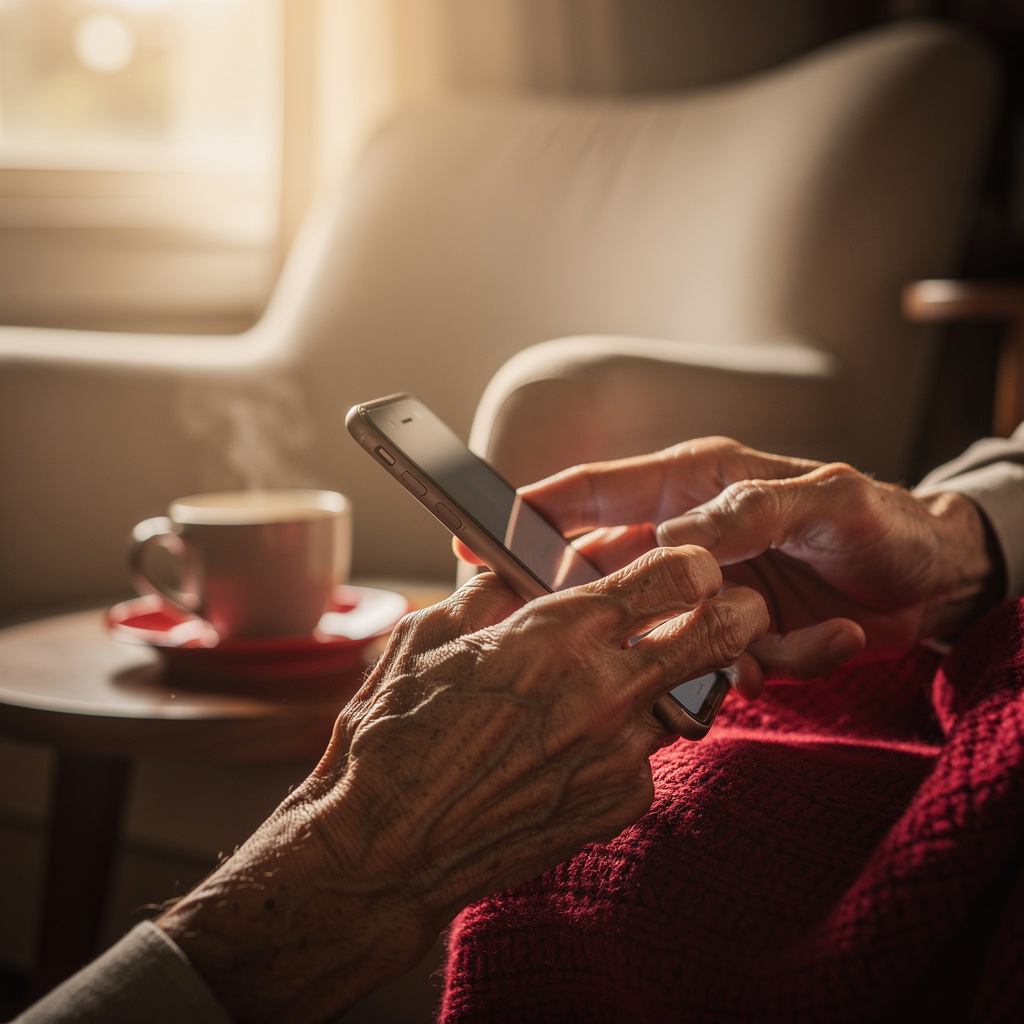
What is Smartphone Essentials for Seniors?
Smartphone Essentials for Seniors Training
The Smartphone Essentials for Seniors certificate program is a practical, step-by-step course designed to help older adults master the everyday functions of their smartphones with confidence. From understanding the home screen to making calls, sending texts, using the camera, and connecting to Wi-Fi, this program covers all the essential skills needed to stay connected and independent. It is ideal for seniors who are new to smartphones or who want to refresh their knowledge, with the main outcome being the ability to use a smartphone comfortably for communication, information, and entertainment.
The program is structured as a beginner-friendly progression, starting with the very basics of device orientation and gradually moving into more advanced tasks like downloading apps, video calling, and using maps. Each lesson balances clear explanations with hands-on practice, ensuring that learners build muscle memory and real-world competence. The course builds four core skill areas: communication (calls, texts, email, video calling), digital literacy (browsing, apps, troubleshooting), safety (online security and privacy), and practical utilities (camera, maps). With the rapid shift toward digital-first interactions, this program is especially relevant now, empowering seniors to participate fully in a connected world while avoiding isolation and frustration.
What is Smartphone Essentials for Seniors?
Smartphone essentials for seniors refers to the foundational knowledge and skills required to operate a modern smartphone effectively, tailored specifically to the needs and learning pace of older adults. The subject encompasses device anatomy, touchscreen navigation, core communication features like calling and texting, and the use of built-in tools such as cameras and maps. It also includes managing settings, connecting to networks, and understanding basic security principles to protect personal information. The core concept is to demystify the technology, breaking it down into simple, repeatable actions that build confidence and reduce anxiety.
In today’s digital age, smartphones have become essential gateways to services, social connections, and information. For seniors, these devices are not just conveniences but lifelines—enabling telehealth appointments, video calls with grandchildren, online banking, and access to community resources. The recent acceleration of remote communication and digital service delivery has made smartphone proficiency a critical component of independent living. However, many seniors face barriers such as unfamiliar interfaces, fear of making mistakes, or lack of tailored guidance, making this subject highly relevant for bridging the digital divide and ensuring equitable access to modern life.
Mastering smartphone essentials builds a practical skill stack that includes tactile navigation, app management, communication etiquette, and digital self-defense. These skills translate directly into improved personal autonomy, stronger family bonds, and safer online behavior. Beyond personal use, seniors who master these essentials can engage more fully in volunteer roles, community groups, or even part-time work that requires basic digital communication. The subject also fosters cognitive engagement and lifelong learning, which are beneficial for mental health. Ultimately, this knowledge empowers seniors to not only keep up with technology but to use it as a tool for enriching their daily lives and maintaining their place in a rapidly evolving society.
Common Questions About Smartphone Essentials for Seniors
Is this smartphone training suitable for someone with zero tech experience?
What is the typical duration and format for this smartphone essentials course?
How do I connect to Wi-Fi step by step if my home network is hidden?
What is the difference between SMS and MMS when sending text messages?
How does the front camera differ from the rear camera for video calls?
How does the force restart fix a frozen screen on my smartphone?
Is it true that seniors can't learn to navigate the home screen easily?
What Will This Course Bring You?
- Apply home screen navigation gestures to locate and open apps efficiently.
- Demonstrate making and receiving calls, including using speakerphone and call waiting.
- Compose and send text messages with emojis and attachments to contacts.
- Capture and review photos using the camera's zoom and flash features.
- Connect to a Wi-Fi network and browse the internet securely using a browser.
- Set up and manage an email account to send and receive messages with attachments.
- Initiate and participate in video calls with family using a preferred app.
- Evaluate online safety practices to identify and avoid common scams and phishing attempts.
Curriculum
12 Units1. Getting to Know Your Smartphone
1 hour
2. Navigating the Home Screen
1 hour
3. Making and Receiving Calls
1 hour
4. Sending Text Messages
1 hour
5. Using the Camera
1 hour
6. Connecting to Wi-Fi and Browsing the Internet
1 hour
7. Email Basics
1 hour
8. Downloading and Managing Apps
1 hour
9. Video Calling with Family and Friends
1 hour
10. Staying Safe Online
1 hour
11. Using Maps and Navigation
1 hour
12. Troubleshooting and Getting Help
1 hour
Exam – Smartphone Essentials for Seniors
20 Questions • 70% Pass • 30 min
Unlock All Units for Free
Create an account, enroll in the course, and start with the first unit right away.
Exam – Smartphone Essentials for Seniors
20 Questions • Pass: 70% • 30 min
Course Duration
720
Total Minutes
12
Unit
1
Final Exam
~60
Min / Unit
Smartphone Essentials for Seniors Certificate Program
Document Your Skill
Those who pass the 20-question, 30-minute exam with 70% receive the Smartphone Essentials for Seniors Certificate.
Stand Out on Your CV
By adding your certificate to your CV, gain a professional reference in job applications and stand out from the crowd.
Career Advantage
Catch Wisdom certificates are recognized by HR departments and increase career opportunities.
CERTIFICATE FEE
At the end of the course, an online exam consisting of 20 questions with a 30-minute time limit is given. The exam appears automatically after you complete the topics. Anyone who scores at least 70 out of 100 on the certificate exam is awarded the Smartphone Essentials for Seniors Document (certificate of attendance). You can add the certificate you earn to your CV for job applications in the many sectors listed above, and use it as a reference proving that you took this interactive course.
The Certificate of Achievement you receive with the Smartphone Essentials for Seniors course program holds value that proves your personal and professional development in the business world. By adding it to your CV, it can serve as an important reference in your job applications. Moreover, compared with certificates from other private training institutions, Catch Wisdom certificates are offered to our participants at a much more affordable price.
Because HR departments recognize Catch Wisdom as a reputable institution in this field, they value these certificates and may evaluate your job applications favorably. For this reason, a Smartphone Essentials for Seniors course certificate from Catch Wisdom can make your applications more attractive and place you in an advantageous position in the business world.
For more information, we recommend visiting the Support page.
Certificate in 7 Languages
Earning success certificates from our courses is now more meaningful and global. With certificates available in Turkish, English, German, French, Spanish, Arabic, and Russian, we fully unlock the potential of students worldwide.
Why Certificate in 7 Languages?
-
01
Global Skill Development
Receiving your certificates in 7 different languages strengthens your communication skills as you engage with more people worldwide. It lets you operate more confidently and capably on the international stage.
-
02
International Job Opportunities
Employers may see your certificates in multiple languages as a sign of your ability to seize global opportunities. You can open more doors to new jobs and projects.
-
03
Cultural Richness
The chance to earn certificates in different languages helps you build closer ties with various cultures and broadens your worldview. It enriches your global perspective and deepens cultural understanding.
-
04
Ability to Participate in International Projects
Multilingual certificates give you an edge to work more effectively on international projects. They boost your chances of leadership and participation in diverse projects in the business world.
-
05
Prove Yourself on the Global Stage
Certificates in multiple languages let you showcase your skills and knowledge worldwide. You can become an internationally recognized professional.
Language diversity opens worldwide opportunities. If you want to prove yourself in the international arena, join our online Smartphone Essentials for Seniors course program and begin this journey with us.
Frequently Asked Questions (FAQ)
Is this course paid?
How do I join the course?
Can I take the course at my own pace?
How can I get my certificate?
What are the advantages of the Certified Certificate?
Boost Your Career
Take a new career step with the Smartphone Essentials for Seniors course. Add your certificate to your CV, stand out in job applications, and open the door to new opportunities in the industry.
StartStudent Reviews
No reviews yet
Enroll in this course and be the first to leave a review about your experience with Smartphone Essentials for Seniors.
Start