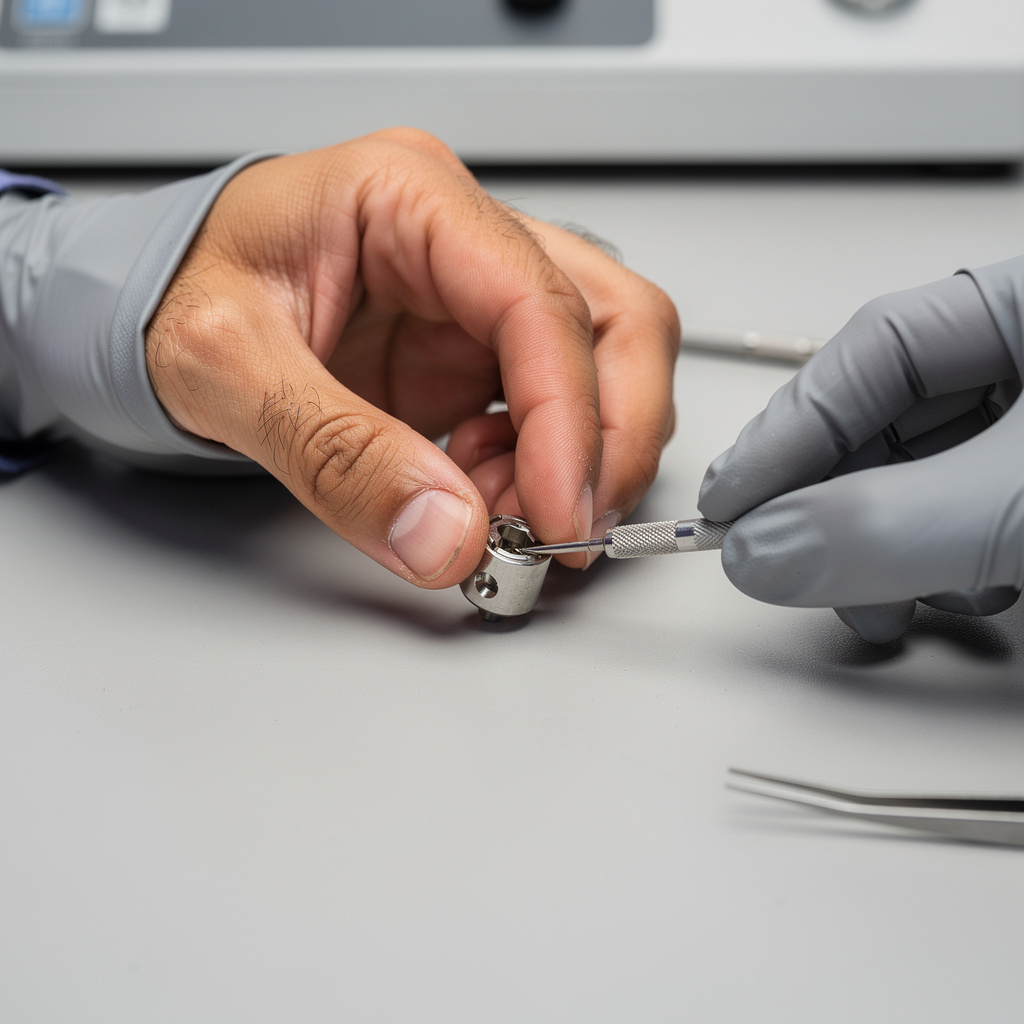
What is Smartphone Troubleshooting Basics?
Smartphone Troubleshooting Basics Training
Smartphone Troubleshooting Basics certificate program teaches the foundational knowledge and hands-on techniques needed to diagnose and resolve common smartphone issues without causing further damage. It begins with an overview of smartphone systems—hardware, software, and user data—and then moves through safe troubleshooting practices such as backups, warranty checks, and risk reduction. Designed for everyday users, entry-level IT support staff, and small business owners who rely on mobile devices, the program focuses on practical, real-world scenarios. The main outcome is the ability to confidently handle power, display, connectivity, audio, camera, app, performance, security, and reset problems, and to make informed decisions about when to fix, replace, or seek professional help.
The program is structured as a beginner-friendly progression, starting with system fundamentals and safe practices before advancing to specific problem domains like power and charging, display and touch, connectivity, short-range wireless and sensors, audio and camera, app issues, performance and storage, security and account access, and finally backup, restore, and factory reset procedures. Each lesson balances concise theory—such as how batteries, ports, or permissions work—with practical troubleshooting steps, so learners build diagnostic reasoning rather than memorizing fixes. Across the course, learners develop five core skill areas: safe device handling, hardware and software diagnosis, connectivity and sensor troubleshooting, app and performance optimization, and decision-making for repair or replacement. Choosing this program now makes sense because smartphones are central to work, communication, and daily life, yet many people lack the confidence to troubleshoot even simple issues, and professional repair costs continue to rise.
What is Smartphone Troubleshooting Basics?
Smartphone troubleshooting is the systematic process of identifying, isolating, and resolving faults in mobile devices across hardware, software, and user-data layers. Its scope ranges from power delivery and charging circuits to display digitizers, wireless radios, sensors, audio transducers, camera modules, app permissions, storage management, and account security. Core concepts include safe testing practices, backup discipline, risk reduction, component-level understanding, and logical fault isolation. The subject also covers when a problem is software-based versus hardware-based, and how to interpret symptoms without causing additional damage.
This subject matters today because smartphones are the primary computing device for billions of people, used for banking, healthcare, work, navigation, and social connection. In industry, mobile support and repair skills are in demand across IT helpdesks, retail tech counters, field service roles, and independent repair shops. Recent shifts such as right-to-repair legislation, longer device lifecycles, USB-C standardization, and advanced battery management have made troubleshooting knowledge more valuable than ever. In academia, the subject supports studies in computer engineering, human-computer interaction, and sustainable technology management.
Mastering this subject builds a durable skill stack: systematic diagnostic thinking, safe hardware handling, software configuration literacy, data protection habits, and informed repair-or-replace judgment. These skills benefit professionals in technical support, mobile repair, field operations, and small business IT, as well as everyday users who want to avoid unnecessary costs and downtime. The subject also strengthens digital resilience, helping people maintain security and access when passcodes, biometrics, or account lockouts occur. Ultimately, it bridges practical device knowledge with confident decision-making in both personal and professional contexts.
What Will This Course Bring You?
- Differentiate smartphone hardware, software, and user-data layers, then apply safe backup and warranty checks before troubleshooting.
- Diagnose power and charging faults by testing batteries, ports, cables, and adapters in a structured sequence.
- Evaluate display, touch, audio, and camera problems by distinguishing hardware damage from software or setting issues.
- Configure and test Wi-Fi, cellular data, hotspots, Bluetooth, NFC, GPS, and rotation sensors to restore connectivity.
- Resolve app crashes, freezes, permission errors, and update conflicts using targeted smartphone troubleshooting steps.
- Assess performance, storage, and overheating symptoms to decide whether to optimize settings, clear space, or seek repair.
- Implement security and account access fixes, including passcodes, biometrics, lockouts, backups, restores, and factory resets.
- Analyze diagnostic results and repair options to recommend whether to fix, replace, or seek professional help for a smartphone.
Curriculum
12 Units1. Smartphone Systems Overview: Hardware, Software, and User Data
1 hour
2. Safe Troubleshooting Foundations: Backups, Warranty, and Risk Reduction
1 hour
3. Power and Charging Problems: Batteries, Ports, Cables, and Adapters
1 hour
4. Display and Touch Problems: Screens, Glass, and Responsiveness
1 hour
5. Connectivity Essentials: Wi-Fi, Cellular Data, and Hotspots
1 hour
6. Short-Range Wireless and Sensors: Bluetooth, NFC, GPS, and Rotation
1 hour
7. Audio and Camera Troubleshooting: Speakers, Microphones, and Lenses
1 hour
8. App Problems: Crashes, Freezes, Permissions, and Updates
1 hour
9. Performance and Storage: Slowdowns, Overheating, and Full Storage
1 hour
10. Security and Account Access: Passcodes, Biometrics, and Lockouts
1 hour
11. Backup, Restore, and Factory Reset Procedures
1 hour
12. Diagnostics and Repair Decisions: When to Fix, Replace, or Seek Help
1 hour
Exam – Smartphone Troubleshooting Basics
20 Questions • 70% Pass • 30 min
Unlock All Units for Free
Create an account, enroll in the course, and start with the first unit right away.
Exam – Smartphone Troubleshooting Basics
20 Questions • Pass: 70% • 30 min
Course Duration
720
Total Minutes
12
Unit
1
Final Exam
~60
Min / Unit
Smartphone Troubleshooting Basics Certificate Program
Document Your Skill
Those who pass the 20-question, 30-minute exam with 70% receive the Smartphone Troubleshooting Basics Certificate.
Stand Out on Your CV
By adding your certificate to your CV, gain a professional reference in job applications and stand out from the crowd.
Career Advantage
Catch Wisdom certificates are recognized by HR departments and increase career opportunities.
CERTIFICATE FEE
At the end of the course, an online exam consisting of 20 questions with a 30-minute time limit is given. The exam appears automatically after you complete the topics. Anyone who scores at least 70 out of 100 on the certificate exam is awarded the Smartphone Troubleshooting Basics Document (certificate of attendance). You can add the certificate you earn to your CV for job applications in the many sectors listed above, and use it as a reference proving that you took this interactive course.
The Certificate of Achievement you receive with the Smartphone Troubleshooting Basics course program holds value that proves your personal and professional development in the business world. By adding it to your CV, it can serve as an important reference in your job applications. Moreover, compared with certificates from other private training institutions, Catch Wisdom certificates are offered to our participants at a much more affordable price.
Because HR departments recognize Catch Wisdom as a reputable institution in this field, they value these certificates and may evaluate your job applications favorably. For this reason, a Smartphone Troubleshooting Basics course certificate from Catch Wisdom can make your applications more attractive and place you in an advantageous position in the business world.
For more information, we recommend visiting the Support page.
Certificate in 7 Languages
Earning success certificates from our courses is now more meaningful and global. With certificates available in Turkish, English, German, French, Spanish, Arabic, and Russian, we fully unlock the potential of students worldwide.
Why Certificate in 7 Languages?
-
01
Global Skill Development
Receiving your certificates in 7 different languages strengthens your communication skills as you engage with more people worldwide. It lets you operate more confidently and capably on the international stage.
-
02
International Job Opportunities
Employers may see your certificates in multiple languages as a sign of your ability to seize global opportunities. You can open more doors to new jobs and projects.
-
03
Cultural Richness
The chance to earn certificates in different languages helps you build closer ties with various cultures and broadens your worldview. It enriches your global perspective and deepens cultural understanding.
-
04
Ability to Participate in International Projects
Multilingual certificates give you an edge to work more effectively on international projects. They boost your chances of leadership and participation in diverse projects in the business world.
-
05
Prove Yourself on the Global Stage
Certificates in multiple languages let you showcase your skills and knowledge worldwide. You can become an internationally recognized professional.
Language diversity opens worldwide opportunities. If you want to prove yourself in the international arena, join our online Smartphone Troubleshooting Basics course program and begin this journey with us.
Frequently Asked Questions (FAQ)
Is this course paid?
How do I join the course?
Can I take the course at my own pace?
How can I get my certificate?
What are the advantages of the Certified Certificate?
Boost Your Career
Take a new career step with the Smartphone Troubleshooting Basics course. Add your certificate to your CV, stand out in job applications, and open the door to new opportunities in the industry.
StartStudent Reviews
No reviews yet
Enroll in this course and be the first to leave a review about your experience with Smartphone Troubleshooting Basics.
Start