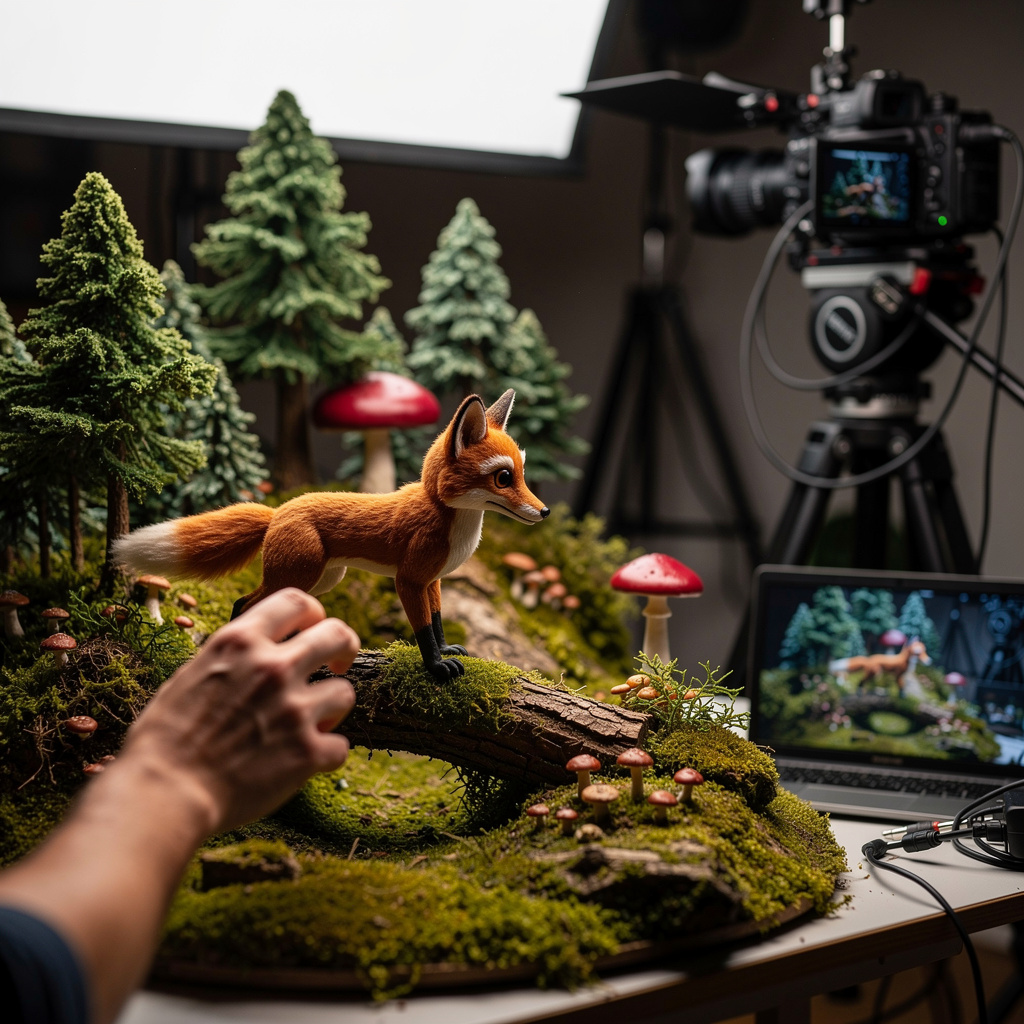
What is Storyboarding for Video?
Storyboarding for Video Certificate Program
Storyboarding for Video certificate program teaches you how to translate scripts into visual sequences that guide production. This course is designed for aspiring storyboard artists, filmmakers, animators, and content creators who want to plan shots before filming. You will learn to break down scripts, compose frames, and communicate camera movement and pacing through sketches and notation. The main practical outcome is a complete storyboard portfolio piece that demonstrates your ability to previsualize a video from concept to animatic.
The program progresses from foundational drawing and composition through script analysis and shot design, then into advanced staging, camera movement, and animatics. Each lesson pairs theory with hands-on exercises, such as thumbnailing a scene or creating a rough animatic. You will build five core skill areas: visual language, script breakdown, camera and staging notation, pacing and mood, and professional previsualization workflows. Choosing this program now prepares you for a video-first industry where previsualization reduces costly reshoots and streamlines collaboration across animation, film, and advertising.
What is Storyboarding for Video?
Storyboarding for video is the practice of creating a sequence of drawings that represents the shots planned for a video production. It covers visual composition, shot types and angles, camera movement notation, continuity, and timing. Core concepts include the relationship between frame, subject, and camera, as well as how pacing and emotional beats are conveyed through sequential images. A storyboard serves as a visual script that communicates intent to directors, cinematographers, animators, and editors before any footage is captured or rendered.
In today's media landscape, storyboarding is essential for film, animation, advertising, game cinematics, and online video content. Streaming platforms and social media demand rapid, high-quality video production, making previsualization a competitive advantage. Recent shifts include the rise of digital storyboarding tools, real-time animatics, and remote collaboration, which allow teams to iterate faster. Storyboarding also bridges live-action and virtual production, where previsualized shots guide on-set decisions and post-production effects.
Mastering storyboarding builds a skill stack that combines drawing, visual storytelling, spatial reasoning, and technical camera knowledge. These skills apply to roles such as storyboard artist, director, animator, game designer, and content strategist. In personal contexts, storyboarding helps hobbyists and independent creators plan short films, YouTube videos, or comics with greater clarity. The ability to think in sequences and communicate visually is increasingly valuable across creative industries and interdisciplinary projects.
Common Questions About Storyboarding for Video
Is the Storyboarding for Video course suitable for total beginners?
Who gets the most value from the Storyboarding for Video course?
What is the two-pass script breakdown for storyboarding a scene?
- First pass — story pass: identify what the scene must accomplish, where the emotional beat sits, and whether the scene should exist at all; this is the mindset behind The Scene That Shouldn't Exist.
- Second pass — visual pass: mark the scene's shape, focal points, staging needs, shot-size changes, screen direction, and any camera or transition notation that will guide the board.
How do shot types and angles place the audience in a video scene?
How do blocking and screen direction keep storyboard continuity?
How should camera movement arrows be noted on a storyboard panel?
Do you need to draw well to create useful video storyboards?
What Will This Course Bring You?
- Apply foundational storyboarding principles to translate a video script into a coherent sequence of visual panels that communicate narrative intent.
- Design compositionally balanced storyboard frames using framing, leading lines, focal hierarchy, lighting, and color to guide viewer attention and mood.
- Analyze screenplay scenes to identify dramatic beats, character objectives, and key visual moments for storyboard coverage.
- Select appropriate shot types, camera angles, and lens choices to visually convey narrative emphasis and character perspective.
- Create rapid thumbnail sketches that explore multiple staging and composition options before committing to refined storyboard panels.
- Implement staging and blocking choices that maintain spatial continuity and screen direction across sequential storyboard panels.
- Apply industry-standard notation to indicate camera movements, transitions, and pacing cues that control rhythm and emotional beats.
- Build an animatic using storyboard templates and editing tools to test timing, then revise based on feedback for portfolio-ready previsualization.
Curriculum
12 Units1. Foundations of Storyboarding for Video
1 hour
2. Visual Language and Composition Basics
1 hour
3. Script Breakdown and Scene Analysis
1 hour
4. Shot Types, Angles, and Camera Language
1 hour
5. Thumbnailing and Rough Sketching
1 hour
6. Staging, Blocking, and Continuity
1 hour
7. Camera Movement and Transition Notation
1 hour
8. Pacing, Timing, and Emotional Beats
1 hour
9. Lighting, Color, and Mood in Storyboards
1 hour
10. Storyboard Formats, Templates, and Tools
1 hour
11. Animatics and Previsualization
1 hour
12. Professional Workflow, Feedback, and Portfolio
1 hour
Exam – Storyboarding for Video
20 Questions • 70% Pass • 30 min
Unlock All Units for Free
Create an account, enroll in the course, and start with the first unit right away.
Exam – Storyboarding for Video
20 Questions • Pass: 70% • 30 min
Course Duration
720
Total Minutes
12
Unit
1
Final Exam
~60
Min / Unit
Storyboarding for Video Certificate Program
Document Your Skill
Those who pass the 20-question, 30-minute exam with 70% receive the Storyboarding for Video Certificate.
Stand Out on Your CV
By adding your certificate to your CV, gain a professional reference in job applications and stand out from the crowd.
Career Advantage
With the verification code, employers can check your certificate instantly — a concrete way to show your growth.
CERTIFICATE FEE
At the end of the course, an online exam consisting of 20 questions with a 30-minute time limit is given. The exam appears automatically after you complete the topics. Anyone who scores at least 70 out of 100 on the certificate exam is awarded the Storyboarding for Video Document (certificate of attendance). You can add the certificate you earn to your CV for job applications in the many sectors listed above, and use it as a reference proving that you took this interactive course.
The Certificate of Achievement you receive with the Storyboarding for Video course program holds value that proves your personal and professional development in the business world. By adding it to your CV, it can serve as an important reference in your job applications. Moreover, compared with certificates from other private training institutions, Catch Wisdom certificates are offered to our participants at a much more affordable price.
The Storyboarding for Video course certificate is a document that proves, with a unique verification code, that you completed the course. Employers can instantly check its authenticity with this code, which helps you show your development concretely in your job applications.
For more information, we recommend visiting the Support page.
Certificate in 7 Languages
Earning success certificates from our courses is now more meaningful and global. With certificates available in Turkish, English, German, French, Spanish, Arabic, and Russian, we fully unlock the potential of students worldwide.
Why Certificate in 7 Languages?
-
01
Global Skill Development
Receiving your certificates in 7 different languages strengthens your communication skills as you engage with more people worldwide. It lets you operate more confidently and capably on the international stage.
-
02
International Job Opportunities
Employers may see your certificates in multiple languages as a sign of your ability to seize global opportunities. You can open more doors to new jobs and projects.
-
03
Cultural Richness
The chance to earn certificates in different languages helps you build closer ties with various cultures and broadens your worldview. It enriches your global perspective and deepens cultural understanding.
-
04
Ability to Participate in International Projects
Multilingual certificates give you an edge to work more effectively on international projects. They boost your chances of leadership and participation in diverse projects in the business world.
-
05
Prove Yourself on the Global Stage
Certificates in multiple languages give you the opportunity to present your skills and knowledge worldwide.
Language diversity opens worldwide opportunities. If you want to prove yourself in the international arena, join our online Storyboarding for Video course program and begin this journey with us.
Frequently Asked Questions (FAQ)
Is this course paid?
How do I join the course?
Can I take the course at my own pace?
How can I get my certificate?
What are the advantages of the certificate?
Boost Your Career
Take a new career step with the Storyboarding for Video course. Add your certificate to your CV, stand out in job applications, and open the door to new opportunities in the industry.
StartStudent Reviews
No reviews yet
Enroll in this course and be the first to leave a review about your experience with Storyboarding for Video.
Start