What is Tinkercad and 3D Printing?
Tinkercad and 3D Printing Certificate Program
Tinkercad and 3D Printing certificate program is a hands-on training that takes learners from zero 3D modeling experience to producing functional, print-ready objects. The curriculum covers Tinkercad's interface, primitive shape manipulation, precision alignment, hole-based subtraction, and grouping to build mechanical parts and simple mechanisms. It is designed for hobbyists, educators, makerspace operators, and professionals in design, engineering, or architecture who need rapid prototyping skills without expensive software. The main practical outcome is the ability to independently design, slice, and safely print a custom object on an FDM or resin 3D printer, culminating in a capstone project from digital design to finished physical part.
The program follows a carefully scaffolded progression: it begins with interface navigation and primitive shapes, then advances to measurement, alignment, and combining shapes with holes, before moving into functional mechanisms and the full 3D printing workflow. Theory is balanced with practice—each lesson pairs conceptual explanations of FDM and resin processes with immediate Tinkercad exercises and slicing simulations. The four core skill areas built are Tinkercad modeling, precision boolean design, slicing and print preparation, and safe printer operation with troubleshooting. A fifth area, design for additive manufacturing (orientation, supports, tolerances), is woven throughout and applied in the capstone. Choosing this program now makes sense because 3D printing has become an affordable, essential tool for rapid prototyping, STEM education, and small-batch manufacturing, and Tinkercad offers the fastest free entry point to that ecosystem.
What is Tinkercad and 3D Printing?
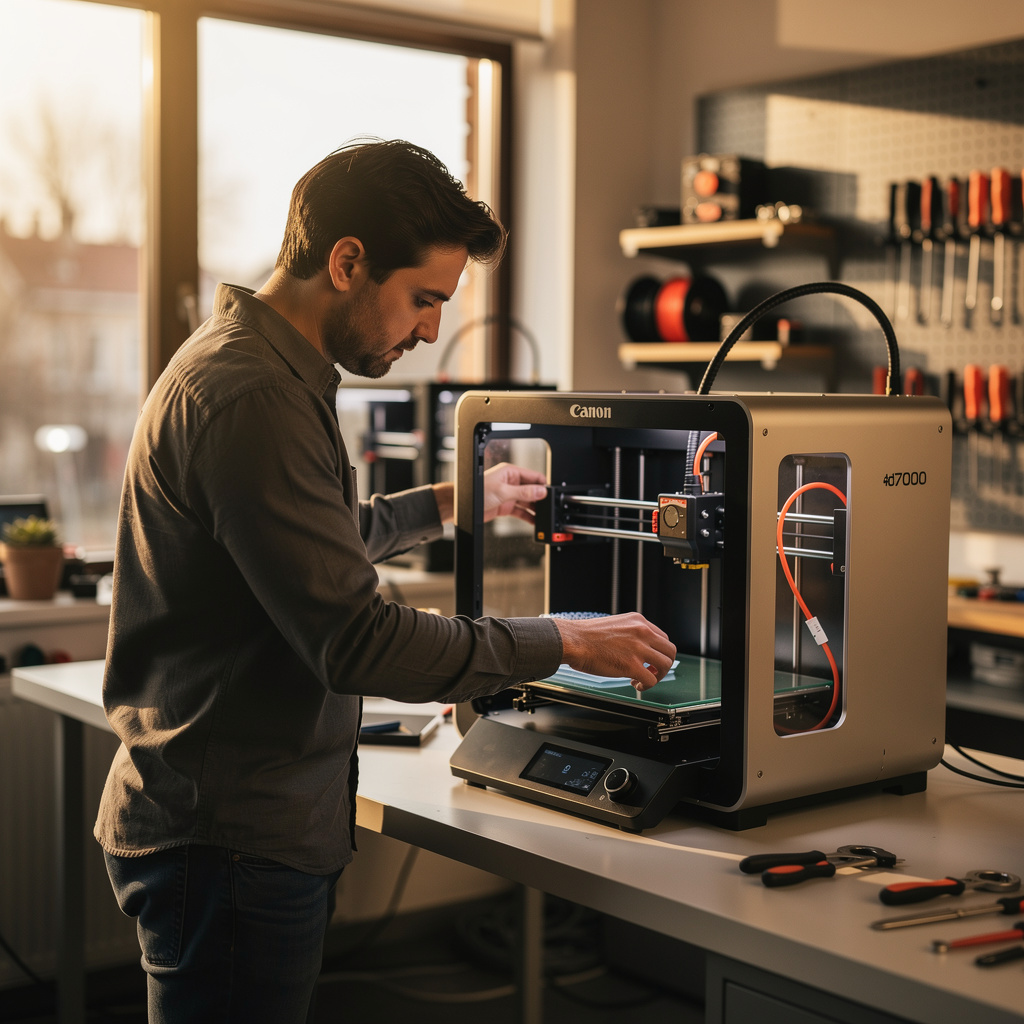
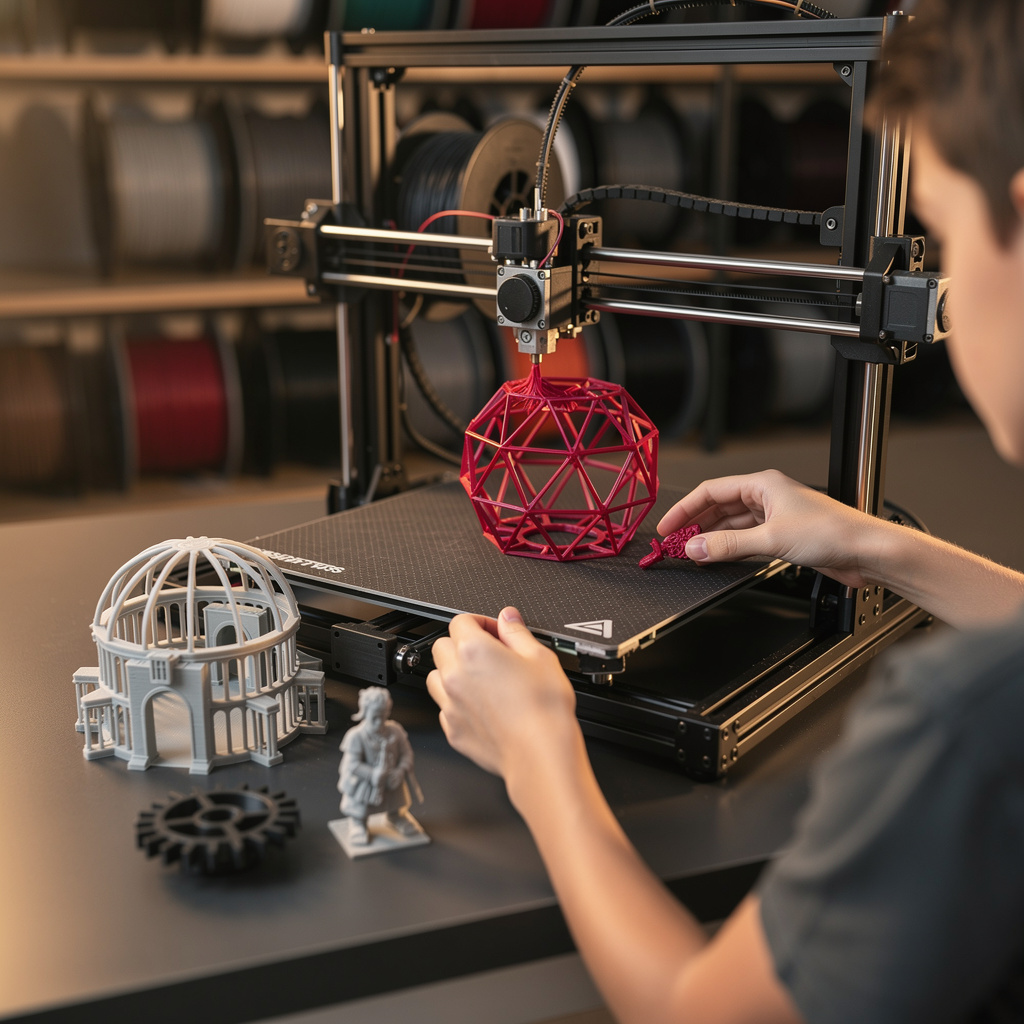
Tinkercad and 3D printing together form a practical discipline that spans digital 3D modeling and additive manufacturing. Tinkercad is a browser-based computer-aided design (CAD) platform that uses primitive shapes, holes, and grouping to construct models without complex parametric constraints. 3D printing, or additive manufacturing, turns those digital models into physical objects by depositing material layer by layer, most commonly via fused deposition modeling (FDM) or resin stereolithography (SLA). The subject's core concepts include spatial reasoning, precision alignment, boolean operations, mesh export, slicing parameters, material properties, and design tolerances. Its scope ranges from simple decorative items to functional mechanical assemblies and replacement parts.
This subject matters today because 3D printing has moved from industrial prototyping labs into classrooms, homes, and small businesses. In industry, it enables rapid iteration, custom tooling, and low-volume production; in academia, it supports STEM education, engineering design courses, and maker spaces. Recent shifts include the rise of affordable desktop FDM printers, the growing popularity of resin printing for high-detail miniatures and dental/medical models, and the integration of cloud-based CAD tools like Tinkercad that lower the barrier to entry. The COVID-19 pandemic accelerated awareness of distributed manufacturing, as individuals and institutions printed face shields and medical components. Today, sustainability and material innovation—such as recycled filaments and bio-resins—are pushing the field further.
Mastering Tinkercad and 3D printing builds a skill stack that combines spatial design thinking, digital fabrication literacy, and hardware troubleshooting. This stack includes the ability to translate a mental concept into a precise 3D model, prepare that model for additive manufacturing, and operate printers with attention to safety and material behavior. Professionals in engineering, architecture, product design, education, and healthcare benefit from being able to prototype ideas quickly and iterate on physical objects. Personal contexts range from repairing household items and creating custom gifts to launching small-batch product lines or teaching maker skills. The subject also fosters resilience and problem-solving, as successful printing often requires diagnosing layer shifts, warping, or support failures.
Common Questions About Tinkercad and 3D Printing
How is the Tinkercad and 3D Printing course structured week by week?
Can I finish the Tinkercad and 3D Printing certificate while working full time?
How do I hollow a Tinkercad box into a container without breaking its walls?
How does FDM printing differ from resin printing for a Tinkercad model?
- FDM: Works like a hot glue gun that never stops moving, building layers from a filament spool; it is usually the more approachable choice for mechanical parts, containers, and simple mechanisms.
- Resin: Sculpts an object with light in a vat of liquid resin, producing fine surface detail but requiring washing, post-curing, and more careful handling.
- Orientation: FDM often needs supports and a stable first layer, while resin orientation affects drainage, suction, and support marks.
- Material choice: The filament or resin you load determines what the model can survive, so design intent and material must be matched.
- Workflow: Both paths still move from Tinkercad geometry to a slicer that writes instructions and a printer that executes motion.
What STL export settings in Tinkercad affect slicing and print quality?
Which PLA print settings should a beginner use for a Tinkercad design?
- Material profile: Choose PLA so the temperature and cooling ranges are appropriate for the filament.
- Layer height: Use a moderate layer height for a balance between detail and print time.
- Walls and infill: Use enough walls for strength and modest infill for general parts; functional pieces need more walls than decorative ones.
- Supports: Add supports only where overhangs need them, then check orientation before slicing.
- Bed adhesion: Use a clean bed and a brim or raft only if the first layer needs extra hold.
Do I really need design experience before starting Tinkercad and 3D Printing?
What Will This Course Bring You?
- Navigate Tinkercad's interface and workspace tools to create, save, and organize a basic 3D design project.
- Build precise primitive-based models by applying measurement, alignment, and dimensioning techniques within Tinkercad.
- Combine solid and hole shapes, group objects, and evaluate resulting geometry for functional design intent.
- Design simple mechanisms and functional objects that demonstrate appropriate tolerances, clearances, and assembly considerations for 3D printing.
- Compare FDM and resin printing workflows, then export and slice a Tinkercad model using correct print preparation settings.
- Select materials and print settings by evaluating strength, resolution, support, and cost trade-offs for a given 3D printing task.
- Operate a 3D printer safely and troubleshoot common FDM issues such as poor adhesion, stringing, and layer shifting.
- Design for printability by analyzing orientation, support needs, and tolerances, then produce a finished capstone print from a Tinkercad model.
Curriculum
12 Units1. Getting Started in Tinkercad: Interface and Navigation
1 hour
2. Basic 3D Modeling with Primitive Shapes
1 hour
3. Precision Measurement and Alignment in Tinkercad
1 hour
4. Combining Shapes with Holes and Grouping
1 hour
5. Designing Functional Objects and Simple Mechanisms
1 hour
6. How 3D Printing Works: FDM, Resin, and Workflow
1 hour
7. Exporting and Slicing Models for Printing
1 hour
8. 3D Printing Materials and Print Settings
1 hour
9. Operating a 3D Printer Safely
1 hour
10. Troubleshooting Common 3D Printing Problems
1 hour
11. Designing for 3D Printing: Orientation, Supports, and Tolerances
1 hour
12. Capstone: From Tinkercad Design to Finished Print
1 hour
Exam – Tinkercad and 3D Printing
20 Questions • 70% Pass • 30 min
Unlock All Units for Free
Create an account, enroll in the course, and start with the first unit right away.
Exam – Tinkercad and 3D Printing
20 Questions • Pass: 70% • 30 min
Course Duration
720
Total Minutes
12
Unit
1
Final Exam
~60
Min / Unit
Tinkercad and 3D Printing Certificate Program
Document Your Skill
Those who pass the 20-question, 30-minute exam with 70% receive the Tinkercad and 3D Printing Certificate.
Stand Out on Your CV
By adding your certificate to your CV, gain a professional reference in job applications and stand out from the crowd.
Career Advantage
With the verification code, employers can check your certificate instantly — a concrete way to show your growth.
CERTIFICATE FEE
At the end of the course, an online exam consisting of 20 questions with a 30-minute time limit is given. The exam appears automatically after you complete the topics. Anyone who scores at least 70 out of 100 on the certificate exam is awarded the Tinkercad and 3D Printing Document (certificate of attendance). You can add the certificate you earn to your CV for job applications in the many sectors listed above, and use it as a reference proving that you took this interactive course.
The Certificate of Achievement you receive with the Tinkercad and 3D Printing course program holds value that proves your personal and professional development in the business world. By adding it to your CV, it can serve as an important reference in your job applications. Moreover, compared with certificates from other private training institutions, Catch Wisdom certificates are offered to our participants at a much more affordable price.
The Tinkercad and 3D Printing course certificate is a document that proves, with a unique verification code, that you completed the course. Employers can instantly check its authenticity with this code, which helps you show your development concretely in your job applications.
For more information, we recommend visiting the Support page.
Certificate in 7 Languages
Earning success certificates from our courses is now more meaningful and global. With certificates available in Turkish, English, German, French, Spanish, Arabic, and Russian, we fully unlock the potential of students worldwide.
Why Certificate in 7 Languages?
-
01
Global Skill Development
Receiving your certificates in 7 different languages strengthens your communication skills as you engage with more people worldwide. It lets you operate more confidently and capably on the international stage.
-
02
International Job Opportunities
Employers may see your certificates in multiple languages as a sign of your ability to seize global opportunities. You can open more doors to new jobs and projects.
-
03
Cultural Richness
The chance to earn certificates in different languages helps you build closer ties with various cultures and broadens your worldview. It enriches your global perspective and deepens cultural understanding.
-
04
Ability to Participate in International Projects
Multilingual certificates give you an edge to work more effectively on international projects. They boost your chances of leadership and participation in diverse projects in the business world.
-
05
Prove Yourself on the Global Stage
Certificates in multiple languages give you the opportunity to present your skills and knowledge worldwide.
Language diversity opens worldwide opportunities. If you want to prove yourself in the international arena, join our online Tinkercad and 3D Printing course program and begin this journey with us.
Frequently Asked Questions (FAQ)
Is this course paid?
How do I join the course?
Can I take the course at my own pace?
How can I get my certificate?
What are the advantages of the certificate?
Boost Your Career
Take a new career step with the Tinkercad and 3D Printing course. Add your certificate to your CV, stand out in job applications, and open the door to new opportunities in the industry.
StartStudent Reviews
No reviews yet
Enroll in this course and be the first to leave a review about your experience with Tinkercad and 3D Printing.
Start