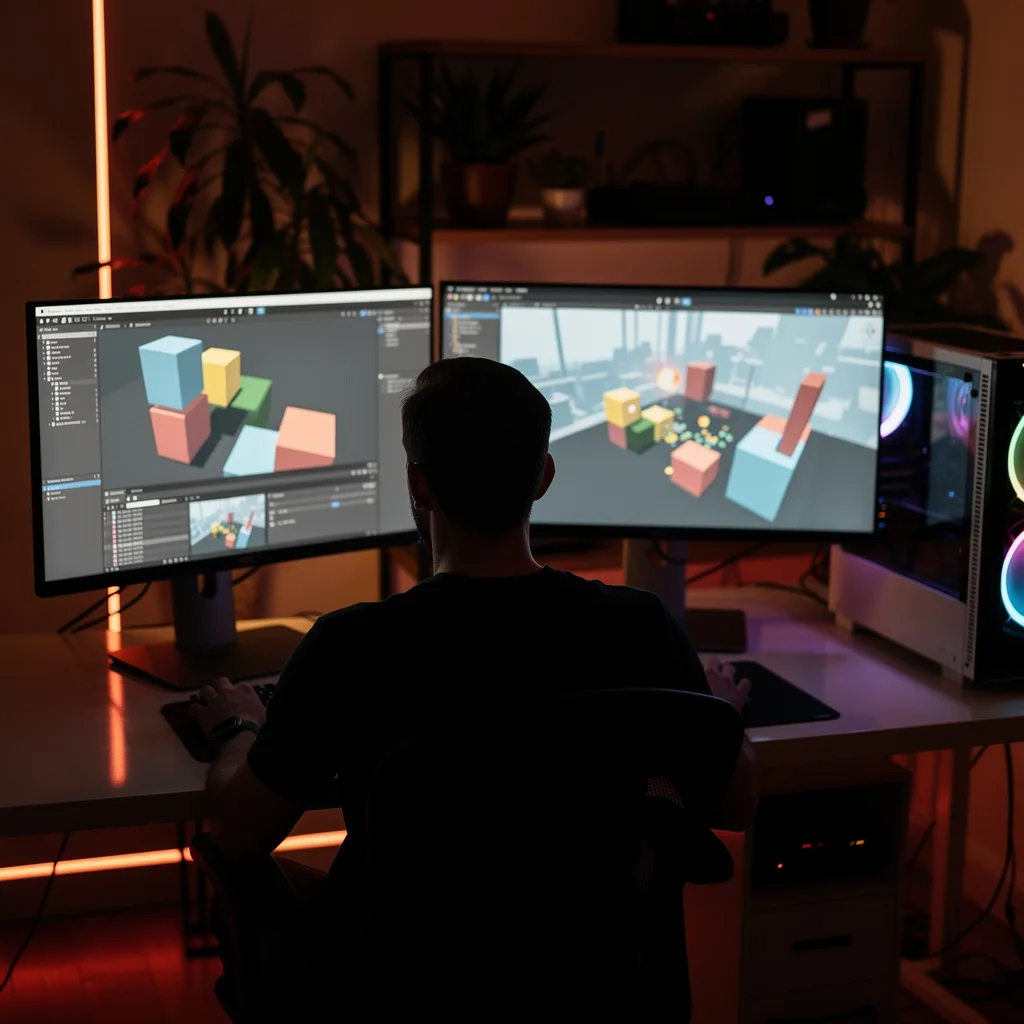
What is Unity Game Development?
Unity Game Development Training
The Unity Game Development certificate program teaches you how to build interactive 2D and 3D games from scratch using the industry-standard Unity engine. This course is designed for aspiring game developers, hobbyists, and professionals looking to transition into game development, with no prior Unity experience required. By the end, you will have created a complete, playable game project that demonstrates your ability to manage scenes, implement player controls, handle physics and collisions, design user interfaces, and deploy your game to multiple platforms.
The program follows a beginner-friendly progression that balances hands-on practice with core theory, starting with the Unity Editor and project setup, then moving through C# scripting fundamentals, GameObjects, Components, and Transforms. You will build practical skills in physics and collisions, input and player control, UI design, audio integration, animation, and prefab instantiation. Later lessons cover scene management, build and deployment, and optimization techniques. This structured approach ensures you gain a solid foundation in the four core areas of game development: programming, design, asset management, and deployment. Choosing this program now gives you the skills to enter a rapidly growing industry where Unity powers over 50% of all mobile games and countless AR/VR applications.
What is Unity Game Development? — in en
Unity Game Development is the process of creating interactive experiences—games, simulations, and visualizations—using the Unity real-time development platform. Its core concepts include the scene hierarchy, GameObjects and Components, the Transform system, physics engines (NVIDIA PhysX), and the C# scripting API. Developers use Unity to define object behaviors, manage assets, handle user input, and control rendering, all within a unified editor that supports 2D, 3D, AR, and VR workflows.
Today, Unity is one of the most widely used game engines in the world, powering everything from indie mobile hits to AAA console titles and even non-game applications like architectural visualizations, film production, and automotive simulations. The engine’s recent shift toward a runtime fee model and its integration with AI tools like Muse and Sentis reflect the industry’s move toward more accessible, data-driven development. Unity’s cross-platform capabilities allow developers to target over 25 platforms with a single codebase, making it essential for modern multi-platform publishing.
Mastering Unity game development builds a versatile skill stack that includes object-oriented programming (C#), real-time physics simulation, asset pipeline management, and performance optimization. These competencies are directly applicable to roles such as game programmer, technical artist, XR developer, and simulation engineer. Beyond professional game studios, Unity skills are increasingly valued in education, healthcare, architecture, and automotive sectors, where interactive 3D experiences are used for training, prototyping, and visualization.
Common Questions About Unity Game Development
Is the Unity Game Development certificate useful for job applications?
How long does it take to finish the Unity course?
How does Rigidbody work with Collider in Unity?
- Rigidbody adds physics properties like mass, gravity, and velocity to a GameObject.
- Collider defines the shape for collision detection.
- Together, they enable realistic interactions: the Rigidbody moves the object, and the Collider detects when it hits another collider.
- A common mistake is using a Rigidbody without a Collider or vice versa; both are needed for physics collisions.
- In the course, the unit "Physics and Collisions" covers how Rigidbody and Collider work together, including choosing the right collider shape for performance.
Why use Blend Trees instead of transitions in Unity animation?
What is the common mistake when setting up Canvas render mode?
How to use Audio Mixer groups for routing in Unity?
- Master Group: controls overall volume.
- Music Group: for background music.
- SFX Group: for sound effects.
- Voice Group: for dialogue.
Can you make a game without coding in Unity?
What Will This Course Bring You?
- Set up a Unity project and navigate the editor interface to organize assets and scenes efficiently.
- Write and debug C# scripts to control game logic, variables, and methods within Unity's component system.
- Apply transforms and components to position, rotate, and scale GameObjects in a 3D scene.
- Implement physics-based interactions using colliders and rigidbodies to simulate realistic object collisions.
- Design player control systems that respond to keyboard, mouse, and touch input for character movement.
- Build interactive UI elements such as menus, buttons, and sliders to display game information and receive user input.
- Integrate audio sources and clips to add sound effects and background music triggered by game events.
- Create and control animations using Unity's Animator and Animation Clips to bring characters and objects to life.
Curriculum
12 Units1. Unity Editor and Project Setup
1 hour
2. C# Scripting Fundamentals
1 hour
3. GameObjects, Components, and Transforms
1 hour
4. Physics and Collisions
1 hour
5. Input and Player Control
1 hour
6. User Interface (UI)
1 hour
7. Audio
1 hour
8. Animation
1 hour
9. Prefabs and Instantiation
1 hour
10. Scene Management
1 hour
11. Build and Deployment
1 hour
12. Optimization and Advanced Techniques
1 hour
Exam – Unity Game Development
20 Questions • 70% Pass • 30 min
Unlock All Units for Free
Create an account, enroll in the course, and start with the first unit right away.
Exam – Unity Game Development
20 Questions • Pass: 70% • 30 min
Course Duration
720
Total Minutes
12
Unit
1
Final Exam
~60
Min / Unit
Unity Game Development Certificate Program
Document Your Skill
Those who pass the 20-question, 30-minute exam with 70% receive the Unity Game Development Certificate.
Stand Out on Your CV
By adding your certificate to your CV, gain a professional reference in job applications and stand out from the crowd.
Career Advantage
With the verification code, employers can check your certificate instantly — a concrete way to show your growth.
CERTIFICATE FEE
At the end of the course, an online exam consisting of 20 questions with a 30-minute time limit is given. The exam appears automatically after you complete the topics. Anyone who scores at least 70 out of 100 on the certificate exam is awarded the Unity Game Development Document (certificate of attendance). You can add the certificate you earn to your CV for job applications in the many sectors listed above, and use it as a reference proving that you took this interactive course.
The Certificate of Achievement you receive with the Unity Game Development course program holds value that proves your personal and professional development in the business world. By adding it to your CV, it can serve as an important reference in your job applications. Moreover, compared with certificates from other private training institutions, Catch Wisdom certificates are offered to our participants at a much more affordable price.
The Unity Game Development course certificate is a document that proves, with a unique verification code, that you completed the course. Employers can instantly check its authenticity with this code, which helps you show your development concretely in your job applications.
For more information, we recommend visiting the Support page.
Certificate in 7 Languages
Earning success certificates from our courses is now more meaningful and global. With certificates available in Turkish, English, German, French, Spanish, Arabic, and Russian, we fully unlock the potential of students worldwide.
Why Certificate in 7 Languages?
-
01
Global Skill Development
Receiving your certificates in 7 different languages strengthens your communication skills as you engage with more people worldwide. It lets you operate more confidently and capably on the international stage.
-
02
International Job Opportunities
Employers may see your certificates in multiple languages as a sign of your ability to seize global opportunities. You can open more doors to new jobs and projects.
-
03
Cultural Richness
The chance to earn certificates in different languages helps you build closer ties with various cultures and broadens your worldview. It enriches your global perspective and deepens cultural understanding.
-
04
Ability to Participate in International Projects
Multilingual certificates give you an edge to work more effectively on international projects. They boost your chances of leadership and participation in diverse projects in the business world.
-
05
Prove Yourself on the Global Stage
Certificates in multiple languages give you the opportunity to present your skills and knowledge worldwide.
Language diversity opens worldwide opportunities. If you want to prove yourself in the international arena, join our online Unity Game Development course program and begin this journey with us.
Frequently Asked Questions (FAQ)
Is this course paid?
How do I join the course?
Can I take the course at my own pace?
How can I get my certificate?
What are the advantages of the certificate?
Boost Your Career
Take a new career step with the Unity Game Development course. Add your certificate to your CV, stand out in job applications, and open the door to new opportunities in the industry.
StartStudent Reviews
No reviews yet
Enroll in this course and be the first to leave a review about your experience with Unity Game Development.
Start