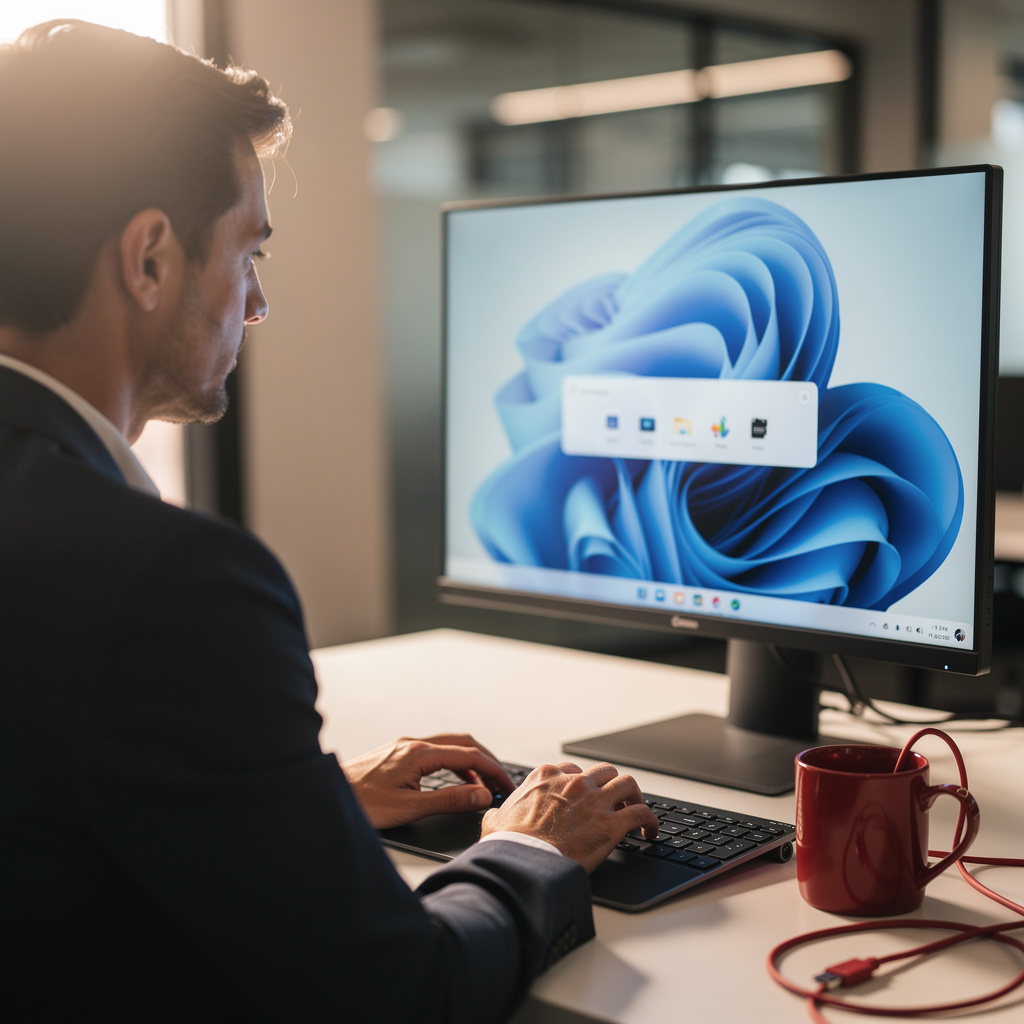
What is Windows 11 for Office Workers?
Windows 11 for Office Workers Training
The Windows 11 for Office Workers certificate program equips administrative professionals, executive assistants, and hybrid-office employees with the day-to-day operating system skills that modern workplaces assume but rarely teach. Participants work through the Windows 11 desktop, File Explorer file and folder management, launching apps and multitasking with Snap Layouts and virtual desktops, and personalizing the environment for office workflows. The curriculum also covers Search, Notifications and Quick Settings, account and sign-in management, security and privacy essentials, Windows Update and system maintenance, and connecting printers, monitors, and other peripherals. By the end, learners can configure a Windows 11 workstation confidently, keep it secure and current, and resolve the common interruptions that stall a working day.
The program is structured as a beginner-friendly progression that starts with the desktop and builds outward toward networking, cloud integration, and troubleshooting. Each of the twelve lessons balances conceptual explanation with hands-on practice, so learners understand why a setting exists before they change it. Five core skill areas anchor the curriculum: file and folder organization, app and multitasking management, system security and maintenance, device and network connectivity, and Microsoft 365 and OneDrive integration. Choosing this program now makes sense because Windows 11 is the default business platform for most organizations, and workers who navigate it fluently spend less time waiting on IT tickets and more time on their actual job.
What is Windows 11 for Office Workers?
Windows 11 for office work refers to the practical use of Microsoft's operating system as the daily environment in which documents, spreadsheets, email, calendars, and collaboration tools are opened, organized, and shared. Its scope spans the desktop shell and Start menu, the File Explorer file system, window management and multitasking features, user accounts and authentication, built-in security controls such as Windows Security and BitLocker, update and maintenance routines, and device connectivity for printers, monitors, and networks. Core concepts include the relationship between local storage and cloud-synced folders, the difference between a Microsoft account and a local account, and the way permissions, notifications, and background services shape what a user can see and do. Understanding these elements turns the operating system from a daily obstacle into an invisible layer that quietly supports productive work.
The subject matters today because Windows 11 ships on the majority of business PCs and introduces interface and security changes that differ meaningfully from Windows 10, including a centered taskbar, Widgets, Snap Layouts, and stricter hardware-based security requirements such as TPM 2.0. Organizations migrating from older versions need staff who can adapt without losing productivity, and remote and hybrid arrangements make self-sufficiency with device setup, VPN connectivity, and OneDrive syncing far more valuable. Recent shifts toward cloud-first workflows, Microsoft 365 integration, and zero-trust security models mean that everyday users are now expected to manage sign-in options, multi-factor authentication, and privacy settings that were once the exclusive domain of IT departments. In academia and industry alike, fluency with the operating system is a baseline expectation rather than a specialized skill.
Mastering this subject builds a skill stack that combines file and information organization, system configuration, security hygiene, peripheral and network troubleshooting, and cloud collaboration. These capabilities transfer directly to roles such as administrative assistant, office coordinator, customer support representative, data entry specialist, and any position that depends on a reliable personal workstation. The same knowledge benefits freelancers, small business owners, and students who manage their own devices without dedicated technical support. Because the skills are cumulative — a well-organized file system supports faster search, which supports quicker document turnaround — the payoff compounds across every task performed on the machine.
What Will This Course Bring You?
- Apply Windows 11 desktop navigation techniques to organize office tasks, open apps, and use virtual desktops for efficient daily workflows.
- Manage files and folders in File Explorer by creating, naming, moving, copying, and sharing documents while applying Windows 11 organization best practices.
- Configure Windows 11 personalization settings, including Start menu, taskbar, themes, and accessibility options, to optimize an office workstation for focused work.
- Implement security and privacy essentials by adjusting account sign-in options, Windows Hello, permissions, and privacy settings to protect workplace data.
- Evaluate Windows Update and system maintenance tools to schedule updates, check device health, and resolve common performance issues on office computers.
- Connect and configure printers, monitors, and other peripherals while managing network and internet connectivity for reliable office productivity.
- Apply Microsoft 365 and OneDrive integration in Windows 11 to sync files, co-author documents, and access cloud resources securely from office devices.
- Troubleshoot common Windows 11 office issues using productivity shortcuts, search, notifications, Quick Settings, and built-in diagnostic tools.
Curriculum
12 Units1. Getting Started with the Windows 11 Desktop
1 hour
2. Managing Files and Folders in File Explorer
1 hour
3. Running Apps and Multitasking with Windows
1 hour
4. Personalizing Windows 11 for Office Work
1 hour
5. Using Search, Notifications, and Quick Settings
1 hour
6. Managing Accounts and Sign-In Options
1 hour
7. Security and Privacy Essentials
1 hour
8. Windows Update and System Maintenance
1 hour
9. Connecting Printers, Monitors, and Other Devices
1 hour
10. Network and Internet Connectivity
1 hour
11. Working with Microsoft 365 and OneDrive
1 hour
12. Productivity Shortcuts and Troubleshooting
1 hour
Exam – Windows 11 for Office Workers
20 Questions • 70% Pass • 30 min
Unlock All Units for Free
Create an account, enroll in the course, and start with the first unit right away.
Exam – Windows 11 for Office Workers
20 Questions • Pass: 70% • 30 min
Course Duration
720
Total Minutes
12
Unit
1
Final Exam
~60
Min / Unit
Windows 11 for Office Workers Certificate Program
Document Your Skill
Those who pass the 20-question, 30-minute exam with 70% receive the Windows 11 for Office Workers Certificate.
Stand Out on Your CV
By adding your certificate to your CV, gain a professional reference in job applications and stand out from the crowd.
Career Advantage
Catch Wisdom certificates are recognized by HR departments and increase career opportunities.
CERTIFICATE FEE
At the end of the course, an online exam consisting of 20 questions with a 30-minute time limit is given. The exam appears automatically after you complete the topics. Anyone who scores at least 70 out of 100 on the certificate exam is awarded the Windows 11 for Office Workers Document (certificate of attendance). You can add the certificate you earn to your CV for job applications in the many sectors listed above, and use it as a reference proving that you took this interactive course.
The Certificate of Achievement you receive with the Windows 11 for Office Workers course program holds value that proves your personal and professional development in the business world. By adding it to your CV, it can serve as an important reference in your job applications. Moreover, compared with certificates from other private training institutions, Catch Wisdom certificates are offered to our participants at a much more affordable price.
Because HR departments recognize Catch Wisdom as a reputable institution in this field, they value these certificates and may evaluate your job applications favorably. For this reason, a Windows 11 for Office Workers course certificate from Catch Wisdom can make your applications more attractive and place you in an advantageous position in the business world.
For more information, we recommend visiting the Support page.
Certificate in 7 Languages
Earning success certificates from our courses is now more meaningful and global. With certificates available in Turkish, English, German, French, Spanish, Arabic, and Russian, we fully unlock the potential of students worldwide.
Why Certificate in 7 Languages?
-
01
Global Skill Development
Receiving your certificates in 7 different languages strengthens your communication skills as you engage with more people worldwide. It lets you operate more confidently and capably on the international stage.
-
02
International Job Opportunities
Employers may see your certificates in multiple languages as a sign of your ability to seize global opportunities. You can open more doors to new jobs and projects.
-
03
Cultural Richness
The chance to earn certificates in different languages helps you build closer ties with various cultures and broadens your worldview. It enriches your global perspective and deepens cultural understanding.
-
04
Ability to Participate in International Projects
Multilingual certificates give you an edge to work more effectively on international projects. They boost your chances of leadership and participation in diverse projects in the business world.
-
05
Prove Yourself on the Global Stage
Certificates in multiple languages let you showcase your skills and knowledge worldwide. You can become an internationally recognized professional.
Language diversity opens worldwide opportunities. If you want to prove yourself in the international arena, join our online Windows 11 for Office Workers course program and begin this journey with us.
Frequently Asked Questions (FAQ)
Is this course paid?
How do I join the course?
Can I take the course at my own pace?
How can I get my certificate?
What are the advantages of the Certified Certificate?
Boost Your Career
Take a new career step with the Windows 11 for Office Workers course. Add your certificate to your CV, stand out in job applications, and open the door to new opportunities in the industry.
StartStudent Reviews
No reviews yet
Enroll in this course and be the first to leave a review about your experience with Windows 11 for Office Workers.
Start