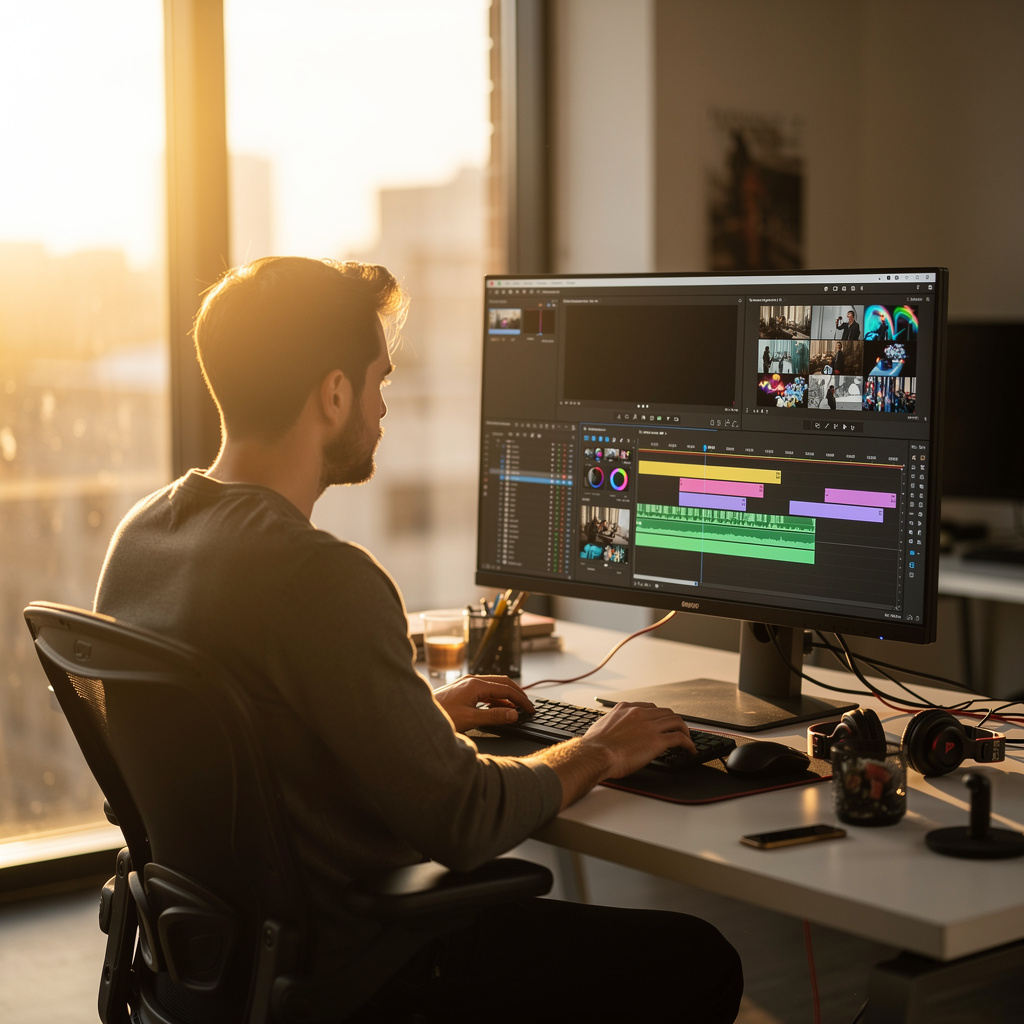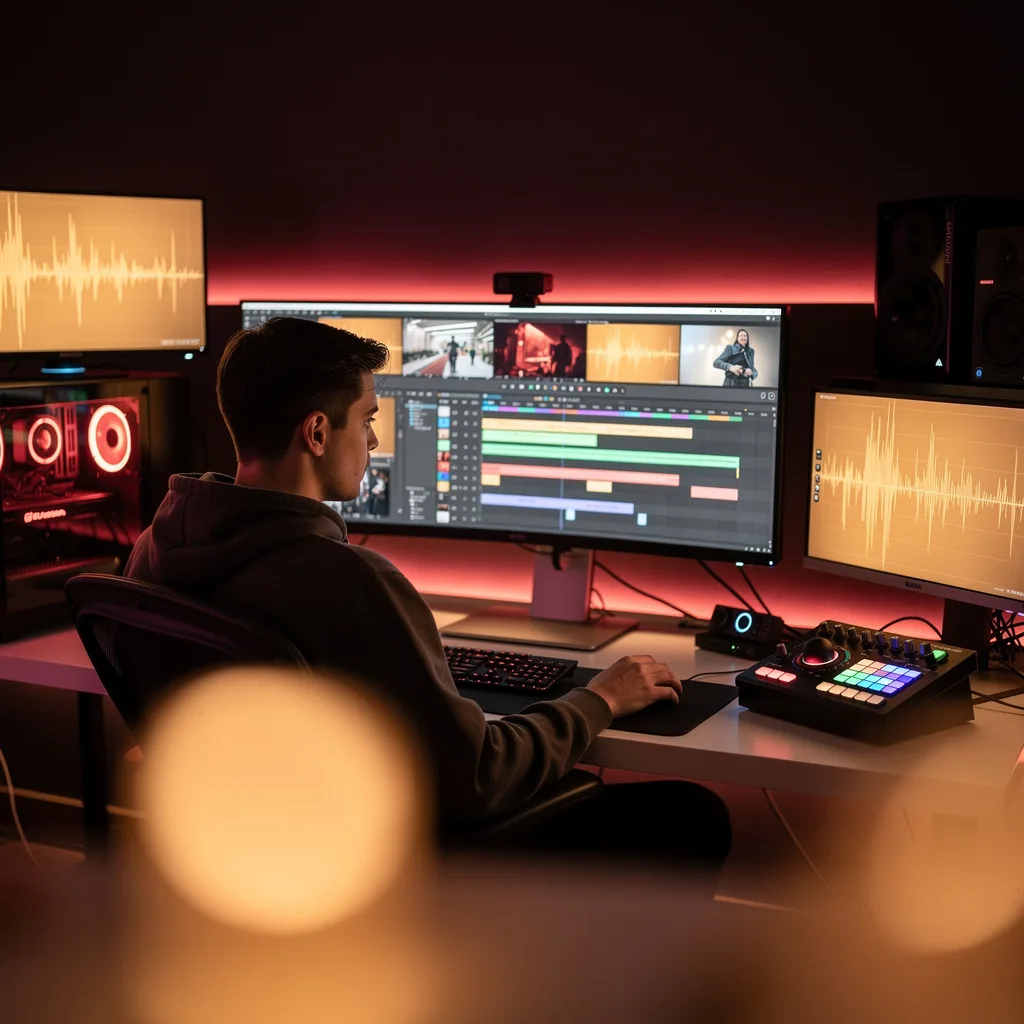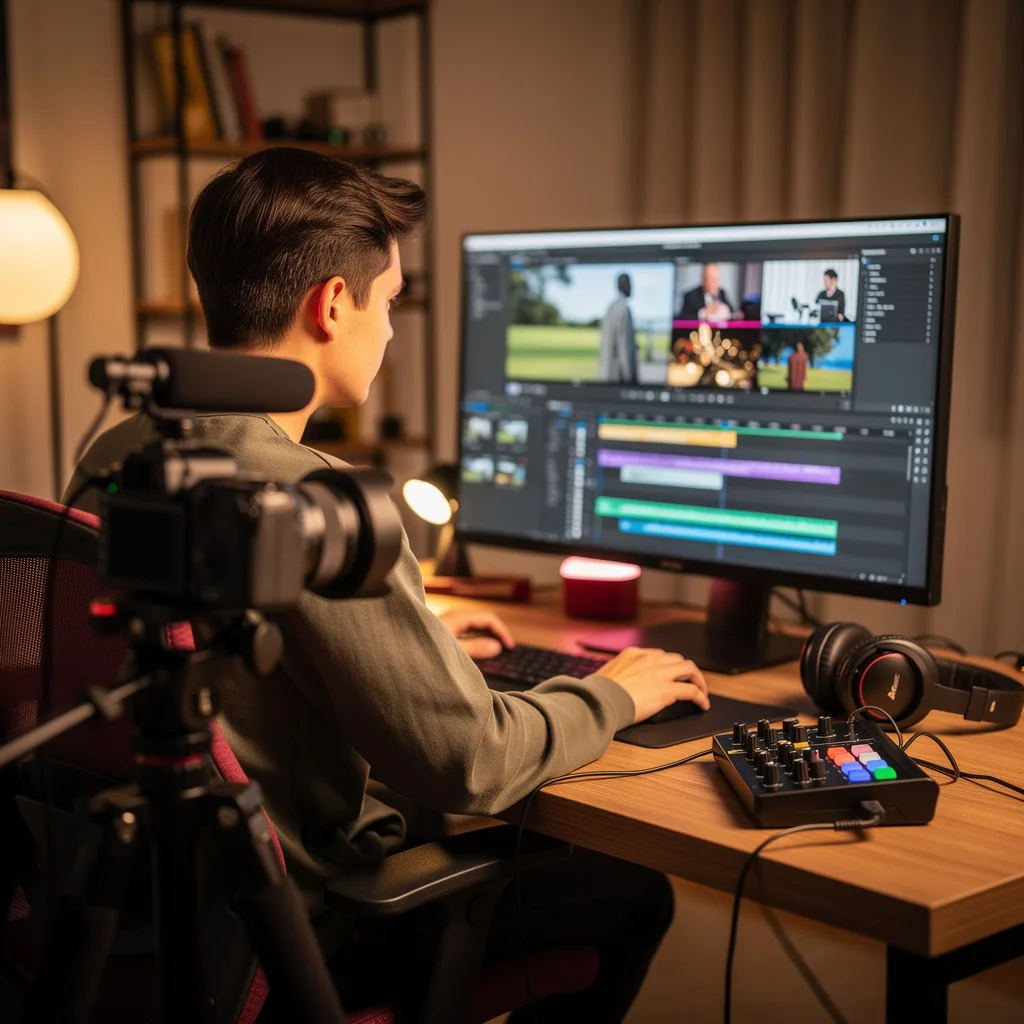
What is YouTube Video Editing?
YouTube Video Editing Training
The YouTube Video Editing certificate program teaches you the essential skills to transform raw footage into engaging, polished videos that captivate audiences. Designed for aspiring creators, small business owners, and anyone looking to start a YouTube channel, this course provides a practical, hands-on approach to video editing. By the end, you will be able to produce professional-quality videos with clear storytelling, seamless cuts, and effective audio and text elements.
The program is structured for beginners, guiding you step by step from understanding the editing workflow to mastering basic cuts and trimming, audio editing and mixing, text and lower thirds, and finally pacing and storytelling. Each lesson balances theory with real-world practice, building four core skill areas: technical editing, audio design, graphic integration, and narrative flow. You should choose this program now because YouTube content creation is booming, and polished editing is the key to standing out in a crowded platform—this course gives you the exact toolkit to start creating with confidence.
What is YouTube Video Editing?
YouTube video editing is the process of assembling, refining, and enhancing video footage specifically for the YouTube platform. It involves cutting and trimming clips, adjusting audio levels, adding text overlays and lower thirds, and shaping the overall pace to tell a compelling story. Core concepts include timeline-based editing, transitions, audio ducking, color correction, and export settings optimized for YouTube’s compression.
Today, YouTube video editing is more relevant than ever because the platform hosts over 2 billion logged-in monthly users, and viewers expect high-quality, well-paced content. It is used by vloggers, educators, marketers, gamers, and musicians to create everything from tutorials and reviews to short films and live highlights. Recent shifts toward shorter attention spans and mobile-first consumption have made precise editing—especially pacing and text overlays—critical for retaining viewers.
Mastering YouTube video editing builds a versatile skill stack that includes technical proficiency in editing software, an ear for audio balance, an eye for visual hierarchy, and a storyteller’s sense of rhythm. These skills benefit anyone producing content for personal branding, business marketing, education, or creative expression. Whether you aim to grow a channel, improve your video communication, or pursue freelance editing work, this subject provides the foundation for impactful, audience-focused video production.
YouTube Video Editing Certificate Program
At the end of the training, an online exam consisting of {question_count} questions with a {quiz_duration}-minute time limit is administered. The exam will automatically appear after you complete all the topics. Participants who successfully pass the certificate exam with a minimum score of 60 out of 100 will receive the YouTube Video Editing Certificate (certificate of participation). You can add your earned certificate to your CV for job applications across many sectors listed above, and use it as proof of completing this interactive training.
The Achievement Certificate you will receive through the YouTube Video Editing training program holds significant value in demonstrating your personal and professional development in the business world. You can add it to your CV as an important reference for job applications. Moreover, compared to certificates from other private training institutions, Catch Wisdom certificates are offered to our participants at a much more affordable price.
Human resources departments find these certificates valuable because they know that Catch Wisdom is a recognized institution in this field, and they can evaluate your job applications positively. Therefore, the YouTube Video Editing training certificate you receive from Catch Wisdom can make your {job_label} more attractive and give you a competitive edge in the business world.
For more information, we recommend visiting our Support page.
Certificates in 7 Languages
Earning achievement certificates in our training programs has become more meaningful and global. With the opportunity to receive certificates in Turkish, English, German, French, Spanish, Arabic, and Russian, we are fully unlocking the potential of our students worldwide.
Why Certificates in 7 Languages?
-
Global Talent Development: Receiving your certificates in 7 different languages enhances your communication skills when interacting with more people worldwide. This enables you to operate more confidently and competently in the international arena.
-
International Job Opportunities: Employers may view your multilingual certificates as an ability to seize global job opportunities. You can open more doors for new jobs and projects.
-
Cultural Enrichment: The opportunity to receive certificates in different languages allows you to build closer relationships with different cultures and broaden your worldview. It enriches your global perspectives and increases your cultural understanding.
-
Ability to Participate in International Projects: Certificates in different languages give you an advantage in working more effectively on international projects. They increase your chances of taking leadership roles and participating in various projects in the business world.
-
Proving Yourself on the Global Stage: Your multilingual certificates offer the opportunity to showcase your skills and knowledge worldwide. You can become an internationally recognized professional.
Language diversity offers you opportunities worldwide. If you want to prove yourself in the international arena, join us on this journey by enrolling in the online YouTube Video Editing training program.
Course Duration
This distance learning program runs on a flexible schedule for 7 days. From the date you start the training, you can log in at any time within 7 days to pause, continue, and complete your training. If you pass the exam and complete the training before the 7-day period, your certificate will be instantly added to your profile without waiting for the remaining days, and you can request a printed version of your certificate.
For more information and to ask any questions, you can always reach us through the contact section or live chat.
Common Questions About YouTube Video Editing
Is this YouTube Video Editing course designed for absolute beginners?
How does the certificate help in landing YouTube video editing jobs?
What is the difference between trimming and cutting in YouTube Studio?
How does LUFS measurement affect audio mixing for YouTube videos?
- LUFS integrates loudness over time, giving a single number for perceived loudness.
- YouTube's target is typically -14 LUFS for stereo content.
- If your video's integrated LUFS is above -14, YouTube will reduce the overall volume.
- If it's below -14, no boost is applied, so your video may sound quieter than others.
Why are J-cuts and L-cuts used in advanced video editing?
What is the 3-7 second rule for pacing YouTube Shorts?
Is video editing just about cutting out the boring parts?
What Will This Course Bring You?
- Professional Workspace Configuration: You will learn to set up an optimized editing workspace with proper hardware calibration, software preferences, and ergonomic considerations that maximize editing efficiency and reduce fatigue during long production sessions.
- Footage Management Mastery: You will master importing, organizing, and cataloging video assets using industry-standard file structures, naming conventions, and metadata tagging systems that keep complex projects organized and searchable.
- Precision Cutting and Trimming: You will develop advanced cutting techniques including J-cuts, L-cuts, match cuts, and jump cuts, learning when and how to apply each technique for maximum narrative impact and viewer engagement.
- Seamless Transition Creation: You will learn to create smooth, professional transitions between clips including crossfades, whip pans, match moves, and creative transitions that enhance rather than distract from your content.
- Audio Editing and Sound Design: You will gain proficiency in audio leveling, noise reduction, EQ adjustment, compression, and sound design fundamentals including background music integration, sound effects placement, and dialogue clarity optimization.
- Color Correction Expertise: You will learn to analyze and correct color imbalances, exposure issues, and white balance problems to achieve consistent, professional-looking footage across all clips in your project.
- Creative Color Grading: You will develop the ability to create distinctive visual styles through color grading, learning to use LUTs, curves, and color wheels to establish mood, tone, and brand identity in your videos.
- Graphics and Text Integration: You will master creating and animating text overlays, lower thirds, titles, and call-to-action graphics that enhance viewer understanding while maintaining visual professionalism.
- Visual Effects and Motion Graphics: You will learn fundamental VFX techniques including green screen compositing, tracking, basic animation, and motion graphics integration to elevate your production value.
- Storytelling Through Pacing: You will understand how editing rhythm, shot duration, and sequence arrangement influence viewer emotion and retention, learning to edit for maximum engagement and narrative clarity.
- YouTube Export Optimization: You will learn platform-specific export settings including resolution, bitrate, codec selection, and thumbnail optimization to ensure your videos meet YouTube's technical requirements while maintaining quality.
- Workflow Efficiency Techniques: You will discover advanced shortcuts, proxy workflows, template systems, and batch processing techniques that dramatically reduce editing time while maintaining quality standards.
Curriculum
12 Units1. Understanding the Editing Workflow
1 hour
2. Basic Cuts and Trimming
1 hour
3. Basic Cuts and Trimming
1 hour
4. Audio Editing and Mixing
1 hour
5. Audio Editing and Mixing
1 hour
6. Text, Titles, and Lower Thirds
1 hour
7. Text, Titles, and Lower Thirds
1 hour
8. Advanced Editing Techniques
1 hour
9. Pacing and Storytelling
1 hour
10. Workflow and Organization
1 hour
11. Exporting and Optimization
1 hour
12. Final Project: Edit a YouTube Video
1 hour
Exam – YouTube Video Editing
20 Questions • 70% Pass • 30 min
Unlock All Units for Free
Create an account, enroll in the course, and start with the first unit right away.
Exam – YouTube Video Editing
20 Questions • Pass: 70% • 30 min
Course Duration
720
Total Minutes
12
Unit
1
Final Exam
~60
Min / Unit
YouTube Video Editing Certificate Program
Document Your Skill
Those who pass the 20-question, 30-minute exam with 70% receive the YouTube Video Editing Certificate.
Stand Out on Your CV
By adding your certificate to your CV, gain a professional reference in job applications and stand out from the crowd.
Career Advantage
Catch Wisdom certificates are recognized by HR departments and increase career opportunities.
CERTIFICATE FEE
At the end of the course, an online exam consisting of 20 questions with a 30-minute time limit is given. The exam appears automatically after you complete the topics. Anyone who scores at least 70 out of 100 on the certificate exam is awarded the YouTube Video Editing Document (certificate of attendance). You can add the certificate you earn to your CV for job applications in the many sectors listed above, and use it as a reference proving that you took this interactive course.
The Certificate of Achievement you receive with the YouTube Video Editing course program holds value that proves your personal and professional development in the business world. By adding it to your CV, it can serve as an important reference in your job applications. Moreover, compared with certificates from other private training institutions, Catch Wisdom certificates are offered to our participants at a much more affordable price.
Because HR departments recognize Catch Wisdom as a reputable institution in this field, they value these certificates and may evaluate your job applications favorably. For this reason, a YouTube Video Editing course certificate from Catch Wisdom can make your applications more attractive and place you in an advantageous position in the business world.
For more information, we recommend visiting the Support page.
Certificate in 7 Languages
Earning success certificates from our courses is now more meaningful and global. With certificates available in Turkish, English, German, French, Spanish, Arabic, and Russian, we fully unlock the potential of students worldwide.
Why Certificate in 7 Languages?
-
01
Global Skill Development
Receiving your certificates in 7 different languages strengthens your communication skills as you engage with more people worldwide. It lets you operate more confidently and capably on the international stage.
-
02
International Job Opportunities
Employers may see your certificates in multiple languages as a sign of your ability to seize global opportunities. You can open more doors to new jobs and projects.
-
03
Cultural Richness
The chance to earn certificates in different languages helps you build closer ties with various cultures and broadens your worldview. It enriches your global perspective and deepens cultural understanding.
-
04
Ability to Participate in International Projects
Multilingual certificates give you an edge to work more effectively on international projects. They boost your chances of leadership and participation in diverse projects in the business world.
-
05
Prove Yourself on the Global Stage
Certificates in multiple languages let you showcase your skills and knowledge worldwide. You can become an internationally recognized professional.
Language diversity opens worldwide opportunities. If you want to prove yourself in the international arena, join our online YouTube Video Editing course program and begin this journey with us.
Frequently Asked Questions (FAQ)
Is this course paid?
How do I join the course?
Can I take the course at my own pace?
How can I get my certificate?
What are the advantages of the Certified Certificate?
Boost Your Career
Take a new career step with the YouTube Video Editing course. Add your certificate to your CV, stand out in job applications, and open the door to new opportunities in the industry.
StartStudent Reviews
No reviews yet
Enroll in this course and be the first to leave a review about your experience with YouTube Video Editing.
Start