What is Ableton Live Beat Making?
Ableton Live Beat Making Training
The Ableton Live Beat Making certificate program teaches you how to produce professional-quality beats from scratch using Ableton Live, covering everything from navigating the interface to exporting a finished track. This course is designed for aspiring music producers, beatmakers, and electronic musicians who want a structured, hands-on approach to rhythm creation. By the end, you will have built a complete beat arrangement ready for release or further production.
The program is structured as a beginner-friendly progression, starting with the Session View and clip manipulation, then moving into MIDI programming, audio warping, and drum rack design. It balances theoretical concepts like polyrhythms and signal flow with practical exercises in mixing, automation, and arrangement. You will build core skills in beat programming, sound design, audio editing, and mixing—all essential for modern music production. This course is ideal now because Ableton Live dominates both studio and live performance workflows, and the demand for producers who can craft compelling beats continues to grow across genres from hip-hop to electronic dance music.
What is Ableton Live Beat Making?
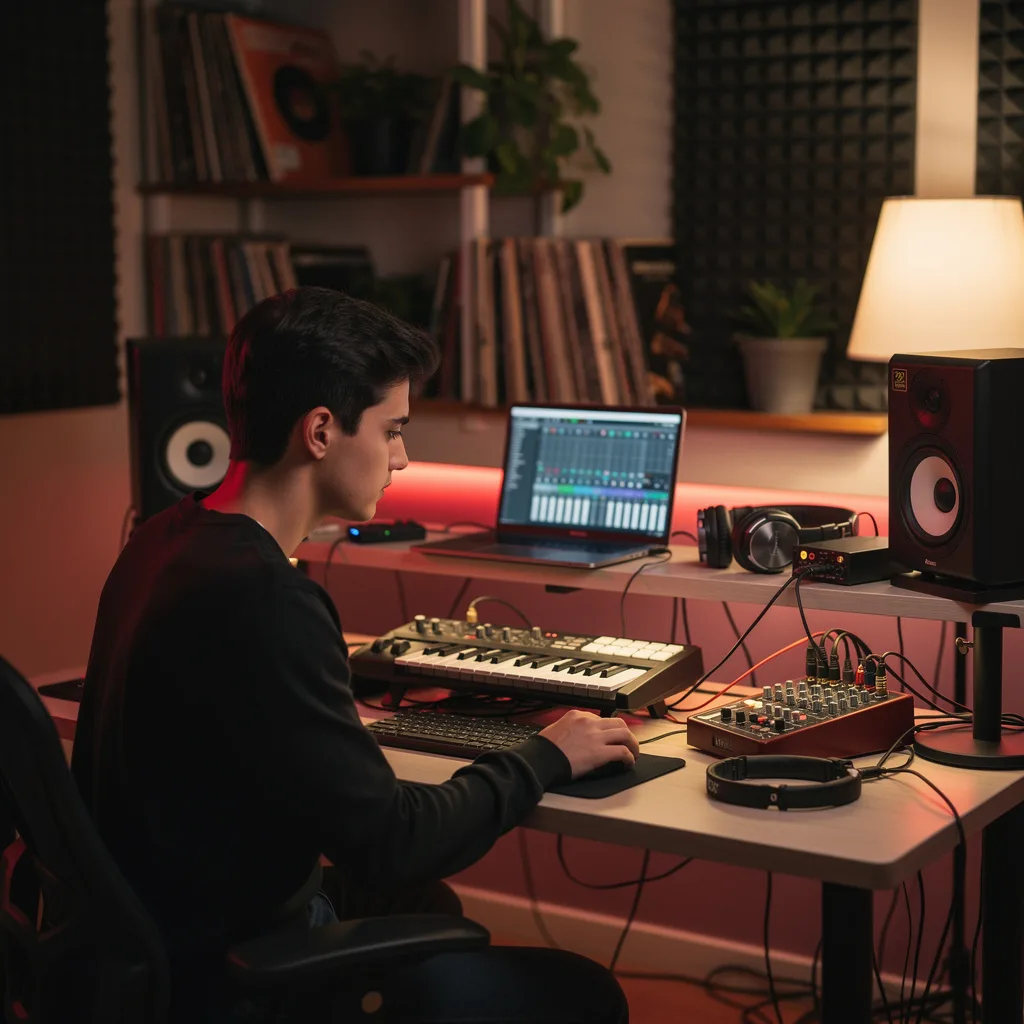
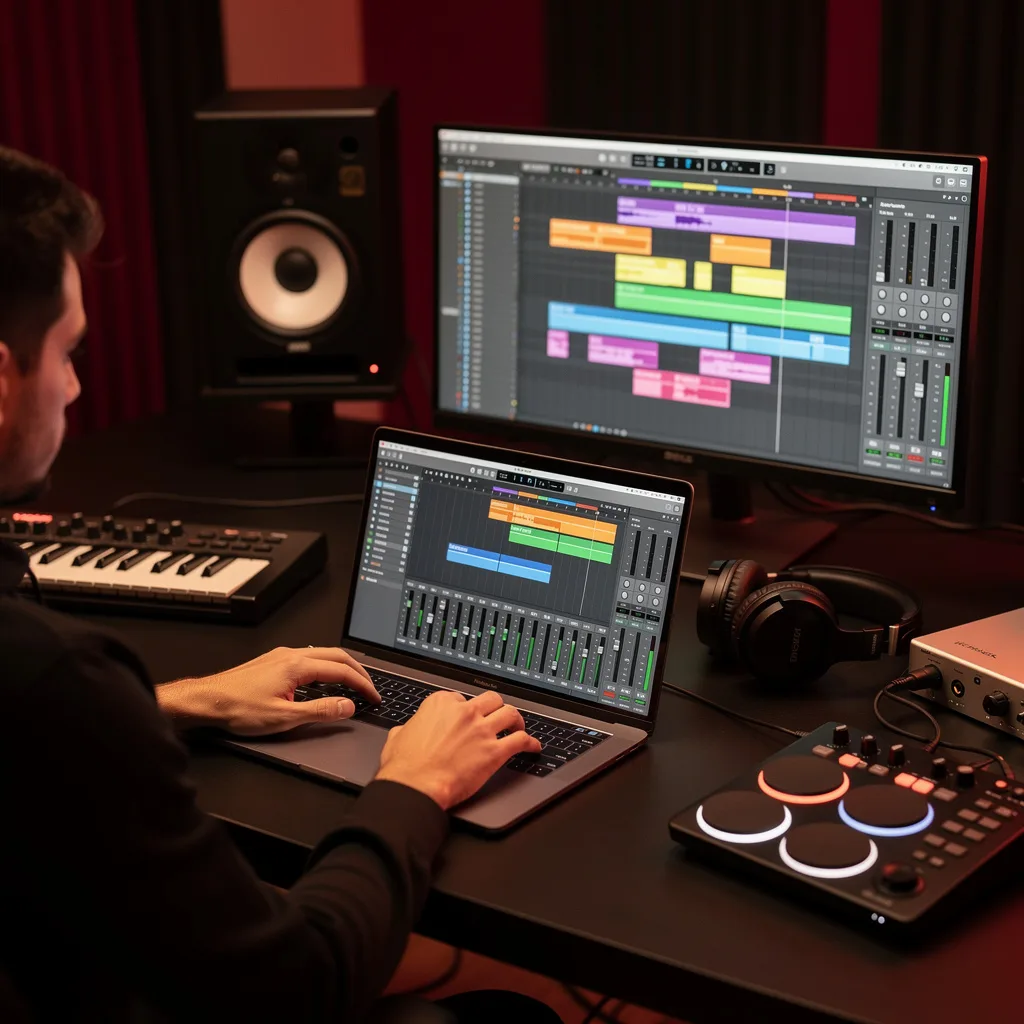
Ableton Live beat making is the art and craft of creating rhythmic patterns and percussive sequences using Ableton Live’s unique Session View and Arrangement View. It encompasses building drum racks, programming MIDI clips, warping and slicing audio loops, and applying effects to shape the sound. Core concepts include quantization, groove, velocity variation, and arrangement techniques like fills and breakdowns that give beats a dynamic, human feel.
Today, beat making in Ableton Live is central to music production across countless genres—from hip-hop and trap to house, techno, and pop. It is used by bedroom producers, touring artists, and sound designers alike, and has become a standard skill in music schools and online production communities. Recent shifts toward remote collaboration and live performance have only increased the relevance of Ableton’s flexible workflow, making beat making a foundational skill for anyone entering the modern music industry.
Mastering Ableton Live beat making builds a versatile skill stack: you learn to sequence rhythms, manipulate audio, apply effects creatively, and structure a full arrangement. These abilities translate directly to producing original tracks, remixing, scoring for media, or performing live. Whether you aim to release your own music, work as a session producer, or teach others, this subject provides the technical and creative foundation needed to turn rhythmic ideas into polished, professional beats.
Common Questions About Ableton Live Beat Making
Is Ableton Live Beat Making suitable for complete beginners?
How long does the Ableton Live Beat Making course typically take?
How do I warp audio loops in Ableton Live?
- Enable Warp on the audio clip and select a warp mode (e.g., Beats, Tones, Texture) based on the material.
- Set warp markers at transients to anchor the audio to the grid; you can add or drag markers to correct timing.
- Adjust the overall tempo or fine-tune individual markers for precise alignment.
What is the difference between Session and Arrangement View?
What are common mistakes when using MIDI effects?
How does EQ Eight help in mixing beats?
Do I need to know music theory for beat making?
What Will This Course Bring You?
- Navigate the Ableton Live interface to organize and trigger clips and scenes in Session View.
- Build custom drum racks and configure Sampler to create unique percussion sounds.
- Program rhythmic patterns using MIDI clips and apply quantization for precise timing.
- Warp audio loops to match project tempo and slice them into MIDI triggers for creative beat manipulation.
- Structure a complete beat arrangement by arranging clips and scenes in Arrangement View.
- Apply audio effects such as EQ, compression, and reverb to shape the tonal character of your beat.
- Implement MIDI effects like arpeggiators and chord generators to generate evolving rhythmic patterns.
- Design polyrhythms and fills to add complexity, then export your final beat as a high-quality audio file.
Curriculum
12 Units1. Navigating the Ableton Live Interface
1 hour
2. Working with Clips and Scenes in Session View
1 hour
3. Building Drum Racks and Using Sampler
1 hour
4. Programming Beats with MIDI Clips
1 hour
5. Warping Audio Loops and Slicing to MIDI
1 hour
6. Structuring a Beat in Arrangement View
1 hour
7. Shaping Beats with Audio Effects
1 hour
8. Using MIDI Effects for Creative Patterns
1 hour
9. Mixing Your Beat: Levels, Panning, and Sends
1 hour
10. Automation and Dynamic Arrangement
1 hour
11. Advanced Beat Techniques: Polyrhythms and Fills
1 hour
12. Finalizing and Exporting Your Beat
1 hour
Exam – Ableton Live Beat Making
20 Questions • 70% Pass • 30 min
Unlock All Units for Free
Create an account, enroll in the course, and start with the first unit right away.
Exam – Ableton Live Beat Making
20 Questions • Pass: 70% • 30 min
Course Duration
720
Total Minutes
12
Unit
1
Final Exam
~60
Min / Unit
Ableton Live Beat Making Certificate Program
Document Your Skill
Those who pass the 20-question, 30-minute exam with 70% receive the Ableton Live Beat Making Certificate.
Stand Out on Your CV
By adding your certificate to your CV, gain a professional reference in job applications and stand out from the crowd.
Career Advantage
With the verification code, employers can check your certificate instantly — a concrete way to show your growth.
CERTIFICATE FEE
At the end of the course, an online exam consisting of 20 questions with a 30-minute time limit is given. The exam appears automatically after you complete the topics. Anyone who scores at least 70 out of 100 on the certificate exam is awarded the Ableton Live Beat Making Document (certificate of attendance). You can add the certificate you earn to your CV for job applications in the many sectors listed above, and use it as a reference proving that you took this interactive course.
The Certificate of Achievement you receive with the Ableton Live Beat Making course program holds value that proves your personal and professional development in the business world. By adding it to your CV, it can serve as an important reference in your job applications. Moreover, compared with certificates from other private training institutions, Catch Wisdom certificates are offered to our participants at a much more affordable price.
The Ableton Live Beat Making course certificate is a document that proves, with a unique verification code, that you completed the course. Employers can instantly check its authenticity with this code, which helps you show your development concretely in your job applications.
For more information, we recommend visiting the Support page.
Certificate in 7 Languages
Earning success certificates from our courses is now more meaningful and global. With certificates available in Turkish, English, German, French, Spanish, Arabic, and Russian, we fully unlock the potential of students worldwide.
Why Certificate in 7 Languages?
-
01
Global Skill Development
Receiving your certificates in 7 different languages strengthens your communication skills as you engage with more people worldwide. It lets you operate more confidently and capably on the international stage.
-
02
International Job Opportunities
Employers may see your certificates in multiple languages as a sign of your ability to seize global opportunities. You can open more doors to new jobs and projects.
-
03
Cultural Richness
The chance to earn certificates in different languages helps you build closer ties with various cultures and broadens your worldview. It enriches your global perspective and deepens cultural understanding.
-
04
Ability to Participate in International Projects
Multilingual certificates give you an edge to work more effectively on international projects. They boost your chances of leadership and participation in diverse projects in the business world.
-
05
Prove Yourself on the Global Stage
Certificates in multiple languages give you the opportunity to present your skills and knowledge worldwide.
Language diversity opens worldwide opportunities. If you want to prove yourself in the international arena, join our online Ableton Live Beat Making course program and begin this journey with us.
Frequently Asked Questions (FAQ)
Is this course paid?
How do I join the course?
Can I take the course at my own pace?
How can I get my certificate?
What are the advantages of the certificate?
Boost Your Career
Take a new career step with the Ableton Live Beat Making course. Add your certificate to your CV, stand out in job applications, and open the door to new opportunities in the industry.
StartStudent Reviews
No reviews yet
Enroll in this course and be the first to leave a review about your experience with Ableton Live Beat Making.
Start