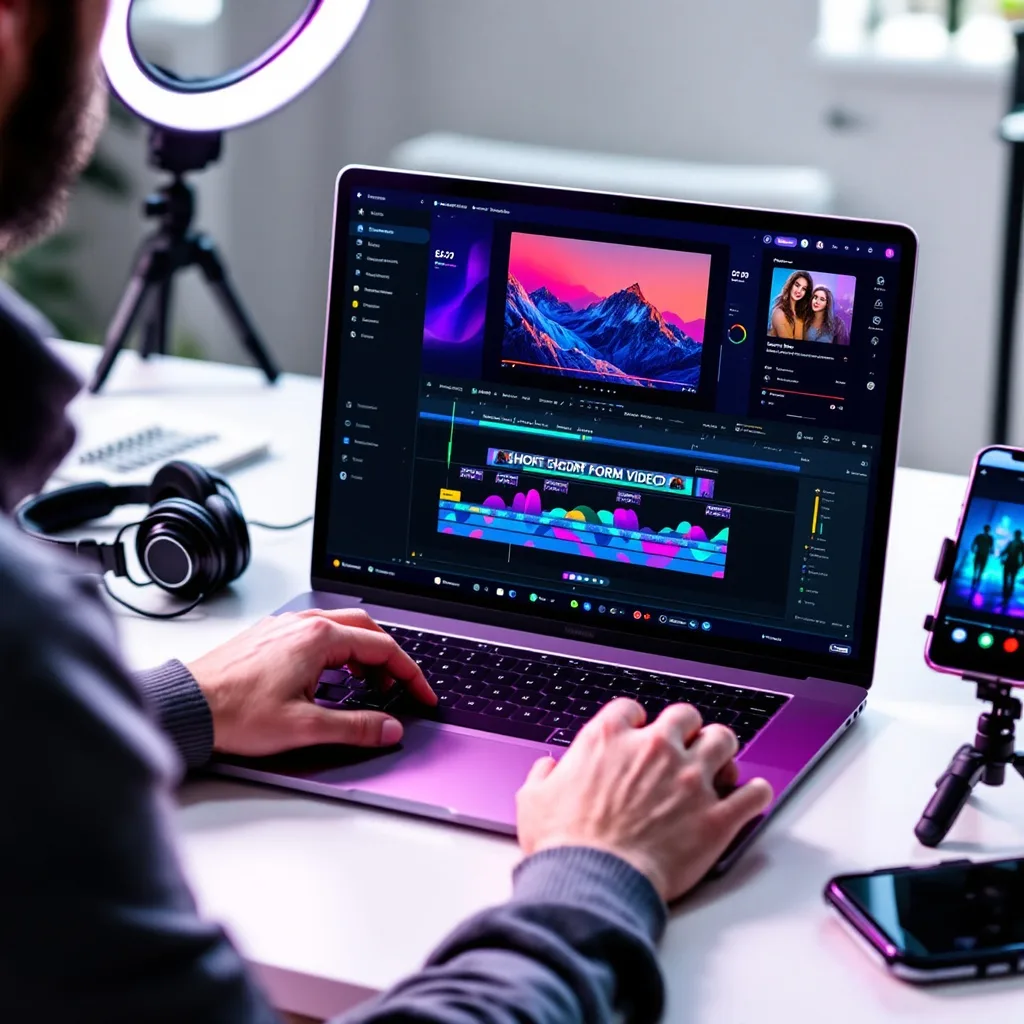
What is Adobe Premiere Pro Essentials?
Adobe Premiere Pro Essentials Training
Adobe Premiere Pro Essentials certificate program is designed for aspiring editors, content creators, and media professionals who want to master the industry-standard non-linear editing software. The curriculum covers the complete editing pipeline, from workspace setup and media organization to exporting and archiving finished projects. Learners work through sequence setup, core editing, precision trimming, transitions, titles, audio mixing, color correction, speed changes, keyframing, masking, tracking, multicamera editing, and performance optimization. By the end, participants can confidently edit professional-quality video projects for film, television, online platforms, and corporate communications.
The program follows a beginner-friendly progression that balances theoretical understanding with extensive hands-on practice. It builds five core skill areas: editing fundamentals and timeline refinement, visual enhancement through transitions and graphics, audio and color finishing, advanced motion and compositing, and workflow optimization with proxy media and Dynamic Link. Each lesson, from workspace organization to multicamera synchronization and export, reinforces the previous one through practical exercises. Choosing this program now makes sense because video content demand is exploding across streaming, social media, and corporate training, and Premiere Pro remains the most widely used editing tool in the industry.
What is Adobe Premiere Pro Essentials?
Adobe Premiere Pro Essentials refers to the foundational knowledge and practical skills required to operate Adobe Premiere Pro, a professional non-linear video editing application. The subject covers the core concepts of digital video editing, including project and media management, sequence creation, clip assembly, and timeline-based editing. It also encompasses precision trimming, transition application, title design, audio mixing, color correction, speed manipulation, keyframe animation, masking, tracking, multicamera editing, and export workflows. Understanding these essentials means grasping how to manipulate video, audio, and graphics within a flexible, layer-based timeline to tell a coherent visual story.
This subject matters today because video has become the dominant medium for communication, entertainment, and marketing across every industry. Premiere Pro is used in Hollywood film editing, broadcast television, streaming series, YouTube content creation, corporate video production, and online education. Recent shifts toward remote collaboration, proxy workflows, cloud-based project sharing, and AI-assisted features like auto-transcription and scene edit detection have made these essential skills more relevant than ever. Professionals who understand Premiere Pro's core operations can adapt quickly to new tools and formats, ensuring their work remains competitive in a fast-changing media landscape.
Mastering Adobe Premiere Pro Essentials builds a versatile skill stack that combines technical proficiency with creative decision-making. Learners develop the ability to organize complex media, craft polished edits, balance audio, grade color, and composite visual effects, all while maintaining efficient project performance. These skills apply directly to roles such as video editor, content creator, videographer, social media manager, and multimedia producer, as well as to personal projects like family films, travel vlogs, and community storytelling. The subject also fosters a deeper understanding of post-production workflows, enabling collaboration with directors, producers, and motion graphics artists on professional teams.
What Will This Course Bring You?
- Organize Premiere Pro projects by creating bins, labeling clips, and customizing workspaces to streamline media management and retrieval.
- Set up sequences and perform core edits by importing footage, marking in and out points, and assembling clips on the timeline.
- Apply precision trimming techniques such as ripple, roll, and slip edits to refine pacing and remove unwanted frames from sequences.
- Design titles and Essential Graphics templates, then integrate transitions to enhance narrative flow and visual polish in edited projects.
- Evaluate and adjust audio levels, apply EQ and compression, and mix dialogue, music, and effects for balanced sound in Premiere Pro.
- Implement color correction and grading by reading scopes, balancing exposure, and applying creative looks to match footage.
- Build keyframed motion effects, speed changes, time remapping, and masking/tracking composites to control clip movement and pacing dynamically.
- Configure multicamera synchronization, proxy workflows, Dynamic Link, and export settings to optimize performance and archive deliverables.
Curriculum
12 Units1. Workspace, Projects, and Media Organization
1 hour
2. Sequence Setup and Core Editing
1 hour
3. Precision Trimming and Timeline Refinement
1 hour
4. Transitions, Titles, and Essential Graphics
1 hour
5. Audio Editing and Mixing Fundamentals
1 hour
6. Color Correction and Grading Basics
1 hour
7. Speed Changes and Time Remapping
1 hour
8. Keyframing and Motion Effects
1 hour
9. Masking, Tracking, and Compositing
1 hour
10. Multicamera Editing and Synchronization
1 hour
11. Proxy Workflows, Dynamic Link, and Performance
1 hour
12. Exporting, Delivery, and Project Archiving
1 hour
Exam – Adobe Premiere Pro Essentials
20 Questions • 70% Pass • 30 min
Unlock All Units for Free
Create an account, enroll in the course, and start with the first unit right away.
Exam – Adobe Premiere Pro Essentials
20 Questions • Pass: 70% • 30 min
Course Duration
720
Total Minutes
12
Unit
1
Final Exam
~60
Min / Unit
Adobe Premiere Pro Essentials Certificate Program
Document Your Skill
Those who pass the 20-question, 30-minute exam with 70% receive the Adobe Premiere Pro Essentials Certificate.
Stand Out on Your CV
By adding your certificate to your CV, gain a professional reference in job applications and stand out from the crowd.
Career Advantage
Catch Wisdom certificates are recognized by HR departments and increase career opportunities.
CERTIFICATE FEE
At the end of the course, an online exam consisting of 20 questions with a 30-minute time limit is given. The exam appears automatically after you complete the topics. Anyone who scores at least 70 out of 100 on the certificate exam is awarded the Adobe Premiere Pro Essentials Document (certificate of attendance). You can add the certificate you earn to your CV for job applications in the many sectors listed above, and use it as a reference proving that you took this interactive course.
The Certificate of Achievement you receive with the Adobe Premiere Pro Essentials course program holds value that proves your personal and professional development in the business world. By adding it to your CV, it can serve as an important reference in your job applications. Moreover, compared with certificates from other private training institutions, Catch Wisdom certificates are offered to our participants at a much more affordable price.
Because HR departments recognize Catch Wisdom as a reputable institution in this field, they value these certificates and may evaluate your job applications favorably. For this reason, a Adobe Premiere Pro Essentials course certificate from Catch Wisdom can make your applications more attractive and place you in an advantageous position in the business world.
For more information, we recommend visiting the Support page.
Certificate in 7 Languages
Earning success certificates from our courses is now more meaningful and global. With certificates available in Turkish, English, German, French, Spanish, Arabic, and Russian, we fully unlock the potential of students worldwide.
Why Certificate in 7 Languages?
-
01
Global Skill Development
Receiving your certificates in 7 different languages strengthens your communication skills as you engage with more people worldwide. It lets you operate more confidently and capably on the international stage.
-
02
International Job Opportunities
Employers may see your certificates in multiple languages as a sign of your ability to seize global opportunities. You can open more doors to new jobs and projects.
-
03
Cultural Richness
The chance to earn certificates in different languages helps you build closer ties with various cultures and broadens your worldview. It enriches your global perspective and deepens cultural understanding.
-
04
Ability to Participate in International Projects
Multilingual certificates give you an edge to work more effectively on international projects. They boost your chances of leadership and participation in diverse projects in the business world.
-
05
Prove Yourself on the Global Stage
Certificates in multiple languages let you showcase your skills and knowledge worldwide. You can become an internationally recognized professional.
Language diversity opens worldwide opportunities. If you want to prove yourself in the international arena, join our online Adobe Premiere Pro Essentials course program and begin this journey with us.
Frequently Asked Questions (FAQ)
Is this course paid?
How do I join the course?
Can I take the course at my own pace?
How can I get my certificate?
What are the advantages of the Certified Certificate?
Boost Your Career
Take a new career step with the Adobe Premiere Pro Essentials course. Add your certificate to your CV, stand out in job applications, and open the door to new opportunities in the industry.
StartStudent Reviews
No reviews yet
Enroll in this course and be the first to leave a review about your experience with Adobe Premiere Pro Essentials.
Start