What is DaVinci Resolve?
DaVinci Resolve Certificate Program
This DaVinci Resolve certificate program is a complete, hands-on journey through the industry’s most integrated post-production platform, designed for aspiring editors, colorists, content creators, and filmmakers who want to master every stage of the finishing workflow. You will build a real project from scratch, learning to import and organize media, assemble rough cuts on the Cut page, refine edits with precision on the Edit page, and craft professional soundtracks in Fairlight. The training then immerses you in the art and science of color, from primary correction with scopes to advanced secondary grading and HDR look development, before introducing node-based compositing and visual effects on the Fusion page. By the end, you will confidently deliver a polished, broadcast-ready master using optimal render presets and understand how to manage collaboration and round-tripping for complex productions.
The program follows a carefully scaffolded progression that respects beginners while challenging experienced users, beginning with interface navigation and project setup before moving into media organization, rough cutting, and precision editing. Theory and practice are balanced in every module, ensuring you not only know which button to press but also why a technique works, with core skill areas built across editing, audio post-production, color grading, and compositing. You will work through advanced editing techniques, timeline management, and Fusion fundamentals, then tackle sophisticated grading and HDR workflows, all while learning the delivery and collaboration tools that make DaVinci Resolve the backbone of modern post houses. Now is the ideal time to choose this program because the software’s free version has removed barriers to entry, yet the demand for multi-skilled finishing artists who can seamlessly move between cut, color, audio, and effects has never been higher.
What is DaVinci Resolve?
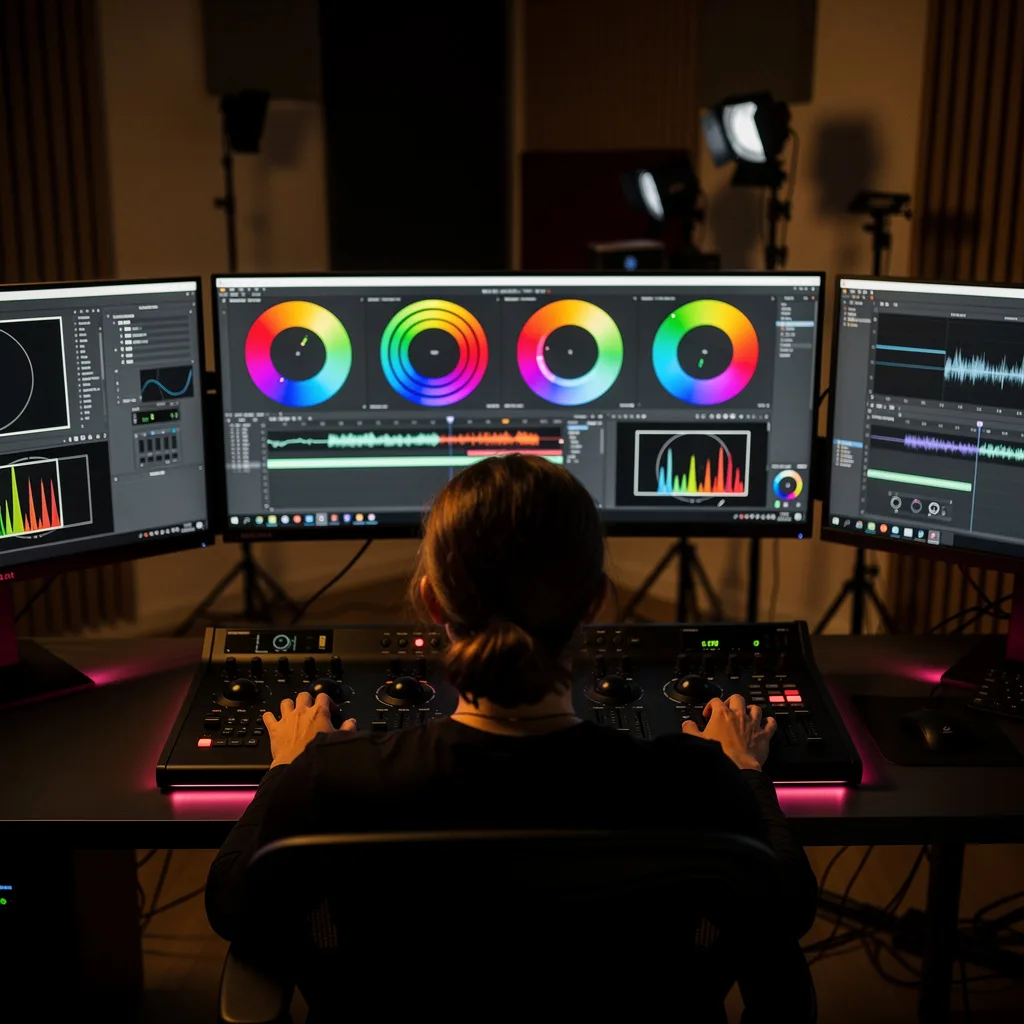
DaVinci Resolve is a professional, all-in-one video post-production application that unifies non-linear editing, advanced color correction, audio post-production, and visual effects compositing within a single, node-based environment. Originally renowned as Hollywood’s leading color grading system, it has evolved into a full creative suite with dedicated pages for media management, rough cutting, fine editing, audio mixing, motion graphics, and delivery. Its core concepts revolve around a non-destructive, metadata-driven workflow where every adjustment—from a simple trim to a complex 3D composite—can be refined at any stage without degrading the original footage. The software supports an immense range of formats, resolutions, and HDR standards, making it equally capable of handling a YouTube vlog, a commercial spot, or a feature film’s entire post pipeline.
Today, DaVinci Resolve matters because it reflects a fundamental shift in the industry toward integrated, collaborative workflows that eliminate the traditional back-and-forth between separate editing, grading, and audio tools. Its free version offers a staggering amount of professional functionality, democratizing access to high-end post-production for independent creators, students, and small studios, while the paid Studio version adds advanced neural engine features, stereoscopic 3D, and multi-user collaboration. In real-world practice, Resolve is used by major broadcasters, advertising agencies, and Oscar-winning films, and its growing adoption in remote and cloud-based production pipelines has made it a critical skill for anyone entering media creation. The recent emphasis on HDR delivery for streaming platforms and the rise of short-form vertical content have only expanded its relevance across every screen.
Mastering DaVinci Resolve builds a uniquely versatile skill stack that bridges creative storytelling and technical precision. A deep understanding of its color page cultivates an eye for color science, scopes, and look development, while the Fairlight page develops professional audio mixing and sound design abilities. The Fusion page introduces node-based compositing and motion graphics logic that transfers to other high-end VFX tools, and the Edit and Cut pages reinforce the principles of narrative pacing and timeline organization. This combination empowers individuals to work as freelance finishing artists, in-house video producers, colorists, or online content directors, and it provides a competitive edge in any role where the ability to control the entire post-production chain—from raw media to final master—is valued.
Common Questions About DaVinci Resolve
Is the DaVinci Resolve certificate useful for job applications?
Can a beginner with no editing experience take this course?
How does the Smart Trim Cursor switch between ripple and roll modes?
What is the difference between technical and creative LUTs in color grading?
How do I isolate a specific color using the Qualifier in secondary grading?
- Sample: Click on the color you want to isolate using the eyedropper tool.
- Refine: Adjust the hue, saturation, and luminance sliders to narrow the selection.
- Apply: Once isolated, you can make targeted corrections, such as changing the color of a specific object without affecting the rest of the frame.
What is the purpose of the Cut Page in the DaVinci Resolve pipeline?
Do I need a powerful computer to run DaVinci Resolve effectively?
What Will This Course Bring You?
- Configure project settings, timelines, and user preferences to establish an organized editing environment tailored to specific media formats.
- Import, organize, and tag media assets using bins, metadata, and smart bins to streamline media management and accelerate the editing process.
- Assemble a rough cut quickly using the Cut Page’s dual timeline, source tape, and dedicated trimming tools to build the narrative structure of a project.
- Analyze video scopes and apply primary color correction adjustments to balance exposure, contrast, and white balance for a technically accurate image.
- Isolate and grade specific regions using qualifiers, power windows, and tracking to enhance visual storytelling and correct problematic areas.
- Build a basic composite in the Fusion page by combining node-based operations, keying, and tracking to create visual effects and motion graphics.
- Implement advanced editing techniques such as dynamic trimming, multicam editing, and timeline nesting to refine pacing and manage complex sequences.
- Select appropriate render settings and output presets to deliver final masters in various formats for broadcast, web, and cinema distribution.
Curriculum
12 Units1. Interface, Project Setup, and Core Navigation
1 hour
2. Media Import, Organization, and Metadata
1 hour
3. Rough Cutting on the Cut Page
1 hour
4. Precision Editing on the Edit Page
1 hour
5. Audio Post-Production in Fairlight
1 hour
6. Primary Color Correction and Scopes
1 hour
7. Secondary Color Grading and Isolation Techniques
1 hour
8. Fusion Page Fundamentals and Compositing
1 hour
9. Advanced Editing Techniques and Timeline Management
1 hour
10. Advanced Color Grading, Look Development, and HDR
1 hour
11. Delivery, Rendering, and Output Presets
1 hour
12. Collaboration, Round-Tripping, and Project Finishing
1 hour
Exam – DaVinci Resolve
20 Questions • 70% Pass • 30 min
Unlock All Units for Free
Create an account, enroll in the course, and start with the first unit right away.
Exam – DaVinci Resolve
20 Questions • Pass: 70% • 30 min
Course Duration
720
Total Minutes
12
Unit
1
Final Exam
~60
Min / Unit
DaVinci Resolve Certificate Program
Document Your Skill
Those who pass the 20-question, 30-minute exam with 70% receive the DaVinci Resolve Certificate.
Stand Out on Your CV
By adding your certificate to your CV, gain a professional reference in job applications and stand out from the crowd.
Career Advantage
Catch Wisdom certificates are recognized by HR departments and increase career opportunities.
CERTIFICATE FEE
At the end of the course, an online exam consisting of 20 questions with a 30-minute time limit is given. The exam appears automatically after you complete the topics. Anyone who scores at least 70 out of 100 on the certificate exam is awarded the DaVinci Resolve Document (certificate of attendance). You can add the certificate you earn to your CV for job applications in the many sectors listed above, and use it as a reference proving that you took this interactive course.
The Certificate of Achievement you receive with the DaVinci Resolve course program holds value that proves your personal and professional development in the business world. By adding it to your CV, it can serve as an important reference in your job applications. Moreover, compared with certificates from other private training institutions, Catch Wisdom certificates are offered to our participants at a much more affordable price.
Because HR departments recognize Catch Wisdom as a reputable institution in this field, they value these certificates and may evaluate your job applications favorably. For this reason, a DaVinci Resolve course certificate from Catch Wisdom can make your applications more attractive and place you in an advantageous position in the business world.
For more information, we recommend visiting the Support page.
Certificate in 7 Languages
Earning success certificates from our courses is now more meaningful and global. With certificates available in Turkish, English, German, French, Spanish, Arabic, and Russian, we fully unlock the potential of students worldwide.
Why Certificate in 7 Languages?
-
01
Global Skill Development
Receiving your certificates in 7 different languages strengthens your communication skills as you engage with more people worldwide. It lets you operate more confidently and capably on the international stage.
-
02
International Job Opportunities
Employers may see your certificates in multiple languages as a sign of your ability to seize global opportunities. You can open more doors to new jobs and projects.
-
03
Cultural Richness
The chance to earn certificates in different languages helps you build closer ties with various cultures and broadens your worldview. It enriches your global perspective and deepens cultural understanding.
-
04
Ability to Participate in International Projects
Multilingual certificates give you an edge to work more effectively on international projects. They boost your chances of leadership and participation in diverse projects in the business world.
-
05
Prove Yourself on the Global Stage
Certificates in multiple languages let you showcase your skills and knowledge worldwide. You can become an internationally recognized professional.
Language diversity opens worldwide opportunities. If you want to prove yourself in the international arena, join our online DaVinci Resolve course program and begin this journey with us.
Frequently Asked Questions (FAQ)
Is this course paid?
How do I join the course?
Can I take the course at my own pace?
How can I get my certificate?
What are the advantages of the Certified Certificate?
Boost Your Career
Take a new career step with the DaVinci Resolve course. Add your certificate to your CV, stand out in job applications, and open the door to new opportunities in the industry.
StartStudent Reviews
No reviews yet
Enroll in this course and be the first to leave a review about your experience with DaVinci Resolve.
Start