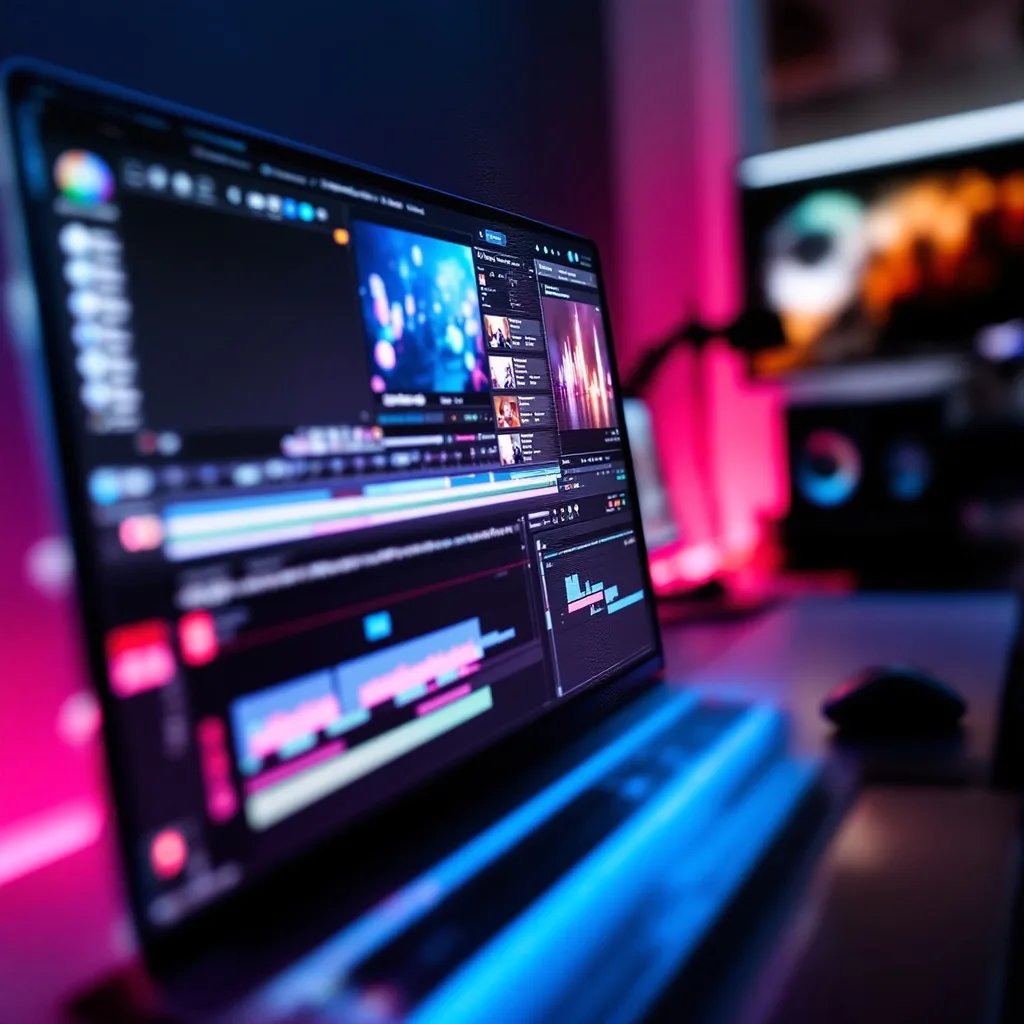
What is Final Cut Pro?
Final Cut Pro Training
The Final Cut Pro certificate program is a comprehensive, hands-on training experience designed for video editors, content creators, and filmmakers who want to master Apple's industry-leading non-linear editing software. This course takes you from your first import to a polished, export-ready project, covering everything from workspace navigation and media organization to multicam editing and advanced color grading. By the end, you will have the practical skills to edit professional-quality videos for social media, broadcast, corporate clients, or personal creative projects.
The program is structured as a beginner-friendly progression that balances conceptual theory with real-world practice across twelve focused lessons. You will build core competencies in timeline editing, precision trimming, audio mixing, color correction, motion graphics, and delivery workflows, each reinforced with hands-on exercises that mirror professional editing scenarios. Choosing this training now positions you to meet the growing demand for skilled video editors in an era where video content dominates digital communication, marketing, and entertainment.
What is Final Cut Pro?
Final Cut Pro is Apple's professional non-linear video editing application, renowned for its magnetic timeline, intuitive interface, and powerful performance optimized for Mac hardware. At its core, it is a tool for assembling raw footage into a coherent narrative, but its scope extends far beyond simple cutting — it encompasses audio design, color grading, motion graphics, compositing, and multi-camera synchronization. The software's architecture is built around a magnetic timeline that automatically manages clip relationships, making it both accessible for newcomers and deeply capable for seasoned editors.
In today's media landscape, Final Cut Pro matters because video has become the primary language of communication across industries — from YouTube creators and independent filmmakers to broadcast newsrooms and corporate marketing teams. The software has evolved to support modern workflows like 360-degree video, HDR color spaces, and proxy-based editing for 4K and 8K footage, keeping pace with the rapid shift toward high-resolution, multi-platform content delivery. Its adoption in professional post-production houses and its role in major film and television projects underscore its relevance as a serious industry tool.
Mastering Final Cut Pro builds a versatile skill stack that includes narrative storytelling, technical editing precision, audio engineering fundamentals, color theory, and visual effects compositing — competencies that transfer directly to other creative software and production environments. Editors who develop fluency in this tool can work across freelance, agency, studio, or in-house production contexts, delivering content for advertising, documentary, event coverage, and digital media. The subject empowers learners to take full creative control of their projects, from the first cut to the final master, and to produce work that meets the professional standards of today's video-driven economy.
Common Questions About Final Cut Pro
Will the Final Cut Pro certificate boost my video editor resume?
Is this Final Cut Pro training suitable for complete beginners?
How does the Magnetic Timeline prevent editing gaps?
- Primary Storyline: the backbone of your edit; clips here behave like one continuous band, so removing one pulls the rest forward instantly.
- Connected Clips: secondary footage (B-roll, titles, sound) attaches above or below the storyline and moves with it, so you don't lose sync when you rearrange the main edit.
How do Audio Roles simplify mixing in Final Cut Pro?
Why use the Color Inspector for correction in Final Cut Pro?
How does the Retiming Editor handle constant speed changes?
Is Final Cut Pro really harder to learn than Premiere Pro?
What Will This Course Bring You?
- Configure a personalized Final Cut Pro workspace and import media from various sources with proper organization.
- Assemble a rough cut by performing insert, overwrite, and connect edits on the timeline.
- Refine clip timing using ripple, roll, slip, and slide trimming techniques for precise edits.
- Mix audio tracks by adjusting levels, applying keyframes, and using audio effects to achieve balanced sound.
- Apply and customize transitions and video effects to enhance visual continuity and storytelling.
- Design and animate titles and text overlays using Final Cut Pro's title tools and controls.
- Evaluate and correct color imbalances using scopes and color wheels to ensure consistent footage.
- Set up and synchronize multicam clips, then switch angles in real-time to edit multi-camera productions.
Curriculum
12 Units1. Workspace and Importing Media
1 hour
2. Basic Timeline Editing
1 hour
3. Precision Trimming Techniques
1 hour
4. Audio Editing and Mixing
1 hour
5. Transitions and Video Effects
1 hour
6. Titles and Text Design
1 hour
7. Color Correction Essentials
1 hour
8. Advanced Color Grading
1 hour
9. Motion Graphics and Compositing
1 hour
10. Multicam Editing Workflows
1 hour
11. Speed Changes and Retiming
1 hour
12. Exporting and Delivering Projects
1 hour
Exam – Final Cut Pro
20 Questions • 70% Pass • 30 min
Unlock All Units for Free
Create an account, enroll in the course, and start with the first unit right away.
Exam – Final Cut Pro
20 Questions • Pass: 70% • 30 min
Course Duration
720
Total Minutes
12
Unit
1
Final Exam
~60
Min / Unit
Final Cut Pro Certificate Program
Document Your Skill
Those who pass the 20-question, 30-minute exam with 70% receive the Final Cut Pro Certificate.
Stand Out on Your CV
By adding your certificate to your CV, gain a professional reference in job applications and stand out from the crowd.
Career Advantage
Catch Wisdom certificates are recognized by HR departments and increase career opportunities.
CERTIFICATE FEE
At the end of the course, an online exam consisting of 20 questions with a 30-minute time limit is given. The exam appears automatically after you complete the topics. Anyone who scores at least 70 out of 100 on the certificate exam is awarded the Final Cut Pro Document (certificate of attendance). You can add the certificate you earn to your CV for job applications in the many sectors listed above, and use it as a reference proving that you took this interactive course.
The Certificate of Achievement you receive with the Final Cut Pro course program holds value that proves your personal and professional development in the business world. By adding it to your CV, it can serve as an important reference in your job applications. Moreover, compared with certificates from other private training institutions, Catch Wisdom certificates are offered to our participants at a much more affordable price.
Because HR departments recognize Catch Wisdom as a reputable institution in this field, they value these certificates and may evaluate your job applications favorably. For this reason, a Final Cut Pro course certificate from Catch Wisdom can make your applications more attractive and place you in an advantageous position in the business world.
For more information, we recommend visiting the Support page.
Certificate in 7 Languages
Earning success certificates from our courses is now more meaningful and global. With certificates available in Turkish, English, German, French, Spanish, Arabic, and Russian, we fully unlock the potential of students worldwide.
Why Certificate in 7 Languages?
-
01
Global Skill Development
Receiving your certificates in 7 different languages strengthens your communication skills as you engage with more people worldwide. It lets you operate more confidently and capably on the international stage.
-
02
International Job Opportunities
Employers may see your certificates in multiple languages as a sign of your ability to seize global opportunities. You can open more doors to new jobs and projects.
-
03
Cultural Richness
The chance to earn certificates in different languages helps you build closer ties with various cultures and broadens your worldview. It enriches your global perspective and deepens cultural understanding.
-
04
Ability to Participate in International Projects
Multilingual certificates give you an edge to work more effectively on international projects. They boost your chances of leadership and participation in diverse projects in the business world.
-
05
Prove Yourself on the Global Stage
Certificates in multiple languages let you showcase your skills and knowledge worldwide. You can become an internationally recognized professional.
Language diversity opens worldwide opportunities. If you want to prove yourself in the international arena, join our online Final Cut Pro course program and begin this journey with us.
Frequently Asked Questions (FAQ)
Is this course paid?
How do I join the course?
Can I take the course at my own pace?
How can I get my certificate?
What are the advantages of the Certified Certificate?
Boost Your Career
Take a new career step with the Final Cut Pro course. Add your certificate to your CV, stand out in job applications, and open the door to new opportunities in the industry.
StartStudent Reviews
No reviews yet
Enroll in this course and be the first to leave a review about your experience with Final Cut Pro.
Start