What is HeyGen AI Video Creation?
HeyGen AI Video Creation Training
The HeyGen AI Video Creation certificate program is a hands-on, project-driven training designed for content creators, marketers, educators, and business professionals who want to produce studio-quality videos without cameras or actors. This course teaches you how to leverage HeyGen’s AI avatars, voiceovers, and multi-scene editing tools to transform scripts into polished, engaging videos—from your first simple clip to fully branded, multi-scene productions. By the end, you will have a portfolio of ready-to-publish videos and the confidence to scale your video output for social media, training, sales, or internal communications.
The program is structured as a beginner-friendly progression that balances conceptual understanding with immediate, practical application. You’ll start with platform navigation and scriptwriting fundamentals, then move through avatar selection, voice customization, template workflows, and advanced editing techniques, culminating in collaboration, automation, and real-world deployment strategies. Core skill areas include AI avatar management, audio and voiceover optimization, visual branding, and workflow automation—each reinforced through guided exercises and best-practice case studies. Choosing this program now means staying ahead of the rapid shift toward AI-driven content production, where speed and personalization are decisive competitive advantages.
What is HeyGen AI Video Creation?
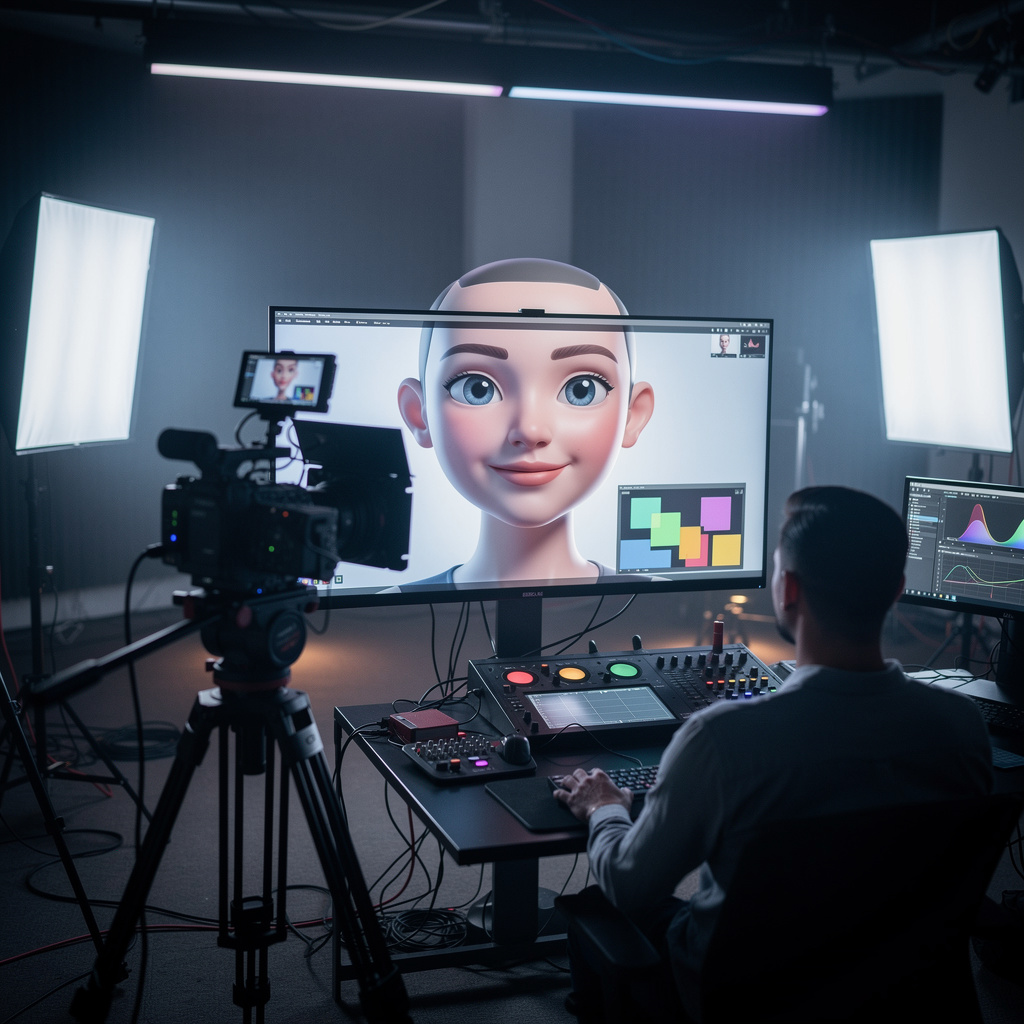
HeyGen AI Video Creation is a cloud-based platform that uses generative AI to produce realistic talking-head videos from text scripts. Its core concepts include AI avatars—digital human-like presenters that can speak in multiple languages and tones—along with voice synthesis, lip-sync technology, and scene-based video assembly. The platform covers the entire video production pipeline: script input, avatar selection, voiceover generation, visual customization, and export, enabling users to create videos that appear professionally filmed without any physical recording equipment.
Today, HeyGen is widely adopted in corporate training, e-learning, marketing, and customer support because it dramatically reduces production time and cost while enabling rapid localization and personalization. Recent shifts toward remote work and personalized digital communication have accelerated its use, as organizations seek to produce consistent, on-brand video content at scale. The platform’s integration with automation tools like Zapier and APIs also makes it a key component in modern content operations, where video is generated dynamically based on user data or triggers.
Mastering HeyGen builds a skill stack that combines scriptwriting, visual design, audio engineering, and workflow automation—all within a single tool. For professionals, this means the ability to independently produce explainer videos, product demos, and internal updates without relying on production teams. For personal creators, it unlocks the potential to build a consistent YouTube or social media presence with minimal resources. The subject’s practical value lies in its direct translation of textual ideas into engaging visual narratives, making it an essential competency for anyone involved in digital communication today.
Common Questions About HeyGen AI Video Creation
Does the HeyGen AI Video Creation certificate boost my job applications?
Can a complete beginner start the HeyGen AI video course without experience?
How does the Avatar Library help in managing multiple AI avatars in HeyGen?
- Avatar Types: The library distinguishes between different avatar categories, such as realistic or stylized, helping you narrow down options quickly.
- Use Case Selection: You can filter avatars based on the purpose of your video—whether it's a corporate explainer, a social media clip, or an educational lesson—so the presenter fits the context.
Why is the Script Panel considered the command center for AI video scripts?
What role does the Brand System play in customizing HeyGen videos?
How can Gesture Control teach your HeyGen avatar body language?
Do you need a camera to create AI videos with HeyGen?
What Will This Course Bring You?
- Configure a HeyGen workspace and initiate a new video project with appropriate settings.
- Generate a first AI video using HeyGen's guided workflow, from script input to final render.
- Evaluate and select AI avatars based on video purpose and audience demographics to maximize engagement.
- Apply voiceover settings and adjust audio parameters to achieve clear, natural-sounding narration.
- Write a script optimized for AI video delivery, using concise sentences and visual cues.
- Customize video elements such as text overlays, logos, and color schemes to reinforce brand identity.
- Implement advanced avatar features like gestures and emotional expressions to enhance viewer connection.
- Automate video production by integrating HeyGen with external platforms via API or third-party tools.
Curriculum
12 Units1. Getting Started with HeyGen
1 hour
2. Creating Your First AI Video
1 hour
3. Selecting and Managing AI Avatars
1 hour
4. Voiceovers and Audio Settings
1 hour
5. Scriptwriting for AI Video Success
1 hour
6. Customizing Video Elements and Branding
1 hour
7. Working with Templates and Multi-Scene Videos
1 hour
8. Advanced Avatar Features and Customization
1 hour
9. Editing and Refining Your Video
1 hour
10. Collaboration and Sharing
1 hour
11. Integrations and Automation
1 hour
12. Best Practices and Real-World Applications
1 hour
Exam – HeyGen AI Video Creation
20 Questions • 70% Pass • 30 min
Unlock All Units for Free
Create an account, enroll in the course, and start with the first unit right away.
Exam – HeyGen AI Video Creation
20 Questions • Pass: 70% • 30 min
Course Duration
720
Total Minutes
12
Unit
1
Final Exam
~60
Min / Unit
HeyGen AI Video Creation Certificate Program
Document Your Skill
Those who pass the 20-question, 30-minute exam with 70% receive the HeyGen AI Video Creation Certificate.
Stand Out on Your CV
By adding your certificate to your CV, gain a professional reference in job applications and stand out from the crowd.
Career Advantage
Catch Wisdom certificates are recognized by HR departments and increase career opportunities.
CERTIFICATE FEE
At the end of the course, an online exam consisting of 20 questions with a 30-minute time limit is given. The exam appears automatically after you complete the topics. Anyone who scores at least 70 out of 100 on the certificate exam is awarded the HeyGen AI Video Creation Document (certificate of attendance). You can add the certificate you earn to your CV for job applications in the many sectors listed above, and use it as a reference proving that you took this interactive course.
The Certificate of Achievement you receive with the HeyGen AI Video Creation course program holds value that proves your personal and professional development in the business world. By adding it to your CV, it can serve as an important reference in your job applications. Moreover, compared with certificates from other private training institutions, Catch Wisdom certificates are offered to our participants at a much more affordable price.
Because HR departments recognize Catch Wisdom as a reputable institution in this field, they value these certificates and may evaluate your job applications favorably. For this reason, a HeyGen AI Video Creation course certificate from Catch Wisdom can make your applications more attractive and place you in an advantageous position in the business world.
For more information, we recommend visiting the Support page.
Certificate in 7 Languages
Earning success certificates from our courses is now more meaningful and global. With certificates available in Turkish, English, German, French, Spanish, Arabic, and Russian, we fully unlock the potential of students worldwide.
Why Certificate in 7 Languages?
-
01
Global Skill Development
Receiving your certificates in 7 different languages strengthens your communication skills as you engage with more people worldwide. It lets you operate more confidently and capably on the international stage.
-
02
International Job Opportunities
Employers may see your certificates in multiple languages as a sign of your ability to seize global opportunities. You can open more doors to new jobs and projects.
-
03
Cultural Richness
The chance to earn certificates in different languages helps you build closer ties with various cultures and broadens your worldview. It enriches your global perspective and deepens cultural understanding.
-
04
Ability to Participate in International Projects
Multilingual certificates give you an edge to work more effectively on international projects. They boost your chances of leadership and participation in diverse projects in the business world.
-
05
Prove Yourself on the Global Stage
Certificates in multiple languages let you showcase your skills and knowledge worldwide. You can become an internationally recognized professional.
Language diversity opens worldwide opportunities. If you want to prove yourself in the international arena, join our online HeyGen AI Video Creation course program and begin this journey with us.
Frequently Asked Questions (FAQ)
Is this course paid?
How do I join the course?
Can I take the course at my own pace?
How can I get my certificate?
What are the advantages of the Certified Certificate?
Boost Your Career
Take a new career step with the HeyGen AI Video Creation course. Add your certificate to your CV, stand out in job applications, and open the door to new opportunities in the industry.
StartStudent Reviews
No reviews yet
Enroll in this course and be the first to leave a review about your experience with HeyGen AI Video Creation.
Start