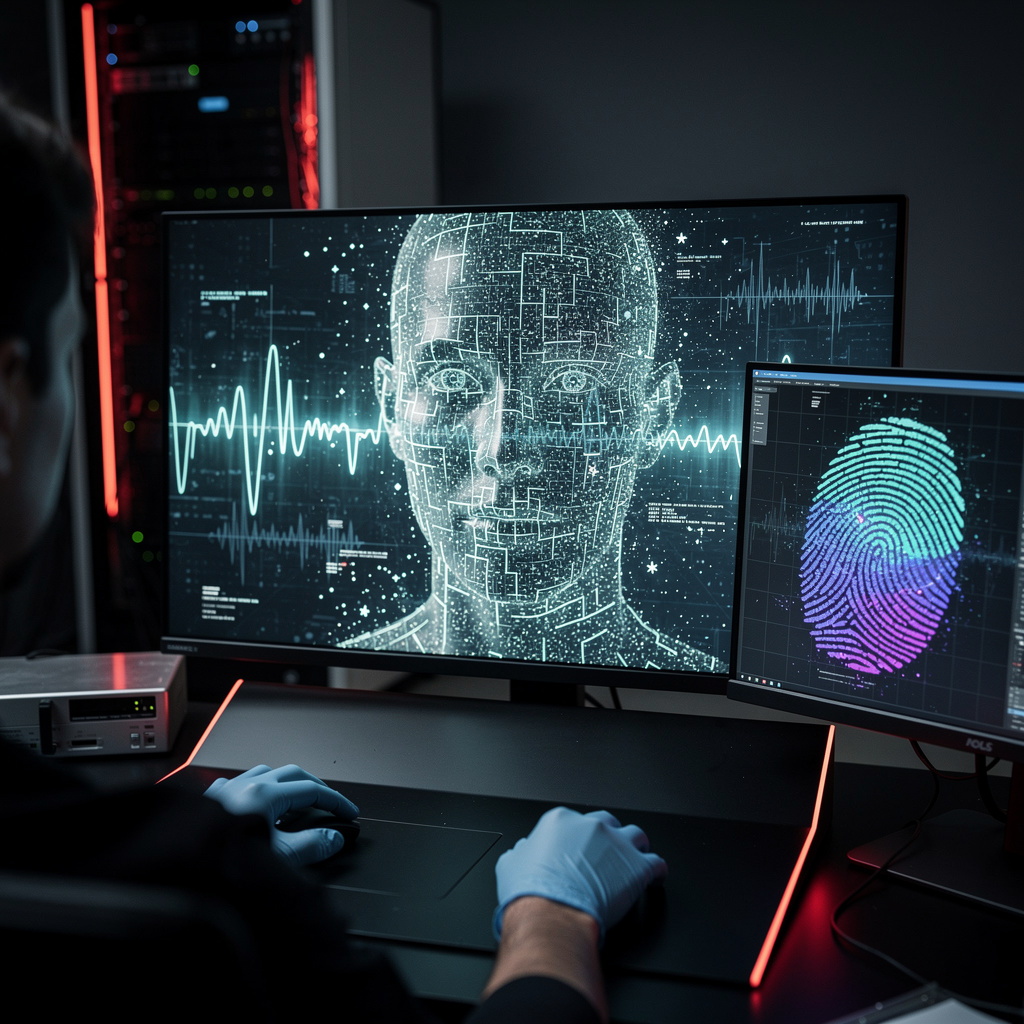
What is Dictation and Voice Input?
Dictation and Voice Input Training
The Dictation and Voice Input certificate program is a comprehensive training pathway that teaches you to convert spoken language into accurate, formatted text across desktop and mobile platforms. This course is designed for professionals, writers, students, and accessibility advocates who want to reduce typing strain, accelerate content production, and harness the full potential of modern speech recognition systems. By the end of the program, you will have a fully optimized dictation setup, a trained voice profile, and a personalized workflow that lets you compose, edit, and manage documents entirely by voice.
The program progresses from foundational concepts — such as how dictation engines process audio and how to choose the right microphone — through to advanced voice commands, multilingual dictation, and troubleshooting techniques. Each lesson balances theoretical understanding with hands-on practice, building four core skill areas: setup and environment optimization, accuracy training, voice-driven editing and formatting, and workflow automation. With voice input now embedded in operating systems, productivity suites, and mobile devices, this is the ideal moment to master a skill that is rapidly becoming a standard professional competency.
What is Dictation and Voice Input?
Dictation and voice input refers to the technology and practice of using speech recognition systems to convert spoken words into written text, commands, and formatting actions. At its core, the subject encompasses the entire pipeline from audio capture — via microphones and acoustic environment management — to acoustic modeling, language modeling, and the final text output that appears in applications. It also includes the vocabulary of voice commands, the calibration of user-specific speech patterns, and the integration of speech engines with operating systems, word processors, and mobile apps.
Today, dictation and voice input have moved from niche accessibility tools to mainstream productivity features. Operating systems like Windows, macOS, iOS, and Android ship with built-in speech recognition, while cloud-based engines offer near-real-time transcription with impressive accuracy. Professionals in healthcare, legal, journalism, and software development use voice input to draft reports, transcribe interviews, write code, and manage email hands-free. The recent shift toward remote work and the growing awareness of repetitive strain injuries have further accelerated the adoption of voice as a primary input method.
Mastering dictation and voice input builds a skill stack that includes audio hardware selection, acoustic environment tuning, speech engine training, voice command fluency, and multilingual transcription capabilities. These skills translate directly into measurable outcomes: faster text production, reduced physical strain, improved accessibility, and the ability to maintain productivity during long writing sessions. Whether you are a content creator seeking to double your output, a professional managing heavy documentation loads, or an individual with mobility challenges, the subject offers a practical, immediately applicable toolkit that reshapes how you interact with digital devices.
Common Questions About Dictation and Voice Input
Will a dictation and voice input certificate boost my resume for tech jobs?
Is this dictation course suitable for beginners with zero voice input experience?
What is the difference between speech recognition and voice recognition in dictation?
How does the speech-to-text pipeline convert sound waves into text?
- Audio Capture: The microphone converts sound waves into a digital electrical signal.
- Acoustic Analysis: The system breaks the signal into tiny phonetic units, analyzing frequencies and patterns.
- Language Modeling: These phonetic units are matched against a vast database of words and phrases, using context to predict the most likely sequence.
- Text Output: The system formats the recognized words into readable text, applying punctuation and capitalization rules.
Why does microphone proximity improve dictation accuracy so much?
How do custom voice commands map a phrase to text in dictation?
Is dictation slower than typing for most people?
What Will This Course Bring You?
- Analyze the core principles of dictation and voice input to explain how speech is converted to text.
- Design an optimal microphone setup and acoustic environment to minimize background noise and maximize recognition accuracy.
- Apply basic dictation techniques to produce accurate text with correct punctuation and capitalization.
- Implement system training and accuracy improvement methods to adapt the dictation engine to your voice and vocabulary.
- Utilize voice commands to edit, format, and navigate documents without using a keyboard.
- Customize advanced voice commands and create personalized macros to automate repetitive tasks.
- Evaluate voice input features on mobile devices to effectively dictate on smartphones and tablets.
- Implement privacy and security best practices to protect sensitive information when using voice input.
Curriculum
12 Units1. How Dictation and Voice Input Work
1 hour
2. Choosing and Setting Up Your Microphone and Environment
1 hour
3. Basic Dictation: Speaking to Text
1 hour
4. Improving Accuracy and Training the System
1 hour
5. Editing and Formatting by Voice
1 hour
6. Advanced Voice Commands and Customization
1 hour
7. Dictation in Popular Applications
1 hour
8. Voice Input on Mobile Devices
1 hour
9. Multilingual and Specialized Dictation
1 hour
10. Troubleshooting and Optimizing Performance
1 hour
11. Privacy and Security in Voice Input
1 hour
12. Building a Productive Dictation Workflow
1 hour
Exam – Dictation and Voice Input
20 Questions • 70% Pass • 30 min
Unlock All Units for Free
Create an account, enroll in the course, and start with the first unit right away.
Exam – Dictation and Voice Input
20 Questions • Pass: 70% • 30 min
Course Duration
720
Total Minutes
12
Unit
1
Final Exam
~60
Min / Unit
Dictation and Voice Input Certificate Program
Document Your Skill
Those who pass the 20-question, 30-minute exam with 70% receive the Dictation and Voice Input Certificate.
Stand Out on Your CV
By adding your certificate to your CV, gain a professional reference in job applications and stand out from the crowd.
Career Advantage
Catch Wisdom certificates are recognized by HR departments and increase career opportunities.
CERTIFICATE FEE
At the end of the course, an online exam consisting of 20 questions with a 30-minute time limit is given. The exam appears automatically after you complete the topics. Anyone who scores at least 70 out of 100 on the certificate exam is awarded the Dictation and Voice Input Document (certificate of attendance). You can add the certificate you earn to your CV for job applications in the many sectors listed above, and use it as a reference proving that you took this interactive course.
The Certificate of Achievement you receive with the Dictation and Voice Input course program holds value that proves your personal and professional development in the business world. By adding it to your CV, it can serve as an important reference in your job applications. Moreover, compared with certificates from other private training institutions, Catch Wisdom certificates are offered to our participants at a much more affordable price.
Because HR departments recognize Catch Wisdom as a reputable institution in this field, they value these certificates and may evaluate your job applications favorably. For this reason, a Dictation and Voice Input course certificate from Catch Wisdom can make your applications more attractive and place you in an advantageous position in the business world.
For more information, we recommend visiting the Support page.
Certificate in 7 Languages
Earning success certificates from our courses is now more meaningful and global. With certificates available in Turkish, English, German, French, Spanish, Arabic, and Russian, we fully unlock the potential of students worldwide.
Why Certificate in 7 Languages?
-
01
Global Skill Development
Receiving your certificates in 7 different languages strengthens your communication skills as you engage with more people worldwide. It lets you operate more confidently and capably on the international stage.
-
02
International Job Opportunities
Employers may see your certificates in multiple languages as a sign of your ability to seize global opportunities. You can open more doors to new jobs and projects.
-
03
Cultural Richness
The chance to earn certificates in different languages helps you build closer ties with various cultures and broadens your worldview. It enriches your global perspective and deepens cultural understanding.
-
04
Ability to Participate in International Projects
Multilingual certificates give you an edge to work more effectively on international projects. They boost your chances of leadership and participation in diverse projects in the business world.
-
05
Prove Yourself on the Global Stage
Certificates in multiple languages let you showcase your skills and knowledge worldwide. You can become an internationally recognized professional.
Language diversity opens worldwide opportunities. If you want to prove yourself in the international arena, join our online Dictation and Voice Input course program and begin this journey with us.
Frequently Asked Questions (FAQ)
Is this course paid?
How do I join the course?
Can I take the course at my own pace?
How can I get my certificate?
What are the advantages of the Certified Certificate?
Boost Your Career
Take a new career step with the Dictation and Voice Input course. Add your certificate to your CV, stand out in job applications, and open the door to new opportunities in the industry.
StartStudent Reviews
No reviews yet
Enroll in this course and be the first to leave a review about your experience with Dictation and Voice Input.
Start