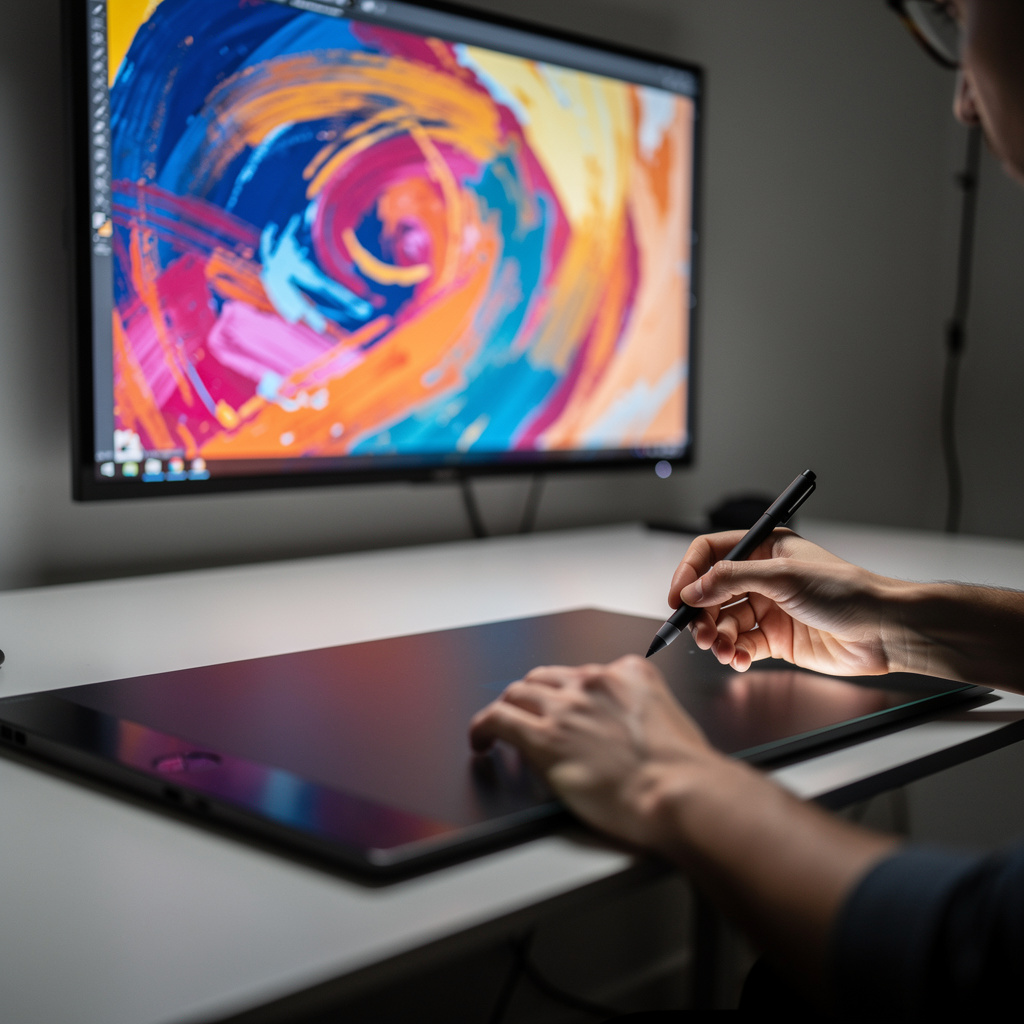
What is Krita Digital Painting?
Krita Digital Painting Training
The Krita Digital Painting certificate program is a comprehensive, hands-on training designed for artists, illustrators, and designers who want to master this powerful open-source software. This course takes you from the very basics of navigating Krita's interface to advanced techniques like custom brush creation, masking, and compositing, ensuring you can produce polished, professional-grade digital paintings. Whether you are a beginner picking up a stylus for the first time or a traditional artist transitioning to digital media, the program is structured to build your confidence and skill set systematically. By the end, you will have completed a full project from sketch to finished painting, demonstrating your ability to apply every core technique covered in the lessons.
The program is carefully sequenced to introduce you to the interface and essential tools first, then progressively deepen your understanding of brushes, color management, layers, and selection methods—all while grounding you in the fundamental principles of values, shading, and lighting. Each module balances concise theory with practical exercises, so you are not just watching but actively creating as you learn. The curriculum also emphasizes workflow optimization and real-world problem-solving, such as working with reference images and applying effects, which are critical for meeting tight deadlines in professional environments. With the growing demand for digital art in gaming, animation, and concept design, choosing this program now gives you a competitive edge using a free, industry-respected tool that is constantly evolving.
What is Krita Digital Painting?
Krita Digital Painting is the practice of creating artwork using the open-source raster graphics editor Krita, a program specifically designed for concept art, texture and matte painting, illustrations, and comics. Its core concepts revolve around a highly customizable brush engine, layer-based compositing, and color management that mimics traditional media like oil, watercolor, and pastels, while offering the flexibility of digital tools such as undo, non-destructive editing, and infinite canvas sizes. The software supports both raster and vector workflows, enabling artists to combine freehand painting with precise shapes and text, and its intuitive interface is tailored to the needs of painters rather than photo editors, making it a unique and powerful platform for creative expression.
Today, Krita has become a vital tool in the digital art ecosystem, particularly because it is free and open-source, democratizing access to professional-grade painting software for artists worldwide. It is widely used in the indie game development community, by freelance illustrators, and in educational settings where budget constraints are a concern, yet it also holds its own against commercial giants like Photoshop and Procreate in terms of brush performance and painting-specific features. Recent shifts toward remote and collaborative workflows have further increased its relevance, as Krita supports PSD compatibility and a growing library of community-created resources, ensuring that artists can share and adapt assets seamlessly across different platforms and pipelines.
Mastering Krita Digital Painting builds a robust skill stack that includes not only technical proficiency with the software but also a deep understanding of color theory, lighting, texture creation, and non-destructive editing—all of which are transferable to other digital art tools. For professionals, this expertise opens doors to roles in concept art, storyboarding, game asset creation, and visual development, while for hobbyists it provides a fulfilling creative outlet with the potential for freelance income. The subject also cultivates problem-solving and iterative design thinking, as artists learn to manage complex layer stacks, optimize performance, and troubleshoot rendering issues, making it an invaluable discipline for anyone serious about digital creativity in today's visual-driven industries.
Common Questions About Krita Digital Painting
How does the Krita certificate boost my job applications?
Is this Krita digital painting course for absolute beginners?
How do I use the Pixel Engine for realistic brush strokes?
- Size: controls the width of the stroke; map it to pressure for tapered lines.
- Opacity: controls how transparent the stroke is; map it to pressure for soft shading.
- Flow: controls how much paint is laid down per dab; lower flow builds up color gradually.
- Spacing: controls the distance between dabs; lower spacing gives smoother strokes.
What's the difference between filter layers and filter masks in Krita?
How do I create a seamless pattern in Krita for textures?
What are the common mistakes when using blending modes in Krita?
Is Krita too complicated for beginners to learn?
What Will This Course Bring You?
- Navigate Krita's interface efficiently to customize workspaces and access essential tools for digital painting.
- Apply brush engine settings to create varied stroke textures and simulate traditional media effects.
- Implement color management workflows to ensure consistent color across devices and print.
- Utilize layers and blending modes to composite elements and achieve non-destructive color adjustments.
- Design selections and masks to isolate areas for precise editing and controlled painting.
- Evaluate lighting and shading principles to construct three-dimensional forms with accurate values.
- Build custom brushes by adjusting tip, texture, and dynamics to suit specific painting tasks.
- Integrate reference images and tracing techniques to inform composition and proportion in a final artwork.
Curriculum
12 Units1. Getting Around the Krita Interface
1 hour
2. Mastering Brushes and Brush Engines
1 hour
3. Color Theory and Color Management
1 hour
4. Layers and Blending Modes
1 hour
5. Selections and Masking Techniques
1 hour
6. Core Painting Fundamentals: Values, Shading, and Lighting
1 hour
7. Creating and Using Textures and Patterns
1 hour
8. Designing Custom Brushes
1 hour
9. Working with Reference Images and Tracing
1 hour
10. Compositing and Applying Effects
1 hour
11. Optimizing Your Workflow
1 hour
12. Final Project: From Sketch to Finished Painting
1 hour
Exam – Krita Digital Painting
20 Questions • 70% Pass • 30 min
Unlock All Units for Free
Create an account, enroll in the course, and start with the first unit right away.
Exam – Krita Digital Painting
20 Questions • Pass: 70% • 30 min
Course Duration
720
Total Minutes
12
Unit
1
Final Exam
~60
Min / Unit
Krita Digital Painting Certificate Program
Document Your Skill
Those who pass the 20-question, 30-minute exam with 70% receive the Krita Digital Painting Certificate.
Stand Out on Your CV
By adding your certificate to your CV, gain a professional reference in job applications and stand out from the crowd.
Career Advantage
Catch Wisdom certificates are recognized by HR departments and increase career opportunities.
CERTIFICATE FEE
At the end of the course, an online exam consisting of 20 questions with a 30-minute time limit is given. The exam appears automatically after you complete the topics. Anyone who scores at least 70 out of 100 on the certificate exam is awarded the Krita Digital Painting Document (certificate of attendance). You can add the certificate you earn to your CV for job applications in the many sectors listed above, and use it as a reference proving that you took this interactive course.
The Certificate of Achievement you receive with the Krita Digital Painting course program holds value that proves your personal and professional development in the business world. By adding it to your CV, it can serve as an important reference in your job applications. Moreover, compared with certificates from other private training institutions, Catch Wisdom certificates are offered to our participants at a much more affordable price.
Because HR departments recognize Catch Wisdom as a reputable institution in this field, they value these certificates and may evaluate your job applications favorably. For this reason, a Krita Digital Painting course certificate from Catch Wisdom can make your applications more attractive and place you in an advantageous position in the business world.
For more information, we recommend visiting the Support page.
Certificate in 7 Languages
Earning success certificates from our courses is now more meaningful and global. With certificates available in Turkish, English, German, French, Spanish, Arabic, and Russian, we fully unlock the potential of students worldwide.
Why Certificate in 7 Languages?
-
01
Global Skill Development
Receiving your certificates in 7 different languages strengthens your communication skills as you engage with more people worldwide. It lets you operate more confidently and capably on the international stage.
-
02
International Job Opportunities
Employers may see your certificates in multiple languages as a sign of your ability to seize global opportunities. You can open more doors to new jobs and projects.
-
03
Cultural Richness
The chance to earn certificates in different languages helps you build closer ties with various cultures and broadens your worldview. It enriches your global perspective and deepens cultural understanding.
-
04
Ability to Participate in International Projects
Multilingual certificates give you an edge to work more effectively on international projects. They boost your chances of leadership and participation in diverse projects in the business world.
-
05
Prove Yourself on the Global Stage
Certificates in multiple languages let you showcase your skills and knowledge worldwide. You can become an internationally recognized professional.
Language diversity opens worldwide opportunities. If you want to prove yourself in the international arena, join our online Krita Digital Painting course program and begin this journey with us.
Frequently Asked Questions (FAQ)
Is this course paid?
How do I join the course?
Can I take the course at my own pace?
How can I get my certificate?
What are the advantages of the Certified Certificate?
Boost Your Career
Take a new career step with the Krita Digital Painting course. Add your certificate to your CV, stand out in job applications, and open the door to new opportunities in the industry.
StartStudent Reviews
No reviews yet
Enroll in this course and be the first to leave a review about your experience with Krita Digital Painting.
Start