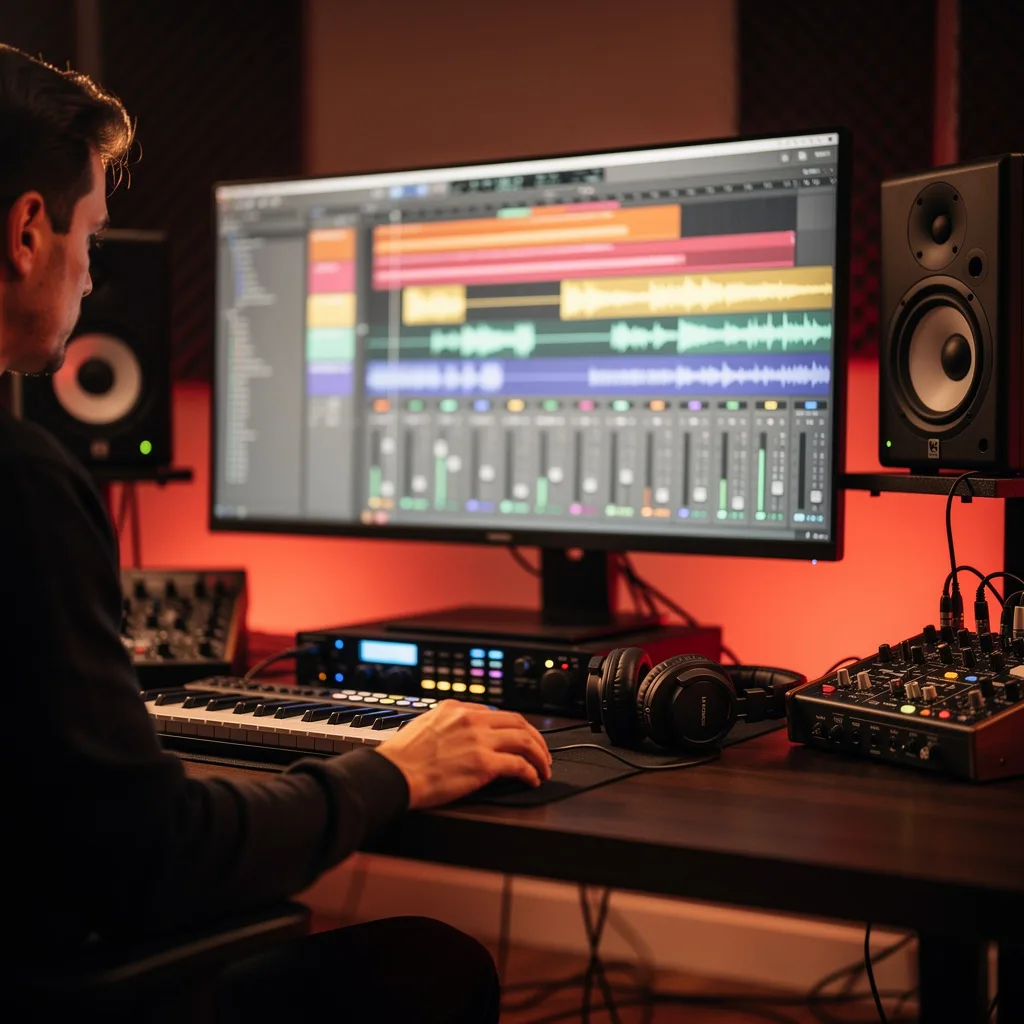
What is Logic Pro Music Production?
Logic Pro Music Production Training
The Logic Pro Music Production certificate program teaches you how to create professional-quality music using Apple’s industry-leading digital audio workstation. This course is designed for aspiring producers, songwriters, and audio engineers who want to build a complete workflow from project setup to final master. By the end, you will be able to record audio, program MIDI, mix with effects, and export polished tracks ready for distribution.
The program follows a beginner-friendly progression that balances hands-on practice with core theory. You will develop skills across five key areas: recording and editing audio, working with virtual instruments and MIDI, mixing with plugins and automation, arranging song structures, and mastering for release. With Logic Pro’s growing role in music production for film, podcasting, and commercial music, this training gives you the practical edge to start creating immediately.
What is Logic Pro Music Production?
Logic Pro Music Production is the art and science of creating, recording, editing, and mixing music using Apple’s Logic Pro software. It encompasses everything from setting up a session and capturing live audio to programming synthesizers, applying effects, and finalizing a stereo mix. Core concepts include the arrangement window, track stacks, MIDI sequencing, audio region editing, and signal flow through channel strips and buses.
Today, Logic Pro is a standard tool in professional studios, home studios, and educational institutions worldwide. Its integration with Apple hardware, vast library of sounds, and powerful mixing features make it essential for modern music creation. Recent shifts toward remote collaboration and streaming have increased demand for producers who can deliver high-quality mixes and masters from a single platform.
Mastering Logic Pro Music Production builds a versatile skill stack that includes technical proficiency in digital audio, creative sound design, and critical listening. These abilities open doors to careers in music production, sound design for media, podcast engineering, and live performance. Even for hobbyists, the knowledge gained transforms how you approach songwriting and arrangement, giving you full control over your sonic vision.
Common Questions About Logic Pro Music Production
Is this Logic Pro course suitable for complete beginners?
Will the certificate help me get a music production job?
How do I set up an empty project vs. a template in Logic Pro?
What is the difference between insert and send effects in Logic Pro?
How does quantization work in the Piano Roll Editor?
What are the key virtual instruments included in Logic Pro?
- Alchemy: A powerful synthesizer with extensive sound design capabilities.
- ES2: A versatile analog-modeled synthesizer.
- EXS24: A sampler for playing back audio samples.
- Drum Kit Designer: For creating realistic drum tracks.
- Retro Synth: Emulates classic analog synths.
Do I need expensive hardware to record audio in Logic Pro?
What Will This Course Bring You?
- Configure a new Logic Pro project with appropriate sample rate, bit depth, and tempo settings for a given production scenario.
- Record and comp multiple audio takes in Logic Pro using cycle mode and take folders to create a polished vocal track.
- Create a layered virtual instrument track by combining multiple MIDI regions and software instrument patches.
- Apply MIDI quantization and groove templates to correct timing and add human feel to a sequenced performance.
- Balance a multi-track mix using faders, panning, and basic EQ to achieve clarity and separation between instruments.
- Implement a signal chain of compression, reverb, and delay on an audio track to shape its dynamics and spatial placement.
- Draw volume and pan automation curves in Logic Pro to create dynamic changes throughout a song arrangement.
- Export a final stereo mixdown from Logic Pro with appropriate dithering and file format settings for distribution.
Curriculum
12 Units1. Setting Up Your Logic Pro Project
1 hour
2. The Logic Pro Interface and Navigation
1 hour
3. Recording Audio in Logic Pro
1 hour
4. Working with MIDI and Virtual Instruments
1 hour
5. Editing Audio Regions
1 hour
6. MIDI Editing and Quantization
1 hour
7. Mixing Fundamentals in Logic Pro
1 hour
8. Using Logic Pro Effects and Plugins
1 hour
9. Automation and Mixing Techniques
1 hour
10. Arrangement and Song Structure
1 hour
11. Bouncing, Exporting, and Mastering
1 hour
12. Advanced Workflow and Project Management
1 hour
Exam – Logic Pro Music Production
20 Questions • 70% Pass • 30 min
Unlock All Units for Free
Create an account, enroll in the course, and start with the first unit right away.
Exam – Logic Pro Music Production
20 Questions • Pass: 70% • 30 min
Course Duration
720
Total Minutes
12
Unit
1
Final Exam
~60
Min / Unit
Logic Pro Music Production Certificate Program
Document Your Skill
Those who pass the 20-question, 30-minute exam with 70% receive the Logic Pro Music Production Certificate.
Stand Out on Your CV
By adding your certificate to your CV, gain a professional reference in job applications and stand out from the crowd.
Career Advantage
With the verification code, employers can check your certificate instantly — a concrete way to show your growth.
CERTIFICATE FEE
At the end of the course, an online exam consisting of 20 questions with a 30-minute time limit is given. The exam appears automatically after you complete the topics. Anyone who scores at least 70 out of 100 on the certificate exam is awarded the Logic Pro Music Production Document (certificate of attendance). You can add the certificate you earn to your CV for job applications in the many sectors listed above, and use it as a reference proving that you took this interactive course.
The Certificate of Achievement you receive with the Logic Pro Music Production course program holds value that proves your personal and professional development in the business world. By adding it to your CV, it can serve as an important reference in your job applications. Moreover, compared with certificates from other private training institutions, Catch Wisdom certificates are offered to our participants at a much more affordable price.
The Logic Pro Music Production course certificate is a document that proves, with a unique verification code, that you completed the course. Employers can instantly check its authenticity with this code, which helps you show your development concretely in your job applications.
For more information, we recommend visiting the Support page.
Certificate in 7 Languages
Earning success certificates from our courses is now more meaningful and global. With certificates available in Turkish, English, German, French, Spanish, Arabic, and Russian, we fully unlock the potential of students worldwide.
Why Certificate in 7 Languages?
-
01
Global Skill Development
Receiving your certificates in 7 different languages strengthens your communication skills as you engage with more people worldwide. It lets you operate more confidently and capably on the international stage.
-
02
International Job Opportunities
Employers may see your certificates in multiple languages as a sign of your ability to seize global opportunities. You can open more doors to new jobs and projects.
-
03
Cultural Richness
The chance to earn certificates in different languages helps you build closer ties with various cultures and broadens your worldview. It enriches your global perspective and deepens cultural understanding.
-
04
Ability to Participate in International Projects
Multilingual certificates give you an edge to work more effectively on international projects. They boost your chances of leadership and participation in diverse projects in the business world.
-
05
Prove Yourself on the Global Stage
Certificates in multiple languages give you the opportunity to present your skills and knowledge worldwide.
Language diversity opens worldwide opportunities. If you want to prove yourself in the international arena, join our online Logic Pro Music Production course program and begin this journey with us.
Frequently Asked Questions (FAQ)
Is this course paid?
How do I join the course?
Can I take the course at my own pace?
How can I get my certificate?
What are the advantages of the certificate?
Boost Your Career
Take a new career step with the Logic Pro Music Production course. Add your certificate to your CV, stand out in job applications, and open the door to new opportunities in the industry.
StartStudent Reviews
No reviews yet
Enroll in this course and be the first to leave a review about your experience with Logic Pro Music Production.
Start