What is Professional Blender Character Creation?
Professional Blender Character Creation Training
The Professional Blender Character Creation certificate program teaches you the complete pipeline for building production-ready 3D characters using Blender, from initial blockout to final animated presentation. This course is designed for aspiring character artists, game developers, and animators who want to master industry-standard workflows without relying on expensive software. By the end, you will have created a fully rigged, textured, and animated character ready for a professional portfolio.
The program follows a beginner-friendly progression that balances theory with hands-on practice across five core skill areas: modeling and sculpting, retopology and UV mapping, PBR texturing and shading, rigging and weight painting, and animation fundamentals. Each lesson builds on the previous one, ensuring you develop a deep understanding of Blender's tools while avoiding common pitfalls. With the growing demand for 3D content in games, film, and virtual production, this training equips you with the exact skills studios are looking for right now.
What is Professional Blender Character Creation?
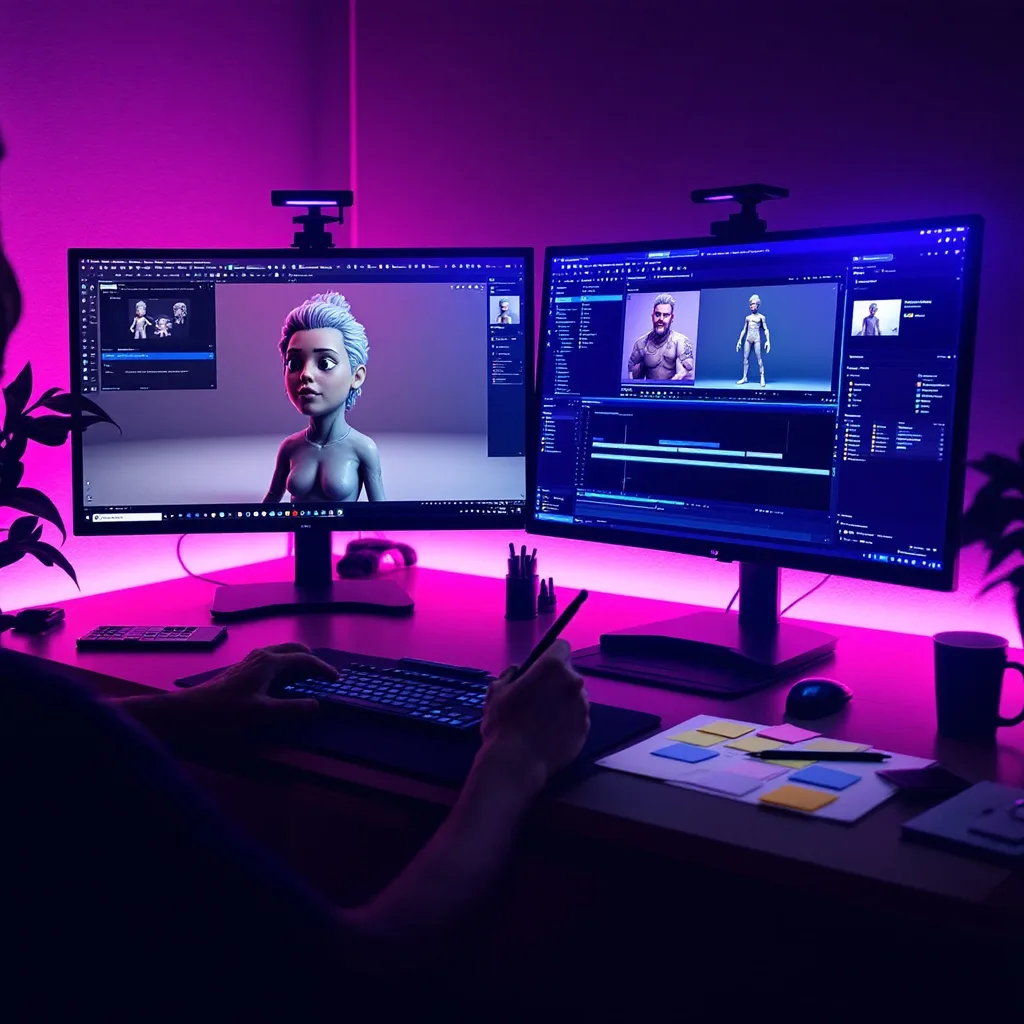
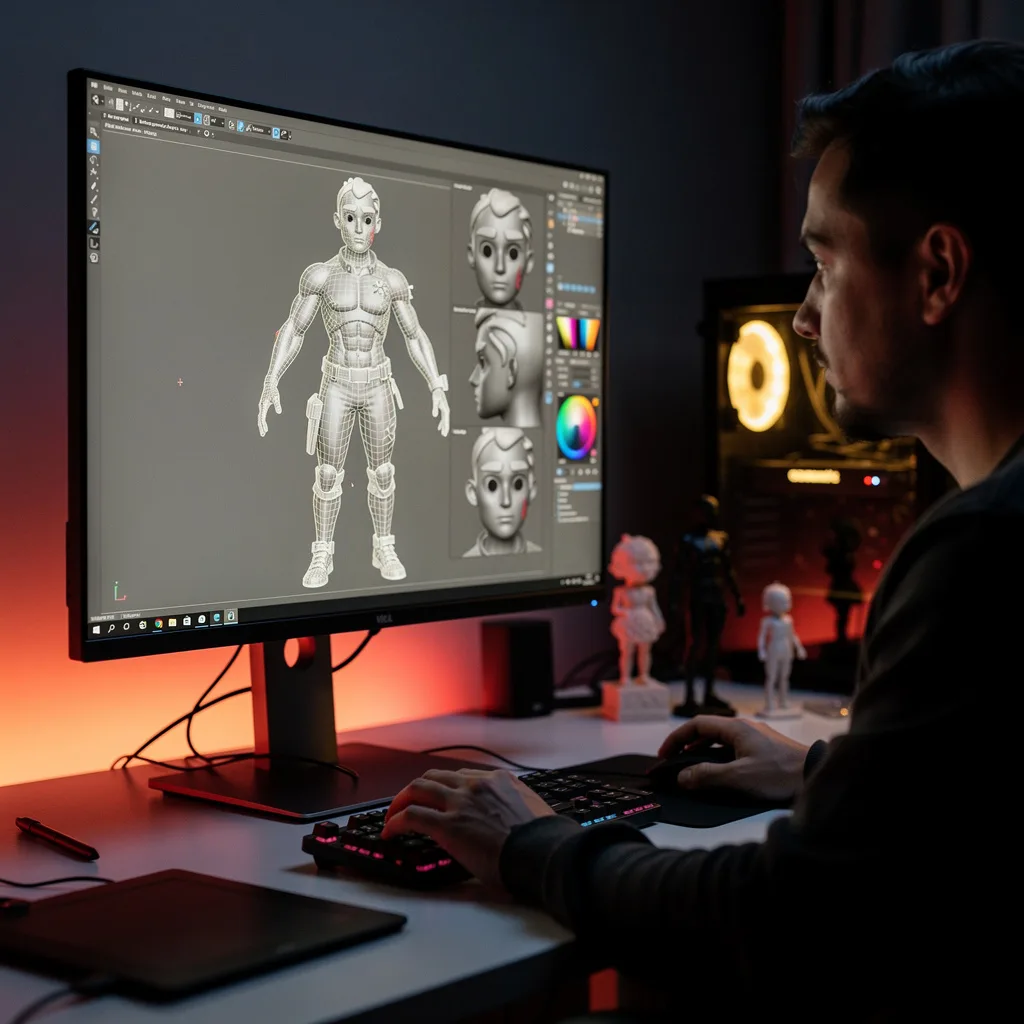
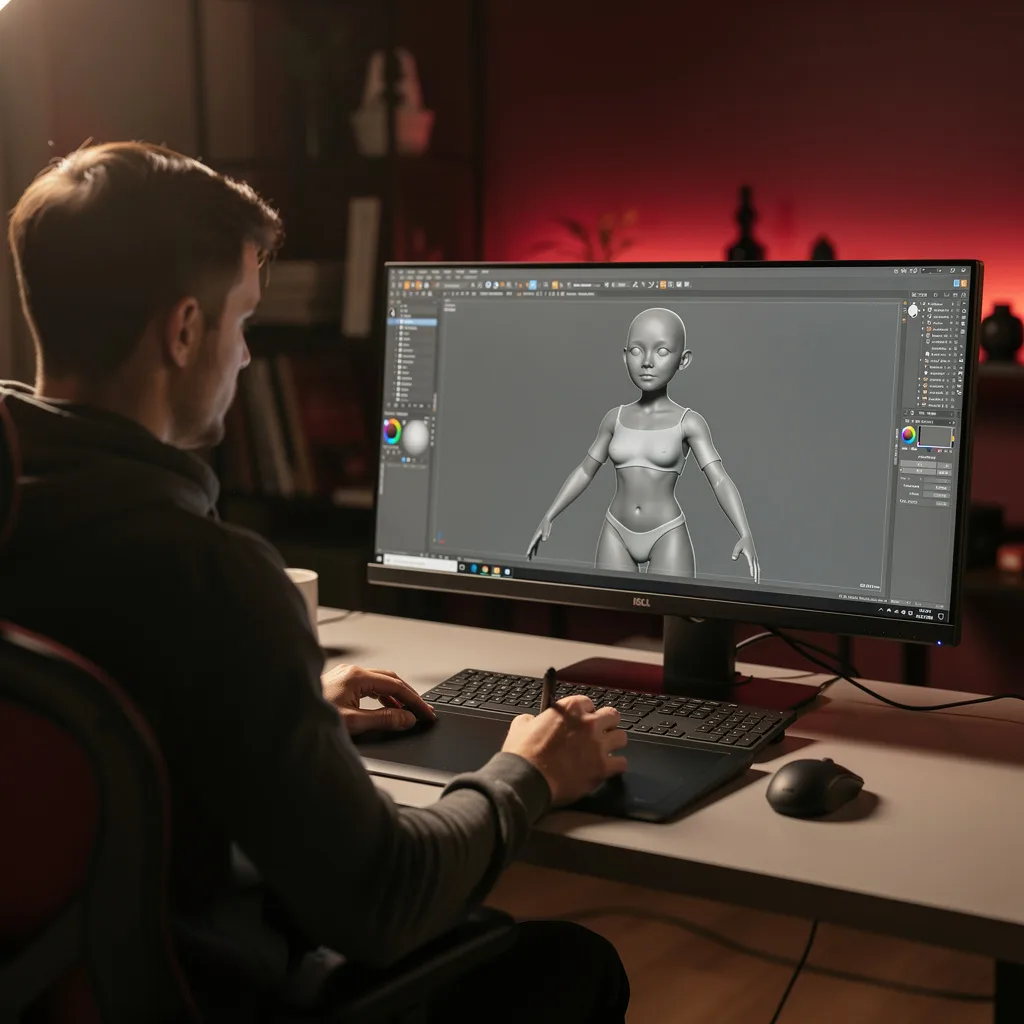
Professional Blender Character Creation is the systematic process of designing, modeling, texturing, rigging, and animating a 3D character entirely within Blender, an open-source 3D creation suite. It encompasses a full production pipeline: starting with a base mesh blockout, refining form through digital sculpting, retopologizing for clean animation topology, unwrapping UVs for efficient texture mapping, painting physically based materials, setting up shaders for realistic skin and eyes, building a rig with armatures and constraints, painting weights for smooth deformation, creating facial expressions via shape keys, and finally posing and keyframing animation. The discipline integrates artistic principles with technical constraints to produce characters that move believably in real-time or pre-rendered environments.
Today, professional character creation in Blender is more relevant than ever as independent creators and small studios adopt open-source tools to compete with major pipelines. It is used extensively in indie game development, short film production, architectural visualization, VR/AR experiences, and even medical simulation. Recent shifts toward real-time rendering engines like Eevee and Cycles have made Blender a viable alternative to proprietary software, while community-driven add-ons and asset libraries accelerate workflows. The ability to create a complete character from scratch in a single tool reduces production costs and iteration time, making it a sought-after skill in the current creative economy.
Mastering this subject builds a versatile skill stack that spans digital sculpting, technical topology, material science, rigging mathematics, and animation timing. These competencies transfer directly to roles such as character artist, 3D generalist, rigger, or animator in game studios, animation houses, and freelance markets. For hobbyists and educators, it unlocks the ability to bring original characters to life for storytelling, education, or personal projects. The knowledge gained also provides a strong foundation for advanced topics like cloth simulation, procedural hair, and cinematic lighting, empowering learners to tackle complex creative challenges with confidence.
Common Questions About Professional Blender Character Creation
How does the Blender Character Creation certificate help in job applications?
Can a beginner with no sculpting experience take this course?
What is the best retopology method for animation in Blender?
- Manual Retopology: Offers precise control over edge flow, ideal for animation.
- QuadriFlow: Automated method that generates clean quads, good for base mesh.
- Poly Build: Interactive tool for adding geometry manually.
- Shrinkwrap Modifier: Helps project new topology onto the sculpt.
How do you place UV seams without visible artifacts?
Why is subsurface scattering important for realistic skin in Blender?
How does Rigify simplify character rigging in Blender?
Is retopology only necessary for high-poly sculpts?
What Will This Course Bring You?
- Build a base mesh blockout for a character using Blender's interface navigation and primitive modeling techniques.
- Sculpt detailed character forms including anatomy and facial features using Blender's dynamic topology and brush system.
- Apply retopology techniques to create a clean, animation-ready mesh with proper edge flow and polygon distribution.
- Design optimized UV layouts for a character model to minimize distortion and maximize texture resolution.
- Implement PBR texture painting workflows to create realistic skin, clothing, and material surfaces.
- Evaluate and apply advanced shading networks for realistic skin subsurface scattering and eye reflections.
- Construct a character rig with armatures and constraints for efficient posing and deformation control.
Curriculum
12 Units1. Interface Navigation and Base Mesh Blockout
1 hour
2. Sculpting the Character Form
1 hour
3. Retopology for Clean Animation Topology
1 hour
4. UV Unwrapping and Layout Optimization
1 hour
5. PBR Texture Painting and Material Creation
1 hour
6. Advanced Shading for Skin and Eyes
1 hour
7. Rigging Fundamentals with Armatures and Constraints
1 hour
8. Weight Painting and Deformation Control
1 hour
9. Facial Rigging and Shape Key Expressions
1 hour
10. Character Animation Basics: Posing and Keyframes
1 hour
11. Non-Linear Animation and Action Blending
1 hour
12. Rendering, Lighting, and Portfolio Presentation
1 hour
Exam – Professional Blender Character Creation
20 Questions • 70% Pass • 30 min
Unlock All Units for Free
Create an account, enroll in the course, and start with the first unit right away.
Exam – Professional Blender Character Creation
20 Questions • Pass: 70% • 30 min
Course Duration
720
Total Minutes
12
Unit
1
Final Exam
~60
Min / Unit
Professional Blender Character Creation Certificate Program
Document Your Skill
Those who pass the 20-question, 30-minute exam with 70% receive the Professional Blender Character Creation Certificate.
Stand Out on Your CV
By adding your certificate to your CV, gain a professional reference in job applications and stand out from the crowd.
Career Advantage
With the verification code, employers can check your certificate instantly — a concrete way to show your growth.
CERTIFICATE FEE
At the end of the course, an online exam consisting of 20 questions with a 30-minute time limit is given. The exam appears automatically after you complete the topics. Anyone who scores at least 70 out of 100 on the certificate exam is awarded the Professional Blender Character Creation Document (certificate of attendance). You can add the certificate you earn to your CV for job applications in the many sectors listed above, and use it as a reference proving that you took this interactive course.
The Certificate of Achievement you receive with the Professional Blender Character Creation course program holds value that proves your personal and professional development in the business world. By adding it to your CV, it can serve as an important reference in your job applications. Moreover, compared with certificates from other private training institutions, Catch Wisdom certificates are offered to our participants at a much more affordable price.
The Professional Blender Character Creation course certificate is a document that proves, with a unique verification code, that you completed the course. Employers can instantly check its authenticity with this code, which helps you show your development concretely in your job applications.
For more information, we recommend visiting the Support page.
Certificate in 7 Languages
Earning success certificates from our courses is now more meaningful and global. With certificates available in Turkish, English, German, French, Spanish, Arabic, and Russian, we fully unlock the potential of students worldwide.
Why Certificate in 7 Languages?
-
01
Global Skill Development
Receiving your certificates in 7 different languages strengthens your communication skills as you engage with more people worldwide. It lets you operate more confidently and capably on the international stage.
-
02
International Job Opportunities
Employers may see your certificates in multiple languages as a sign of your ability to seize global opportunities. You can open more doors to new jobs and projects.
-
03
Cultural Richness
The chance to earn certificates in different languages helps you build closer ties with various cultures and broadens your worldview. It enriches your global perspective and deepens cultural understanding.
-
04
Ability to Participate in International Projects
Multilingual certificates give you an edge to work more effectively on international projects. They boost your chances of leadership and participation in diverse projects in the business world.
-
05
Prove Yourself on the Global Stage
Certificates in multiple languages give you the opportunity to present your skills and knowledge worldwide.
Language diversity opens worldwide opportunities. If you want to prove yourself in the international arena, join our online Professional Blender Character Creation course program and begin this journey with us.
Frequently Asked Questions (FAQ)
Is this course paid?
How do I join the course?
Can I take the course at my own pace?
How can I get my certificate?
What are the advantages of the certificate?
Boost Your Career
Take a new career step with the Professional Blender Character Creation course. Add your certificate to your CV, stand out in job applications, and open the door to new opportunities in the industry.
StartStudent Reviews
No reviews yet
Enroll in this course and be the first to leave a review about your experience with Professional Blender Character Creation.
Start