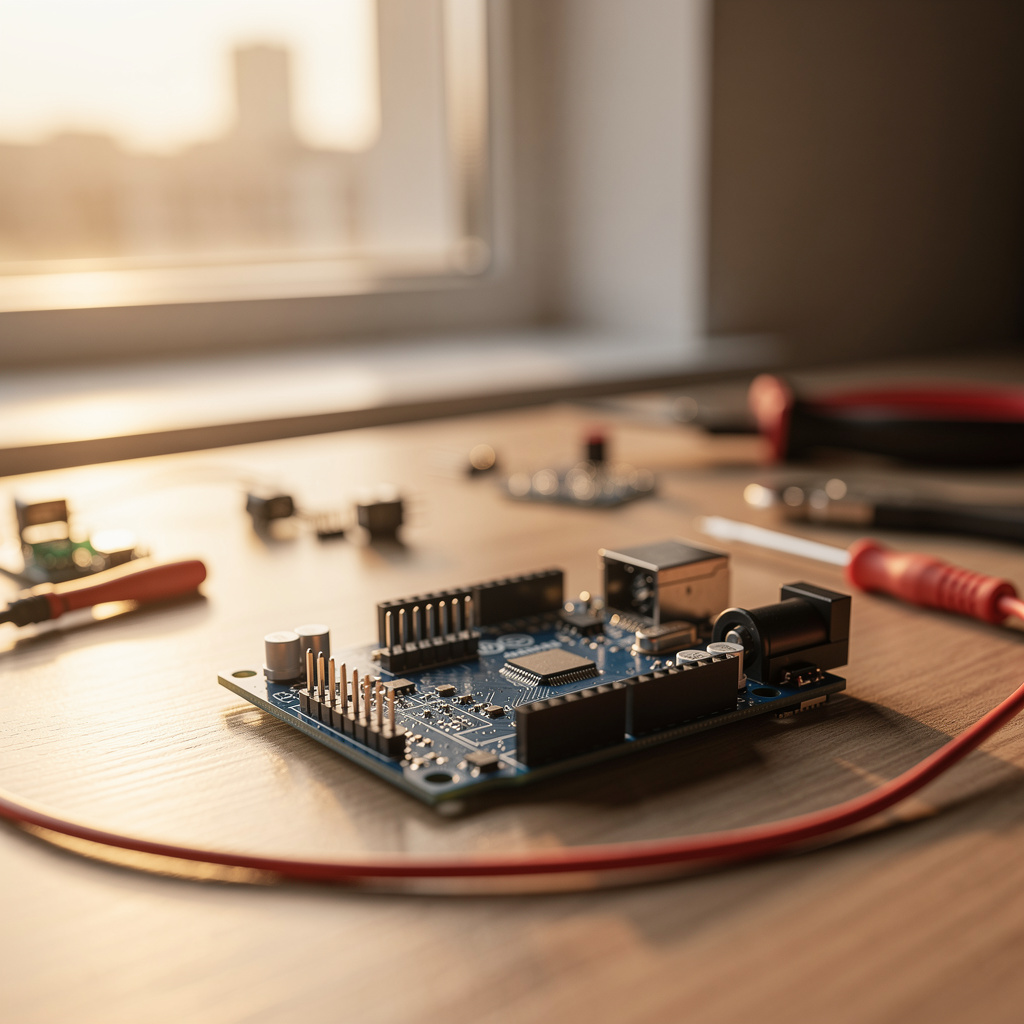
What is Arduino?
Arduino Training
The Arduino certificate program is a comprehensive, hands-on journey that takes you from absolute beginner to confident embedded systems developer. This course is designed for hobbyists, students, and working professionals who want to master the Arduino platform through practical, project-based learning. By the end of the program, you will have built a complete, functional system that integrates sensors, actuators, communication protocols, and power management — a portfolio-ready capstone project.
The program is structured as a beginner-friendly progression that balances theory with intensive hands-on practice. It builds five core skill areas: electronics fundamentals, C++ programming for microcontrollers, digital and analog signal handling, serial and I2C/SPI communication, and system-level design with interrupts, timers, and power optimization. Choosing this program now gives you a competitive edge in the rapidly growing IoT and embedded systems job market, where practical Arduino experience is increasingly demanded.
What is Arduino?
Arduino is an open-source electronics platform that combines programmable microcontrollers with a simplified development environment, making it accessible to creators of all skill levels. At its core, Arduino consists of hardware boards (such as the Uno, Nano, and Mega) and the Arduino IDE, which allows users to write and upload code that interacts with the physical world. The platform's core concepts include digital and analog I/O, serial communication, sensor interfacing, and actuator control, all wrapped in a straightforward programming language based on C++.
Today, Arduino is a cornerstone of the maker movement and a foundational tool in STEM education, prototyping, and rapid product development. It is used in thousands of real-world applications — from home automation systems and robotics to environmental monitoring and wearable devices. Recent shifts toward IoT and edge computing have further elevated Arduino's relevance, as it serves as a low-cost, flexible platform for prototyping connected devices that can later be scaled to production.
Mastering Arduino builds a versatile skill stack that spans electronics, embedded programming, and system integration — competencies that are directly transferable to professional roles in embedded systems, IoT development, and product design. For hobbyists, it unlocks the ability to bring creative ideas to life; for students, it provides a solid foundation for advanced study in electrical engineering or computer science; for professionals, it offers a rapid prototyping tool that accelerates innovation. The knowledge gained through Arduino empowers learners to bridge the gap between software and hardware, a capability increasingly valuable across industries.
Common Questions About Arduino
Will an Arduino certificate boost my resume for tech jobs?
Can a complete beginner start this Arduino course without prior coding?
What is the difference between I2C and SPI communication on Arduino?
- I2C (Inter-Integrated Circuit): uses just two wires (SDA for data, SCL for clock), assigns each device a unique 7-bit address, and supports multiple devices on the same bus — but it is slower and more complex to debug.
- SPI (Serial Peripheral Interface): uses four wires (MOSI, MISO, SCK, and a chip-select line per device), has no addressing — the master simply pulls a device's chip-select pin low — and achieves much higher data rates at the cost of more wiring.
How does PWM work to create analog output on Arduino?
What is the role of setup() and loop() in Arduino sketches?
How do interrupts improve button response in Arduino projects?
Is Arduino programming only for people with a computer science degree?
What Will This Course Bring You?
- Set up the Arduino IDE and write a program that blinks an LED using digital output and delay functions.
- Calculate resistor values using Ohm's law to safely operate LEDs and sensors in Arduino circuits.
- Implement a pushbutton input with debouncing to control an LED output in a digital circuit.
- Read a potentiometer's analog value and map it to PWM output for LED brightness control.
- Interface a temperature sensor and a servo motor to create a temperature-based position control system.
- Use serial communication to send sensor data to a computer and receive commands to adjust outputs.
- Connect multiple devices using the I2C protocol to read a sensor and display data on an LCD.
- Implement external interrupts to trigger time-critical responses and use timers for scheduling tasks.
Curriculum
12 Units1. Getting Started with Arduino
1 hour
2. Electronics Fundamentals for Arduino
1 hour
3. Arduino Programming Basics
1 hour
4. Digital Inputs and Outputs
1 hour
5. Analog Inputs and Outputs
1 hour
6. Sensors and Actuators
1 hour
7. Serial Communication
1 hour
8. I2C and SPI Communication
1 hour
9. Using Libraries and Shields
1 hour
10. Interrupts and Timers
1 hour
11. Power Management and Optimization
1 hour
12. Capstone Project: Building a Complete System
1 hour
Exam – Arduino
20 Questions • 70% Pass • 30 min
Unlock All Units for Free
Create an account, enroll in the course, and start with the first unit right away.
Exam – Arduino
20 Questions • Pass: 70% • 30 min
Course Duration
720
Total Minutes
12
Unit
1
Final Exam
~60
Min / Unit
Arduino Certificate Program
Document Your Skill
Those who pass the 20-question, 30-minute exam with 70% receive the Arduino Certificate.
Stand Out on Your CV
By adding your certificate to your CV, gain a professional reference in job applications and stand out from the crowd.
Career Advantage
Catch Wisdom certificates are recognized by HR departments and increase career opportunities.
CERTIFICATE FEE
At the end of the course, an online exam consisting of 20 questions with a 30-minute time limit is given. The exam appears automatically after you complete the topics. Anyone who scores at least 70 out of 100 on the certificate exam is awarded the Arduino Document (certificate of attendance). You can add the certificate you earn to your CV for job applications in the many sectors listed above, and use it as a reference proving that you took this interactive course.
The Certificate of Achievement you receive with the Arduino course program holds value that proves your personal and professional development in the business world. By adding it to your CV, it can serve as an important reference in your job applications. Moreover, compared with certificates from other private training institutions, Catch Wisdom certificates are offered to our participants at a much more affordable price.
Because HR departments recognize Catch Wisdom as a reputable institution in this field, they value these certificates and may evaluate your job applications favorably. For this reason, a Arduino course certificate from Catch Wisdom can make your applications more attractive and place you in an advantageous position in the business world.
For more information, we recommend visiting the Support page.
Certificate in 7 Languages
Earning success certificates from our courses is now more meaningful and global. With certificates available in Turkish, English, German, French, Spanish, Arabic, and Russian, we fully unlock the potential of students worldwide.
Why Certificate in 7 Languages?
-
01
Global Skill Development
Receiving your certificates in 7 different languages strengthens your communication skills as you engage with more people worldwide. It lets you operate more confidently and capably on the international stage.
-
02
International Job Opportunities
Employers may see your certificates in multiple languages as a sign of your ability to seize global opportunities. You can open more doors to new jobs and projects.
-
03
Cultural Richness
The chance to earn certificates in different languages helps you build closer ties with various cultures and broadens your worldview. It enriches your global perspective and deepens cultural understanding.
-
04
Ability to Participate in International Projects
Multilingual certificates give you an edge to work more effectively on international projects. They boost your chances of leadership and participation in diverse projects in the business world.
-
05
Prove Yourself on the Global Stage
Certificates in multiple languages let you showcase your skills and knowledge worldwide. You can become an internationally recognized professional.
Language diversity opens worldwide opportunities. If you want to prove yourself in the international arena, join our online Arduino course program and begin this journey with us.
Frequently Asked Questions (FAQ)
Is this course paid?
How do I join the course?
Can I take the course at my own pace?
How can I get my certificate?
What are the advantages of the Certified Certificate?
Boost Your Career
Take a new career step with the Arduino course. Add your certificate to your CV, stand out in job applications, and open the door to new opportunities in the industry.
StartStudent Reviews
No reviews yet
Enroll in this course and be the first to leave a review about your experience with Arduino.
Start