What is Pro Tools Audio Engineering?
Pro Tools Audio Engineering Certificate Program
The Pro Tools Audio Engineering certificate program provides a comprehensive, hands-on curriculum that takes you from the very basics of setting up a session to advanced mixing and mastering techniques. Designed for aspiring audio engineers, music producers, and content creators, this course teaches you how to record, edit, and polish professional-quality audio using industry-standard Pro Tools software. By the end of the program, you will have a portfolio-ready project that demonstrates your ability to manage a full production workflow from start to finish.
The program is structured to be beginner-friendly, with each lesson building on the previous one, starting with navigation and recording, then moving through editing, MIDI sequencing, and time manipulation. You will then dive into mixing fundamentals—levels, panning, EQ, dynamics, and effects—before exploring advanced automation and workflow shortcuts. The final lessons cover mastering, collaboration tools, and troubleshooting, ensuring you are prepared for real-world studio or remote production environments. This structured yet flexible approach makes it ideal for anyone looking to gain a competitive edge in modern audio production.
What is Pro Tools Audio Engineering?
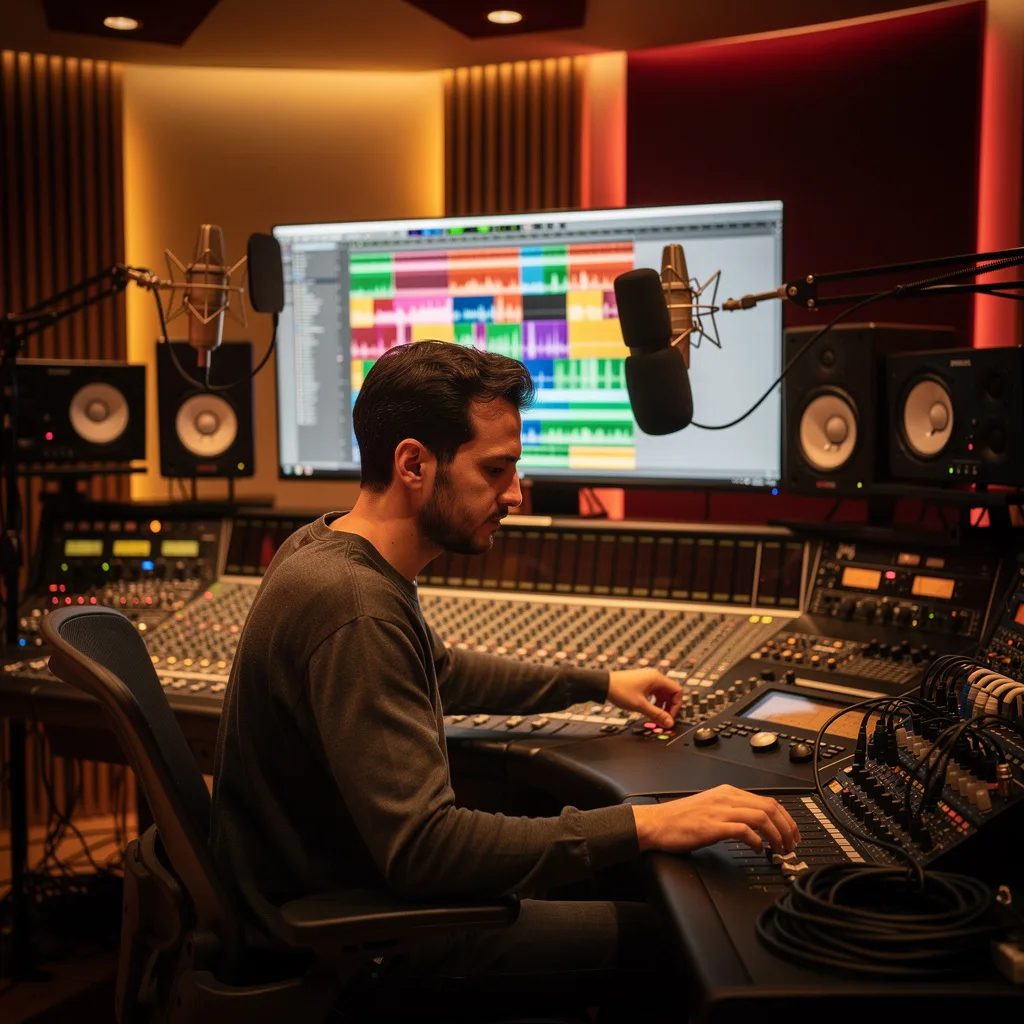
Pro Tools Audio Engineering is the art and science of capturing, editing, and mixing sound using Avid’s Pro Tools software, the leading digital audio workstation in professional music, film, and broadcast industries. It encompasses everything from microphone placement and signal flow to non-linear editing, time-stretching, and surround sound mixing. Core concepts include session management, track types, clip-based editing, automation, and real-time effects processing, all within a timeline-based environment that mirrors traditional multitrack tape workflows.
Today, Pro Tools Audio Engineering is more relevant than ever as the demand for high-quality audio content surges across streaming, podcasting, gaming, and virtual reality. Major recording studios, post-production houses, and live sound engineers rely on Pro Tools for its precision, stability, and integration with hardware controllers. Recent shifts toward remote collaboration and cloud-based workflows have also made Pro Tools skills essential for engineers who need to deliver broadcast-ready mixes from anywhere in the world.
Mastering Pro Tools Audio Engineering builds a versatile skill stack that includes critical listening, signal processing, session organization, and technical problem-solving. These competencies open doors to careers as a recording engineer, mixing engineer, sound designer, or audio editor in music, film, television, and interactive media. Even for hobbyists and independent artists, the ability to engineer your own recordings with professional polish can dramatically improve your creative output and reduce reliance on expensive studio time.
Common Questions About Pro Tools Audio Engineering
Is the Pro Tools Audio Engineering course suitable for complete beginners?
How does this training help in getting audio engineer jobs?
How do I set up a reverb send using the send-and-aux paradigm in Pro Tools?
- Create an Aux track: Go to Track > New and select Stereo Aux Input. Insert a reverb plugin (e.g., D-Verb) on this Aux track.
- Add a send on the source track: On the track you want to add reverb to, click the Send slot in the Mix window and choose a bus (e.g., Bus 1-2). Set the send level.
- Route the Aux input: Set the Aux track's input to the same bus (Bus 1-2). Now the reverb effect receives audio from the source track via the bus.
- Adjust wet/dry mix: Use the reverb plugin's mix control or the Aux track fader to blend the effect. This technique is covered in detail in the Effects Processing unit under 'Setting Up a Reverb Send in Pro Tools'.
What is the difference between Shuffle and Slip mode in Pro Tools editing?
What is the comping workflow for combining multiple takes in Pro Tools?
How do I configure signal flow from microphone to track in Pro Tools?
Is Pro Tools only useful for professional studios, not home setups?
What Will This Course Bring You?
- Set up a Pro Tools session with correct sample rate, bit depth, and I/O configuration for a given project.
- Record multiple takes of audio using punch-in and loop recording techniques while managing input levels.
- Apply cut, trim, and crossfade operations to cleanly edit audio regions on a timeline.
- Compile a final composite take from multiple playlist takes using quick punch and playlist comping tools.
- Create a MIDI sequence using a virtual instrument and edit note velocity, duration, and timing in the piano roll.
- Time-stretch and quantize audio regions using Elastic Audio to correct timing without altering pitch.
- Balance a mix by adjusting track levels, panning, and applying subtractive EQ to reduce frequency masking.
- Apply compression and automation to control dynamic range and create volume, pan, and effect parameter changes over time.
Curriculum
12 Units1. Getting Started with Pro Tools
1 hour
2. Recording Audio in Pro Tools
1 hour
3. Basic Editing and Region Management
1 hour
4. Comping and Playlist Management
1 hour
5. MIDI Sequencing and Virtual Instruments
1 hour
6. Elastic Audio and Time Manipulation
1 hour
7. Mixing Fundamentals: Levels, Panning, and EQ
1 hour
8. Dynamics Processing and Automation
1 hour
9. Effects Processing: Reverb, Delay, and Modulation
1 hour
10. Advanced Mixing Techniques and Workflow
1 hour
11. Mastering and Final Delivery
1 hour
12. Collaboration, Troubleshooting, and Best Practices
1 hour
Exam – Pro Tools Audio Engineering
20 Questions • 70% Pass • 30 min
Unlock All Units for Free
Create an account, enroll in the course, and start with the first unit right away.
Exam – Pro Tools Audio Engineering
20 Questions • Pass: 70% • 30 min
Course Duration
720
Total Minutes
12
Unit
1
Final Exam
~60
Min / Unit
Pro Tools Audio Engineering Certificate Program
Document Your Skill
Those who pass the 20-question, 30-minute exam with 70% receive the Pro Tools Audio Engineering Certificate.
Stand Out on Your CV
By adding your certificate to your CV, gain a professional reference in job applications and stand out from the crowd.
Career Advantage
With the verification code, employers can check your certificate instantly — a concrete way to show your growth.
CERTIFICATE FEE
At the end of the course, an online exam consisting of 20 questions with a 30-minute time limit is given. The exam appears automatically after you complete the topics. Anyone who scores at least 70 out of 100 on the certificate exam is awarded the Pro Tools Audio Engineering Document (certificate of attendance). You can add the certificate you earn to your CV for job applications in the many sectors listed above, and use it as a reference proving that you took this interactive course.
The Certificate of Achievement you receive with the Pro Tools Audio Engineering course program holds value that proves your personal and professional development in the business world. By adding it to your CV, it can serve as an important reference in your job applications. Moreover, compared with certificates from other private training institutions, Catch Wisdom certificates are offered to our participants at a much more affordable price.
The Pro Tools Audio Engineering course certificate is a document that proves, with a unique verification code, that you completed the course. Employers can instantly check its authenticity with this code, which helps you show your development concretely in your job applications.
For more information, we recommend visiting the Support page.
Certificate in 7 Languages
Earning success certificates from our courses is now more meaningful and global. With certificates available in Turkish, English, German, French, Spanish, Arabic, and Russian, we fully unlock the potential of students worldwide.
Why Certificate in 7 Languages?
-
01
Global Skill Development
Receiving your certificates in 7 different languages strengthens your communication skills as you engage with more people worldwide. It lets you operate more confidently and capably on the international stage.
-
02
International Job Opportunities
Employers may see your certificates in multiple languages as a sign of your ability to seize global opportunities. You can open more doors to new jobs and projects.
-
03
Cultural Richness
The chance to earn certificates in different languages helps you build closer ties with various cultures and broadens your worldview. It enriches your global perspective and deepens cultural understanding.
-
04
Ability to Participate in International Projects
Multilingual certificates give you an edge to work more effectively on international projects. They boost your chances of leadership and participation in diverse projects in the business world.
-
05
Prove Yourself on the Global Stage
Certificates in multiple languages give you the opportunity to present your skills and knowledge worldwide.
Language diversity opens worldwide opportunities. If you want to prove yourself in the international arena, join our online Pro Tools Audio Engineering course program and begin this journey with us.
Frequently Asked Questions (FAQ)
Is this course paid?
How do I join the course?
Can I take the course at my own pace?
How can I get my certificate?
What are the advantages of the certificate?
Boost Your Career
Take a new career step with the Pro Tools Audio Engineering course. Add your certificate to your CV, stand out in job applications, and open the door to new opportunities in the industry.
StartStudent Reviews
No reviews yet
Enroll in this course and be the first to leave a review about your experience with Pro Tools Audio Engineering.
Start