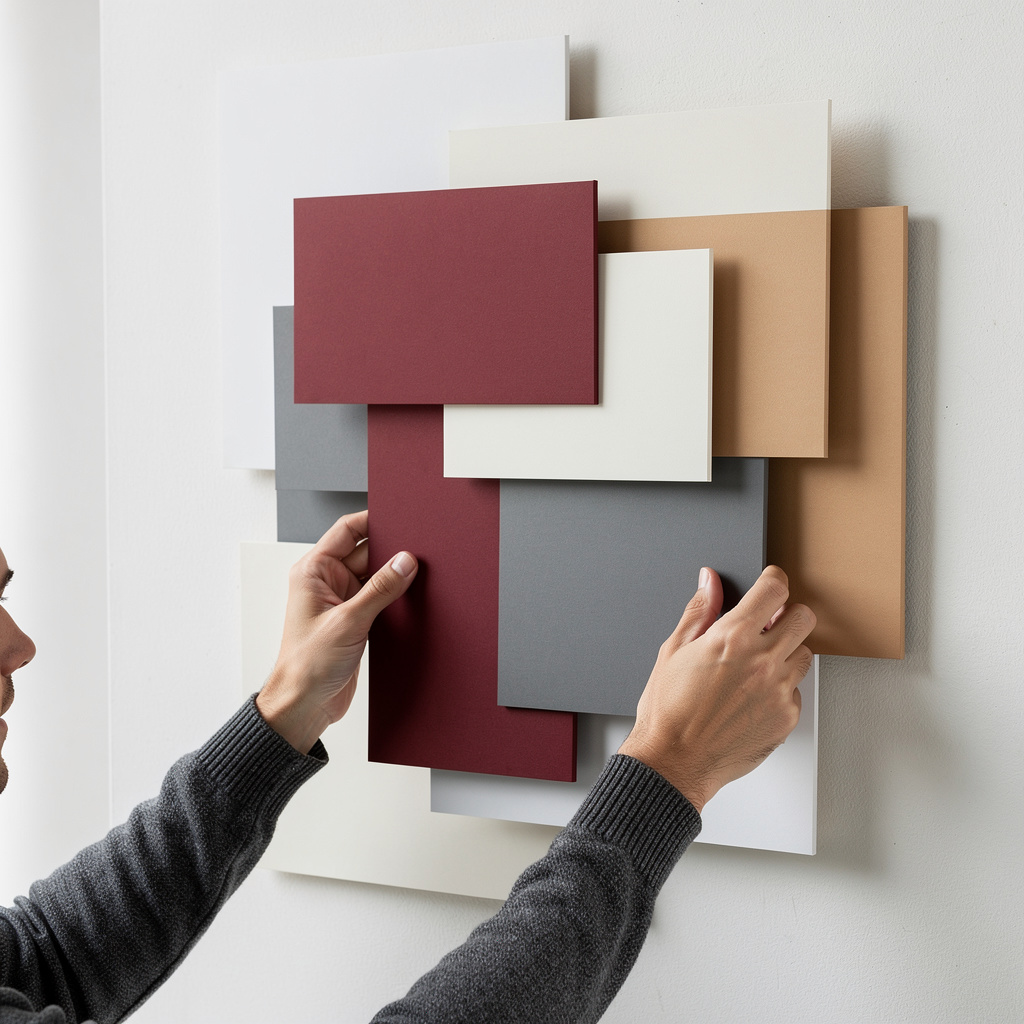
What is Visual Hierarchy in Design?
Visual Hierarchy in Design Training
Visual Hierarchy in Design certificate program teaches designers, developers, content creators, marketers, and product managers how to deliberately order visual elements so viewers know where to look first, second, and third. The curriculum addresses attention and reading order, Gestalt principles, contrast and visual weight, scale and proportion, color and emphasis, typographic hierarchy, spacing and proximity, alignment and grids, focal points and reading patterns, interface and interaction hierarchy, responsive and accessible hierarchy, and auditing and testing methods. It is built for both newcomers who need a structured foundation and experienced practitioners who want to diagnose why a layout feels confusing or flat. The main practical outcome is the ability to construct, evaluate, and refine visual hierarchy in real projects so that information is perceived in the intended sequence without unnecessary cognitive effort.
The program progresses from beginner-friendly perceptual foundations into increasingly complex compositional and interactive decisions, balancing short theoretical explanations with hands-on exercises in critique, annotation, and revision. It builds four core skill areas: perceptual analysis of attention and grouping, compositional control through contrast, scale, color, and typography, spatial and structural layout thinking using spacing, grids, and alignment, and validation of hierarchy across responsive, accessible, and interactive contexts. Learners practice auditing existing designs, testing reading flow, and refining focal points rather than merely memorizing rules. This program is worth choosing now because interfaces compete for limited attention across multiple devices and accessibility expectations are rising, making the ability to design clear, intentional visual order a durable professional advantage.
What is Visual Hierarchy in Design?
Visual hierarchy in design is the deliberate arrangement of visual elements according to their relative importance, so that viewers perceive and process information in a intended sequence. Its scope includes the perceptual cues that create emphasis and order, such as contrast, size, color, value, typography, spacing, alignment, and grouping, as well as the cognitive principles that explain why those cues work, including Gestalt grouping and predictable reading patterns. Core concepts range from focal points and visual weight to typographic scale, whitespace, grid structure, and the relationship between hierarchy and interaction states. The subject applies across print layouts, websites, mobile interfaces, dashboards, wayfinding systems, presentations, and information graphics, wherever multiple elements must compete for attention within a single composition.
Visual hierarchy matters today because digital products increasingly compete for scarce attention while users expect immediate clarity on small screens, in complex dashboards, and across responsive breakpoints. In industry, it underpins conversion-focused e-commerce pages, accessible government services, design systems, onboarding flows, and data visualizations where misordered emphasis can obscure critical information or create confusion. Recent shifts toward inclusive design, WCAG-driven contrast and focus requirements, dark mode, variable typography, and multi-device experiences have made hierarchy a cross-disciplinary concern rather than a narrow styling task. Academic work in perception, cognitive load, and human-computer interaction continues to inform how designers reason about attention, grouping, and reading order in both static and interactive media.
Mastering visual hierarchy builds a transferable skill stack that combines perceptual analysis, compositional decision-making, systematic layout thinking, typographic and spatial control, accessibility awareness, and iterative testing. These skills support professional contexts such as product and UX design, front-end development, marketing and advertising, editorial and publication design, presentation design, dashboard and data visualization work, and wayfinding or exhibition design. In personal contexts, the same knowledge improves documents, slides, portfolios, newsletters, and any communication where clarity and emphasis affect comprehension. The subject ultimately connects close observation of human attention with practical judgment about how to structure visual information so that meaning survives contact with real audiences and real constraints.
What Will This Course Bring You?
- Analyze how visual cues such as size, contrast, and position direct attention and establish reading order in a layout.
- Apply Gestalt principles of proximity, similarity, and closure to group related elements and clarify perceptual structure.
- Evaluate contrast and visual weight to prioritize content and guide the viewer's eye through a composition.
- Design a typographic hierarchy using scale, weight, and spacing to communicate information levels clearly.
- Implement alignment, grids, and whitespace to build balanced, structured layouts with clear proximity relationships.
- Build focal points and intentional reading flow using color, value, and emphasis within interface designs.
- Create responsive and accessible hierarchy that adapts across screen sizes while meeting contrast and readability standards.
- Conduct a visual hierarchy audit and refine layouts through testing to resolve attention and comprehension issues.
Curriculum
12 Units1. Foundations of Attention and Reading Order
1 hour
2. Gestalt Principles and Perceptual Grouping
1 hour
3. Contrast and Visual Weight
1 hour
4. Scale, Size, and Proportion
1 hour
5. Color, Value, and Emphasis
1 hour
6. Typography and Type Hierarchy
1 hour
7. Spacing, Whitespace, and Proximity
1 hour
8. Alignment, Grids, and Layout Structure
1 hour
9. Focal Points, Flow, and Reading Patterns
1 hour
10. Hierarchy in Interface and Interaction Design
1 hour
11. Responsive and Accessible Hierarchy
1 hour
12. Auditing, Testing, and Refining Visual Hierarchy
1 hour
Exam – Visual Hierarchy in Design
20 Questions • 70% Pass • 30 min
Unlock All Units for Free
Create an account, enroll in the course, and start with the first unit right away.
Exam – Visual Hierarchy in Design
20 Questions • Pass: 70% • 30 min
Course Duration
720
Total Minutes
12
Unit
1
Final Exam
~60
Min / Unit
Visual Hierarchy in Design Certificate Program
Document Your Skill
Those who pass the 20-question, 30-minute exam with 70% receive the Visual Hierarchy in Design Certificate.
Stand Out on Your CV
By adding your certificate to your CV, gain a professional reference in job applications and stand out from the crowd.
Career Advantage
With the verification code, employers can check your certificate instantly — a concrete way to show your growth.
CERTIFICATE FEE
At the end of the course, an online exam consisting of 20 questions with a 30-minute time limit is given. The exam appears automatically after you complete the topics. Anyone who scores at least 70 out of 100 on the certificate exam is awarded the Visual Hierarchy in Design Document (certificate of attendance). You can add the certificate you earn to your CV for job applications in the many sectors listed above, and use it as a reference proving that you took this interactive course.
The Certificate of Achievement you receive with the Visual Hierarchy in Design course program holds value that proves your personal and professional development in the business world. By adding it to your CV, it can serve as an important reference in your job applications. Moreover, compared with certificates from other private training institutions, Catch Wisdom certificates are offered to our participants at a much more affordable price.
The Visual Hierarchy in Design course certificate is a document that proves, with a unique verification code, that you completed the course. Employers can instantly check its authenticity with this code, which helps you show your development concretely in your job applications.
For more information, we recommend visiting the Support page.
Certificate in 7 Languages
Earning success certificates from our courses is now more meaningful and global. With certificates available in Turkish, English, German, French, Spanish, Arabic, and Russian, we fully unlock the potential of students worldwide.
Why Certificate in 7 Languages?
-
01
Global Skill Development
Receiving your certificates in 7 different languages strengthens your communication skills as you engage with more people worldwide. It lets you operate more confidently and capably on the international stage.
-
02
International Job Opportunities
Employers may see your certificates in multiple languages as a sign of your ability to seize global opportunities. You can open more doors to new jobs and projects.
-
03
Cultural Richness
The chance to earn certificates in different languages helps you build closer ties with various cultures and broadens your worldview. It enriches your global perspective and deepens cultural understanding.
-
04
Ability to Participate in International Projects
Multilingual certificates give you an edge to work more effectively on international projects. They boost your chances of leadership and participation in diverse projects in the business world.
-
05
Prove Yourself on the Global Stage
Certificates in multiple languages give you the opportunity to present your skills and knowledge worldwide.
Language diversity opens worldwide opportunities. If you want to prove yourself in the international arena, join our online Visual Hierarchy in Design course program and begin this journey with us.
Frequently Asked Questions (FAQ)
Is this course paid?
How do I join the course?
Can I take the course at my own pace?
How can I get my certificate?
What are the advantages of the certificate?
Boost Your Career
Take a new career step with the Visual Hierarchy in Design course. Add your certificate to your CV, stand out in job applications, and open the door to new opportunities in the industry.
StartStudent Reviews
No reviews yet
Enroll in this course and be the first to leave a review about your experience with Visual Hierarchy in Design.
Start